Home Workflow
DaVinci Resolve topic library
Workflow
Organize footage, choose proxies or cache, find missing media and protect your projects. Start with the task in front of you, then open the matching guide.

Media and project setup
Keep the edit moving
Start here for proxies, playback, missing media and project organization.
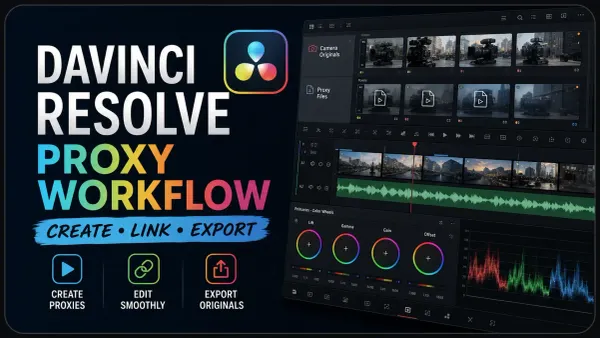 DaVinci Resolve Proxy Workflow: Create, Link & ExportCreate, link and hand off proxy files; compare them with optimized media.
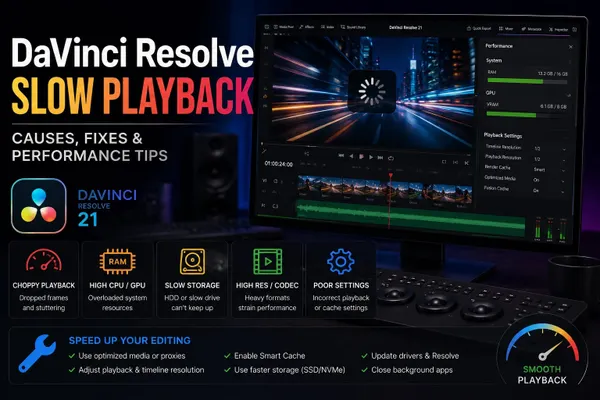 DaVinci Resolve Slow PlaybackFind what slows playback before changing settings or buying hardware.
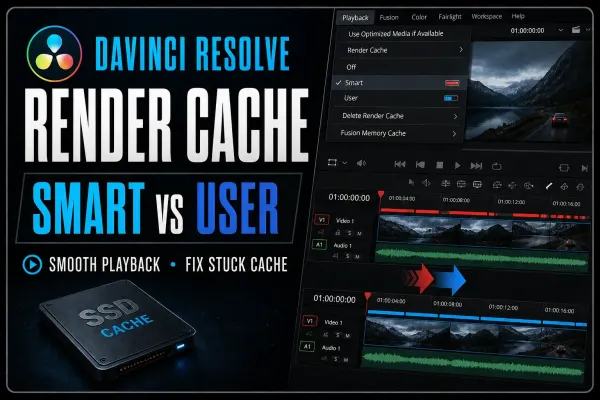 DaVinci Resolve Render Cache: Smart vs User GuideChoose Smart or User cache and investigate unfinished cache jobs.
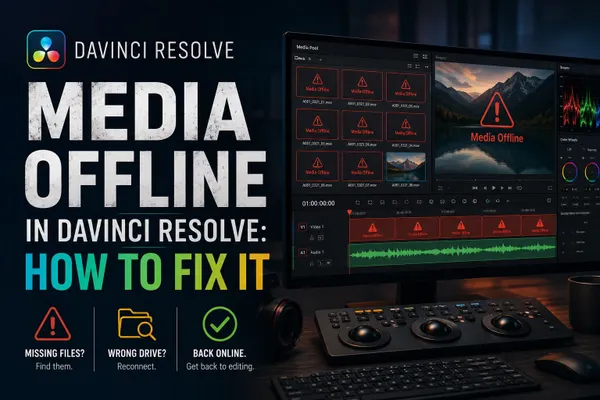 Media Offline in DaVinci Resolve: How to Fix ItSeparate missing originals, missing proxies and decoding problems.
 DaVinci Resolve Smart Bins and Power Bins GuideOrganize footage with metadata filters and reusable project assets.
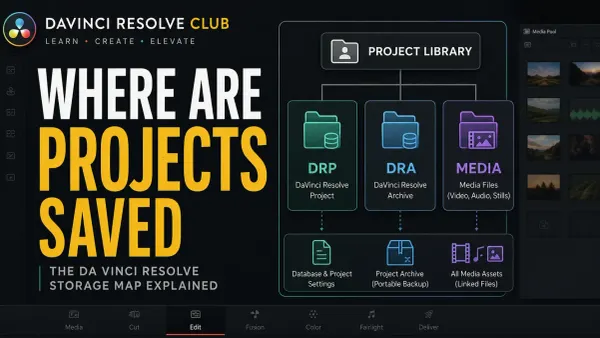 Where DaVinci Resolve Projects Are SavedFind the project library and distinguish project exports from media archives.
More workflows
Fix import, playback and render problems4 guides
 DaVinci Resolve Won't Import MP4? Fix Audio-Only ClipsInvestigate MP4 files that fail to import or appear as audio only.
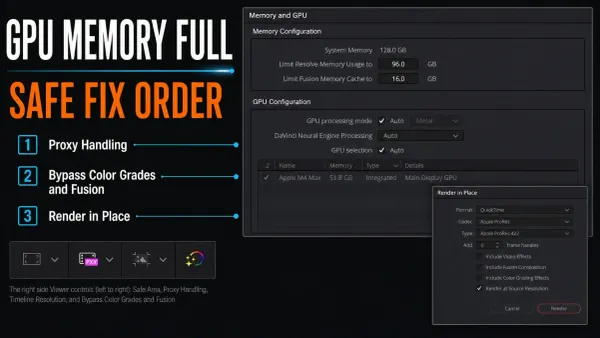 Fix GPU Memory Full in DaVinci ResolveFind the processing step behind a GPU memory error.
 DaVinci Resolve Keeps Crashing? Find the Exact TriggerProtect the project and narrow down a repeatable crash.
 DaVinci Resolve Render FailedMatch a failed render to its error message and timeline position.
Prepare footage and build the edit8 guides
 DaVinci Resolve Tutorial for BeginnersComplete a first edit, from import through audio, color and export.
 How to Sync Audio and Video in DaVinci Resolve 21Match separately recorded sound to camera footage and check drift.
 DaVinci Resolve Multicam Editing: Sync to SmartSwitchPrepare camera angles, choose a sync method and cut a multicam sequence.
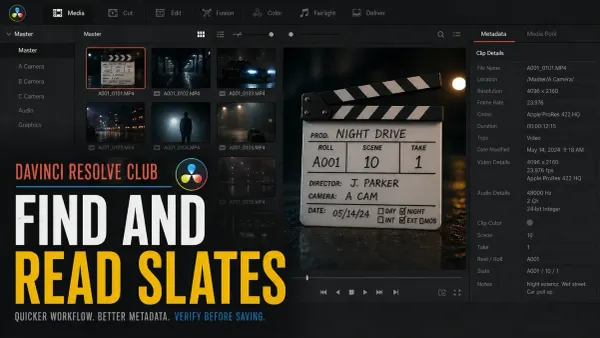 DaVinci Resolve 21 AI Slate ID and Slate FinderCompare slate detection and metadata extraction before using either tool.
 DaVinci Resolve Keyframes and Curve Editor GuideAdjust animation timing and easing, then diagnose missing controls.
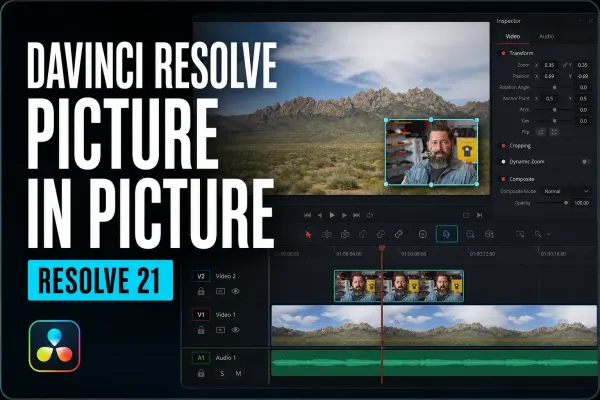 DaVinci Resolve Picture in Picture: Resolve 21 GuidePosition an inset shot and control its framing, border and background.
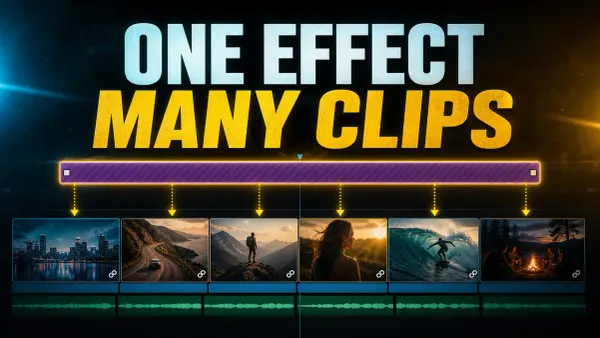 Adjustment Clips in DaVinci ResolveApply a shared effect across a chosen range of timeline shots.
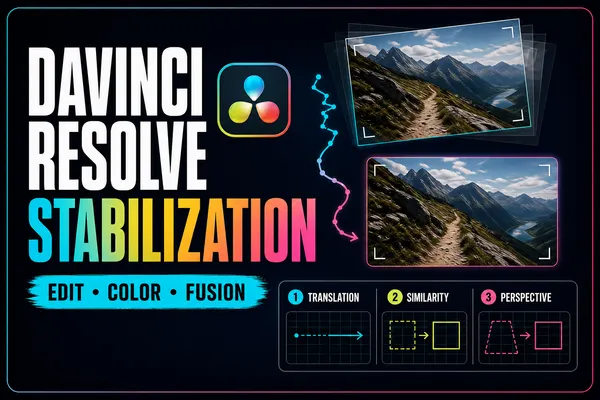 Stabilize Video in DaVinci Resolve: Edit, Color & FusionChoose a stabilization approach and inspect the crop it introduces.
Clean dialogue and prepare captions5 guides
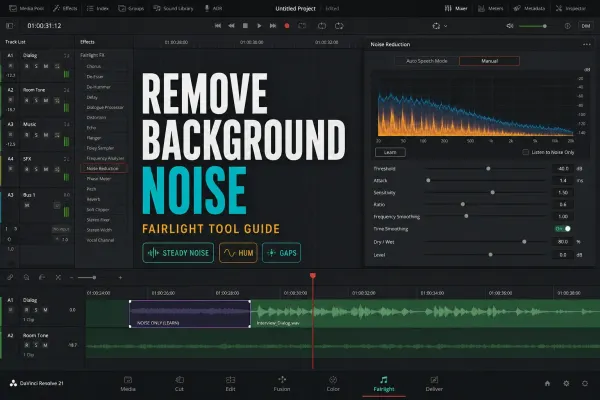 How to Remove Background Noise in DaVinci ResolveMatch background noise to an appropriate cleanup method.
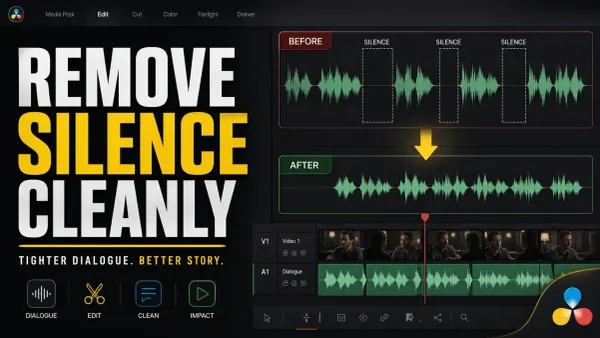 How to Remove Silence in DaVinci ResolveShorten pauses while checking word endings and every resulting cut.
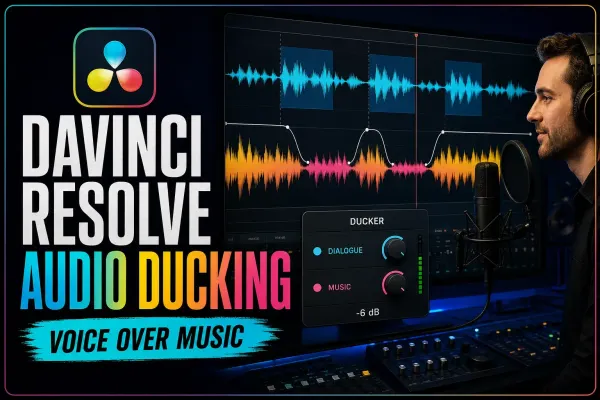 DaVinci Resolve Audio Ducking: Ducker, AI & SidechainLower music around speech and compare ducking methods.
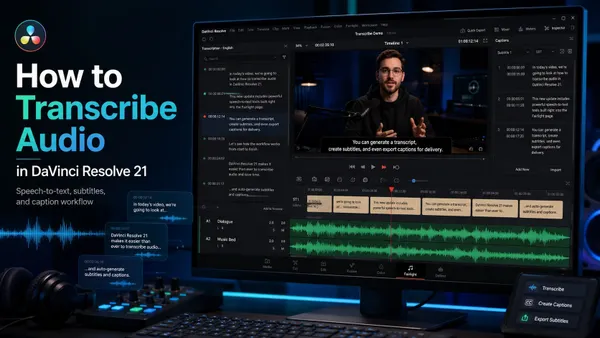 How to Transcribe Audio in DaVinci Resolve 21Check transcription requirements, output options and common failures.
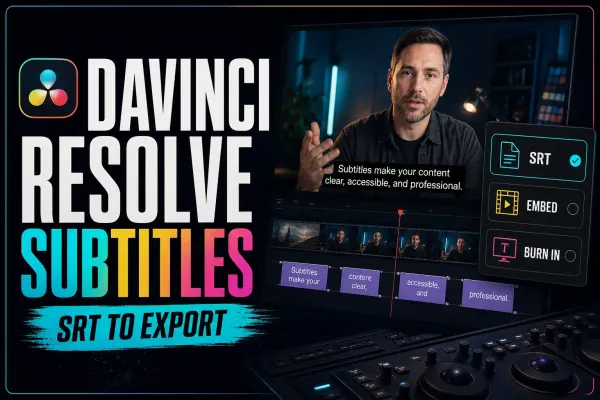 DaVinci Resolve Subtitles: Create, Style, Import & ExportCreate, time and style captions, then choose how to deliver them.
Set up color and still-image workflows2 guides
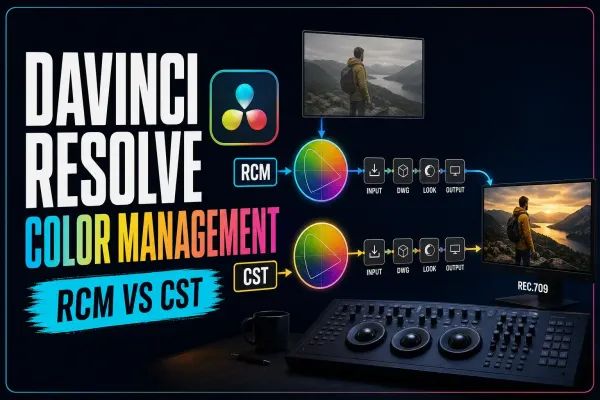
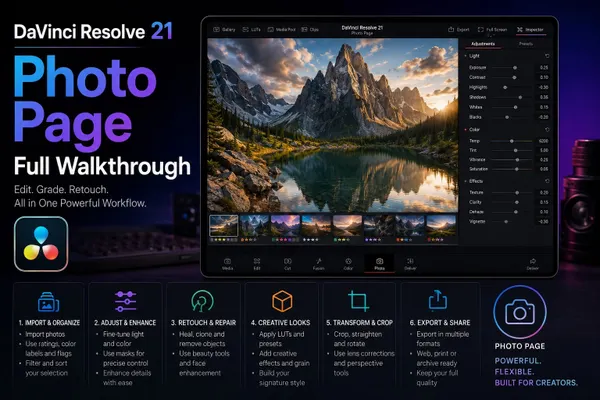
Check compatibility and plan an upgrade6 guides
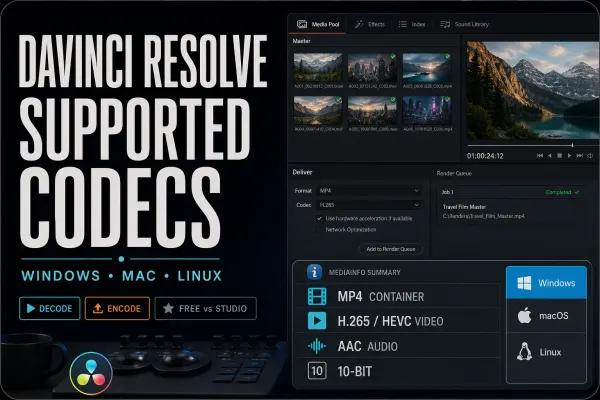 DaVinci Resolve Supported Codecs and Formats GuideCheck the actual codec, operating system, edition and intended operation.
 DaVinci Resolve System Requirements (2026)Read the version-specific hardware requirements and their limitations.
 Best Laptops for DaVinci Resolve in 2026Compare laptop configurations against your footage and processing workload.
 How to Update DaVinci Resolve SafelyPrepare backups, a test project and a rollback path before updating.
 DaVinci Resolve 21: What's New, AI Tools, Photo Page and Upgrade NotesExplore the Resolve 21 feature changes and upgrade considerations.
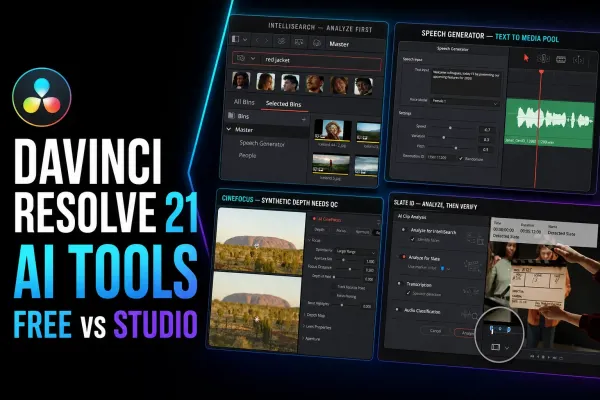 DaVinci Resolve 21 AI Tools: Free vs Studio BreakdownMatch AI tools to tasks and check their edition requirements.
Choose an edition or compare editors8 guides
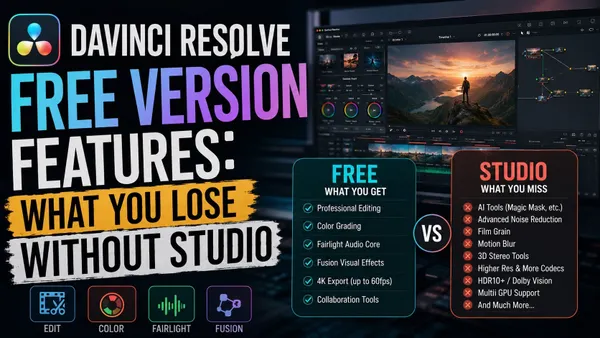 DaVinci Resolve Free Version Features: What You Lose Without StudioCheck which features and output limits apply to Resolve Free.
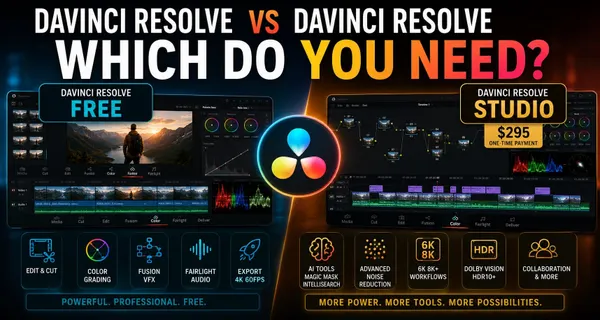 DaVinci Resolve vs DaVinci Resolve Studio: Which Do You Need?Decide whether your project needs a Studio-specific feature.
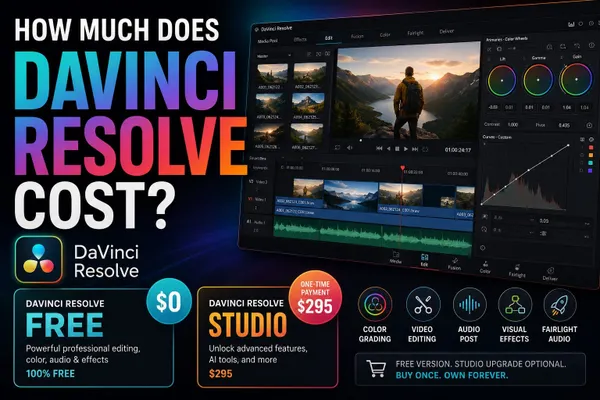 How Much Does DaVinci Resolve Cost?Compare license options and check the price for your region.
 DaVinci Resolve vs Premiere Pro (2026)Compare editing, finishing and team handoffs with Premiere Pro.
 DaVinci Resolve vs Final Cut Pro in 2026Compare organization, timeline editing and finishing with Final Cut Pro.
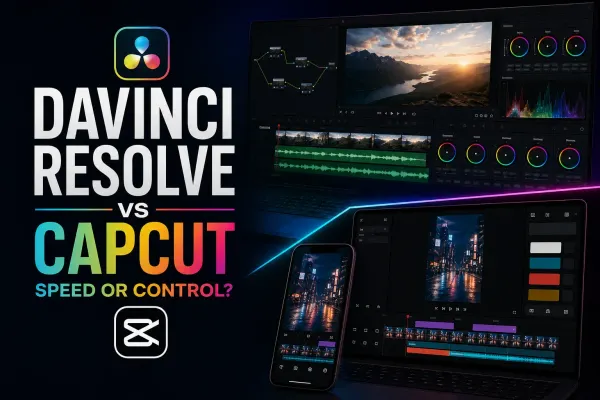 DaVinci Resolve vs CapCut in 2026Compare creator workflows, publishing needs and editing tools with CapCut.
 DaVinci Resolve vs Filmora in 2026Compare template-led edits and finishing workflows with Filmora.
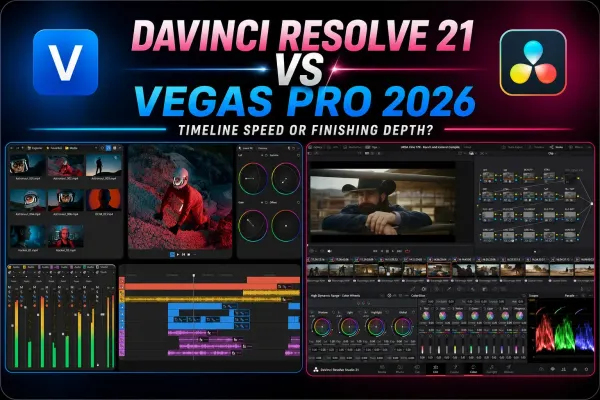 DaVinci Resolve vs VEGAS Pro in 2026Compare timeline editing, finishing and compatibility with VEGAS Pro.