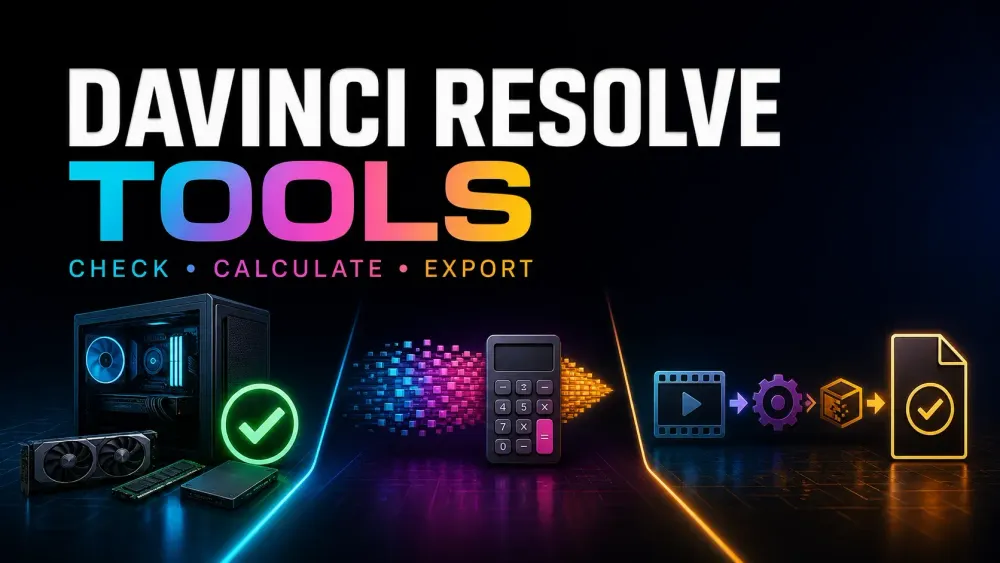
Choose one job
What do you need to check?
Open a tool, type in what you already know and read the result. There's nothing to install, no account to make and no file to upload.
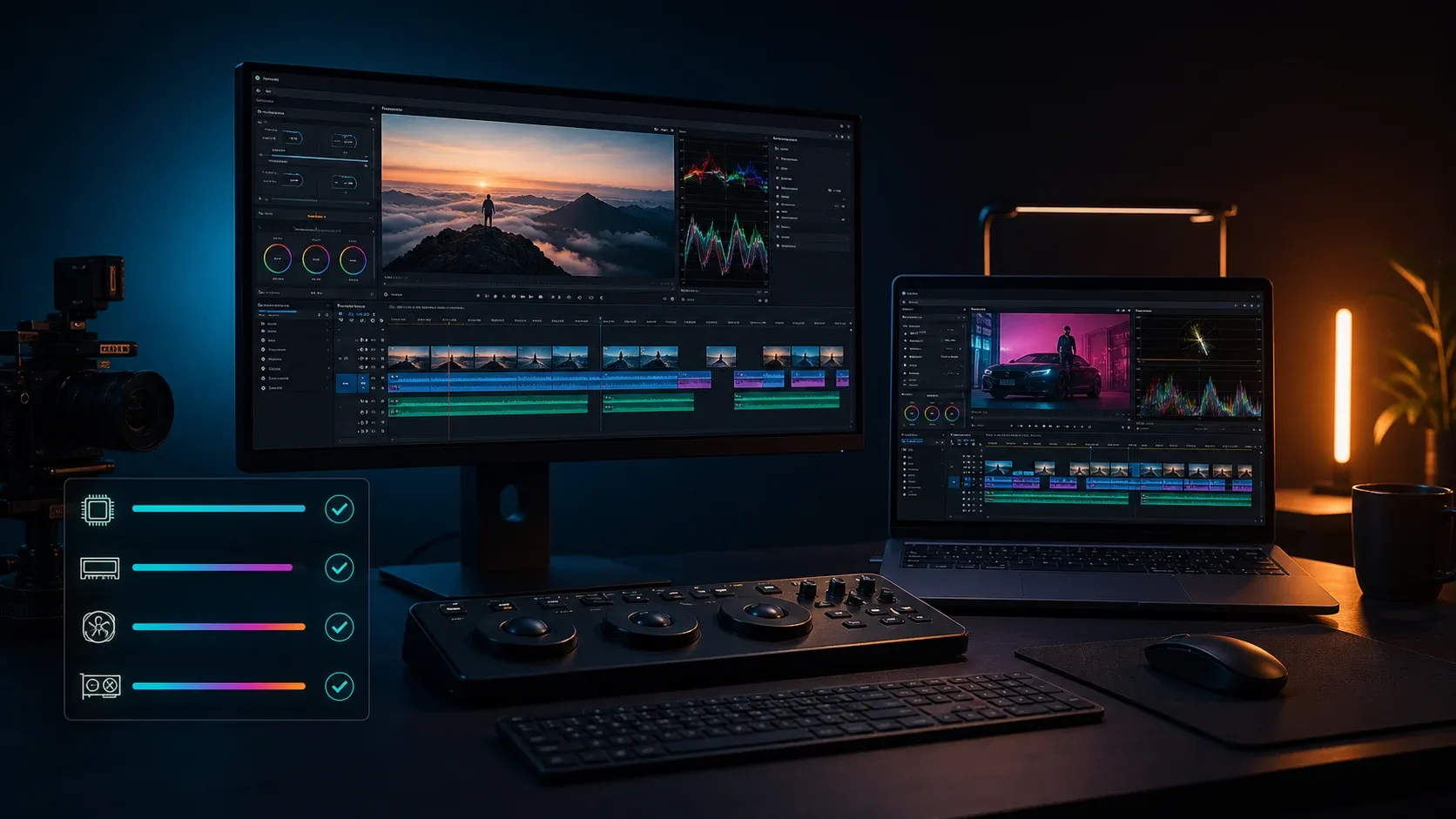
Can My Computer Run DaVinci Resolve 21?
Check your computer against the requirements Blackmagic lists for Resolve 21. Select Free or Studio and the features you actually use. Hardware you can't identify stays unresolved, and passing every check still won't promise smooth playback.
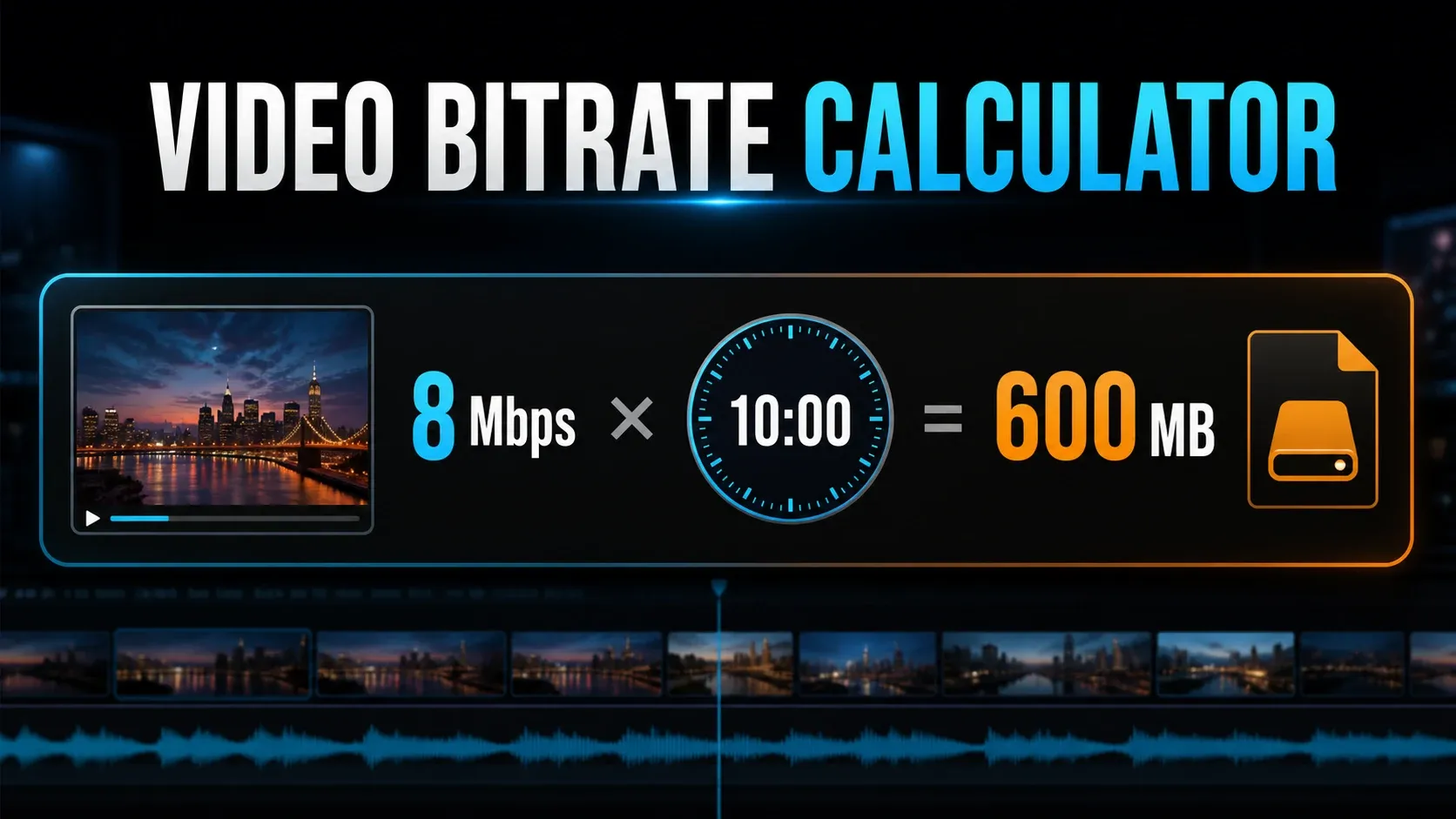
Video Bitrate & File Size Calculator
Work out file size from bitrate and duration, find the bitrate that hits a target size, or see how much recording time fits. You can include audio and choose decimal or binary storage units. Treat the answer as an estimate; a real render can land a little off.
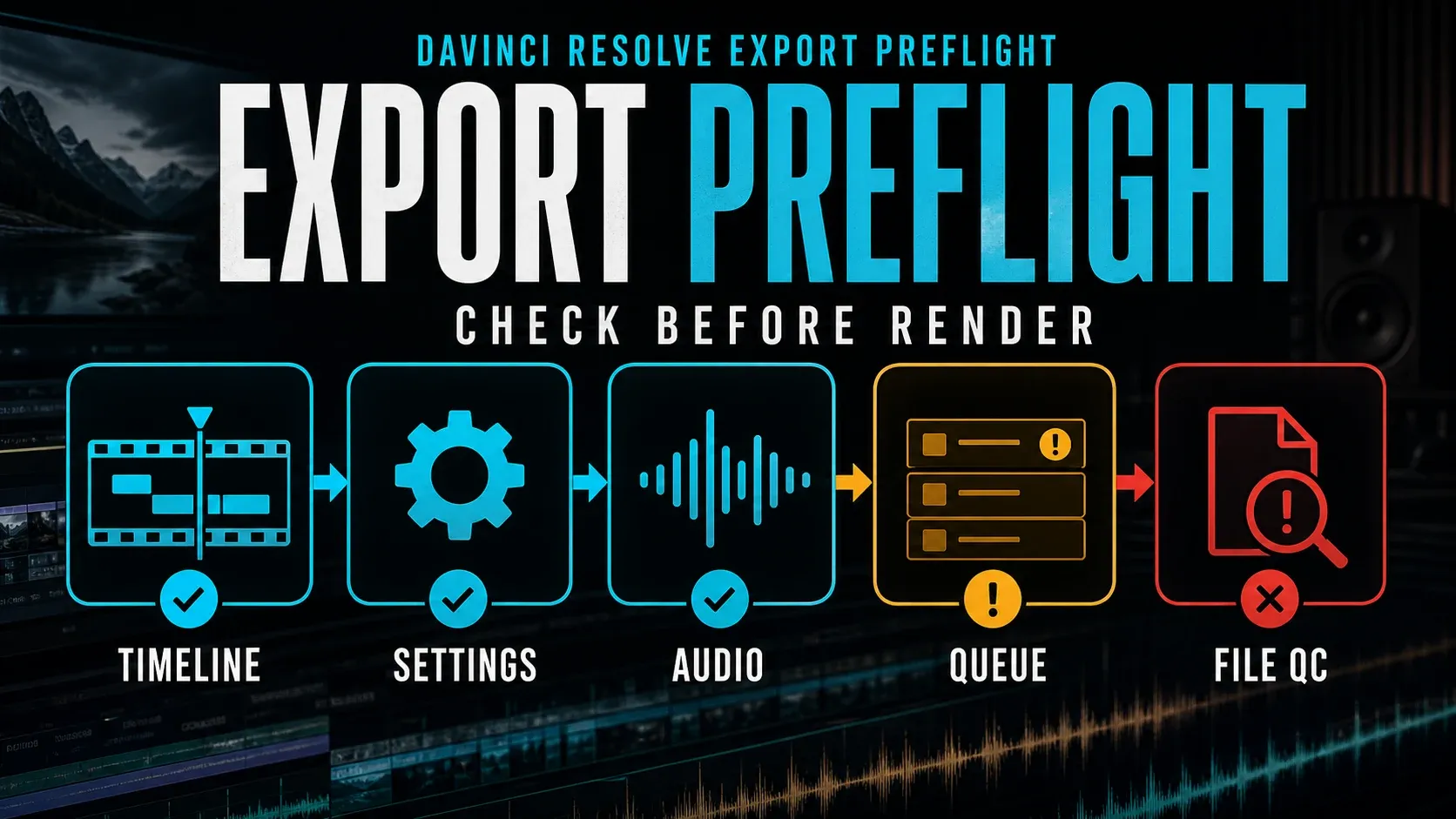
DaVinci Resolve Export Preflight Checker
Go over your planned export settings before a long render. Check the range, the video and audio choices, then work through the reminders. When the render finishes, open the file and look at it yourself, because the tool can't do that part.
Before you rely on a result
Use the result to plan your next check
A compatibility checklist can't measure playback speed. A size estimate can't guarantee what a variable-bitrate export will weigh. And an export checklist can't watch the finished video. Test with media like the footage you'll really cut, and follow the delivery specification for your actual job.
Choosing hardware or chasing a playback problem? Head to the Hardware & Compatibility hub. Format choices, platform settings and render problems live in the Export guides.
Quick questions
Using these browser tools
Do these tools run inside DaVinci Resolve?
No. They run in your browser on this website. They aren't Resolve plug-ins, they don't touch your project settings and they don't scan your hardware or media.
Can I use them with the Free edition?
Yes. These website tools are free to use. In the PC checker, choose the Resolve edition and workload you really use; Studio AI and background-rendering requirements get checked separately.
Can I share a result?
The bitrate calculator and the export preflight give you a share link that carries the settings you entered. Anyone with that link can read those values. The PC checker doesn't save answers in a share URL, and no project or media file is ever uploaded.
