Choose the task
Find your next check
Checking a computer before you buy? Start with the PC checker. Already editing? Choose the symptom below before you spend money on an upgrade.
Can My Computer Run DaVinci Resolve 21?
Check the listed Resolve 21.1 requirements for your platform, Free or Studio edition, and workload. Unknown hardware stays unresolved, and passing the checks doesn't predict playback speed.
DaVinci Resolve System Requirements (2026)
Check Resolve 21.1 operating-system, RAM, GPU and storage requirements, plus the separate Studio limits for advanced AI and background rendering.
Best Laptops for DaVinci Resolve in 2026
Compare Mac and Windows laptop configurations, cooling and upgrade limits. Match the exact model to your footage and effects; advanced Studio AI needs its own requirements check.
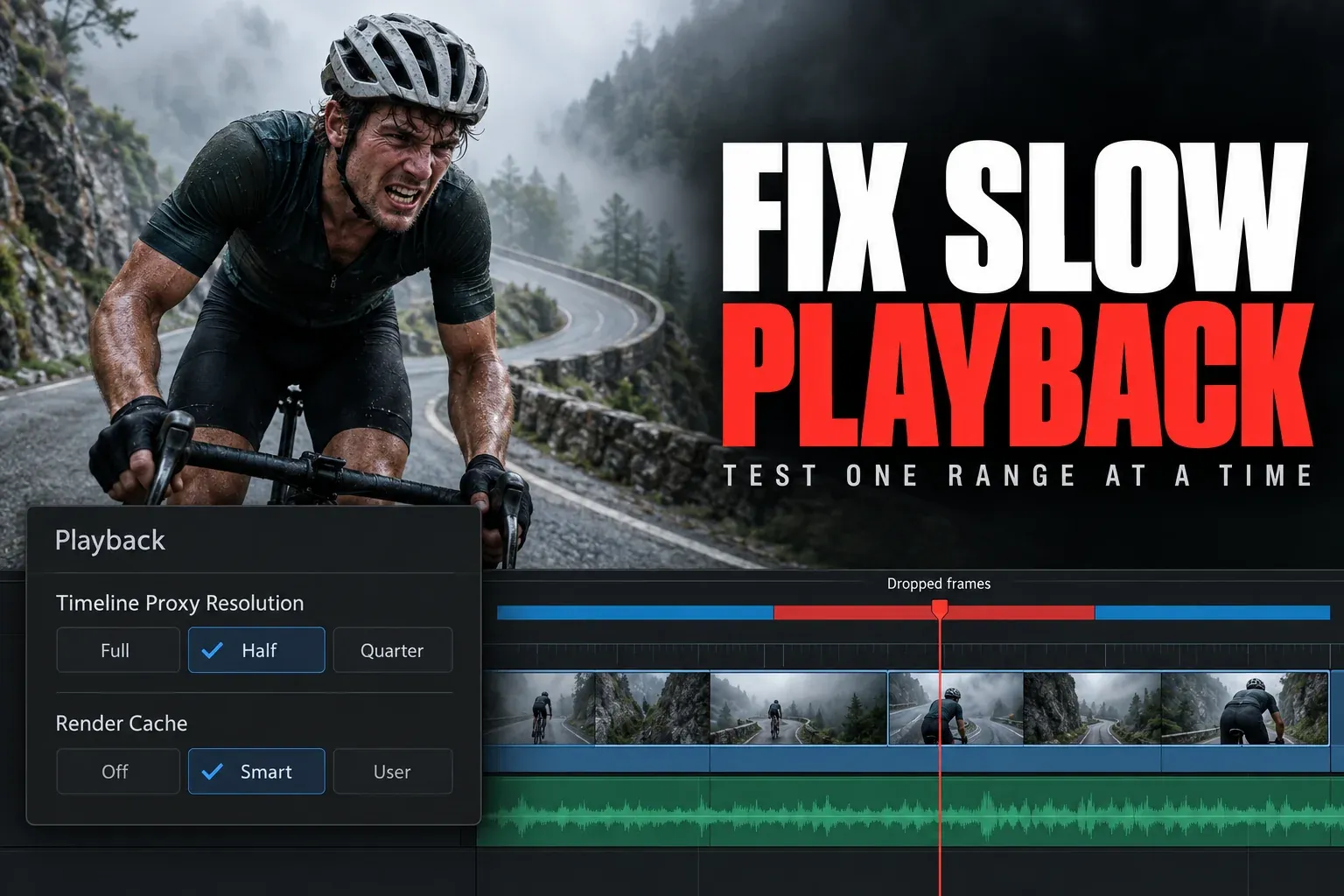
DaVinci Resolve Slow Playback
Isolate decoding, timeline resolution, effects, storage and GPU load with one repeatable playback test, and find the bottleneck before you replace the computer.
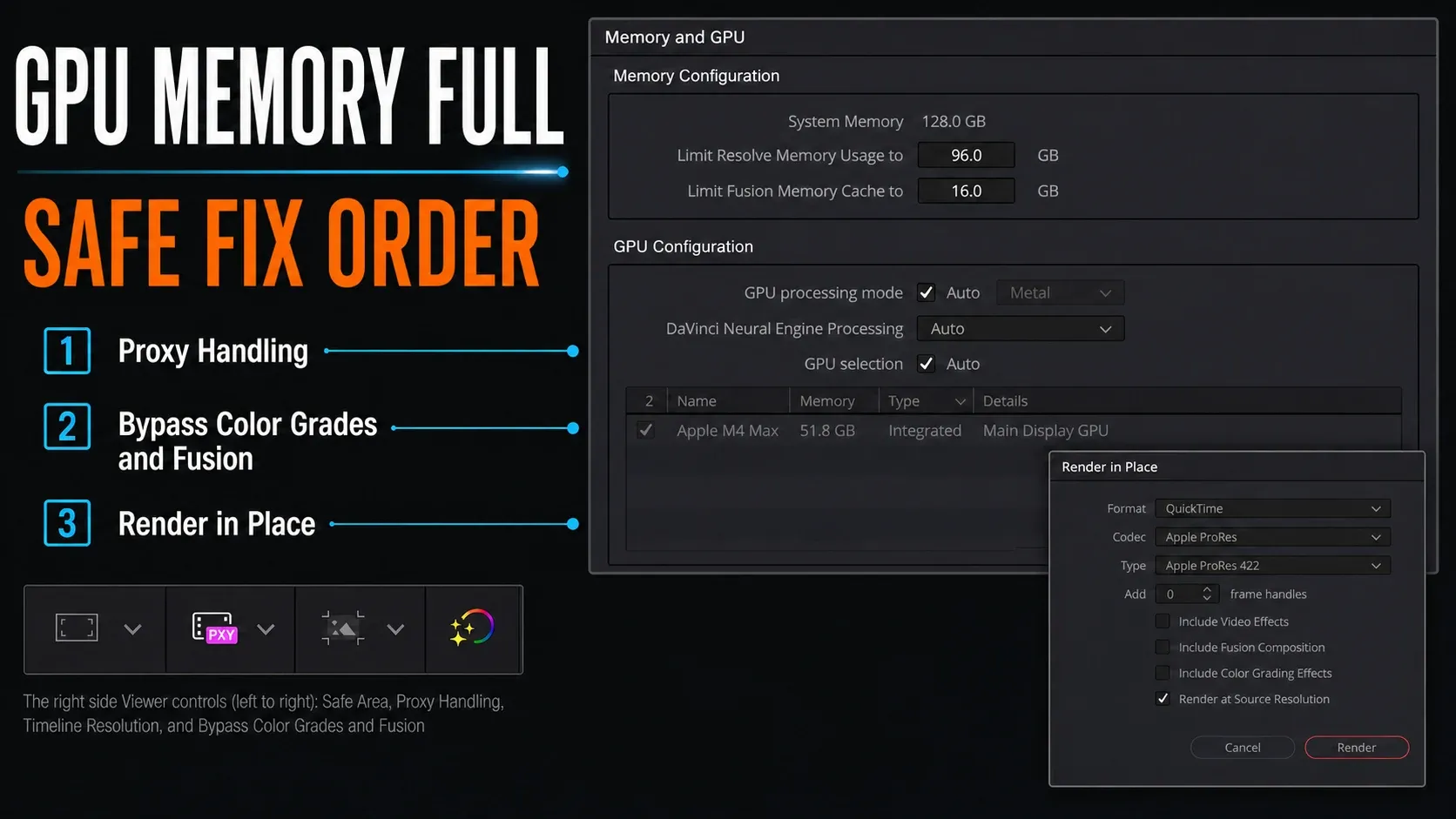
Fix GPU Memory Full in DaVinci Resolve
Find the failing frame or effect, protect the project, and test which processing runs past the available GPU memory. One error message isn't a reason to buy a new card.
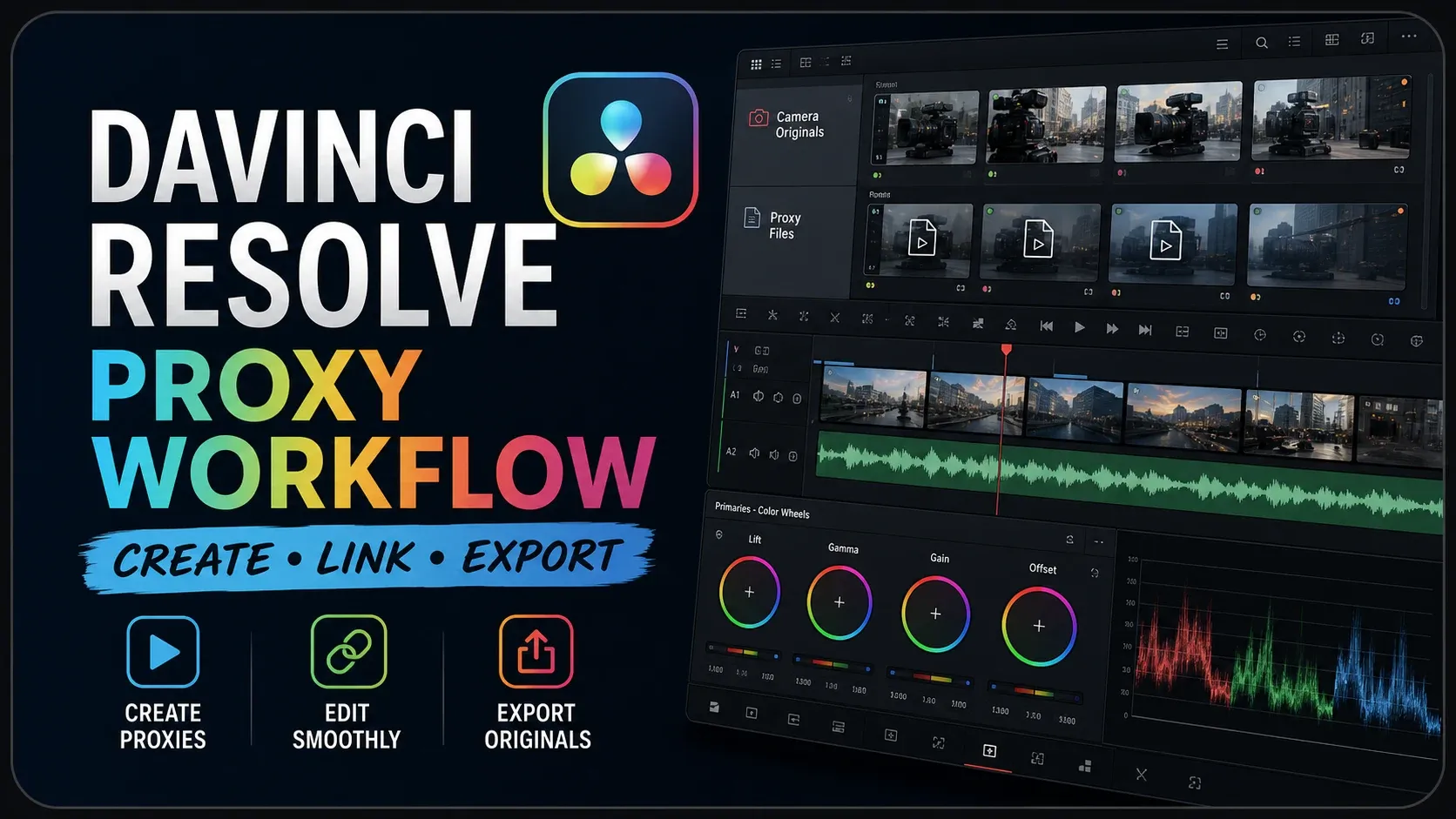
DaVinci Resolve Proxy Workflow: Create, Link & Export
Create and verify Proxy Media, relink moved files and switch back to camera originals for finishing. Then compare proxies with optimized media and timeline resolution changes.
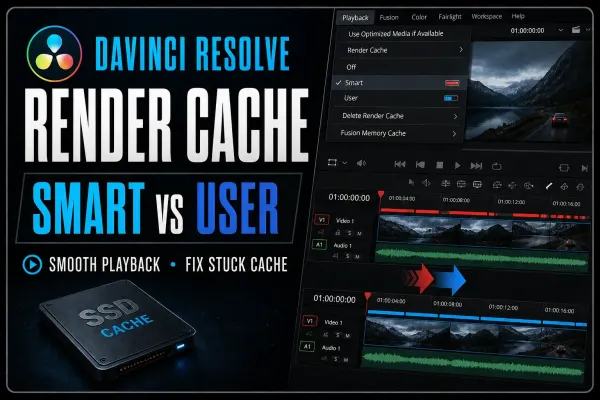
DaVinci Resolve Render Cache: Smart vs User Guide
Choose Smart or User cache, read the red and blue cache bars, and check the cache location. Troubleshoot unfinished cache renders while your camera originals stay untouched.
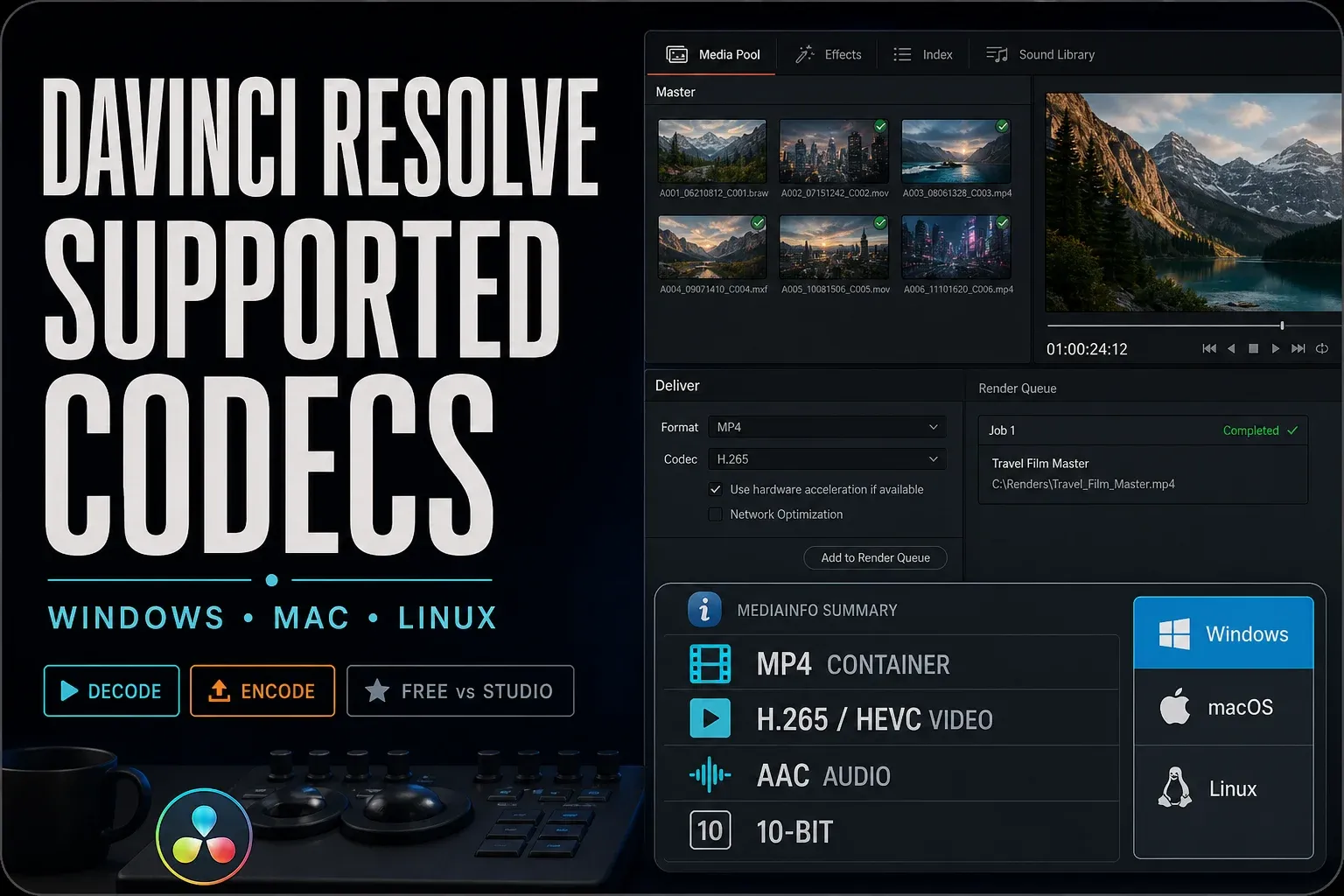
DaVinci Resolve Supported Codecs and Formats Guide
Check the actual video and audio streams, because the file extension alone won't tell you enough. Match the codec, profile, operating system and Resolve edition to the decode or encode task.
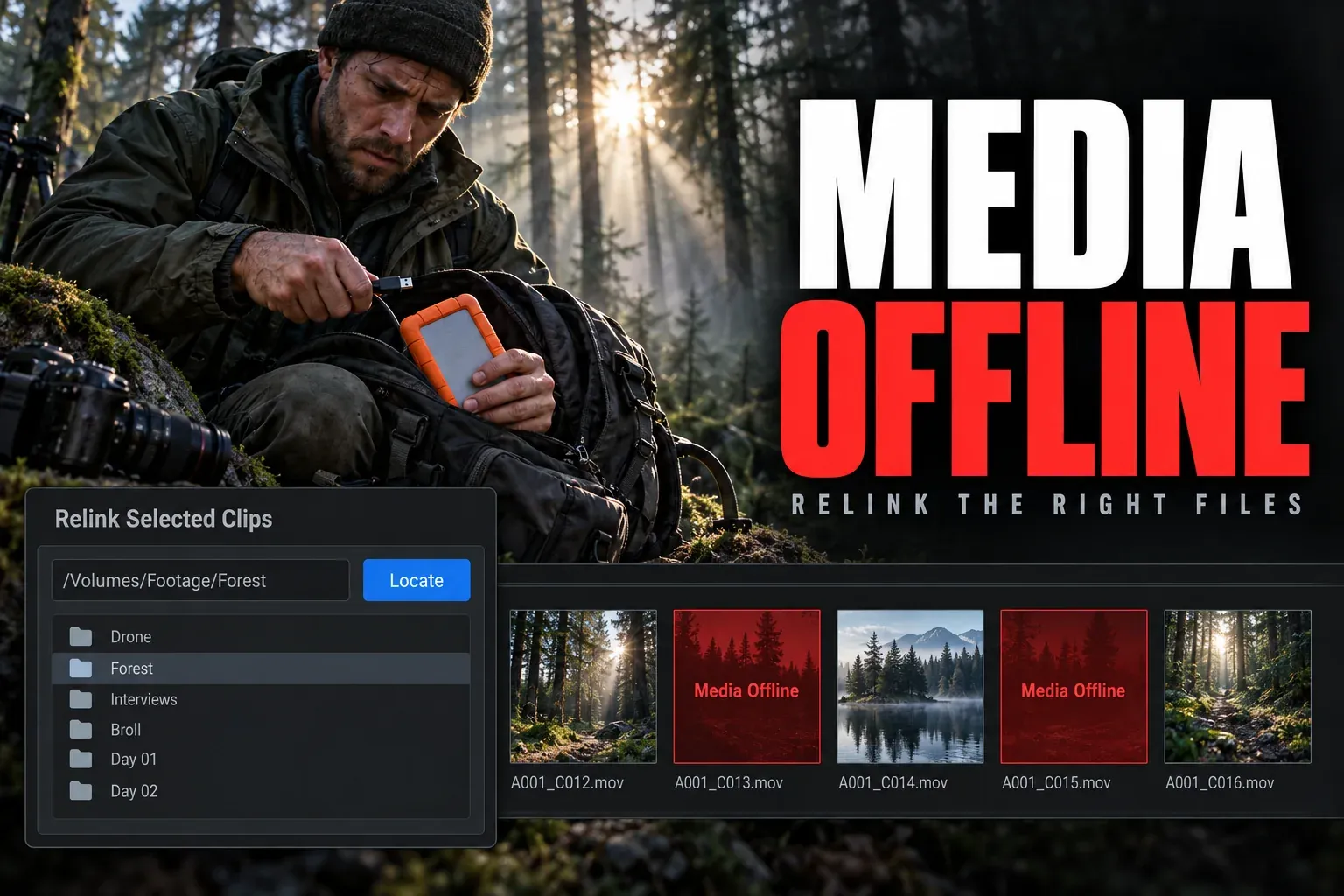
Media Offline in DaVinci Resolve: How to Fix It
Find out whether Resolve lost the source path or cannot decode the file. Relink the correct media, then dig into clips that stay offline even though the files exist.
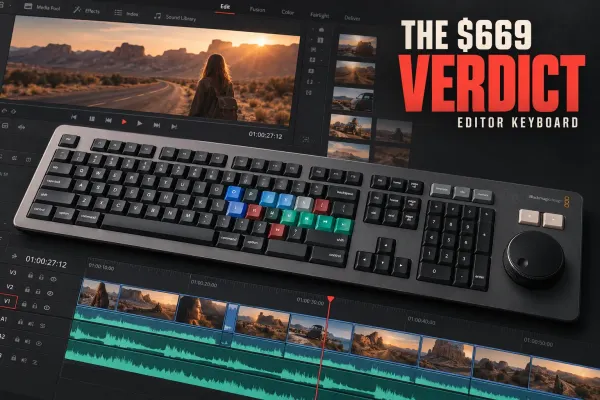
DaVinci Resolve Editor Keyboard: Is It Worth $669?
See who should buy the $669 DaVinci Resolve Editor Keyboard, how it stacks up against Speed Editor, and what the bundled Studio key does to its value.
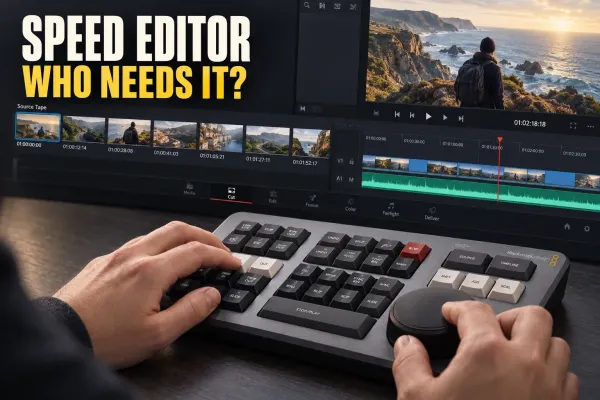
DaVinci Resolve Speed Editor: What It Does and Who It Is For
See what the $435 DaVinci Resolve Speed Editor changes, who gets the most from its Cut page workflow, and when a normal keyboard makes more sense.
Before you upgrade
Compatibility questions
Does meeting the minimum mean smooth 4K playback?
No. Minimum requirements are an entry check, and they don't benchmark playback. The codec, frame rate, effects and storage path matter too, so test a representative part of your project before you decide what to upgrade.
Do Free and Studio need the same hardware?
Not for every feature. The Resolve Studio 21.1.1 readme lists separate requirements for advanced AI and background rendering. On Windows and Linux, advanced AI tools call for at least 16 GB of VRAM, and background rendering for 32 GB of RAM plus 12 GB of VRAM. Check the requirements for your platform and the features you'll use, since a general GPU minimum won't cover them.
Should I upgrade if a clip says Media Offline?
Not until you know why it's offline. A moved source file needs its path repaired; an unsupported codec needs a different investigation. More RAM or a faster GPU won't bring back a missing file path.
For the current feature-specific minimums, check Blackmagic's Resolve Studio 21.1.1 readme.
