Official download routes
Choose Free or Studio, then your computer
Get DaVinci Resolve straight from Blackmagic Design. These links take you to the vendor's own pages, and nothing on this site hosts an installer.
DaVinci Resolve Free
Start with the free editor. It has no trial timer and doesn't run out.
Get Free from BlackmagicDaVinci Resolve Studio
Studio has its own installer, and that's the one that takes your activation key, dongle or assigned Cloud license. If you bought Studio in the Mac App Store, use the Store edition.
Find Studio in Blackmagic SupportWindows: choose Windows x86 for Intel or AMD x64 PCs. Choose Windows ARM only on supported ARM hardware; the 21.1.1 readme lists Windows 11 for ARM on Snapdragon X Elite or NVIDIA RTX Spark processors. Mac users choose Mac OS X and Linux users choose Linux. Read the version's requirements before you install.
One deeper guide per decision
Download and install guides
Choose your operating system, settle the Windows processor question or track down an older release. Each card opens one focused guide.
DaVinci Resolve for Windows
Download it from Blackmagic. Intel and AMD PCs need 64-bit Windows and the Windows x86 package; supported Snapdragon and NVIDIA RTX Spark PCs use Windows ARM. Back up before you update.
DaVinci Resolve for Mac
Choose Blackmagic's download or its official Mac App Store edition. Check that your Mac is compatible and which channel your Studio license came from, then protect your projects before installing.
Windows x86 vs ARM
For an Intel or AMD x64 PC, choose Windows x86. For a supported Windows ARM PC, choose ARM. Look at System type first, then check drivers and plugins before you move a working project.
DaVinci Resolve Old Versions
Older Resolve installers sit in Blackmagic's Support Center under Latest Downloads. Match the release, the Free or Studio edition and the platform, and keep a compatible project backup before you replace the app.
DaVinci Resolve Studio Download
Grab the separate Studio installer from Blackmagic's Support Center. It takes your existing activation key, dongle or assigned Cloud rental; a Mac App Store purchase needs the Store edition.
DaVinci Resolve for Linux
Get the official Linux ZIP, check the Rocky Linux and GPU requirements, then try it on your real media. Ubuntu and Debian need a separately maintained installation route.
DaVinci Resolve Studio License on Two Computers
Learn the two-computer activation limit, move a seat without losing it, and tell activation keys apart from dongles, app-store purchases and cloud access.
No standard desktop installer?
Mobile, ChromeOS and failed installations
Use these when your device has a different Resolve route, no supported native editor at all, or the right desktop package still refuses to install.
DaVinci Resolve for iPad
Get the official free iPad app, check your model and storage, then test a short edit and export. Studio is a separate iPad purchase; desktop project transfers need a version and media check.
Resolve for Android & iPhone?
No official Resolve editor runs on Android phones or iPhone. Make sure the Camera app you install is the genuine one, stay away from fake APKs, and decide between moving footage to Resolve and editing on the phone.
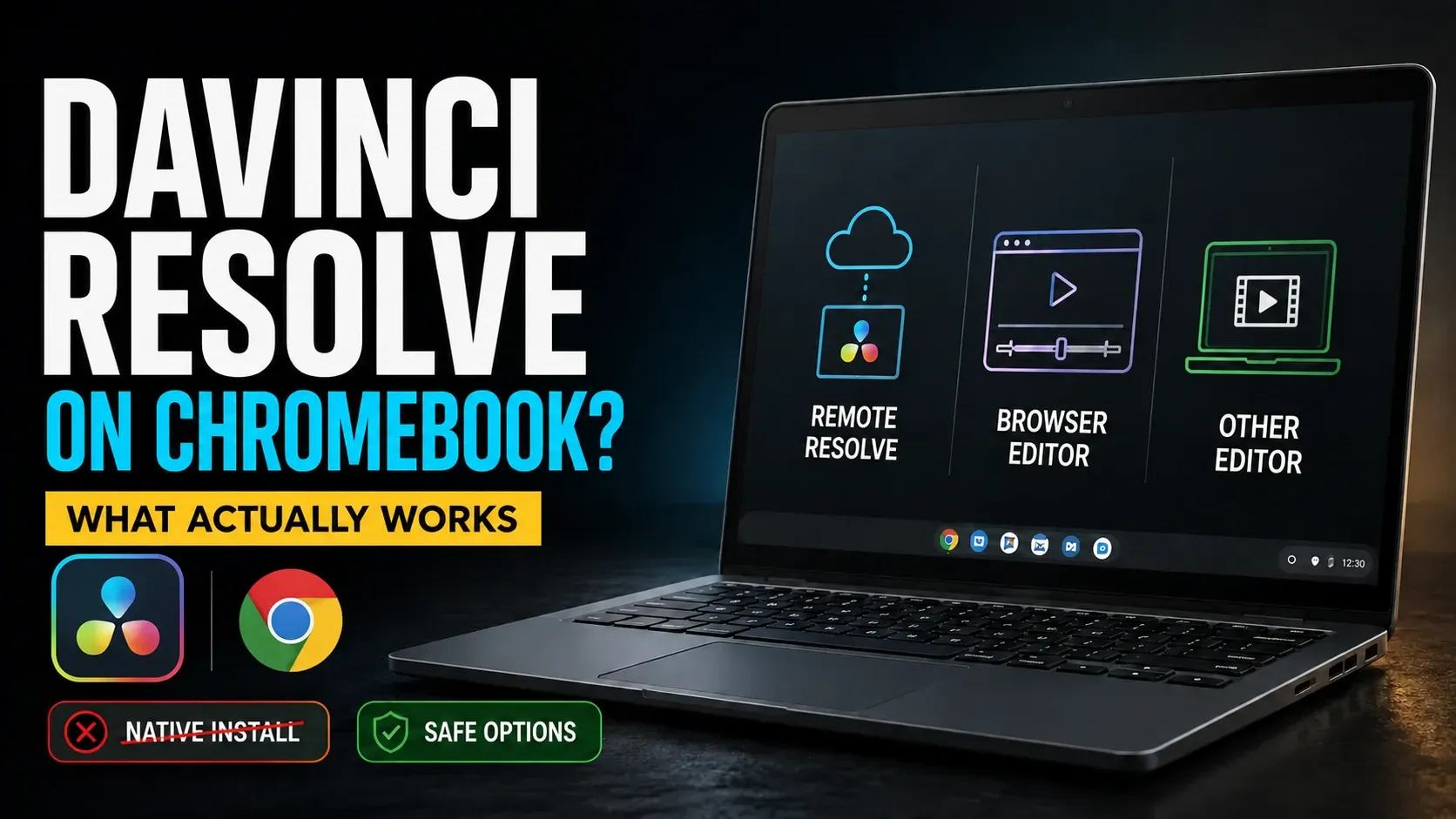
DaVinci Resolve for Chromebook
No official Resolve build supports ChromeOS. You can choose remote access to a suitable Resolve computer, or finish the video on the Chromebook in Clipchamp or another compatible local editor.
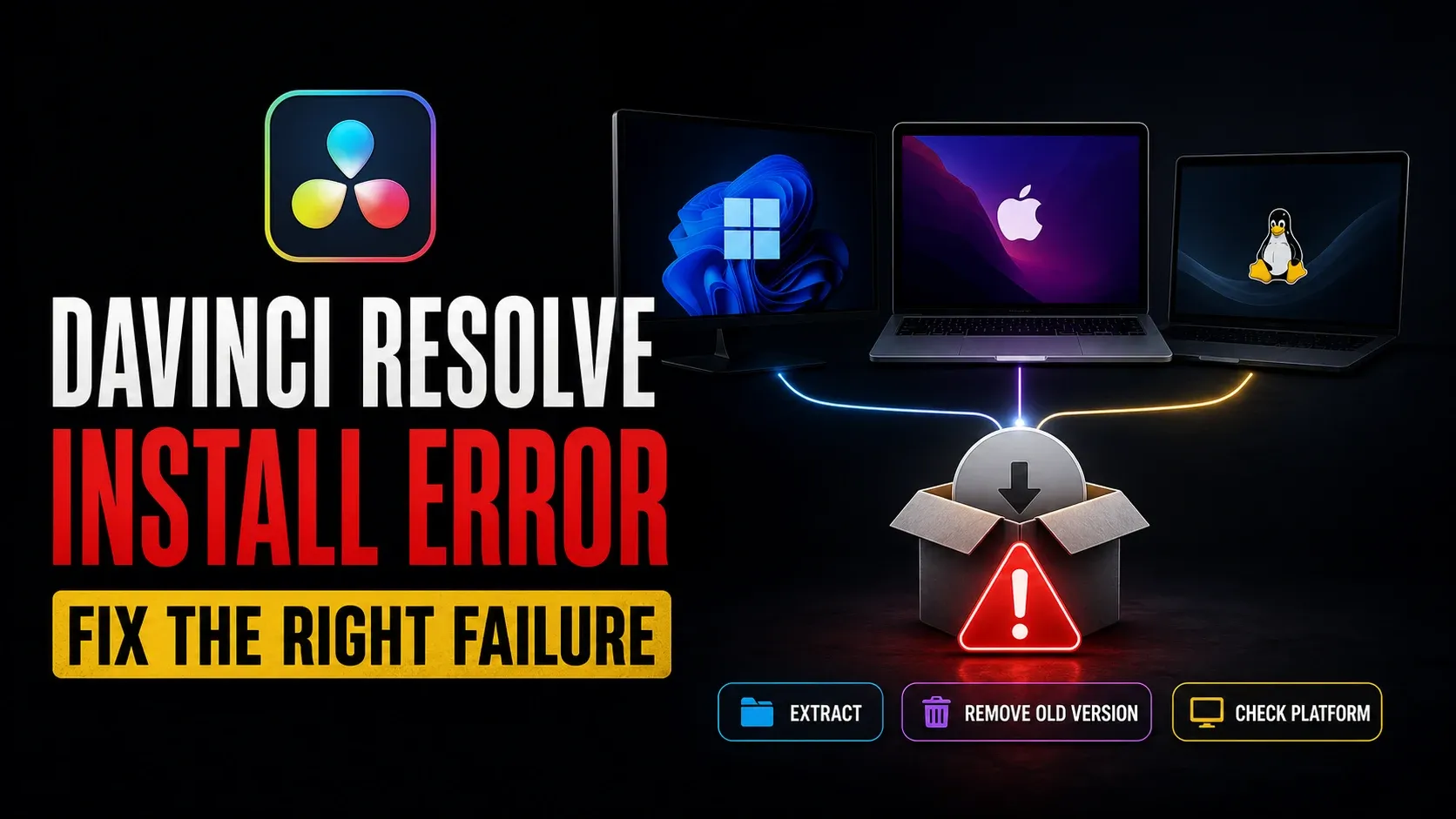
Fix Resolve Installation Errors
Match the exact installation error before you change anything: confirm the official package, protect your projects and follow the right Windows, Mac or Linux recovery path.
At the vendor’s download window
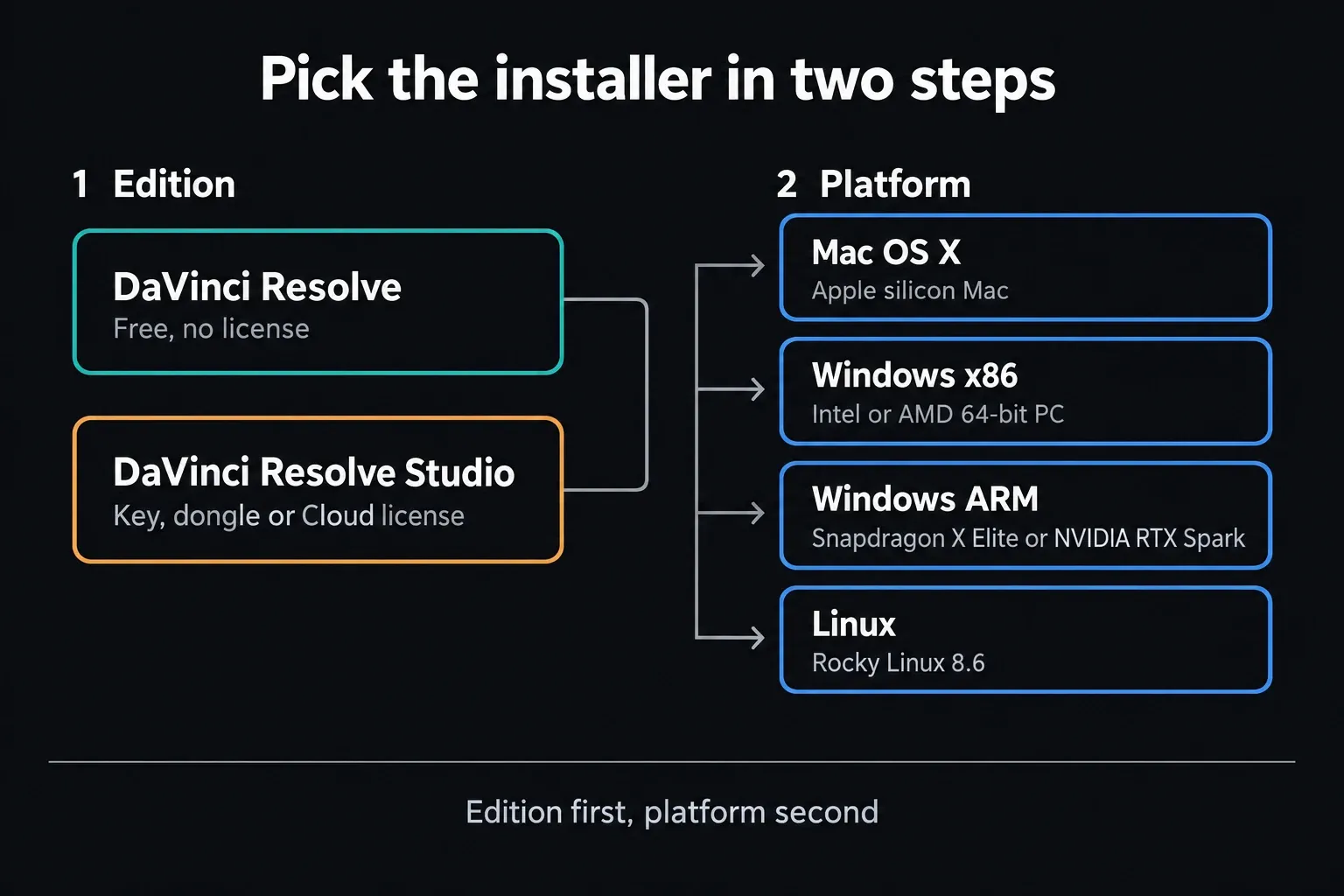
Edition first. Platform second.
Free and Studio are separate packages. Still deciding? Our Free vs Studio comparison and license pricing guide will help.
On Windows, open Settings > System > About and read System type. Blackmagic's x86 label covers 64-bit Intel and AMD machines; there's no 32-bit installer behind it. For hardware and operating-system checks, see the dated system requirements guide.
If a registration form shows up, fill in the current official one. Don't count on a free download letting you skip registration forever.
Protect the working project
Back up before opening it in 21.1
Blackmagic's 21.1.1 Free readme and Studio readme recommend a full project-library backup plus individual project backups. Once a project is opened or created in 21.1.1, 20.3.2 can't open it, even though the library itself stays compatible.
Keep a working installer around and try a disposable project before moving active work. The safe update workflow covers rollback preparation.
Choose the right purchase channel
Mac App Store is a separate license
Blackmagic's official Mac App Store listing is legitimate. A Studio purchase there stays separate from the activation keys, dongles and Cloud licenses used with the direct download.
If your team assigns a Cloud rental, follow Blackmagic's Studio sign-in instructions. A Cloud account alone doesn't give you a Studio license; someone has to assign one to you.
Before you download
DaVinci Resolve download FAQ
Is DaVinci Resolve free to download?
Yes. If you don't have a Studio license, choose the Free edition. It has no trial timer. Studio is a separate installer with its own license requirements.
Should I download Windows x86 or Windows ARM?
Choose Windows x86 for an Intel or AMD x64 Windows PC. Choose Windows ARM only on supported ARM hardware; the 21.1.1 readme lists Windows 11 for ARM with Snapdragon X Elite or NVIDIA RTX Spark processors. Both branches are 64-bit.
Where is the safest place to download DaVinci Resolve?
Use Blackmagic Design's product or Support Center pages, or its official Mac App Store listing. Stay away from repackaged installers, cracks and unofficial APKs. This website doesn't host Resolve installers.
What is the latest DaVinci Resolve version?
When I checked on October 5, 2026, Blackmagic's current desktop release of DaVinci Resolve and Studio was 21.1.1 build 10, posted October 2. Mac App Store and iPad releases can differ, so check the vendor's listing before you download.
Can I download an older DaVinci Resolve version?
Yes. Blackmagic keeps older releases in its Support Center. Match the edition, version and platform, and keep compatible project backups. An older app won't open a project that a newer version has already converted.
Does DaVinci Resolve need an activation key?
The Free edition doesn't need a Studio activation key. The direct Studio edition works with an activation key, a license dongle or an assigned Blackmagic Cloud license. Mac App Store Studio purchases use their own Store license.
Can I install DaVinci Resolve on both Mac and Windows?
Blackmagic ships separate Mac and Windows packages, and each computer has to meet its version's requirements. For Studio, check the license channel and the activation limits; a Mac App Store purchase won't activate Studio on Windows. Check media paths, plug-ins and project compatibility before you move work.
