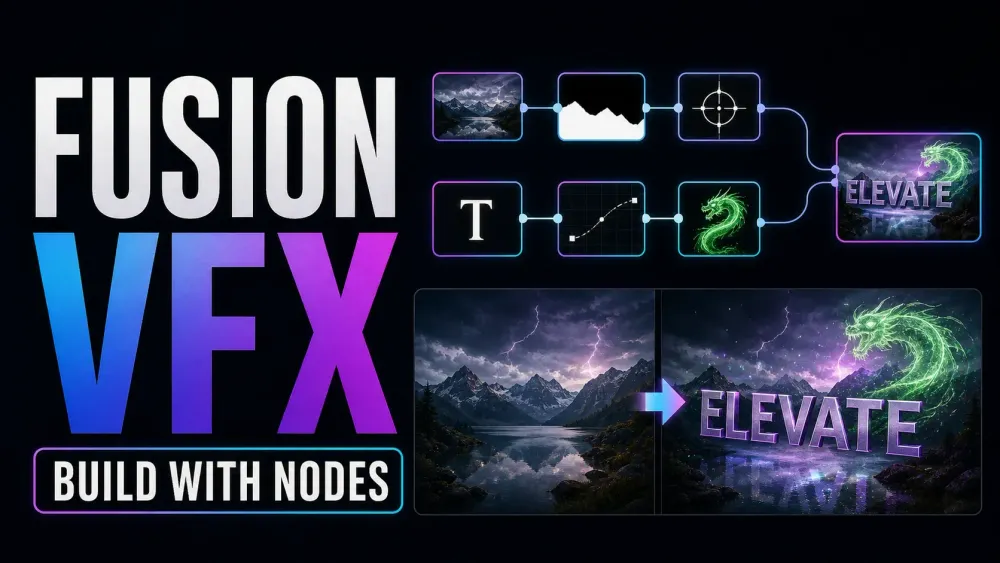
Build the shot
Start with one small composite
Need text to stick to a wall, a background swapped out or two takes combined? Pick that result first. Fusion links effects together with nodes, and the beginner guide walks you through three small projects. A simple title or crop is often quicker to finish on the Edit page.
Choose the task
Learn nodes, then solve the shot
Start with the basics or jump to the effect you need. Open the groups below for masks, delivery and reusable templates.
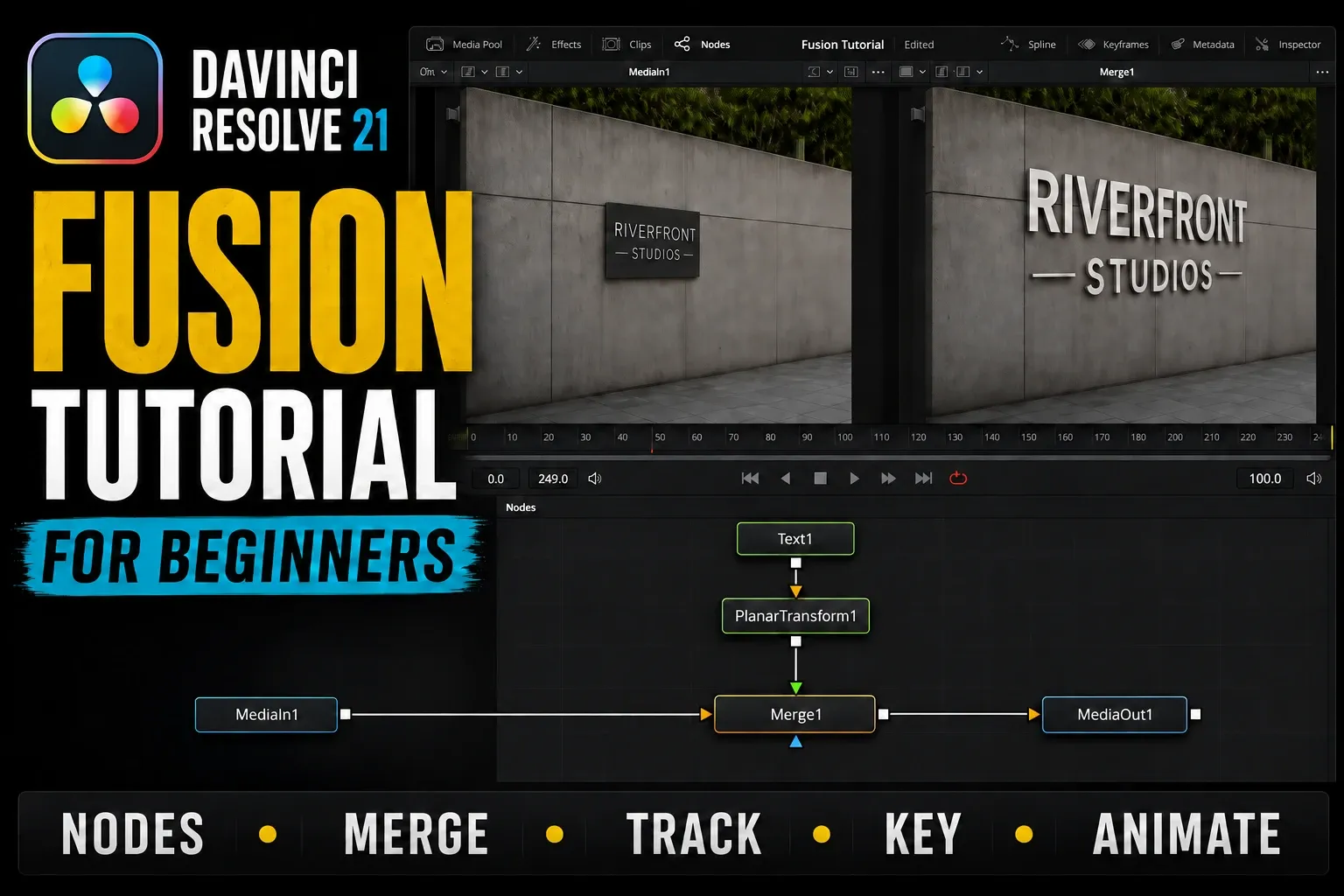
DaVinci Resolve Fusion Tutorial for Beginners
Follow MediaIn, Merge and MediaOut through a tracked title, a green-screen composite and an animated lower third, and find where an invisible result stops reaching the timeline.
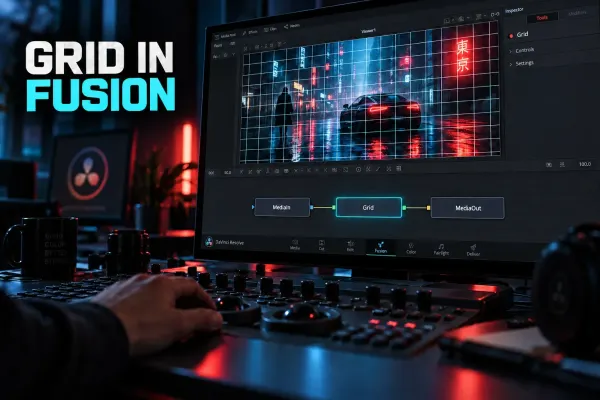
How to Enable and Use the Grid in Fusion
Add a visible grid in Fusion, use temporary Viewer Guides, fix a Grid node that shows nothing, and learn when Grid Warp or a video-wall workflow is the better tool.
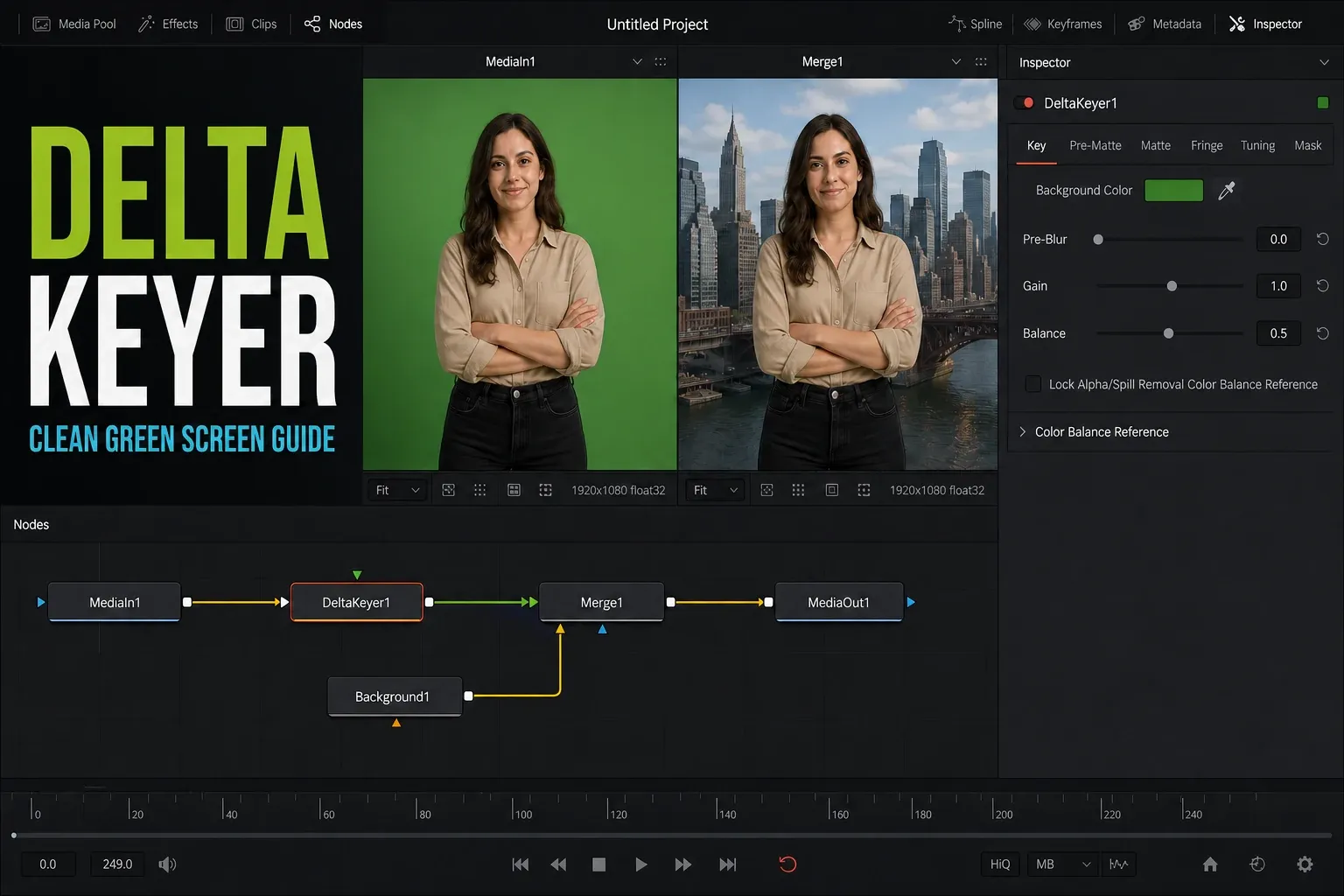
DaVinci Resolve Delta Keyer: Complete Settings Guide
Work from screen selection through the matte, edge detail and spill. Judge the key over the real replacement background, since the checkerboard can hide edge problems.
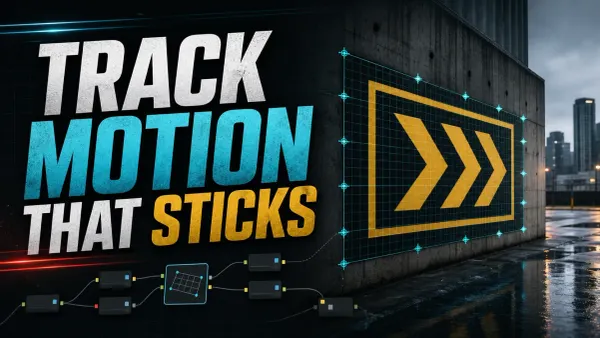
DaVinci Resolve Fusion Tracking: Point, Planar & 3D
Match the tracker to the shot: a 2D feature, a plane or a camera move. Then check drift, occlusion and how well the insert follows the recorded motion.
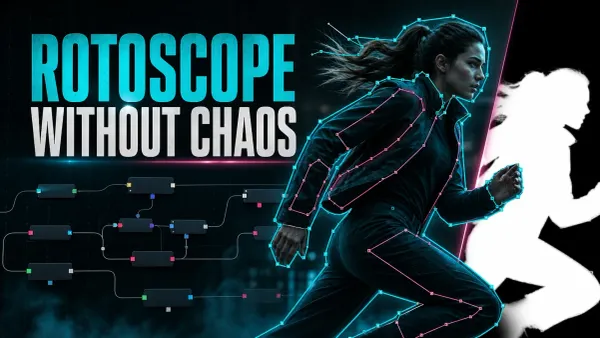
DaVinci Resolve Rotoscoping: Polygon, B-Spline & MultiPoly
Break a moving subject into shapes you can manage. Adjust key poses where the outline changes, then watch the matte and the finished composite in motion.
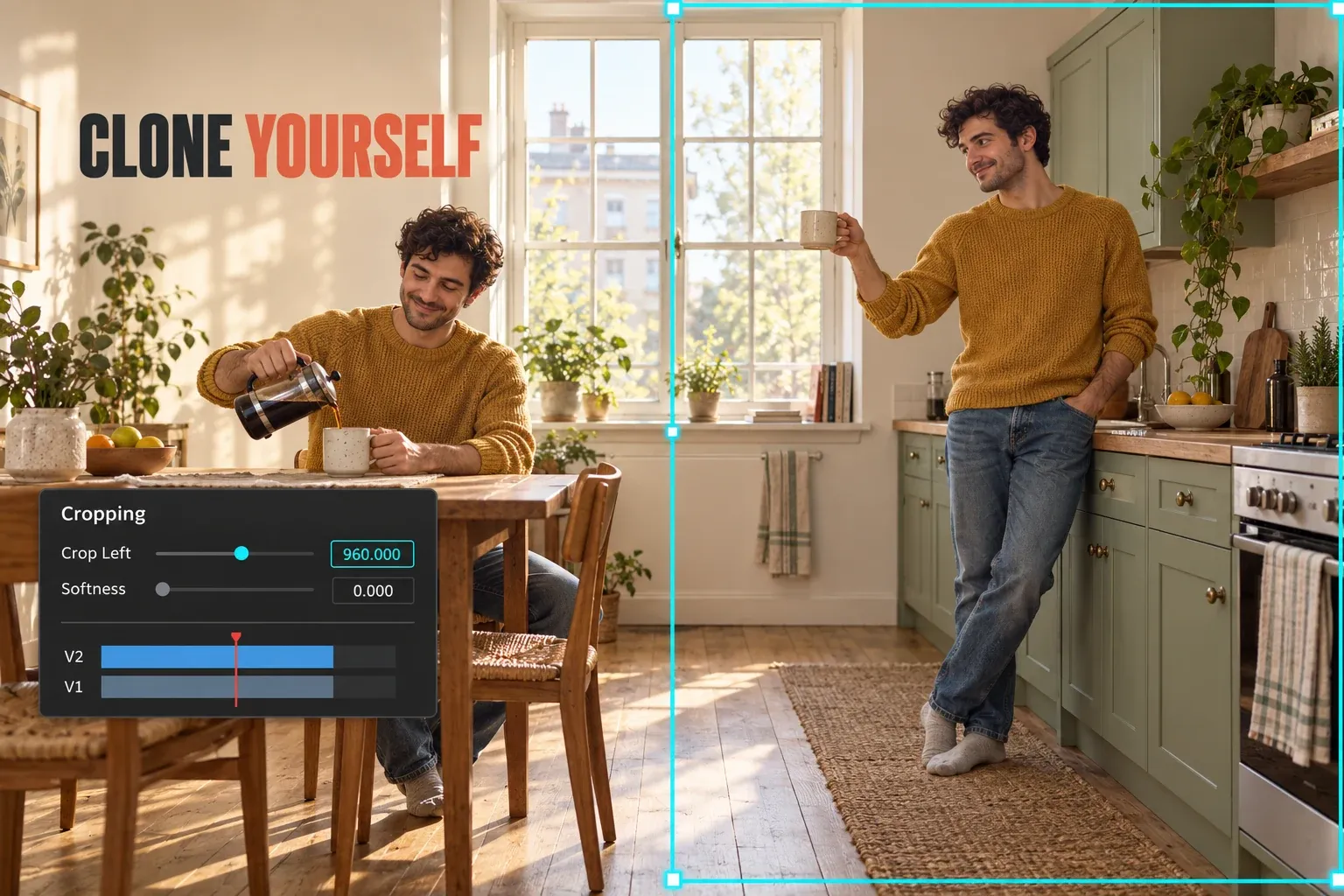
How to Clone Yourself in DaVinci Resolve (Clone Effect)
Plan separate takes and join them without an obvious seam. Compare a locked-camera crop with masking, overlapping action and a moving-camera composite.
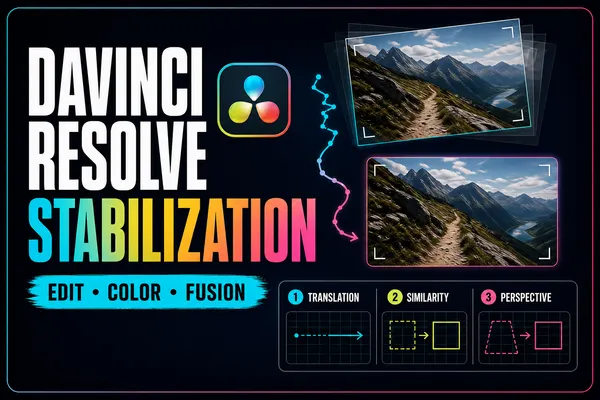
Stabilize Video in DaVinci Resolve: Edit, Color & Fusion
Compare the Edit and Color stabilizer with targeted Fusion tracking, and watch the crop, the edges and any distortion before you accept the result.
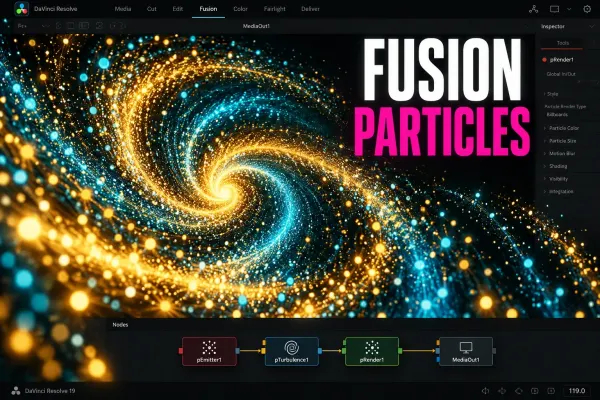
Fusion Particles in DaVinci Resolve: A Beginner Workflow
Build your first particle system with pEmitter and pRender, add forces and composite it over footage.
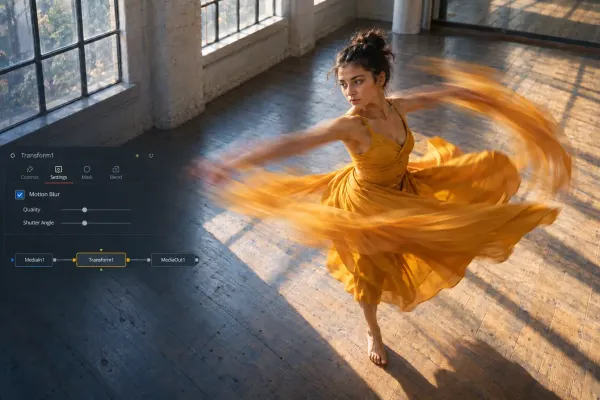
Motion Blur in DaVinci Resolve: Free, Fusion and Studio Methods
Pick the right motion blur method for Fusion animation, recorded movement or retimed footage, with Free and Studio workflows and fixes for artifacts.

DaVinci Resolve Text+ Typewriter Effect: Write On and Cursor
Animate Text+ Write On for the reveal, tighten the timing with keyframes, and add a cursor only once the basic title reads cleanly.
Isolate a subject or shape the frame3 guides
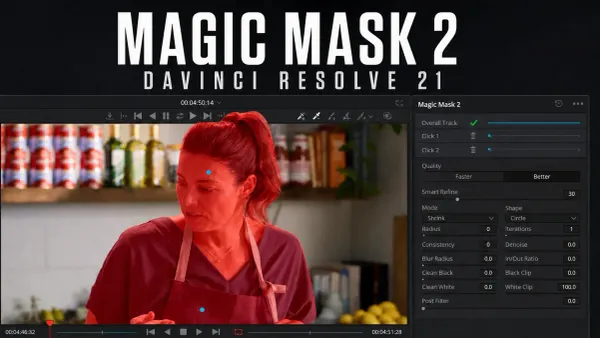
DaVinci Resolve Magic Mask: Resolve 21 Guide
Reach for Studio’s subject-isolation tools when drawing shapes by hand isn't practical. Check missed limbs, tricky edges and frames where the selection changes.
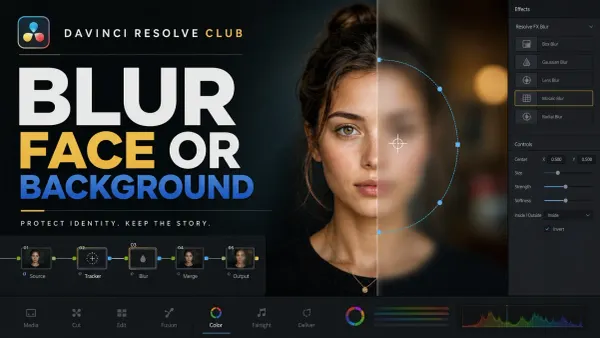
How to Blur a Face or Background in Resolve
Track a face or separate a subject from the background, then check the entire output. A blur effect on its own won't guarantee anonymity.
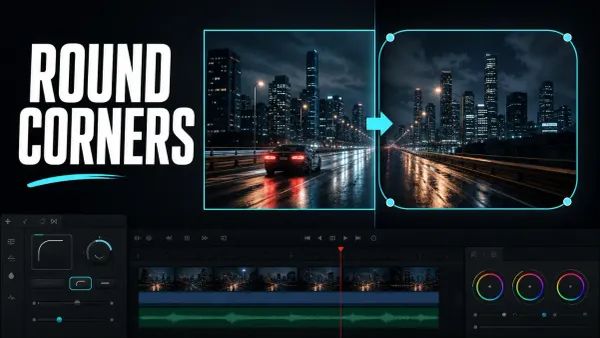
How to Round Corners in DaVinci Resolve
Build a rounded frame and keep the corners consistent as you resize it. Check the mask connection, the borders and whether the final output needs transparency.
Export, compare and reuse your work3 guides
Export Transparent Video in DaVinci Resolve (Alpha)
Make sure you have real alpha and an output format that can carry it. Reimport the render over another background so you can tell transparency apart from a player that just shows black.
Fusion vs After Effects in 2026
Compare shot compositing, motion design, templates and handoff requirements. Choose by the work you need to deliver, and don't assume either app is simply faster.

DaVinci Resolve Fusion Macros and Templates: Build, Save, Install
Choose a macro, a group or an Edit-page template. Expose the controls that matter, save it to the right destination and figure out why a template won't show up.
Before you start
Which Fusion are you using?
Is the Fusion page a separate app?
No. The Fusion page is built into DaVinci Resolve, and Fusion Studio is a separate application. These guides cover working inside Resolve unless they explicitly compare the two.
Do I need Studio before learning nodes?
No. You can start learning node-based compositing in Resolve Free. Some advanced tools need Studio, so check the feature requirements before you follow a particular effect workflow.
Blackmagic’s Fusion overview explains the built-in tools. If you'd like a longer course with practice material, try the official visual-effects training. When I checked on October 5, 2026, the listed visual-effects books still covered Resolve 20, so check newer controls against the version you've installed.
