Home Tutorials
DaVinci Resolve topic library
Tutorials
Step-by-step DaVinci Resolve tutorials covering editing, color, Fusion, and audio.
What this library covers
Choose the task, then open one focused guide
Choose by the result you need, not by the name of a Resolve page or tool. Each card takes one job from the first setting to a result you can check.
Start with the resultPick the card that matches what you need to finish, fix or understand.
Use one guide at a timeEach article owns one task, so you do not have to decode a giant index.
Move to the next real stepRelated tasks stay visible without repeating every link on the page.
Choose the task
Guides in this library
One card opens one focused guide. Covers stay visible, and the same article is not repeated in a second link list.
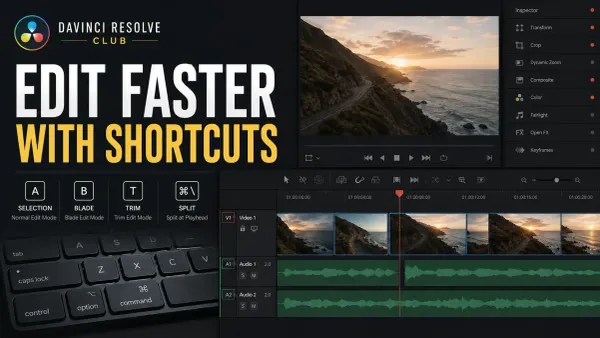 DaVinci Resolve Keyboard Shortcuts That Save Time
Learn Resolve 21 shortcuts in practical groups: J/K/L, I/O, A and B modes, Ctrl+\ or Cmd+\ for Split Clip, Ripple Delete, markers, snapping, timeline fit, and safe custom presets.
DaVinci Resolve Keyboard Shortcuts That Save Time
Learn Resolve 21 shortcuts in practical groups: J/K/L, I/O, A and B modes, Ctrl+\ or Cmd+\ for Split Clip, Ripple Delete, markers, snapping, timeline fit, and safe custom presets.
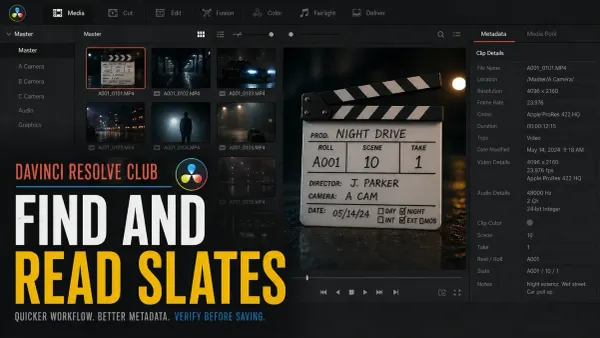 DaVinci Resolve 21 AI Slate ID and Slate Finder
In Resolve Studio 21, Slate Finder marks the readable slate range. Slate ID is a separate step: open it from Metadata, select trusted fields in Slate Information, then click Save.
DaVinci Resolve 21 AI Slate ID and Slate Finder
In Resolve Studio 21, Slate Finder marks the readable slate range. Slate ID is a separate step: open it from Metadata, select trusted fields in Slate Information, then click Save.
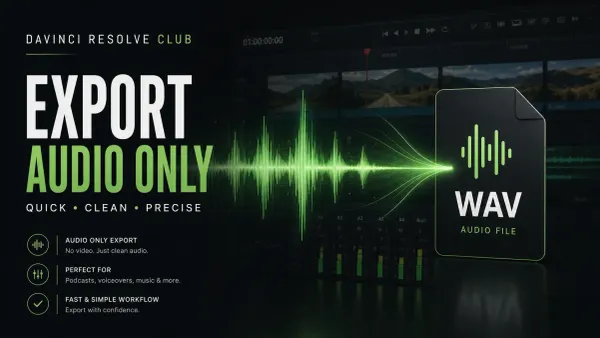 How to Export Audio Only in DaVinci Resolve
For one finished mix, open Deliver > Custom Export, turn Export Video off and Export Audio on, choose WAVE/Linear PCM, and select the actual stereo Main or Submix bus. 24-bit/48 kHz is common for video post, but the delivery specification wins. For stems, route groups to separate buses first.
How to Export Audio Only in DaVinci Resolve
For one finished mix, open Deliver > Custom Export, turn Export Video off and Export Audio on, choose WAVE/Linear PCM, and select the actual stereo Main or Submix bus. 24-bit/48 kHz is common for video post, but the delivery specification wins. For stems, route groups to separate buses first.
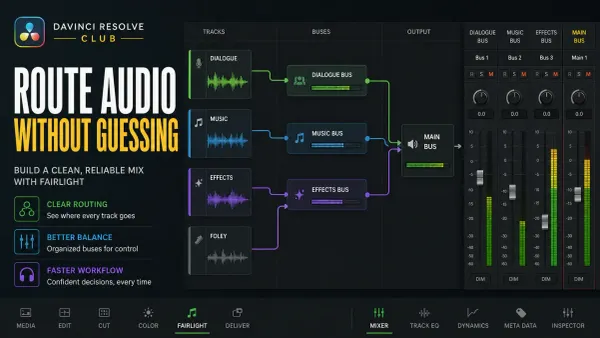 Fairlight Bus Routing Explained
For a simple DX/MX/FX layout, route source tracks to the intended dialogue, music, or effects submix, then route those buses to the final stereo bus. FlexBus also supports deliberate additional outputs and sends; trace every active path so parallel routes don't rejoin accidentally.
Fairlight Bus Routing Explained
For a simple DX/MX/FX layout, route source tracks to the intended dialogue, music, or effects submix, then route those buses to the final stereo bus. FlexBus also supports deliberate additional outputs and sends; trace every active path so parallel routes don't rejoin accidentally.
 Fairlight Compressor Settings for Dialogue
Set the Fairlight dialogue compressor in DaVinci Resolve 21: threshold, ratio, knee, mix, attack, hold, release, makeup gain, pumping fixes, and QA.
Fairlight Compressor Settings for Dialogue
Set the Fairlight dialogue compressor in DaVinci Resolve 21: threshold, ratio, knee, mix, attack, hold, release, makeup gain, pumping fixes, and QA.
 Fairlight EQ: Clean Dialogue in DaVinci Resolve
Start Fairlight dialogue EQ flat. Choose clip or track processing, correct only audible problems, and compare at matched loudness. Protect the voice’s body instead of copying a preset.
Fairlight EQ: Clean Dialogue in DaVinci Resolve
Start Fairlight dialogue EQ flat. Choose clip or track processing, correct only audible problems, and compare at matched loudness. Protect the voice’s body instead of copying a preset.
 DaVinci Resolve Fusion Tracking: Point, Planar & 3D
For motion tracking in DaVinci Resolve, use Tracker for one or more 2D features, Planar Tracker for a rigid surface, and Camera Tracker for a parallax-rich 3D solve. Point and planar tracking work in Free; Camera Tracker requires Studio.
DaVinci Resolve Fusion Tracking: Point, Planar & 3D
For motion tracking in DaVinci Resolve, use Tracker for one or more 2D features, Planar Tracker for a rigid surface, and Camera Tracker for a parallax-rich 3D solve. Point and planar tracking work in Free; Camera Tracker requires Studio.
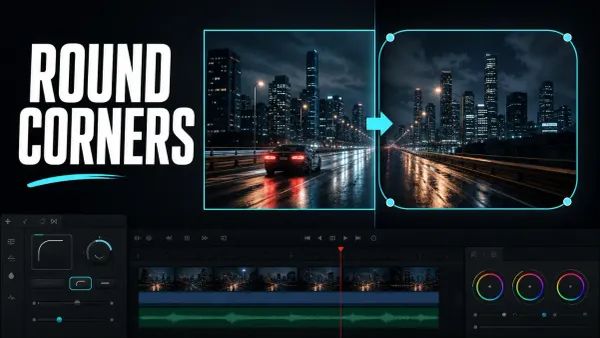 How to Round Corners in DaVinci Resolve
To round a video in DaVinci Resolve, open the clip in Fusion, select MediaIn1, and add a Rectangle mask. Confirm Rectangle1 feeds MediaIn1’s blue mask input, then increase Corner Radius in the Inspector.
How to Round Corners in DaVinci Resolve
To round a video in DaVinci Resolve, open the clip in Fusion, select MediaIn1, and add a Rectangle mask. Confirm Rectangle1 feeds MediaIn1’s blue mask input, then increase Corner Radius in the Inspector.
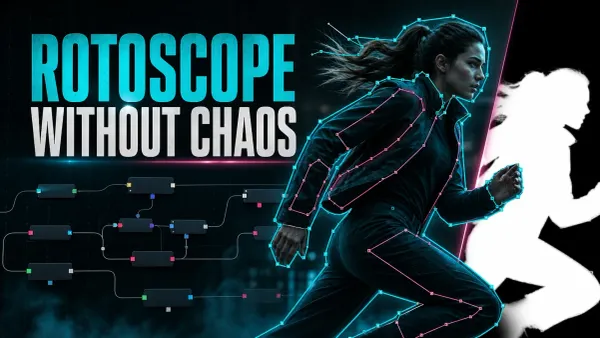 DaVinci Resolve Rotoscoping: Polygon, B-Spline & MultiPoly
For rotoscoping in DaVinci Resolve Fusion, split the subject into simple overlapping Polygon, B-Spline, or MultiPoly shapes. Draw a clean key pose, animate the end and middle poses, then keep dividing only the sections where interpolation fails.
DaVinci Resolve Rotoscoping: Polygon, B-Spline & MultiPoly
For rotoscoping in DaVinci Resolve Fusion, split the subject into simple overlapping Polygon, B-Spline, or MultiPoly shapes. Draw a clean key pose, animate the end and middle poses, then keep dividing only the sections where interpolation fails.
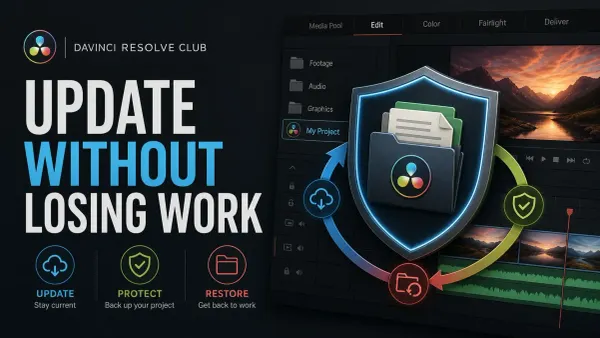 How to Update DaVinci Resolve Safely
Update DaVinci Resolve without sacrificing active work. Export DRP files, back up the Project Library, protect media and plug-ins, retain the old installer, test an imported copy, and keep a verified rollback path.
How to Update DaVinci Resolve Safely
Update DaVinci Resolve without sacrificing active work. Export DRP files, back up the Project Library, protect media and plug-ins, retain the old installer, test an imported copy, and keep a verified rollback path.
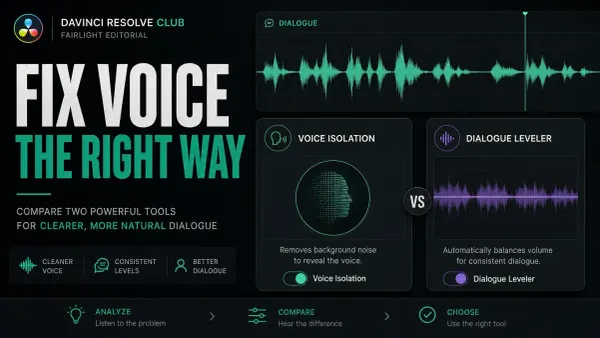 Voice Isolation vs Dialogue Leveler in DaVinci Resolve
Voice Isolation separates speech from competing sound and requires Resolve Studio. Dialogue Leveler evens loud and soft dialogue and works in desktop Free and Studio. Match clip gain first, isolate only when noise masks words, then level at matched loudness.
Voice Isolation vs Dialogue Leveler in DaVinci Resolve
Voice Isolation separates speech from competing sound and requires Resolve Studio. Dialogue Leveler evens loud and soft dialogue and works in desktop Free and Studio. Match clip gain first, isolate only when noise masks words, then level at matched loudness.
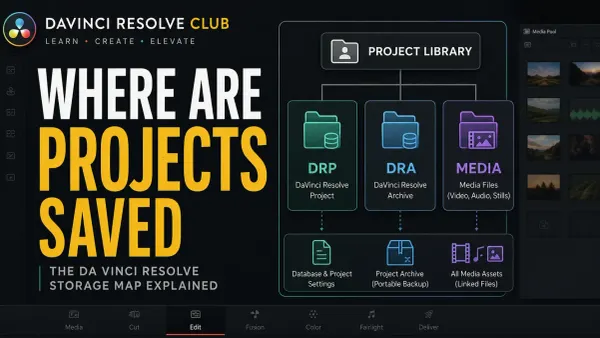 Where DaVinci Resolve Projects Are Saved
Resolve stores working projects in a Project Library. Find the active local Location in Project Manager; Network and Cloud libraries live on servers. Distinguish Project.db from DRP exports, DRA archives, source media and backups before moving or restoring anything.
Where DaVinci Resolve Projects Are Saved
Resolve stores working projects in a Project Library. Find the active local Location in Project Manager; Network and Cloud libraries live on servers. Distinguish Project.db from DRP exports, DRA archives, source media and backups before moving or restoring anything.