Home Tutorials
DaVinci Resolve topic library
Tutorials
Step-by-step DaVinci Resolve tutorials covering editing, color, Fusion, and audio.
What this library covers
Choose the task, then open one focused guide
Choose by the result you need, not by the name of a Resolve page or tool. Each card takes one job from the first setting to a result you can check.
Start with the resultPick the card that matches what you need to finish, fix or understand.
Use one guide at a timeEach article owns one task, so you do not have to decode a giant index.
Move to the next real stepRelated tasks stay visible without repeating every link on the page.
Choose the task
Guides in this library
One card opens one focused guide. Covers stay visible, and the same article is not repeated in a second link list.
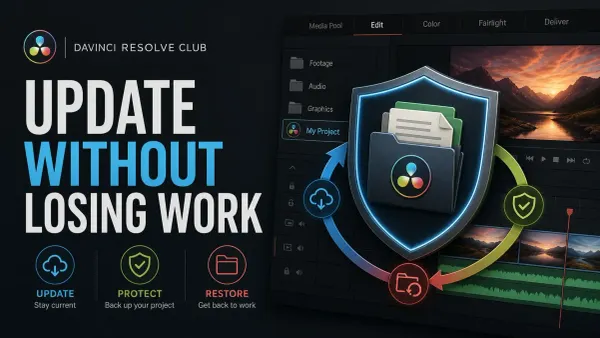 How to Update DaVinci Resolve Safely
Update DaVinci Resolve without sacrificing active work. Export DRP files, back up the Project Library, protect media and plug-ins, retain the old installer, test an imported copy, and keep a verified rollback path.
How to Update DaVinci Resolve Safely
Update DaVinci Resolve without sacrificing active work. Export DRP files, back up the Project Library, protect media and plug-ins, retain the old installer, test an imported copy, and keep a verified rollback path.
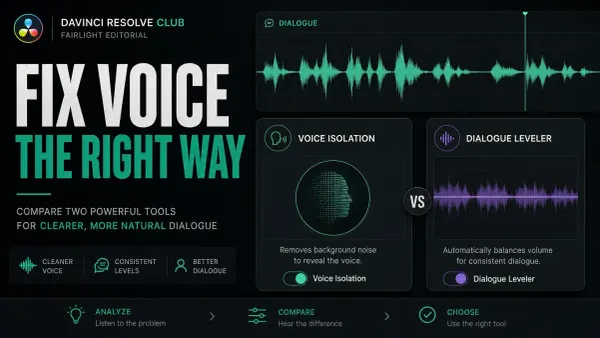 Voice Isolation vs Dialogue Leveler in DaVinci Resolve
Voice Isolation separates speech from competing sound and requires Resolve Studio. Dialogue Leveler evens loud and soft dialogue and works in desktop Free and Studio. Match clip gain first, isolate only when noise masks words, then level at matched loudness.
Voice Isolation vs Dialogue Leveler in DaVinci Resolve
Voice Isolation separates speech from competing sound and requires Resolve Studio. Dialogue Leveler evens loud and soft dialogue and works in desktop Free and Studio. Match clip gain first, isolate only when noise masks words, then level at matched loudness.
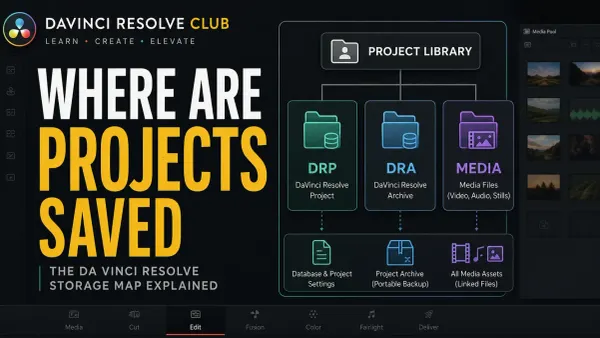 Where DaVinci Resolve Projects Are Saved
Resolve stores working projects in a Project Library. Find the active local Location in Project Manager; Network and Cloud libraries live on servers. Distinguish Project.db from DRP exports, DRA archives, source media and backups before moving or restoring anything.
Where DaVinci Resolve Projects Are Saved
Resolve stores working projects in a Project Library. Find the active local Location in Project Manager; Network and Cloud libraries live on servers. Distinguish Project.db from DRP exports, DRA archives, source media and backups before moving or restoring anything.
 How to Change Clip Speed in DaVinci Resolve
Right-click a timeline clip and choose Change Clip Speed for a fixed rate. Use Retime Controls for speed points and freezes, then the Keyframes panel for curves. Check ripple, audio and interpolation before keeping the change.
How to Change Clip Speed in DaVinci Resolve
Right-click a timeline clip and choose Change Clip Speed for a fixed rate. Use Retime Controls for speed points and freezes, then the Keyframes panel for curves. Check ripple, audio and interpolation before keeping the change.
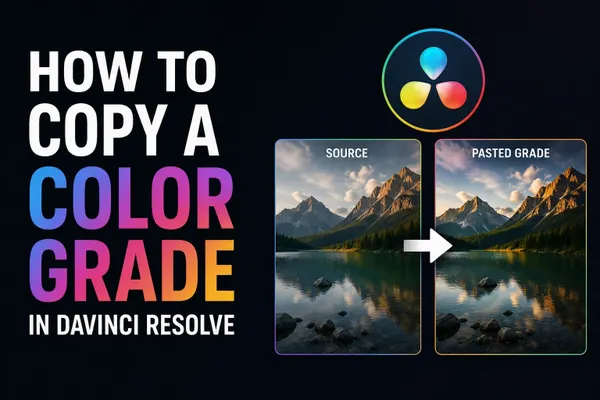 How to Copy a Color Grade in DaVinci Resolve
Copy the graded clip with Cmd or Ctrl+C, select the destinations, paste. Middle-click does it in one action; both replace the target grade. To add a saved look without wiping existing nodes, right-click a Gallery still and choose Append Node Graph. Groups and shared nodes scale it to whole scenes.
How to Copy a Color Grade in DaVinci Resolve
Copy the graded clip with Cmd or Ctrl+C, select the destinations, paste. Middle-click does it in one action; both replace the target grade. To add a saved look without wiping existing nodes, right-click a Gallery still and choose Append Node Graph. Groups and shared nodes scale it to whole scenes.
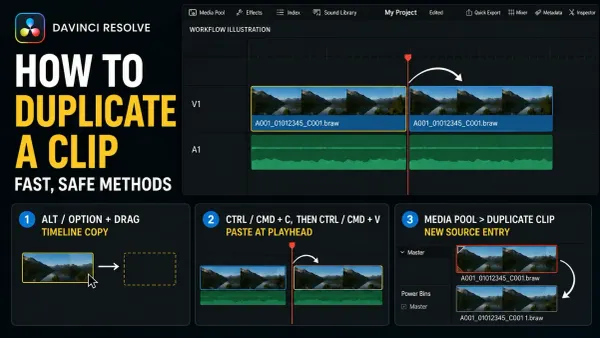 How to Duplicate a Clip in DaVinci Resolve (Fast Ways)
Select a timeline clip, hold Alt on Windows/Linux or Option on Mac, and drag. Release the mouse before the key. Use Paste Insert to make room, and check Sync Lock before moving later clips.
How to Duplicate a Clip in DaVinci Resolve (Fast Ways)
Select a timeline clip, hold Alt on Windows/Linux or Option on Mac, and drag. Release the mouse before the key. Use Paste Insert to make room, and check Sync Lock before moving later clips.
 How to Clone Yourself in DaVinci Resolve (Clone Effect)
Lock the camera, match exposure and timing, then choose a fixed Edit-page crop, a maintained Power Window, Studio Magic Mask 2, or Fusion tracking. Crossing paths adds an animated matte plus explicit occlusion and shadow decisions.
How to Clone Yourself in DaVinci Resolve (Clone Effect)
Lock the camera, match exposure and timing, then choose a fixed Edit-page crop, a maintained Power Window, Studio Magic Mask 2, or Fusion tracking. Crossing paths adds an animated matte plus explicit occlusion and shadow decisions.
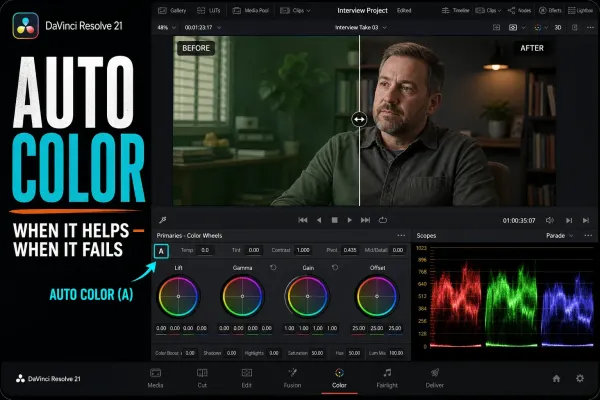 DaVinci Resolve Auto Color: How It Works, When It Fails
Auto Color analyzes the current frame and proposes a neutral starting correction. Learn the exact Resolve 21 controls, why results fail, how to check the node with scopes, and when a different matching tool is the better reference.
DaVinci Resolve Auto Color: How It Works, When It Fails
Auto Color analyzes the current frame and proposes a neutral starting correction. Learn the exact Resolve 21 controls, why results fail, how to check the node with scopes, and when a different matching tool is the better reference.
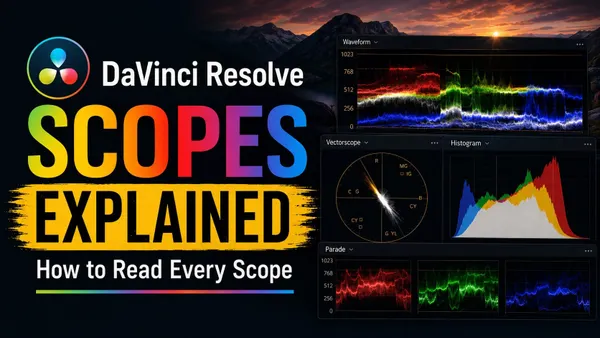 DaVinci Resolve Scopes Explained: How to Read Every Scope
Read every DaVinci Resolve 21 scope by the question it answers: exposure, channel balance, hue and saturation, tonal distribution or gamut boundary. Includes current paths, scale behavior and practical mistakes to avoid.
DaVinci Resolve Scopes Explained: How to Read Every Scope
Read every DaVinci Resolve 21 scope by the question it answers: exposure, channel balance, hue and saturation, tonal distribution or gamut boundary. Includes current paths, scale behavior and practical mistakes to avoid.
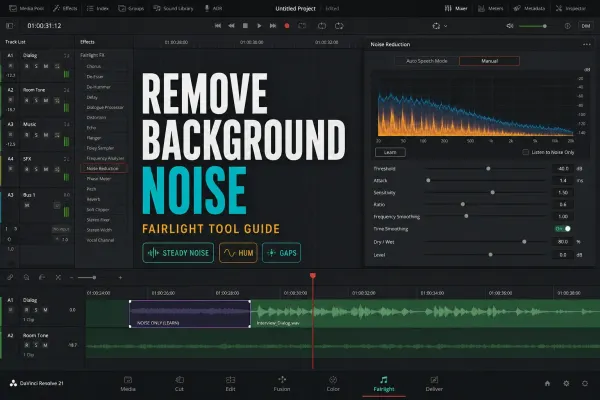 How to Remove Background Noise in DaVinci Resolve
Match the noise to the tool: Noise Reduction for steady broadband sound, De-Hummer for mains hum, a Gate or clip edit for pauses, and Studio Voice Isolation for changing background around speech.
How to Remove Background Noise in DaVinci Resolve
Match the noise to the tool: Noise Reduction for steady broadband sound, De-Hummer for mains hum, a Gate or clip edit for pauses, and Studio Voice Isolation for changing background around speech.
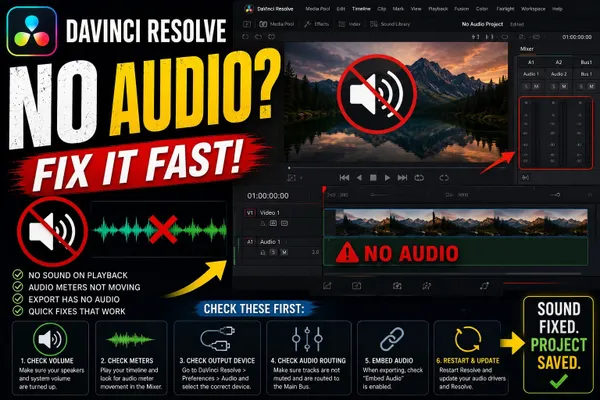 DaVinci Resolve No Audio
Trace silent playback through clip state, track faders, the intended bus and monitor selection. Then check speaker mapping, the output device and OS app volume. A moving pre-fader meter does not prove the mix reaches your speakers.
DaVinci Resolve No Audio
Trace silent playback through clip state, track faders, the intended bus and monitor selection. Then check speaker mapping, the output device and OS app volume. A moving pre-fader meter does not prove the mix reaches your speakers.
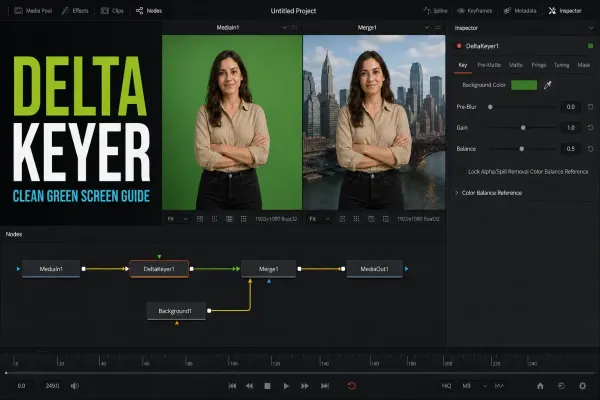 DaVinci Resolve Delta Keyer: Complete Settings Guide
Work the Delta Keyer in a diagnostic order: sample the screen, normalize variation with Pre Matte or Clean Plate, inspect the alpha, apply masks, suppress spill, then use Tuning only for a specific tonal range.
DaVinci Resolve Delta Keyer: Complete Settings Guide
Work the Delta Keyer in a diagnostic order: sample the screen, normalize variation with Pre Matte or Clean Plate, inspect the alpha, apply masks, suppress spill, then use Tuning only for a specific tonal range.