Home Jason Miller

Jason Miller
I run DaVinci Resolve Club as an independent publication: hands-on edits, color grading breakdowns, Fairlight sessions, Fusion tests, and honest notes on where Resolve gets in the way. Jason Miller on XAll Guides
132 published guides by Jason Miller.
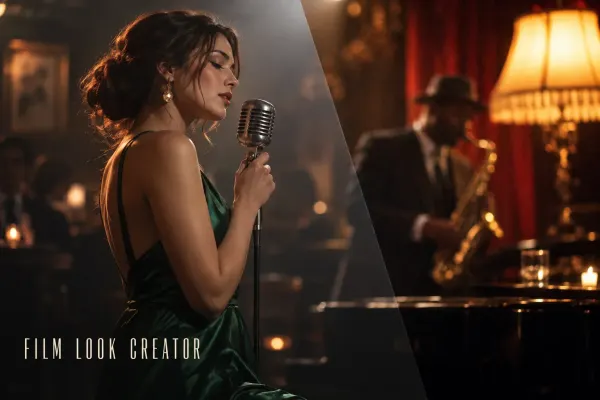 DaVinci Resolve Film Look Creator: A Practical Workflow and Its Limits
Build a film-inspired grade with Film Look Creator in Resolve Studio. Set the color pipeline, control the three blends, add texture deliberately and know what a LUT can carry.
DaVinci Resolve Film Look Creator: A Practical Workflow and Its Limits
Build a film-inspired grade with Film Look Creator in Resolve Studio. Set the color pipeline, control the three blends, add texture deliberately and know what a LUT can carry.
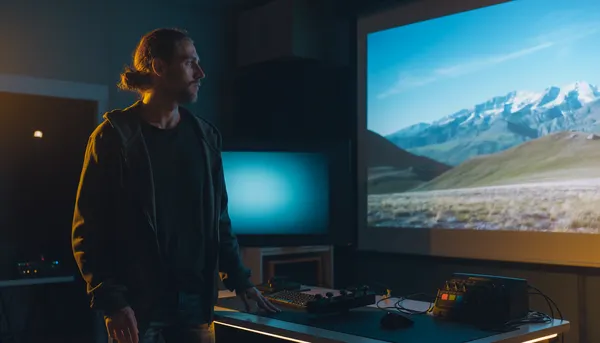 DaVinci Resolve Super Scale: Upscale 1080p to 4K Without False Promises
Upscale 1080p footage to a 4K timeline with Super Scale in DaVinci Resolve Studio. Learn where to find it, what it can improve, what it cannot restore and how to keep the render manageable.
DaVinci Resolve Super Scale: Upscale 1080p to 4K Without False Promises
Upscale 1080p footage to a 4K timeline with Super Scale in DaVinci Resolve Studio. Learn where to find it, what it can improve, what it cannot restore and how to keep the render manageable.
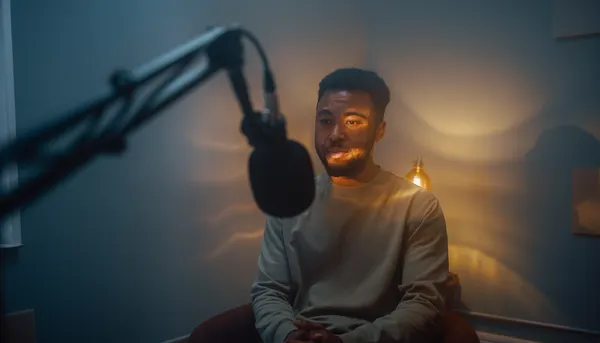 How to Reduce Room Echo in DaVinci Resolve
Reduce echoey dialogue in DaVinci Resolve with a practical Fairlight chain. Learn when to use Voice Isolation, EQ, dynamics and automation, and why room reverb cannot always be removed cleanly.
How to Reduce Room Echo in DaVinci Resolve
Reduce echoey dialogue in DaVinci Resolve with a practical Fairlight chain. Learn when to use Voice Isolation, EQ, dynamics and automation, and why room reverb cannot always be removed cleanly.
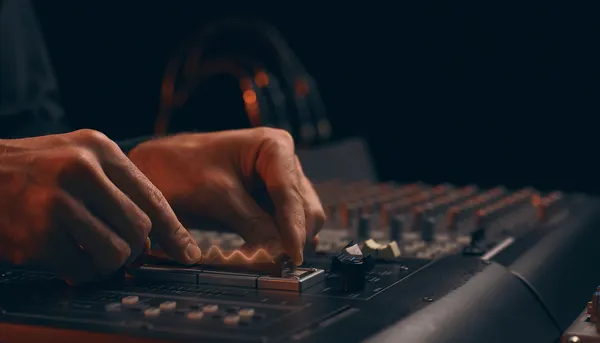 How to Fix Audio Clicks and Pops in DaVinci Resolve
Separate edit clicks from playback crackling, then fix each cause in DaVinci Resolve with clean clip boundaries, short fades, zero-crossing edits and Fairlight diagnostics.
How to Fix Audio Clicks and Pops in DaVinci Resolve
Separate edit clicks from playback crackling, then fix each cause in DaVinci Resolve with clean clip boundaries, short fades, zero-crossing edits and Fairlight diagnostics.
 How to Import an Image Sequence in DaVinci Resolve
Import PNG, JPEG or EXR frames as one clip in DaVinci Resolve. Fix separate-image imports, numbering gaps, wrong frame rates and sequences that will not assemble.
How to Import an Image Sequence in DaVinci Resolve
Import PNG, JPEG or EXR frames as one clip in DaVinci Resolve. Fix separate-image imports, numbering gaps, wrong frame rates and sequences that will not assemble.
 ACES vs DaVinci Resolve Color Management: Which Color Workflow Fits Your Project?
Compare ACES and Resolve Color Management without a fake winner. See how input transforms, working space, output transforms, handoff and LUT compatibility change the decision.
ACES vs DaVinci Resolve Color Management: Which Color Workflow Fits Your Project?
Compare ACES and Resolve Color Management without a fake winner. See how input transforms, working space, output transforms, handoff and LUT compatibility change the decision.
 DaVinci Resolve Color Warper: Change Hue and Chroma Without Breaking the Image
Use Color Warper in DaVinci Resolve to bend hue and chroma with a visible grid. Learn Normal and Chroma Warp modes, when to use strokes or points, and how to keep skin and neutrals stable.
DaVinci Resolve Color Warper: Change Hue and Chroma Without Breaking the Image
Use Color Warper in DaVinci Resolve to bend hue and chroma with a visible grid. Learn Normal and Chroma Warp modes, when to use strokes or points, and how to keep skin and neutrals stable.
 DaVinci Resolve HDR Color Wheels: How to Use HDR Zones Without Guesswork
Learn what HDR Color Wheels actually change in DaVinci Resolve, when to use them instead of Primary or Log wheels, and how to shape shadows, skin and highlights without wrecking the grade.
DaVinci Resolve HDR Color Wheels: How to Use HDR Zones Without Guesswork
Learn what HDR Color Wheels actually change in DaVinci Resolve, when to use them instead of Primary or Log wheels, and how to shape shadows, skin and highlights without wrecking the grade.
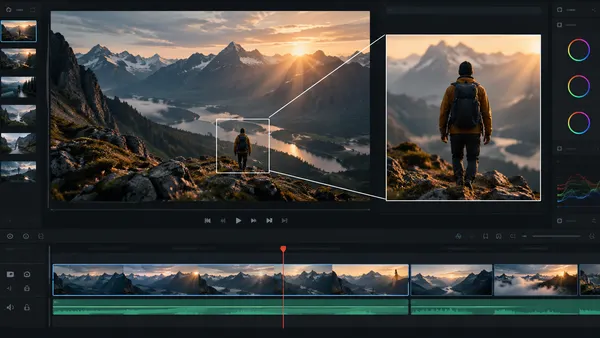 How to Zoom in DaVinci Resolve: Dynamic Zoom and Keyframes
Learn how to zoom a clip, pan across a photo and keep a subject in frame in DaVinci Resolve. Compare Dynamic Zoom with Inspector keyframes and fix common jumps, softness and wrong-direction moves.
How to Zoom in DaVinci Resolve: Dynamic Zoom and Keyframes
Learn how to zoom a clip, pan across a photo and keep a subject in frame in DaVinci Resolve. Compare Dynamic Zoom with Inspector keyframes and fix common jumps, softness and wrong-direction moves.
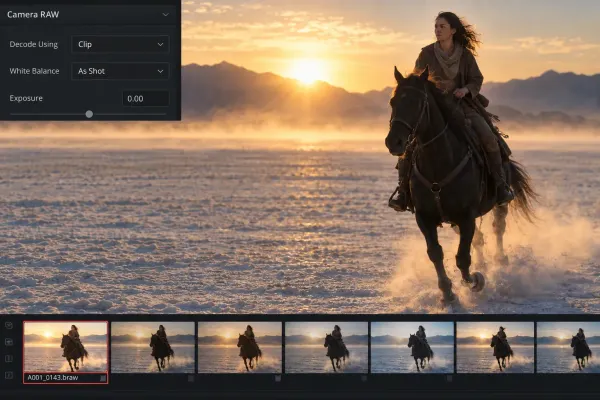 Blackmagic RAW in DaVinci Resolve: Camera RAW and Color Management
Set BRAW decode, Camera RAW and color management as one coherent chain. Choose RCM or manual YRGB, avoid double transforms and fix unavailable controls.
Blackmagic RAW in DaVinci Resolve: Camera RAW and Color Management
Set BRAW decode, Camera RAW and color management as one coherent chain. Choose RCM or manual YRGB, avoid double transforms and fix unavailable controls.
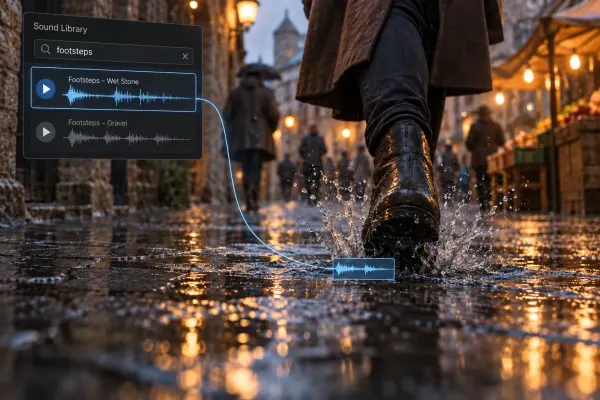 Fairlight Sound Library: Add, Search and Fix Missing Sounds
Add Blackmagic or custom sound libraries, search the Fairlight catalog, preview and audition effects, and fix missing results after updates or moves.
Fairlight Sound Library: Add, Search and Fix Missing Sounds
Add Blackmagic or custom sound libraries, search the Fairlight catalog, preview and audition effects, and fix missing results after updates or moves.
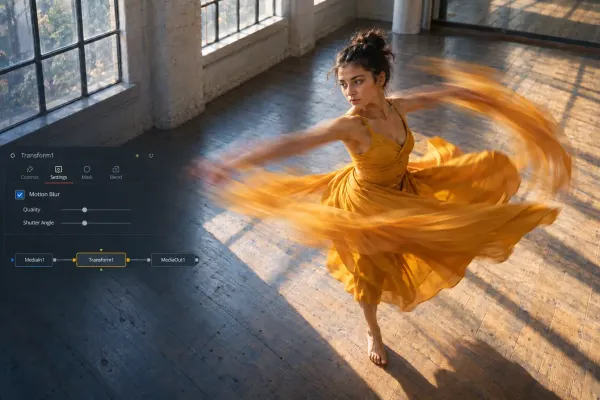 Motion Blur in DaVinci Resolve: Free, Fusion and Studio Methods
Choose the correct motion blur method for Fusion animation, recorded movement or retimed footage, with free and Studio workflows and artifact fixes.
Motion Blur in DaVinci Resolve: Free, Fusion and Studio Methods
Choose the correct motion blur method for Fusion animation, recorded movement or retimed footage, with free and Studio workflows and artifact fixes.