Home Jason Miller

Jason Miller
I run DaVinci Resolve Club as an independent publication: hands-on edits, color grading breakdowns, Fairlight sessions, Fusion tests, and honest notes on where Resolve gets in the way. Jason Miller on XAll Guides
132 published guides by Jason Miller.
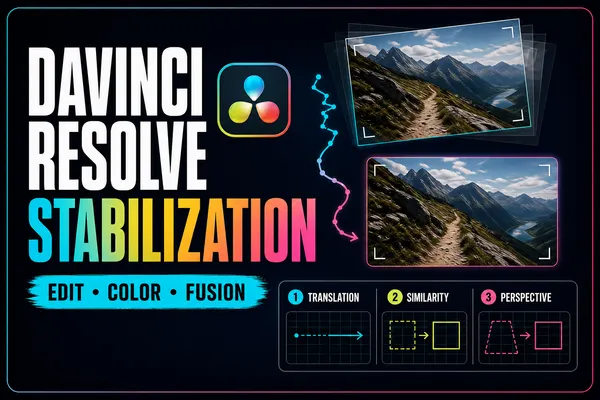 Stabilize Video in DaVinci Resolve: Edit, Color & Fusion
Start with the least destructive stabilizer, then escalate only when the shot needs controlled tracking. This guide explains every automatic mode, the crop-versus-smoothness tradeoff, and the point or plane you should track in Fusion.
Stabilize Video in DaVinci Resolve: Edit, Color & Fusion
Start with the least destructive stabilizer, then escalate only when the shot needs controlled tracking. This guide explains every automatic mode, the crop-versus-smoothness tradeoff, and the point or plane you should track in Fusion.
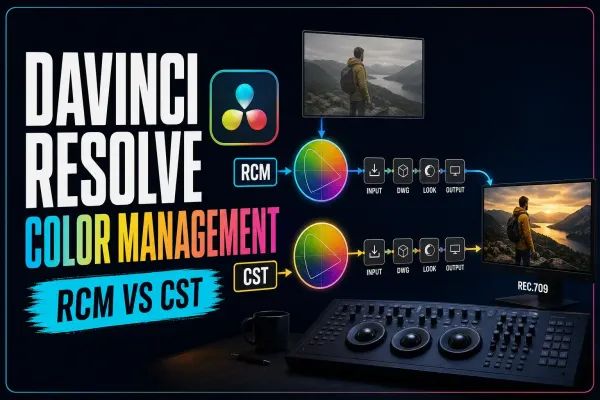 DaVinci Resolve Color Management: RCM vs CST & LUT Order
Stop memorizing color-management presets and follow the signal instead. This guide compares RCM and CST workflows, explains DaVinci Wide Gamut/Intermediate, places LUTs by their real input and output, and diagnoses double transforms.
DaVinci Resolve Color Management: RCM vs CST & LUT Order
Stop memorizing color-management presets and follow the signal instead. This guide compares RCM and CST workflows, explains DaVinci Wide Gamut/Intermediate, places LUTs by their real input and output, and diagnoses double transforms.
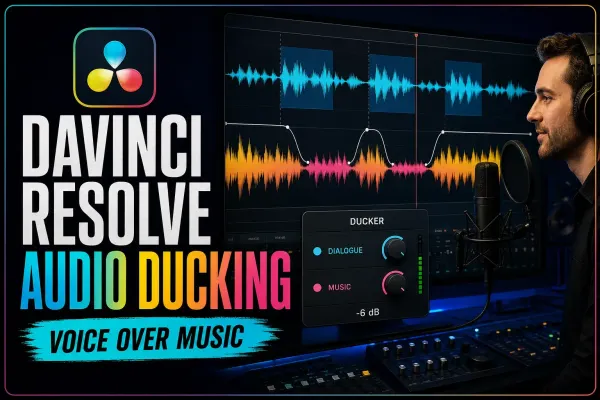 DaVinci Resolve Audio Ducking: Ducker, AI & Sidechain
Make room for dialogue without riding the music fader through every sentence. This guide separates Ducker Track FX, bus-capable sidechain compression and Studio's AI Audio Assistant, then shows how to tune and troubleshoot each route.
DaVinci Resolve Audio Ducking: Ducker, AI & Sidechain
Make room for dialogue without riding the music fader through every sentence. This guide separates Ducker Track FX, bus-capable sidechain compression and Studio's AI Audio Assistant, then shows how to tune and troubleshoot each route.
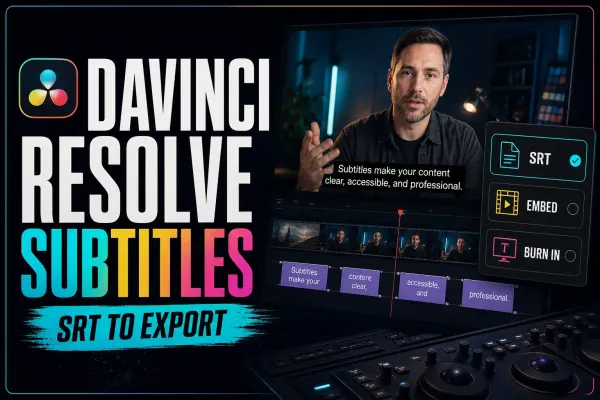 DaVinci Resolve Subtitles: Create, Style, Import & Export
Build captions as a delivery workflow, not a last-minute text layer. Learn when to use a subtitle track, Studio transcription or Text+, then import, time, style, check and export captions without losing sync or readability.
DaVinci Resolve Subtitles: Create, Style, Import & Export
Build captions as a delivery workflow, not a last-minute text layer. Learn when to use a subtitle track, Studio transcription or Text+, then import, time, style, check and export captions without losing sync or readability.
 DaVinci Resolve Multicam Editing: Sync to SmartSwitch
Build the multicam clip correctly before you start cutting. This guide shows how to choose a sync method, keep one clean audio source, switch or replace angles without breaking sync, and use Studio's SmartSwitch as a first pass rather than a finished edit.
DaVinci Resolve Multicam Editing: Sync to SmartSwitch
Build the multicam clip correctly before you start cutting. This guide shows how to choose a sync method, keep one clean audio source, switch or replace angles without breaking sync, and use Studio's SmartSwitch as a first pass rather than a finished edit.
 Fusion vs After Effects in 2026
Fusion is a strong fit for shot-based compositing inside Resolve. After Effects is often the faster choice for layer-driven motion design and Premiere templates. Compare the job, handoff and revision loop before choosing nodes or layers.
Fusion vs After Effects in 2026
Fusion is a strong fit for shot-based compositing inside Resolve. After Effects is often the faster choice for layer-driven motion design and Premiere templates. Compare the job, handoff and revision loop before choosing nodes or layers.
 DaVinci Resolve vs CapCut in 2026
CapCut is faster for same-day social clips, captions and templates across phone, web and desktop. Resolve is stronger when longer projects need controlled media, color, VFX, audio and delivery. Compare the complete publishing loop, not the number of AI buttons.
DaVinci Resolve vs CapCut in 2026
CapCut is faster for same-day social clips, captions and templates across phone, web and desktop. Resolve is stronger when longer projects need controlled media, color, VFX, audio and delivery. Compare the complete publishing loop, not the number of AI buttons.
 DaVinci Resolve vs Final Cut Pro in 2026
Final Cut Pro suits Mac-only editors who value the Magnetic Timeline and fast organization. Resolve is stronger when color, Fusion, Fairlight, cross-platform access or simultaneous collaboration belong in the same project. Test the same short edit in both before moving a live library.
DaVinci Resolve vs Final Cut Pro in 2026
Final Cut Pro suits Mac-only editors who value the Magnetic Timeline and fast organization. Resolve is stronger when color, Fusion, Fairlight, cross-platform access or simultaneous collaboration belong in the same project. Test the same short edit in both before moving a live library.
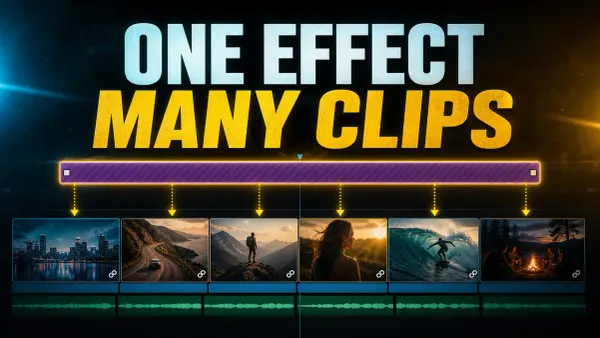 Adjustment Clips in DaVinci Resolve
On the Edit page, open Effects Library, then Toolbox, then Effects, drag an Adjustment Clip to a video track above the shots, and trim it to the exact range.
Adjustment Clips in DaVinci Resolve
On the Edit page, open Effects Library, then Toolbox, then Effects, drag an Adjustment Clip to a video track above the shots, and trim it to the exact range.
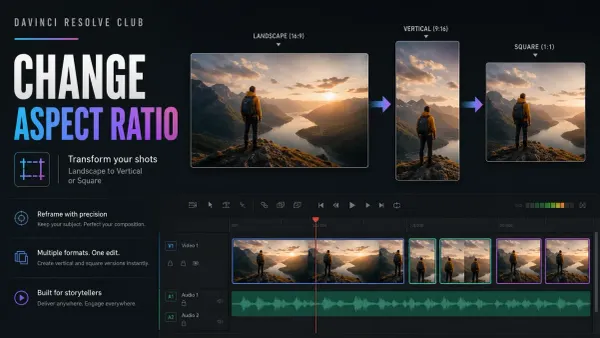 Change Resolution and Aspect Ratio in DaVinci Resolve
Duplicate the timeline, set its resolution and aspect ratio, then reframe each clip before export. Covers 16:9, 9:16, square and widescreen workflows, black bars, plus the controls available in Resolve Free and Studio.
Change Resolution and Aspect Ratio in DaVinci Resolve
Duplicate the timeline, set its resolution and aspect ratio, then reframe each clip before export. Covers 16:9, 9:16, square and widescreen workflows, black bars, plus the controls available in Resolve Free and Studio.
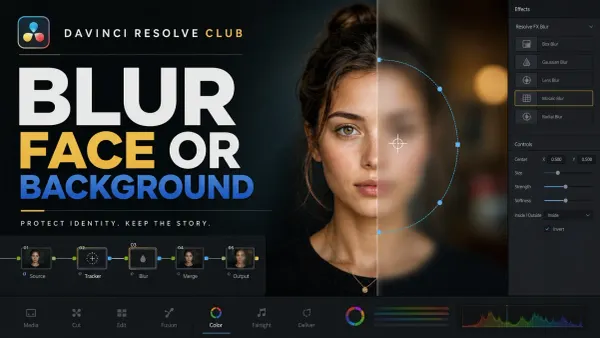 How to Blur a Face or Background in Resolve
Blur a moving face with a tracked Power Window, repair drift, or keep a person sharp with a background mask. Includes exact Free vs Studio routes for Resolve 21.
How to Blur a Face or Background in Resolve
Blur a moving face with a tracked Power Window, repair drift, or keep a person sharp with a background mask. Includes exact Free vs Studio routes for Resolve 21.
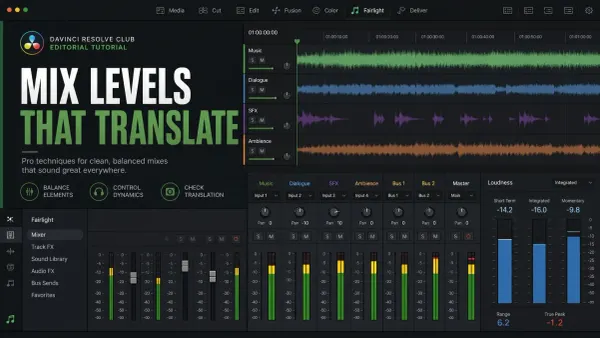 Audio Levels and LUFS in DaVinci Resolve
DaVinci Resolve audio levels need two checks: dBFS peak meters protect headroom, while LUFS/LKFS meters describe perceived loudness over time. Balance dialogue, music, and effects first; watch every bus for overload; then reset the Fairlight loudness meter and play the complete delivery range.
Audio Levels and LUFS in DaVinci Resolve
DaVinci Resolve audio levels need two checks: dBFS peak meters protect headroom, while LUFS/LKFS meters describe perceived loudness over time. Balance dialogue, music, and effects first; watch every bus for overload; then reset the Fairlight loudness meter and play the complete delivery range.