Home Jason Miller

Jason Miller
I run DaVinci Resolve Club as an independent publication: hands-on edits, color grading breakdowns, Fairlight sessions, Fusion tests, and honest notes on where Resolve gets in the way. Jason Miller on XAll Guides
132 published guides by Jason Miller.
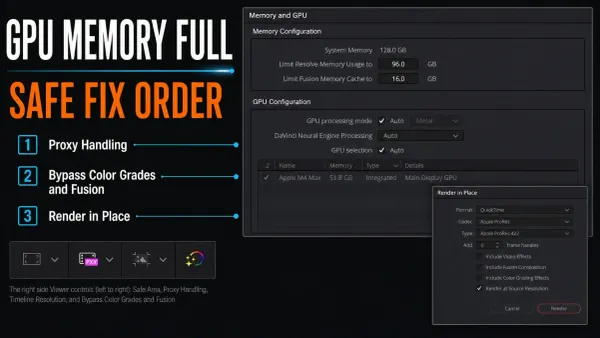 Fix GPU Memory Full in DaVinci Resolve
Save and duplicate the project, note the exact failing frame, then bypass the heaviest Color, Fusion, retime, and AI processing near that frame. Lower the timeline’s working resolution, restart Resolve, and test again.
Fix GPU Memory Full in DaVinci Resolve
Save and duplicate the project, note the exact failing frame, then bypass the heaviest Color, Fusion, retime, and AI processing near that frame. Lower the timeline’s working resolution, restart Resolve, and test again.
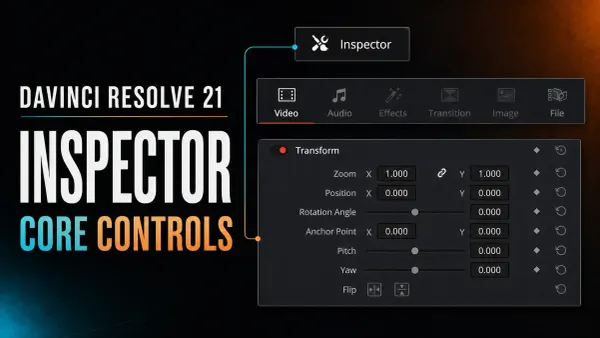 DaVinci Resolve Inspector: Core Controls Explained
Select a timeline item and open Inspector at the upper right. This Resolve 21 guide explains Transform, Crop, Audio, Effects, keyframes, resets, and blank-panel fixes.
DaVinci Resolve Inspector: Core Controls Explained
Select a timeline item and open Inspector at the upper right. This Resolve 21 guide explains Transform, Crop, Audio, Effects, keyframes, resets, and blank-panel fixes.
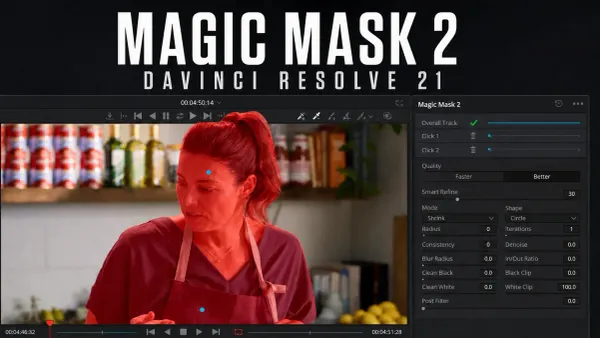 DaVinci Resolve Magic Mask: Resolve 21 Guide
Magic Mask isolates a person or object from a shot without hand-drawing a matte on every frame. In DaVinci Resolve 21 Studio, start on a clear frame, add a dedicated Color node, place one positive click inside the subject, track forward and backward, then inspect the black-and-white matte.
DaVinci Resolve Magic Mask: Resolve 21 Guide
Magic Mask isolates a person or object from a shot without hand-drawing a matte on every frame. In DaVinci Resolve 21 Studio, start on a clear frame, add a dedicated Color node, place one positive click inside the subject, track forward and backward, then inspect the black-and-white matte.
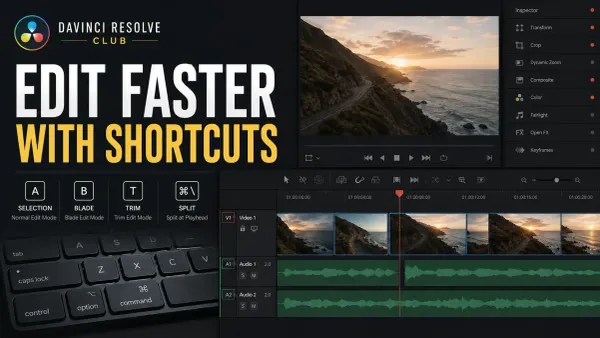 DaVinci Resolve Keyboard Shortcuts That Save Time
Learn Resolve 21 shortcuts in practical groups: J/K/L, I/O, A and B modes, Ctrl+\ or Cmd+\ for Split Clip, Ripple Delete, markers, snapping, timeline fit, and safe custom presets.
DaVinci Resolve Keyboard Shortcuts That Save Time
Learn Resolve 21 shortcuts in practical groups: J/K/L, I/O, A and B modes, Ctrl+\ or Cmd+\ for Split Clip, Ripple Delete, markers, snapping, timeline fit, and safe custom presets.
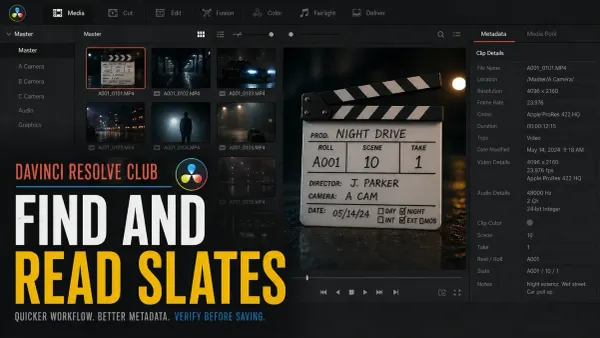 DaVinci Resolve 21 AI Slate ID and Slate Finder
In Resolve Studio 21, Slate Finder marks the readable slate range. Slate ID is a separate step: open it from Metadata, select trusted fields in Slate Information, then click Save.
DaVinci Resolve 21 AI Slate ID and Slate Finder
In Resolve Studio 21, Slate Finder marks the readable slate range. Slate ID is a separate step: open it from Metadata, select trusted fields in Slate Information, then click Save.
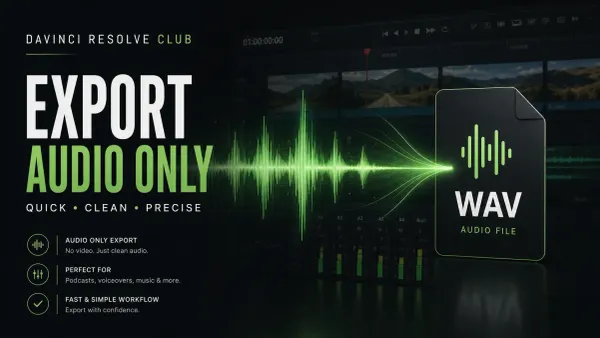 How to Export Audio Only in DaVinci Resolve
For one finished mix, open Deliver > Custom Export, turn Export Video off and Export Audio on, choose WAVE/Linear PCM, and select the actual stereo Main or Submix bus. 24-bit/48 kHz is common for video post, but the delivery specification wins. For stems, route groups to separate buses first.
How to Export Audio Only in DaVinci Resolve
For one finished mix, open Deliver > Custom Export, turn Export Video off and Export Audio on, choose WAVE/Linear PCM, and select the actual stereo Main or Submix bus. 24-bit/48 kHz is common for video post, but the delivery specification wins. For stems, route groups to separate buses first.
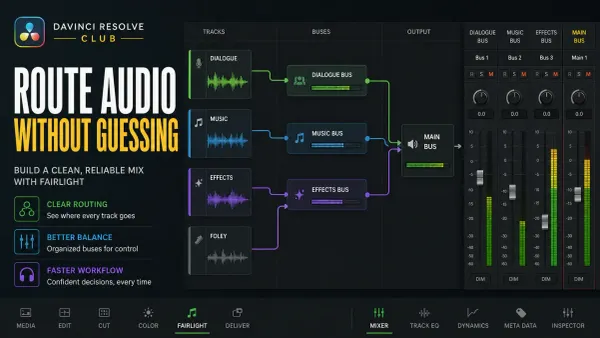 Fairlight Bus Routing Explained
For a simple DX/MX/FX layout, route source tracks to the intended dialogue, music, or effects submix, then route those buses to the final stereo bus. FlexBus also supports deliberate additional outputs and sends; trace every active path so parallel routes don't rejoin accidentally.
Fairlight Bus Routing Explained
For a simple DX/MX/FX layout, route source tracks to the intended dialogue, music, or effects submix, then route those buses to the final stereo bus. FlexBus also supports deliberate additional outputs and sends; trace every active path so parallel routes don't rejoin accidentally.
 Fairlight Compressor Settings for Dialogue
Set the Fairlight dialogue compressor in DaVinci Resolve 21: threshold, ratio, knee, mix, attack, hold, release, makeup gain, pumping fixes, and QA.
Fairlight Compressor Settings for Dialogue
Set the Fairlight dialogue compressor in DaVinci Resolve 21: threshold, ratio, knee, mix, attack, hold, release, makeup gain, pumping fixes, and QA.
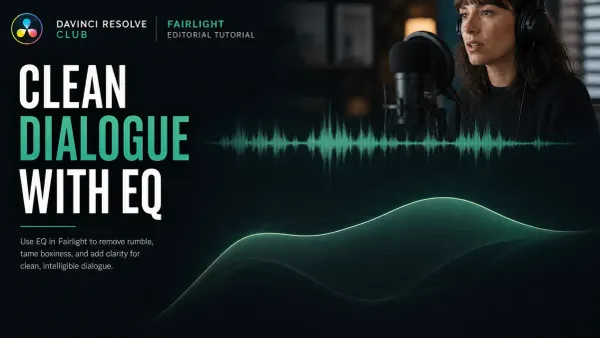 Fairlight EQ: Clean Dialogue in DaVinci Resolve
Start Fairlight dialogue EQ flat. Choose clip or track processing, correct only audible problems, and compare at matched loudness. Protect the voice’s body instead of copying a preset.
Fairlight EQ: Clean Dialogue in DaVinci Resolve
Start Fairlight dialogue EQ flat. Choose clip or track processing, correct only audible problems, and compare at matched loudness. Protect the voice’s body instead of copying a preset.
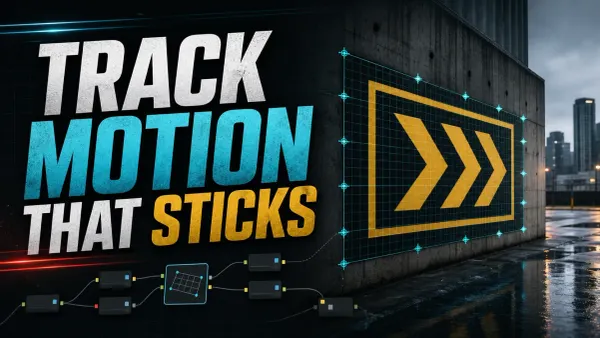 DaVinci Resolve Fusion Tracking: Point, Planar & 3D
For motion tracking in DaVinci Resolve, use Tracker for one or more 2D features, Planar Tracker for a rigid surface, and Camera Tracker for a parallax-rich 3D solve. Point and planar tracking work in Free; Camera Tracker requires Studio.
DaVinci Resolve Fusion Tracking: Point, Planar & 3D
For motion tracking in DaVinci Resolve, use Tracker for one or more 2D features, Planar Tracker for a rigid surface, and Camera Tracker for a parallax-rich 3D solve. Point and planar tracking work in Free; Camera Tracker requires Studio.
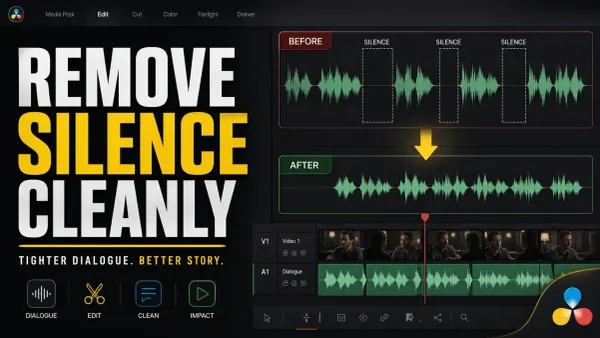 How to Remove Silence in DaVinci Resolve
In Resolve 21, select an Edit or Cut timeline clip and choose Clip > Audio Operations > Ripple Delete Silence. Set Threshold from room tone, protect words with Pre Head/Post Tail, choose Minimum to Trip, preview the red stripes, then review every ripple and jump cut.
How to Remove Silence in DaVinci Resolve
In Resolve 21, select an Edit or Cut timeline clip and choose Clip > Audio Operations > Ripple Delete Silence. Set Threshold from room tone, protect words with Pre Head/Post Tail, choose Minimum to Trip, preview the red stripes, then review every ripple and jump cut.
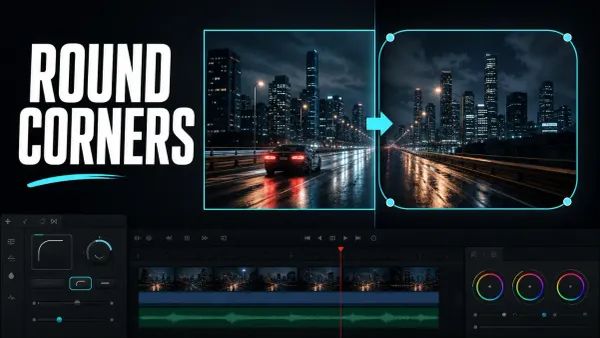 How to Round Corners in DaVinci Resolve
To round a video in DaVinci Resolve, open the clip in Fusion, select MediaIn1, and add a Rectangle mask. Confirm Rectangle1 feeds MediaIn1’s blue mask input, then increase Corner Radius in the Inspector.
How to Round Corners in DaVinci Resolve
To round a video in DaVinci Resolve, open the clip in Fusion, select MediaIn1, and add a Rectangle mask. Confirm Rectangle1 feeds MediaIn1’s blue mask input, then increase Corner Radius in the Inspector.