Home Jason Miller

Jason Miller
I run DaVinci Resolve Club as an independent publication: hands-on edits, color grading breakdowns, Fairlight sessions, Fusion tests, and honest notes on where Resolve gets in the way. Jason Miller on XAll Guides
132 published guides by Jason Miller.
 DaVinci Resolve Keyframes and Curve Editor Guide
Create and retime keyframes in DaVinci Resolve 21, then use the Curve Editor for easing and Bezier control. This guide also separates motion paths from value curves and fixes missing keyframes, handles and editor views.
DaVinci Resolve Keyframes and Curve Editor Guide
Create and retime keyframes in DaVinci Resolve 21, then use the Curve Editor for easing and Bezier control. This guide also separates motion paths from value curves and fixes missing keyframes, handles and editor views.
 How to Sync Audio and Video in DaVinci Resolve 21
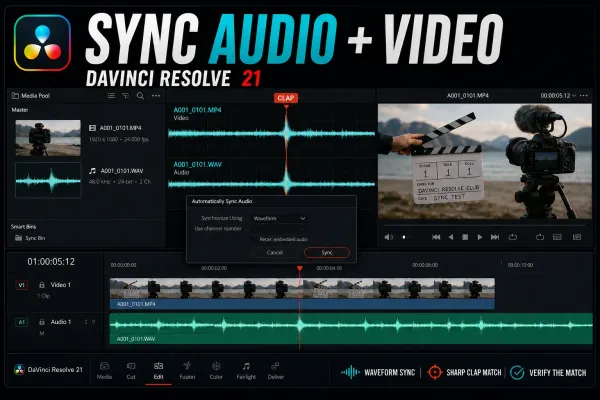
Sync camera video with externally recorded audio by waveform, timecode, markers or a manual clap. This Resolve 21 guide separates Media Pool Auto Sync from timeline Auto Align, explains Retain Embedded Audio, and diagnoses failed matches and long-recording drift.
How to Sync Audio and Video in DaVinci Resolve 21
Sync camera video with externally recorded audio by waveform, timecode, markers or a manual clap. This Resolve 21 guide separates Media Pool Auto Sync from timeline Auto Align, explains Retain Embedded Audio, and diagnoses failed matches and long-recording drift.
 How to Record Voiceover in DaVinci Resolve 21
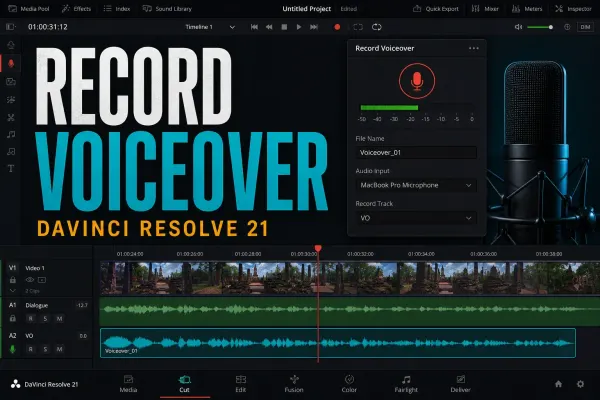
Record narration directly into a Resolve 21 timeline with the Cut or Edit Voiceover tool, then move to Fairlight only when you need explicit patching, multiple tracks or ADR. Includes a meter-first fix for silent takes, monitoring lag, one-ear audio and low levels.
How to Record Voiceover in DaVinci Resolve 21
Record narration directly into a Resolve 21 timeline with the Cut or Edit Voiceover tool, then move to Fairlight only when you need explicit patching, multiple tracks or ADR. Includes a meter-first fix for silent takes, monitoring lag, one-ear audio and low levels.
 DaVinci Resolve Export Looks Washed Out: Fix Color & Gamma
A washed-out render isn't one problem. Re-import a short export, compare the same frame and scopes, then isolate data levels, output transforms, QuickTime/macOS display behavior, or platform playback without grading around the wrong symptom.
DaVinci Resolve Export Looks Washed Out: Fix Color & Gamma
A washed-out render isn't one problem. Re-import a short export, compare the same frame and scopes, then isolate data levels, output transforms, QuickTime/macOS display behavior, or platform playback without grading around the wrong symptom.
 DaVinci Resolve Render Cache: Smart vs User Guide
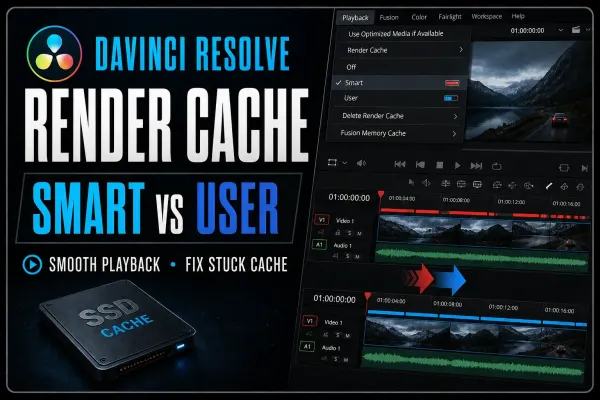
Render Cache turns expensive timeline processing into temporary media that Resolve can replay smoothly. This guide shows when to use Smart or User, what the red and blue bars mean, where cache files live, and how to fix a cache that never completes.
DaVinci Resolve Render Cache: Smart vs User Guide
Render Cache turns expensive timeline processing into temporary media that Resolve can replay smoothly. This guide shows when to use Smart or User, what the red and blue bars mean, where cache files live, and how to fix a cache that never completes.
 Remove Objects in DaVinci Resolve: Object Removal Guide
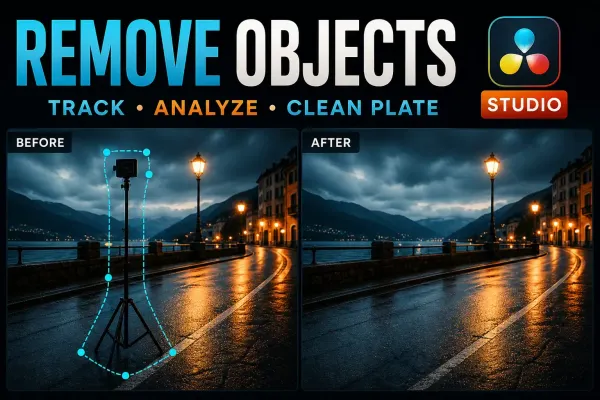
Object Removal works when the shot contains enough clean background to rebuild. Start by judging the plate, then track, analyze and inspect every frame.
Remove Objects in DaVinci Resolve: Object Removal Guide
Object Removal works when the shot contains enough clean background to rebuild. Start by judging the plate, then track, analyze and inspect every frame.
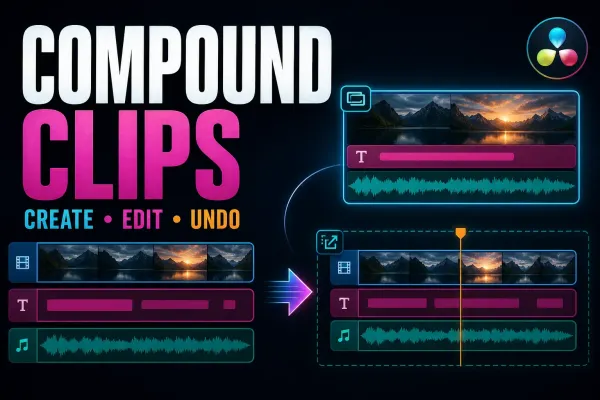 Compound Clips in DaVinci Resolve: Create, Edit and Undo
Compound clips are editable nested containers, not rendered media. Use them when one timeline object is useful and know how to get the original clips back.
Compound Clips in DaVinci Resolve: Create, Edit and Undo
Compound clips are editable nested containers, not rendered media. Use them when one timeline object is useful and know how to get the original clips back.
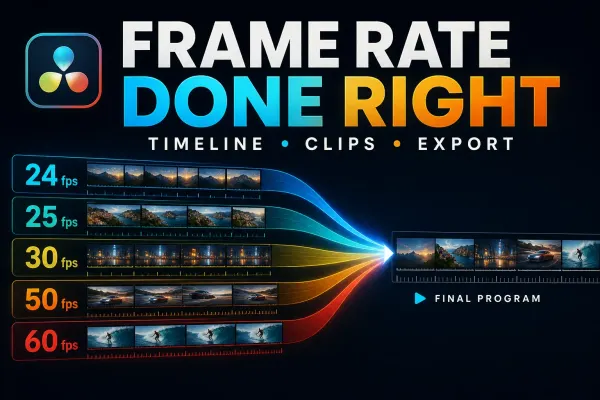 DaVinci Resolve Frame Rate: Set Timeline FPS Correctly
Timeline FPS, clip interpretation and export FPS are different decisions. Choose the outcome first, then change the correct setting.
DaVinci Resolve Frame Rate: Set Timeline FPS Correctly
Timeline FPS, clip interpretation and export FPS are different decisions. Choose the outcome first, then change the correct setting.
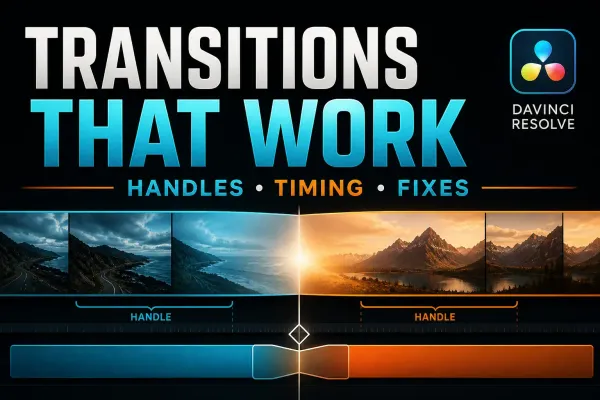 DaVinci Resolve Transitions: Add, Trim and Fix Them
A practical transition workflow built around the detail most tutorials skip: the unused source frames on both sides of the cut.
DaVinci Resolve Transitions: Add, Trim and Fix Them
A practical transition workflow built around the detail most tutorials skip: the unused source frames on both sides of the cut.
 DaVinci Resolve Keeps Crashing? Find the Exact Trigger
Stop trying random crash fixes. Classify the failure, protect the project, reproduce one trigger and change one variable at a time.
DaVinci Resolve Keeps Crashing? Find the Exact Trigger
Stop trying random crash fixes. Classify the failure, protect the project, reproduce one trigger and change one variable at a time.
 DaVinci Resolve Won't Import MP4? Fix Audio-Only Clips
An MP4 extension does not identify the video inside it. Use this symptom-first workflow to separate codec trouble, damaged media and a simple V1 source-patching mistake.
DaVinci Resolve Won't Import MP4? Fix Audio-Only Clips
An MP4 extension does not identify the video inside it. Use this symptom-first workflow to separate codec trouble, damaged media and a simple V1 source-patching mistake.
 Export Transparent Video in DaVinci Resolve (Alpha)
Transparency survives only when the timeline contains real alpha, the selected format can store RGBA, and Export Alpha is enabled. This guide covers the correct render path, verification and the black-background traps.
Export Transparent Video in DaVinci Resolve (Alpha)
Transparency survives only when the timeline contains real alpha, the selected format can store RGBA, and Export Alpha is enabled. This guide covers the correct render path, verification and the black-background traps.