Home Tutorials
DaVinci Resolve topic library
Tutorials
Step-by-step DaVinci Resolve tutorials for editing, color, Fusion, and audio.
What this library covers
Choose the task, then open one focused guide
Choose by the result you need, not by the name of a Resolve page or tool. Each card takes one job from the first setting to a result you can check.
Start with the resultPick the card that matches what you need to finish, fix or understand.
Use one guide at a timeEach article owns one task, so you do not have to decode a giant index.
Move to the next real stepRelated tasks stay visible without repeating every link on the page.
Choose the task
Guides in this library
One card opens one focused guide. Covers stay visible, and the same article is not repeated in a second link list.
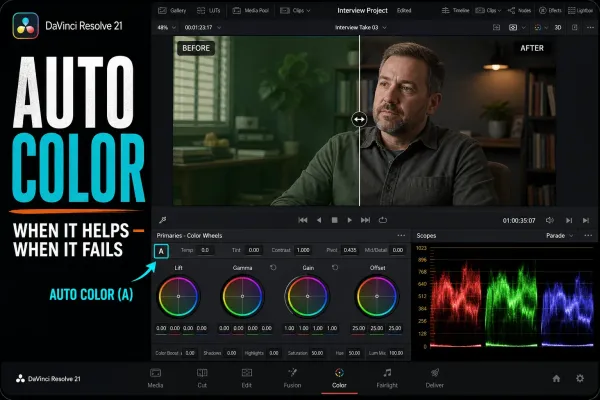 DaVinci Resolve Auto Color: How It Works, When It Fails
Auto Color analyzes the current frame and proposes a neutral starting correction. Learn the exact Resolve 21 controls, why results fail, how to check the node with scopes, and when a different matching tool is the better reference.
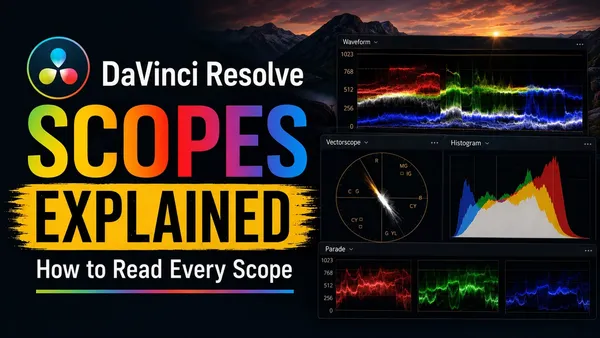 DaVinci Resolve Scopes Explained: How to Read Every Scope
Read every DaVinci Resolve 21 scope by the question it answers: exposure, channel balance, hue and saturation, tonal distribution or gamut boundary. Includes current paths, scale behavior and practical mistakes to avoid.
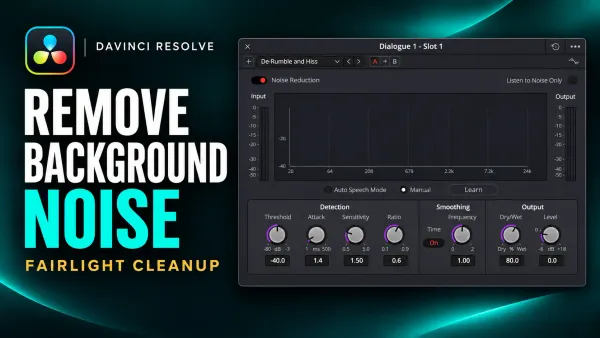 How to Remove Background Noise in DaVinci Resolve
Match the noise to the tool: Noise Reduction for steady broadband sound, De-Hummer for mains hum, a Gate or clip edit for pauses, and Studio Voice Isolation for changing background around speech.
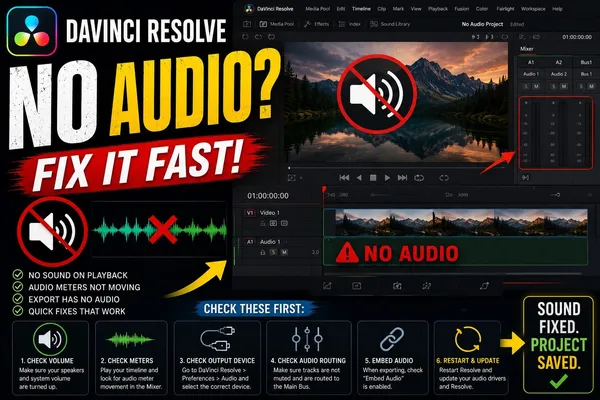 DaVinci Resolve No Audio
Unmute the speaker button and switch off DIM at the right of the Fairlight transport, clear M and S on the audio tracks, then set Preferences > System > Video and Audio I/O > Output Device to the speakers you're using. After switching headphones, save and reopen Resolve once.
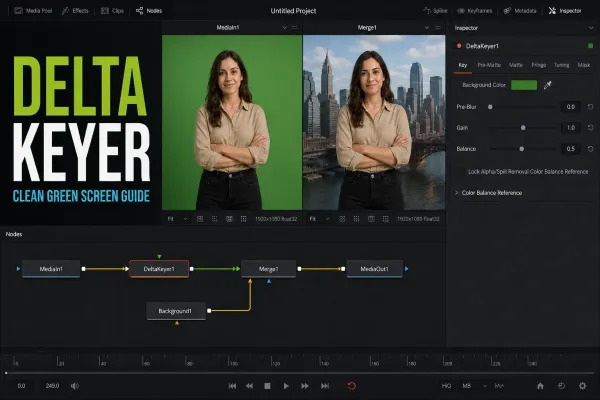 DaVinci Resolve Delta Keyer: Complete Settings Guide
Work the Delta Keyer in a diagnostic order: sample the screen, normalize variation with Pre Matte or Clean Plate, inspect the alpha, apply masks, suppress spill, then use Tuning only for a specific tonal range.
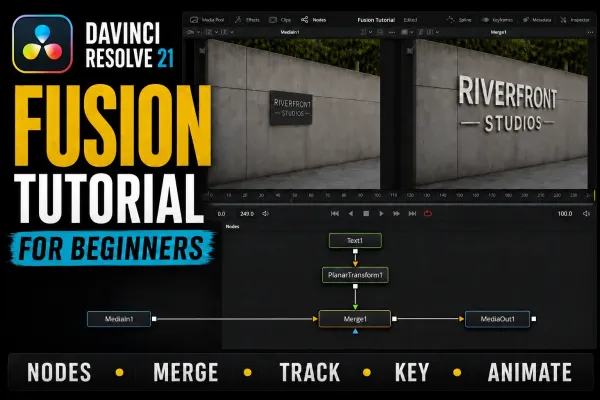 DaVinci Resolve Fusion Tutorial for Beginners
Learn Fusion through three finished comps: a surface-tracked title, a Delta Keyer green-screen composite and an animated lower third, with exact node inputs, viewer fixes and current Resolve 21 boundaries.
 DaVinci Resolve Render Failed
Copy the exact message and timecode, then render a few seconds around that point. "Unable to load project" can come from a leftover Magic Mask on a clip in the range; "current clip could not be processed" points to that clip, its Fusion comp or OFX; decoding errors point to the source file.
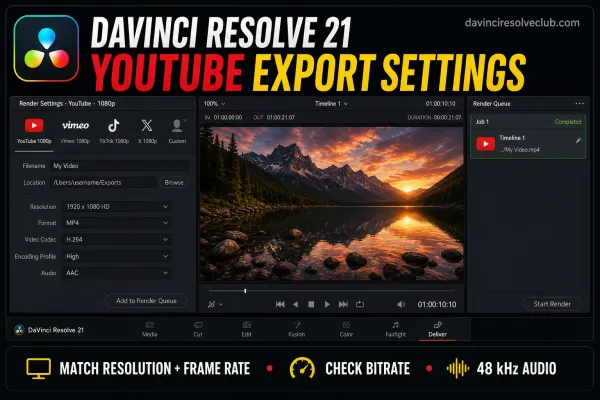 DaVinci Resolve YouTube Export Settings
Export MP4 with H.264 High at the timeline's resolution and frame rate, AAC at 48 kHz and BT.709 tags. YouTube's SDR reference is 8 Mbps for 1080p (12 at 48 to 60 fps), 16 Mbps for 1440p and 35–45 Mbps for 4K (53–68 at high frame rates). These are references, not minimums.
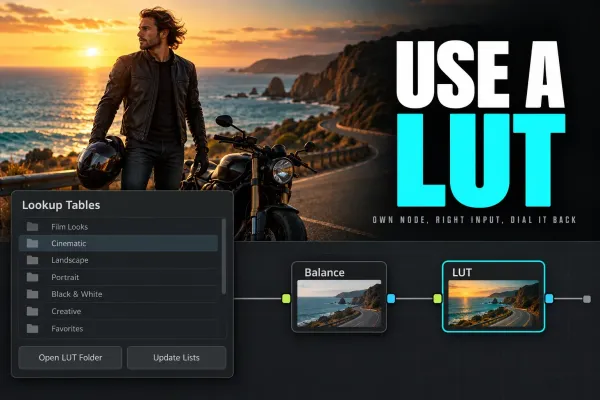 How to Use LUTs in DaVinci Resolve
Install LUTs through Open LUT Folder and Update Lists, apply them to a node, then verify the expected input before adjusting strength, node order or color management.
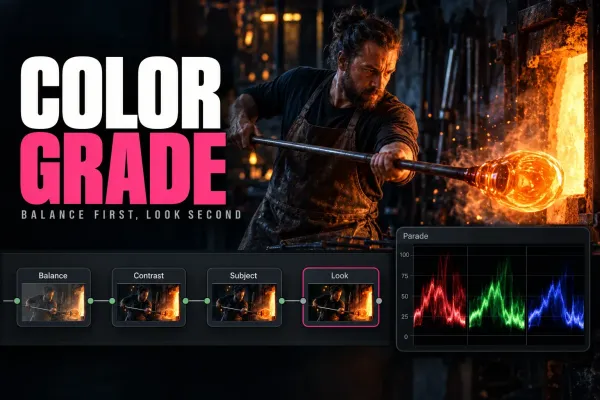 How to Color Grade in DaVinci Resolve: Beginner Tutorial
Set a deliberate input, working and output color path first; then correct exposure and balance, match the sequence, build the look, and inspect every secondary correction in motion.
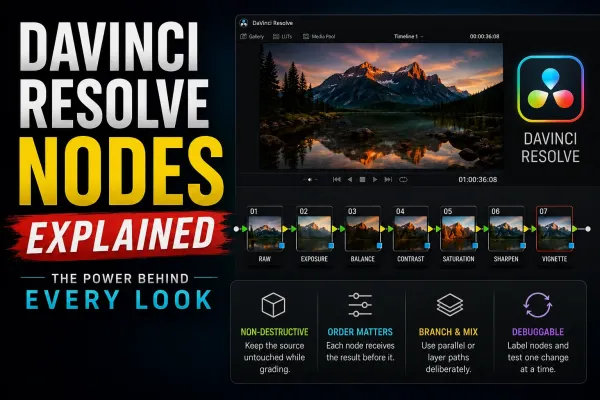 DaVinci Resolve Nodes Explained
A Color-page node represents one step in the grade. Correctors hold adjustments; mixers combine image branches or keys. Follow the connections to understand the order. Start with a short serial chain and label nodes by their purpose.
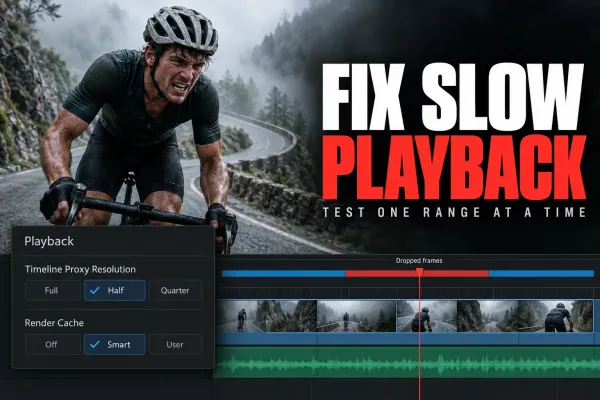 DaVinci Resolve Playback Lag: How to Fix Slow, Choppy Playback
To fix DaVinci Resolve playback lag, set Playback > Timeline Proxy Resolution to Half first. If only camera or phone H.264/H.265 clips stutter, make proxy or optimized media. If lag starts at a grade or effect, set Render Cache to Smart and wait for blue. Keep GPU on Auto and a laptop plugged in.