Home Tutorials
DaVinci Resolve topic library
Tutorials
Step-by-step DaVinci Resolve tutorials for editing, color, Fusion, and audio.
What this library covers
Choose the task, then open one focused guide
Choose by the result you need, not by the name of a Resolve page or tool. Each card takes one job from the first setting to a result you can check.
Start with the resultPick the card that matches what you need to finish, fix or understand.
Use one guide at a timeEach article owns one task, so you do not have to decode a giant index.
Move to the next real stepRelated tasks stay visible without repeating every link on the page.
Choose the task
Guides in this library
One card opens one focused guide. Covers stay visible, and the same article is not repeated in a second link list.
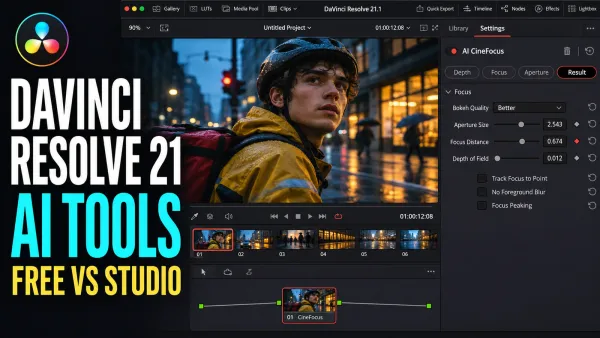 DaVinci Resolve 21 AI Tools: Free vs Studio Breakdown
Find the right Studio AI tool for your task, install its model and avoid setup mistakes. Covers clip search, speech, focus, faces, slate metadata and blur repair.
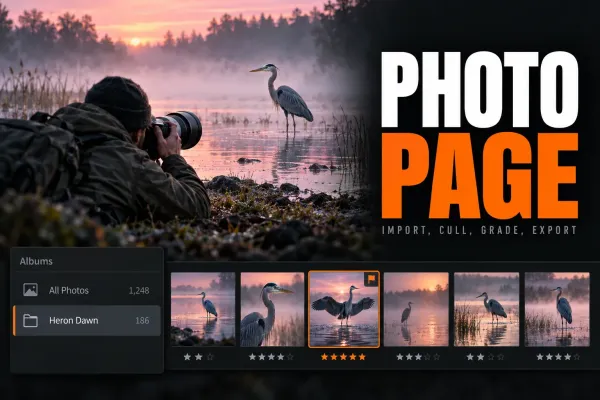 DaVinci Resolve 21 Photo Page: Full Walkthrough
Resolve 21’s Photo page can import, cull, grade and export RAW stills. This walkthrough covers albums, nodes, the Free UHD output ceiling, Studio tethering and the Lightroom limits that matter on a real job.
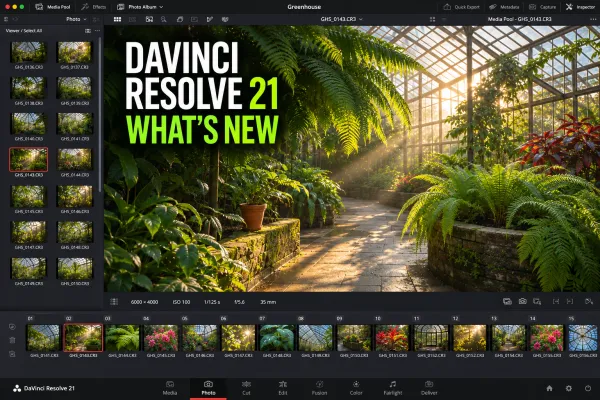 DaVinci Resolve 21: What's New, AI Tools, Photo Page and Upgrade Notes
The latest build is DaVinci Resolve 21.2 from November 4, 2026. Version 21, released June 3, added the Photo page, Studio AI tools such as IntelliSearch and deeper keyframe controls; 21.1 added Inspector presets, 25-angle multicam switching and Python changes. Back up your Project Library first.
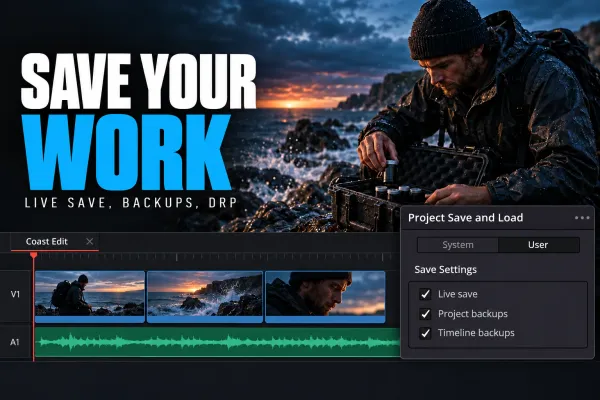 How to Save Work in DaVinci Resolve
Press Ctrl+S on Windows/Linux or Cmd+S on Mac, or choose File > Save Project. In Preferences > User > Project Save and Load, keep Live Save on and enable Project Backups for restore points. For a copy outside the library, export a DRP; to save the video itself as an MP4, use Deliver.
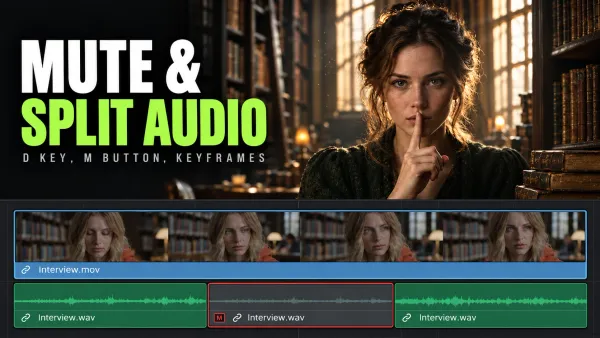 How to Mute and Split Audio in DaVinci Resolve
Select only the audio item and press D to disable it. Click a track's M button to mute that track. For a short section, split and disable the middle; use keyframes for a gradual reduction.
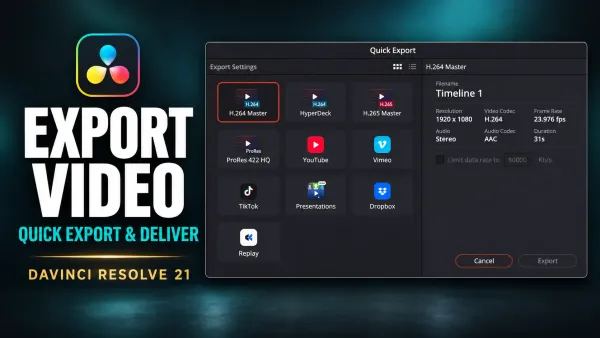 How to Export Video in DaVinci Resolve 21
Open Deliver, choose Custom Export, name the file and set its Location, pick Single Clip, set Format to MP4 and Codec to H.264, and keep Export Audio on. Click Add to Render Queue, then Render All or Start Render. Adding a job alone encodes nothing. File > Quick Export is the faster preset route.
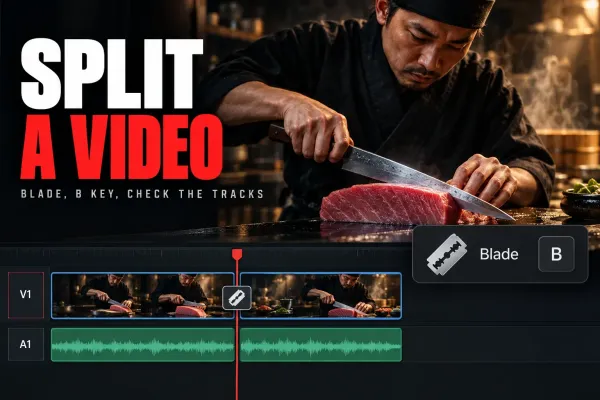 How to Split a Video in DaVinci Resolve
On the Edit page, park the playhead on the frame and press Cmd+\ on Mac or Ctrl+\ on Windows (Timeline > Split Clips), or press B, click the cut point and press A to go back. Lock any track that must stay whole. To rejoin the halves, select the dotted through edit and press Delete.
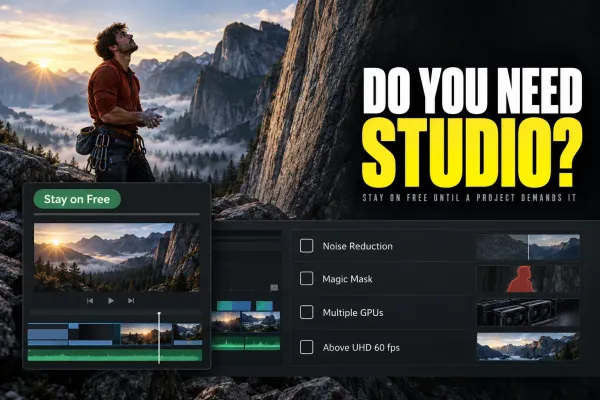 DaVinci Resolve vs DaVinci Resolve Studio: Which Do You Need?
Start with Free. Pay $295 US for Studio when you need a named paid tool, an unsupported codec path, Python scripting in 21.1 or output above UHD 60 fps. This comparison separates real upgrade reasons from features your project may never use.
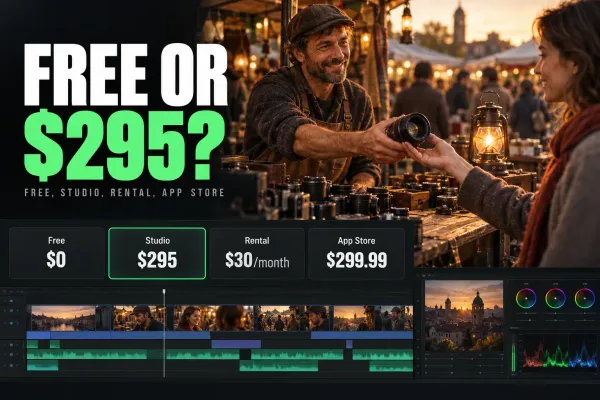 How Much Does DaVinci Resolve Cost?
Resolve is free. Compare the $295 standard Studio purchase, documented $30/month Cloud rental, $299.99 regular Mac App Store price and $94.99 iPad upgrade. The purchase channel determines which installation your license unlocks.
 DaVinci Resolve vs Premiere Pro (2026)
Choose Resolve for integrated editing, color, Fusion and Fairlight, or when Free covers the job. Choose Premiere when Adobe applications and collaborators define the workflow. Compare costs, AI limits and the work involved in switching.
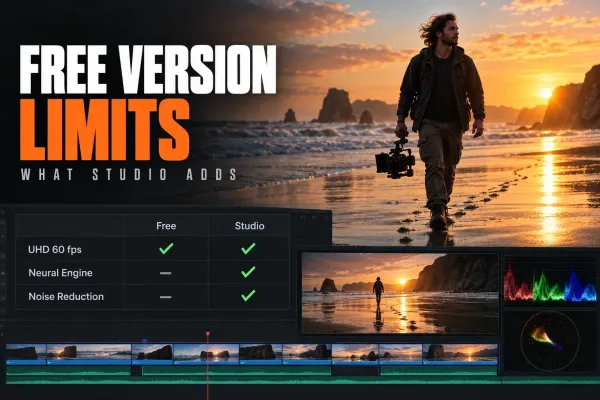 DaVinci Resolve Free Version Features: What You Lose Without Studio
Yes. DaVinci Resolve Free has no time limit, no subscription and no watermark on work made with Free tools. It includes Cut, Edit, Color, Fusion, Fairlight, Photo and HDR grading, with output up to UHD at 60 fps. Studio, $295 once, adds Neural Engine AI, video noise reduction and more Resolve FX.
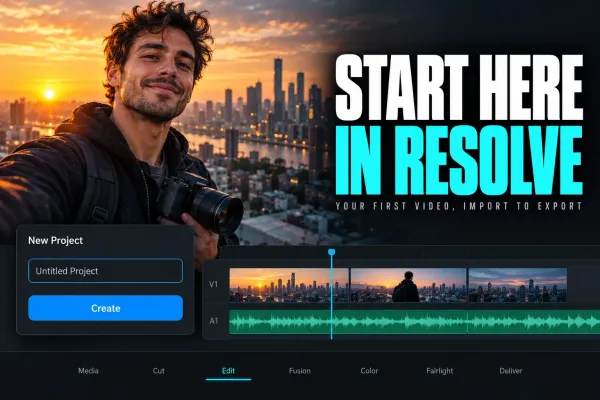 DaVinci Resolve Tutorial for Beginners
For a first Resolve 21 project, use the free version unless you already need a Studio-only feature. Set frame rate before importing, build a short edit on the Edit page, add one title, balance audio, make a restrained color pass, then export and play the file from beginning to end.