Home Tutorials
DaVinci Resolve topic library
Tutorials
Step-by-step DaVinci Resolve tutorials for editing, color, Fusion, and audio.
What this library covers
Choose the task, then open one focused guide
Choose by the result you need, not by the name of a Resolve page or tool. Each card takes one job from the first setting to a result you can check.
Start with the resultPick the card that matches what you need to finish, fix or understand.
Use one guide at a timeEach article owns one task, so you do not have to decode a giant index.
Move to the next real stepRelated tasks stay visible without repeating every link on the page.
Choose the task
Guides in this library
One card opens one focused guide. Covers stay visible, and the same article is not repeated in a second link list.
 Fairlight Compressor Settings for Dialogue
Set the Fairlight dialogue compressor in DaVinci Resolve 21: threshold, ratio, knee, mix, attack, hold, release, makeup gain, pumping fixes, and QA.
 Fairlight EQ: Clean Dialogue in DaVinci Resolve
Start Fairlight dialogue EQ flat. Choose clip or track processing, correct only audible problems, and compare at matched loudness. Protect the voice’s body instead of copying a preset.
 DaVinci Resolve Fusion Tracking: Point, Planar & 3D
For motion tracking in DaVinci Resolve, use Tracker for one or more 2D features, Planar Tracker for a rigid surface, and Camera Tracker for a parallax-rich 3D solve. Point and planar tracking work in Free; Camera Tracker requires Studio.
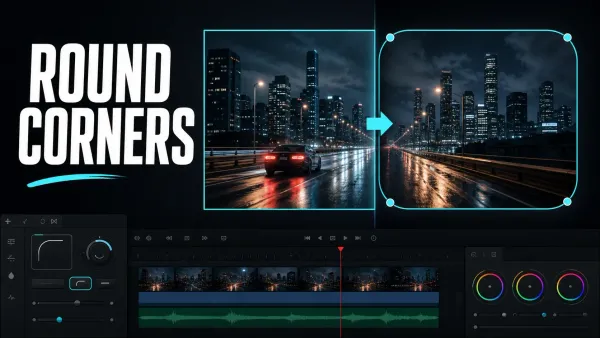 How to Round Corners in DaVinci Resolve
To round a video in DaVinci Resolve, open the clip in Fusion, select MediaIn1, and add a Rectangle mask. Confirm Rectangle1 feeds MediaIn1’s blue mask input, then increase Corner Radius in the Inspector.
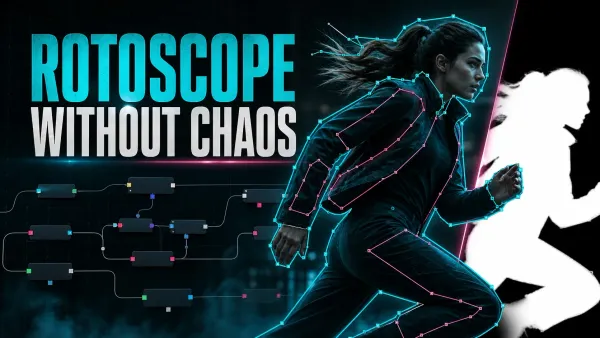 DaVinci Resolve Rotoscoping: Polygon, B-Spline & MultiPoly
For rotoscoping in DaVinci Resolve Fusion, split the subject into simple overlapping Polygon, B-Spline, or MultiPoly shapes. Draw a clean key pose, animate the end and middle poses, then keep dividing only the sections where interpolation fails.
 How to Update DaVinci Resolve Safely
Update DaVinci Resolve without sacrificing active work. Export DRP files, back up the Project Library, protect media and plug-ins, retain the old installer, test an imported copy, and keep a verified rollback path.
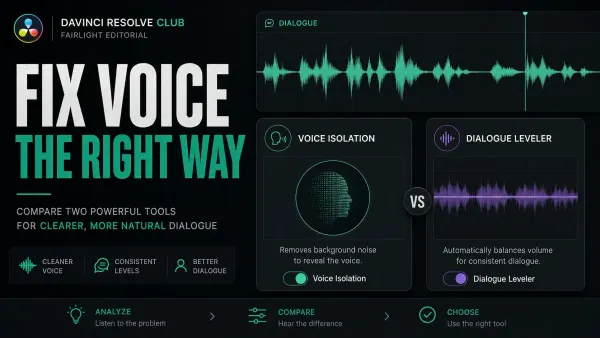 Voice Isolation vs Dialogue Leveler in DaVinci Resolve
Voice Isolation separates speech from competing sound and requires Resolve Studio. Dialogue Leveler evens loud and soft dialogue and works in desktop Free and Studio. Match clip gain first, isolate only when noise masks words, then level at matched loudness.
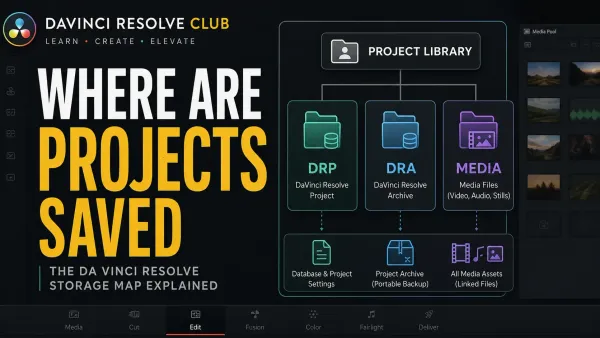 Where DaVinci Resolve Projects Are Saved
Resolve saves projects in a library folder called Resolve Disk Database, not as loose files. By default it's in ~/Library/Application Support/Blackmagic Design/DaVinci Resolve on Mac and AppData\Roaming\Blackmagic Design\DaVinci Resolve\Support on Windows. Project Manager can open it for you.
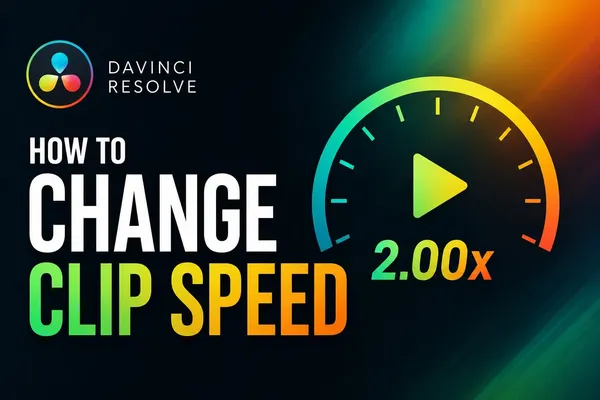 How to Change Clip Speed in DaVinci Resolve
Right-click the clip and choose Change Clip Speed, then type 200% to speed it up or 50% to slow it down. Tick Ripple Sequence if later clips should move to fit. For a speed change inside one shot, press Ctrl+R (Cmd+R on Mac) to open Retime Controls and add speed points.
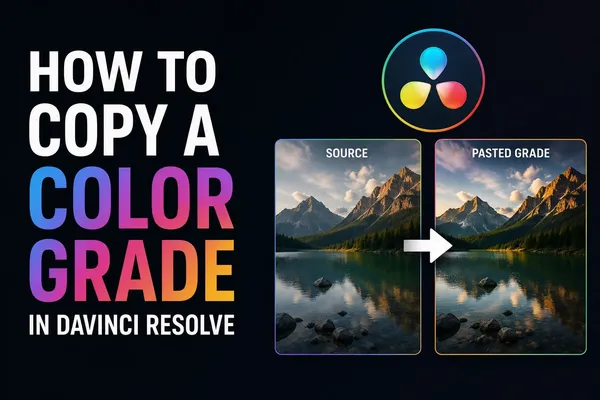 How to Copy a Color Grade in DaVinci Resolve
Copy the graded clip with Cmd or Ctrl+C, select the destinations, paste. Middle-click does it in one action; both replace the target grade. To add a saved look without wiping existing nodes, right-click a Gallery still and choose Append Node Graph. Groups and shared nodes scale it to whole scenes.
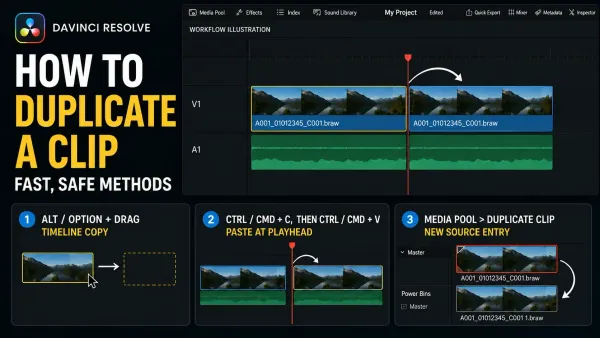 How to Duplicate a Clip in DaVinci Resolve (Fast Ways)
Select a timeline clip, hold Alt on Windows/Linux or Option on Mac, and drag. Release the mouse before the key. Use Paste Insert to make room, and check Sync Lock before moving later clips.
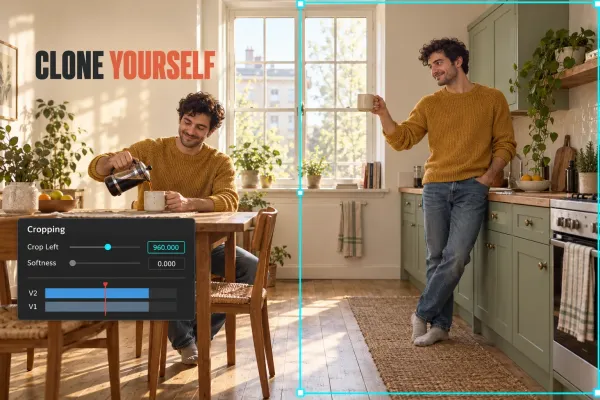 How to Clone Yourself in DaVinci Resolve (Clone Effect)
Lock the camera, match exposure and timing, then choose a fixed Edit-page crop, a maintained Power Window, Studio Magic Mask 2, or Fusion tracking. Crossing paths adds an animated matte plus explicit occlusion and shadow decisions.