Choose the task
Which choice are you making?
Already using Resolve? Compare editions or costs first. Choosing a different editor? Pick the comparison for your timeline, team and delivery needs.
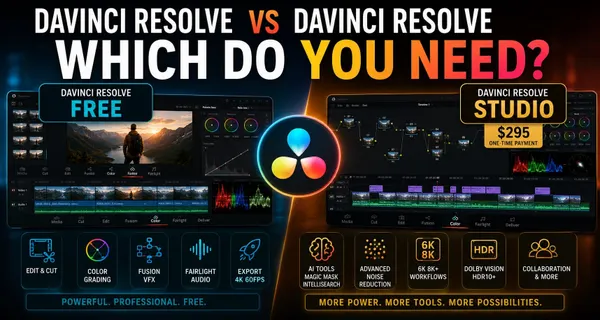
DaVinci Resolve vs DaVinci Resolve Studio: Which Do You Need?
Decide whether a specific Studio feature justifies upgrading. Compare output limits, noise reduction, AI tools and codec support against the work you actually need to deliver.
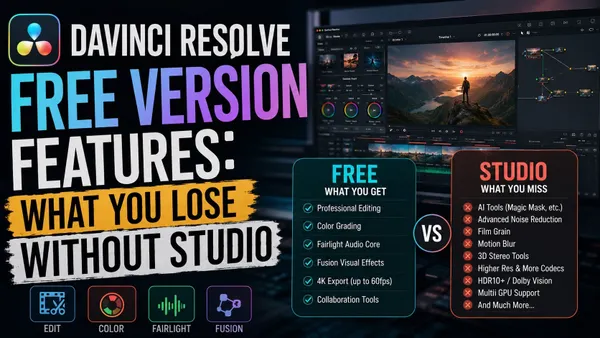
DaVinci Resolve Free Version Features: What You Lose Without Studio
Check what the no-cost edition includes, which features need Studio and where format or export limits matter. A feature inventory for planning a real project, not just deciding whether to upgrade.
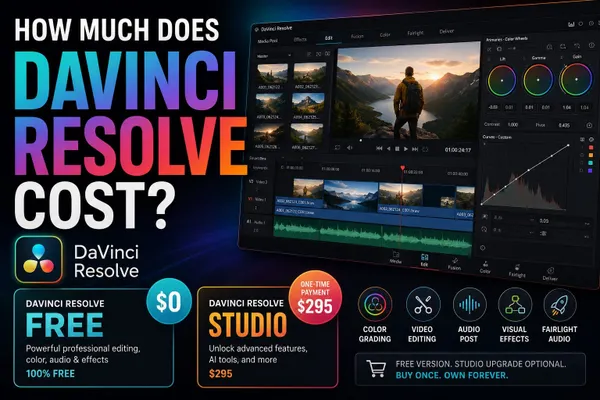
How Much Does DaVinci Resolve Cost?
Separate the free editor, desktop Studio license, Cloud rental and iPad purchase. Check regional prices, taxes, bundles and renewal terms before paying.
DaVinci Resolve vs Premiere Pro (2026)
Compare Resolve’s integrated finishing workflow with Premiere’s Adobe connections and team handoffs. Check subscription costs, effects, audio and project migration before moving a client job.
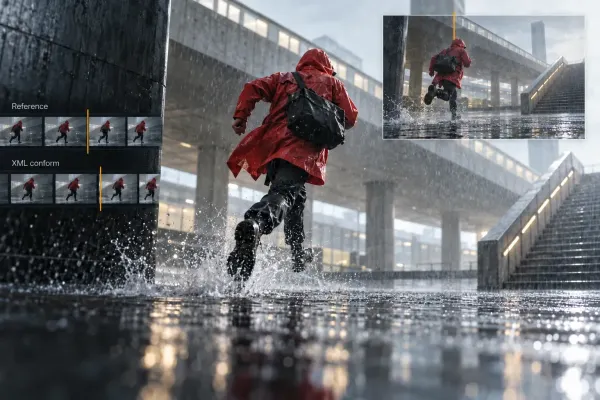
Premiere Pro to DaVinci Resolve: XML Transfer and Conform
Prepare a locked Premiere sequence, transfer XML and original media, relink safely in Resolve and verify the conform shot by shot before grading.
DaVinci Resolve vs Final Cut Pro in 2026
Compare Final Cut’s Magnetic Timeline with Resolve’s editing and finishing workflow on desktop. Look at Mac requirements, media organization, collaboration and the cost of switching.
DaVinci Resolve vs CapCut in 2026
Compare captions, templates and social publishing with color, audio and longer-project finishing. Check paid assets, AI limits and the work needed to move between the two editors.
Fusion vs After Effects in 2026
Compare node-based compositing in Fusion with After Effects motion design and Premiere templates. Choose around the shot, animation and revision process, not a blanket speed ranking.
DaVinci Resolve vs Filmora in 2026
Compare Filmora’s editing tools and templates with Resolve’s dedicated finishing workspaces. Check export restrictions, paid plans, AI allowances and what survives a project handoff.
DaVinci Resolve vs VEGAS Pro in 2026
Compare timeline editing in VEGAS with Resolve’s dedicated workspaces. Check platform support, license tiers, included effects and migration limits before switching.
Before you switch
Make the comparison useful
Should I compare Free with Studio or with another editor?
Use Free vs Studio when a Resolve feature or export limit is blocking your work. Compare another editor when the timeline, team workflow, platform or delivery process is the problem. The pricing guide answers a different question: what each purchase or rental actually covers.
Is After Effects a replacement for the whole Resolve workflow?
Not by itself. After Effects focuses on motion graphics and visual effects. Resolve combines editing, color, Fusion and Fairlight in one application. Compare Fusion with After Effects for compositing or animation; compare Resolve with Premiere for the broader editing workflow.
See how Adobe describes After Effects motion graphics and visual effects, alongside Blackmagic’s Fusion node-based workflow.
How can I test a switch without risking a project?
Use a copy of a short, representative edit. Include your camera media, titles, effects, captions and audio. Export the required deliverable and try the intended handoff. Keep the original project and media until you have checked the result.
