Home Jason Miller

Jason Miller
I run DaVinci Resolve Club as an independent publication: hands-on edits, color grading breakdowns, Fairlight sessions, Fusion tests, and honest notes on where Resolve gets in the way. Jason Miller on XAll Guides
132 published guides by Jason Miller.
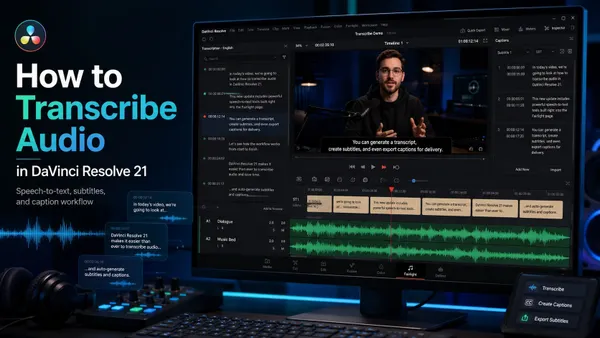 How to Transcribe Audio in DaVinci Resolve 21
Resolve 21 Studio transcribes source clips for search and text-based editing, or timeline audio into a subtitle track. Includes speaker detection, language setup, TXT/SRT export and fixes for missing commands or weak results.
How to Transcribe Audio in DaVinci Resolve 21
Resolve 21 Studio transcribes source clips for search and text-based editing, or timeline audio into a subtitle track. Includes speaker detection, language setup, TXT/SRT export and fixes for missing commands or weak results.
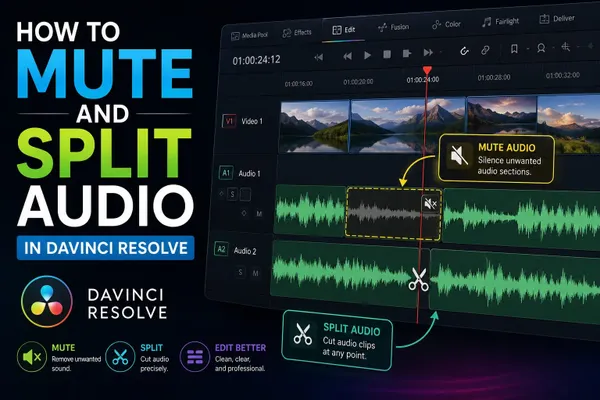 How to Mute and Split Audio in DaVinci Resolve
Select only the audio item and press D to disable it. Click a track's M button to mute that track. For a short section, split and disable the middle; use keyframes for a gradual reduction.
How to Mute and Split Audio in DaVinci Resolve
Select only the audio item and press D to disable it. Click a track's M button to mute that track. For a short section, split and disable the middle; use keyframes for a gradual reduction.
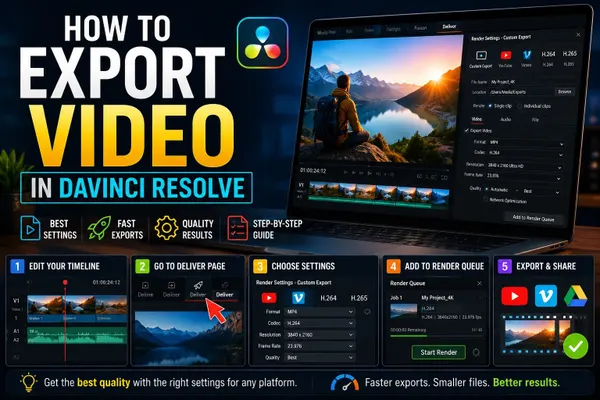 How to Export Video in DaVinci Resolve 21
For an MP4, use Deliver > Custom Export, MP4 and H.264, Single Clip, and checked audio. Add the job to the queue, inspect its saved settings, then render.
How to Export Video in DaVinci Resolve 21
For an MP4, use Deliver > Custom Export, MP4 and H.264, Single Clip, and checked audio. Add the job to the queue, inspect its saved settings, then render.
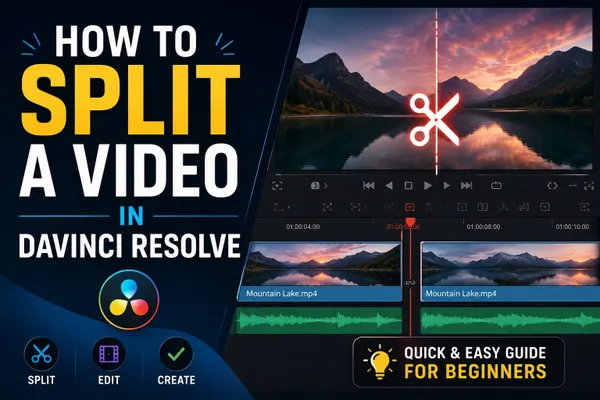 How to Split a Video in DaVinci Resolve
Press B and click to cut, or use Split Clips at the playhead. Check clip selection, red track controls and linked audio before deleting or moving a section.
How to Split a Video in DaVinci Resolve
Press B and click to cut, or use Split Clips at the playhead. Check clip selection, red track controls and linked audio before deleting or moving a section.
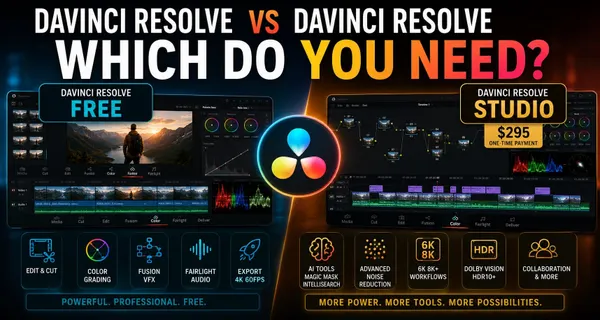 DaVinci Resolve vs DaVinci Resolve Studio: Which Do You Need?
Start with Free. Pay $295 US for Studio when you need a named paid tool, an unsupported codec path, Python scripting in 21.1 or output above UHD 60 fps. This comparison separates real upgrade reasons from features your project may never use.
DaVinci Resolve vs DaVinci Resolve Studio: Which Do You Need?
Start with Free. Pay $295 US for Studio when you need a named paid tool, an unsupported codec path, Python scripting in 21.1 or output above UHD 60 fps. This comparison separates real upgrade reasons from features your project may never use.
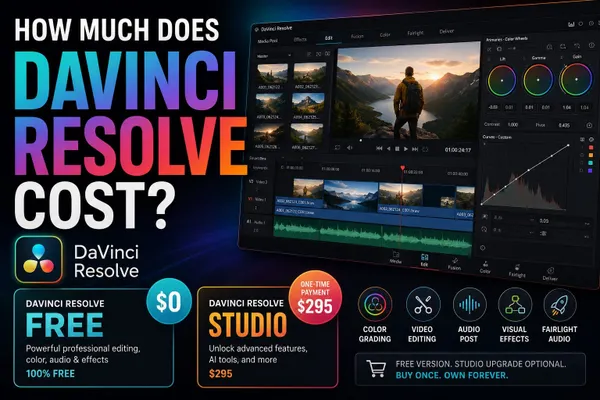 How Much Does DaVinci Resolve Cost?
Resolve is free. Compare the $295 standard Studio purchase, documented $30/month Cloud rental, $299.99 Mac App Store edition and $94.99 iPad upgrade. The purchase channel determines which installation your license unlocks.
How Much Does DaVinci Resolve Cost?
Resolve is free. Compare the $295 standard Studio purchase, documented $30/month Cloud rental, $299.99 Mac App Store edition and $94.99 iPad upgrade. The purchase channel determines which installation your license unlocks.
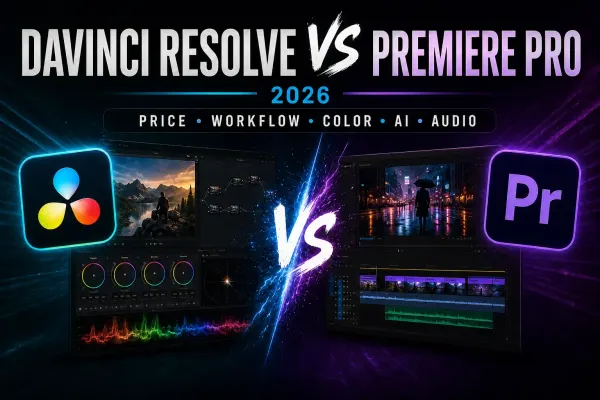 DaVinci Resolve vs Premiere Pro (2026)
Choose Resolve for integrated editing, color, Fusion and Fairlight, or when Free covers the job. Choose Premiere when Adobe applications and collaborators define the workflow. Compare costs, AI limits and the work involved in switching.
DaVinci Resolve vs Premiere Pro (2026)
Choose Resolve for integrated editing, color, Fusion and Fairlight, or when Free covers the job. Choose Premiere when Adobe applications and collaborators define the workflow. Compare costs, AI limits and the work involved in switching.
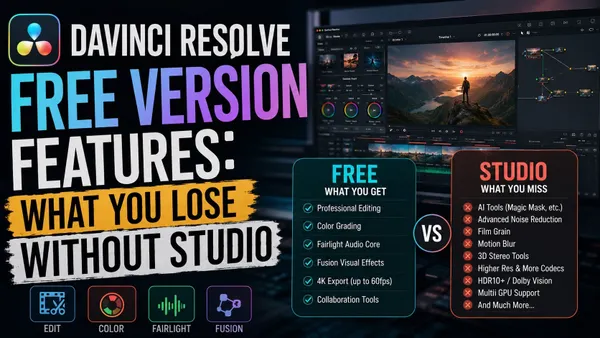 DaVinci Resolve Free Version Features: What You Lose Without Studio
DaVinci Resolve 21 Free includes Cut, Edit, Color, Fusion, Fairlight, Photo, HDR grading and collaboration. Video output tops out at UHD 3840 x 2160/60 fps. Studio adds Neural Engine AI, video noise reduction, extra Resolve FX, multiple GPUs, broader formats and advanced delivery.
DaVinci Resolve Free Version Features: What You Lose Without Studio
DaVinci Resolve 21 Free includes Cut, Edit, Color, Fusion, Fairlight, Photo, HDR grading and collaboration. Video output tops out at UHD 3840 x 2160/60 fps. Studio adds Neural Engine AI, video noise reduction, extra Resolve FX, multiple GPUs, broader formats and advanced delivery.
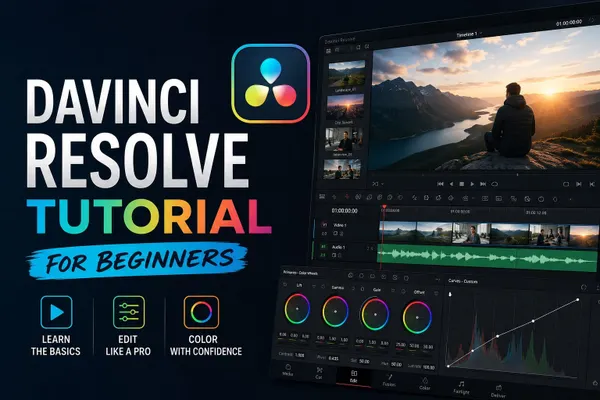 DaVinci Resolve Tutorial for Beginners
For a first Resolve 21 project, use the free version unless you already need a Studio-only feature. Set frame rate before importing, build a short edit on the Edit page, add one title, balance audio, make a restrained color pass, then export and play the file from beginning to end.
DaVinci Resolve Tutorial for Beginners
For a first Resolve 21 project, use the free version unless you already need a Studio-only feature. Set frame rate before importing, build a short edit on the Edit page, add one title, balance audio, make a restrained color pass, then export and play the file from beginning to end.
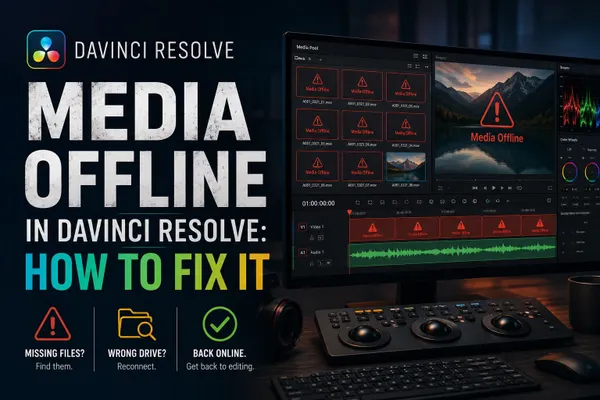 Media Offline in DaVinci Resolve: How to Fix It
Media Offline is a symptom, not one error. Check whether Resolve lost the camera original, only proxy or cache playback is missing, the source can't decode, or the timeline points to the wrong clip. Relink only broken paths; test one branch at a time before converting or replacing media.
Media Offline in DaVinci Resolve: How to Fix It
Media Offline is a symptom, not one error. Check whether Resolve lost the camera original, only proxy or cache playback is missing, the source can't decode, or the timeline points to the wrong clip. Relink only broken paths; test one branch at a time before converting or replacing media.
 DaVinci Resolve System Requirements (2026)
Resolve 21.1 starts at 16 GB RAM on Windows, 8 GB on Apple Silicon Mac and 32 GB on Linux. Studio advanced AI and background rendering have higher memory requirements; the base 4 GB GPU figure does not cover every feature.
DaVinci Resolve System Requirements (2026)
Resolve 21.1 starts at 16 GB RAM on Windows, 8 GB on Apple Silicon Mac and 32 GB on Linux. Studio advanced AI and background rendering have higher memory requirements; the base 4 GB GPU figure does not cover every feature.
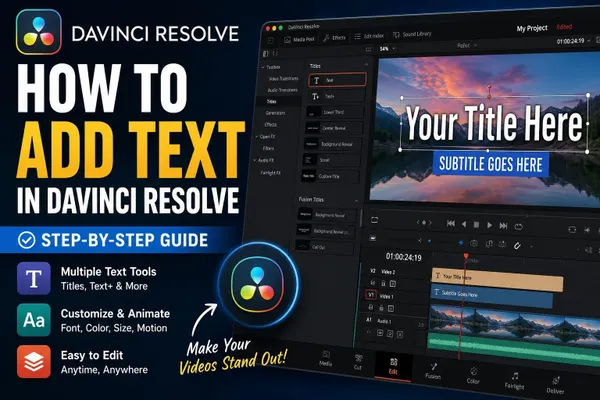 How to Add Text in DaVinci Resolve
On the Edit page, open Effects > Toolbox > Titles, drag Text or Text+ to a track above the clip, select the title, and type in Inspector > Title. Use a subtitle track only when the words must remain timed captions for export.
How to Add Text in DaVinci Resolve
On the Edit page, open Effects > Toolbox > Titles, drag Text or Text+ to a track above the clip, select the title, and type in Inspector > Title. Use a subtitle track only when the words must remain timed captions for export.