Home Jason Miller

Jason Miller
I run DaVinci Resolve Club as an independent publication: hands-on edits, color grading breakdowns, Fairlight sessions, Fusion tests, and honest notes on where Resolve gets in the way. Jason Miller on XAll Guides
132 published guides by Jason Miller.
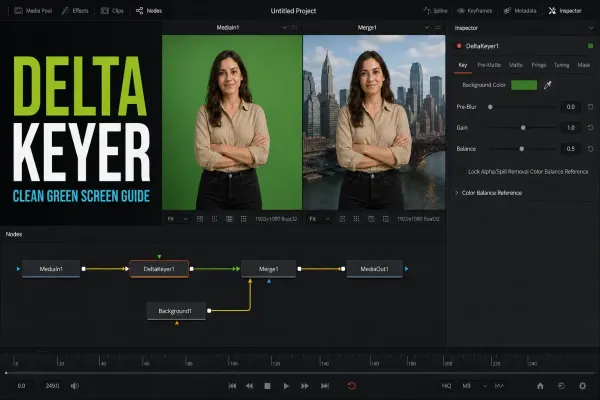 DaVinci Resolve Delta Keyer: Complete Settings Guide
Work the Delta Keyer in a diagnostic order: sample the screen, normalize variation with Pre Matte or Clean Plate, inspect the alpha, apply masks, suppress spill, then use Tuning only for a specific tonal range.
DaVinci Resolve Delta Keyer: Complete Settings Guide
Work the Delta Keyer in a diagnostic order: sample the screen, normalize variation with Pre Matte or Clean Plate, inspect the alpha, apply masks, suppress spill, then use Tuning only for a specific tonal range.
 DaVinci Resolve Fusion Tutorial for Beginners
Learn Fusion through three finished comps: a surface-tracked title, a Delta Keyer green-screen composite and an animated lower third, with exact node inputs, viewer fixes and current Resolve 21 boundaries.
DaVinci Resolve Fusion Tutorial for Beginners
Learn Fusion through three finished comps: a surface-tracked title, a Delta Keyer green-screen composite and an animated lower third, with exact node inputs, viewer fixes and current Resolve 21 boundaries.
 DaVinci Resolve Render Failed
Write down the exact render error, timecode and failure percentage. Test a short range, then isolate Fusion, source decoding, GPU memory, GPU initialization, stalled I/O, variable-frame-rate media or cache and disk space without hiding broken frames.
DaVinci Resolve Render Failed
Write down the exact render error, timecode and failure percentage. Test a short range, then isolate Fusion, source decoding, GPU memory, GPU initialization, stalled I/O, variable-frame-rate media or cache and disk space without hiding broken frames.
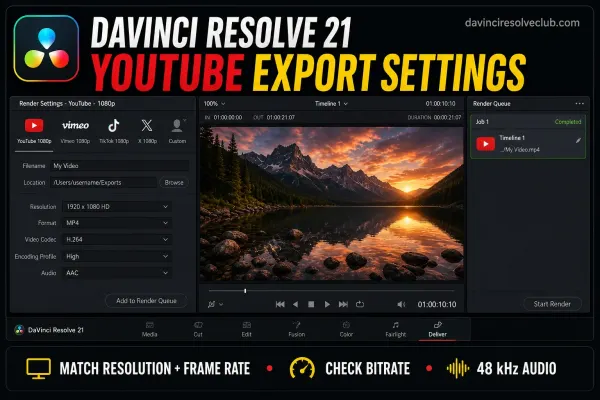 DaVinci Resolve YouTube Export Settings
Start with Resolve 21's YouTube preset or Custom Export. Match resolution and frame rate, use MP4 with H.264 High, treat YouTube's bitrate table as a recommendation, export AAC at 48 kHz, and verify BT.709 for SDR.
DaVinci Resolve YouTube Export Settings
Start with Resolve 21's YouTube preset or Custom Export. Match resolution and frame rate, use MP4 with H.264 High, treat YouTube's bitrate table as a recommendation, export AAC at 48 kHz, and verify BT.709 for SDR.
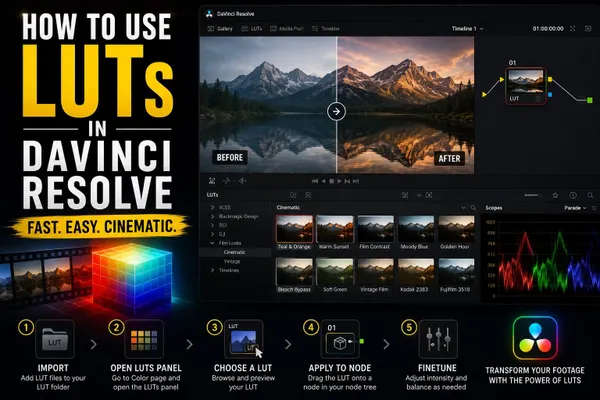 How to Use LUTs in DaVinci Resolve
Install LUTs through Open LUT Folder and Update Lists, apply them to a node, then verify the expected input before adjusting strength, node order or color management.
How to Use LUTs in DaVinci Resolve
Install LUTs through Open LUT Folder and Update Lists, apply them to a node, then verify the expected input before adjusting strength, node order or color management.
 How to Color Grade in DaVinci Resolve: Beginner Tutorial
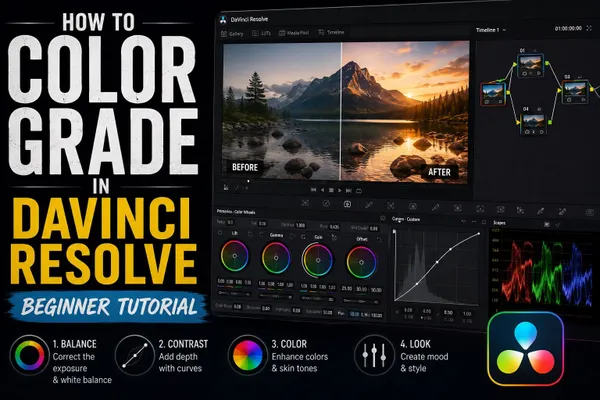
Set a deliberate input, working and output color path first; then correct exposure and balance, match the sequence, build the look, and inspect every secondary correction in motion.
How to Color Grade in DaVinci Resolve: Beginner Tutorial
Set a deliberate input, working and output color path first; then correct exposure and balance, match the sequence, build the look, and inspect every secondary correction in motion.
 DaVinci Resolve Nodes Explained
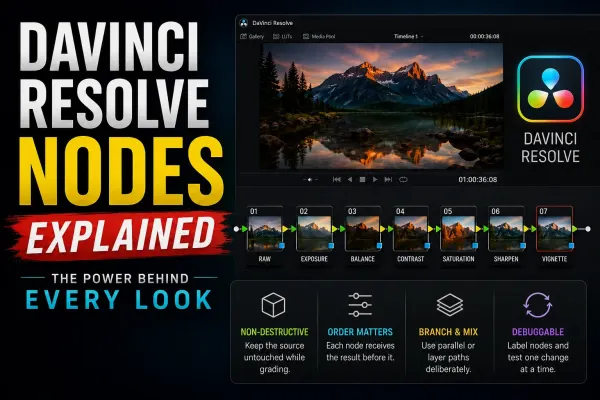
A Color-page node represents one step in the grade. Correctors hold adjustments; mixers combine image branches or keys. Follow the connections to understand the order. Start with a short serial chain and label nodes by their purpose.
DaVinci Resolve Nodes Explained
A Color-page node represents one step in the grade. Correctors hold adjustments; mixers combine image branches or keys. Follow the connections to understand the order. Start with a short serial chain and label nodes by their purpose.
 DaVinci Resolve Slow Playback
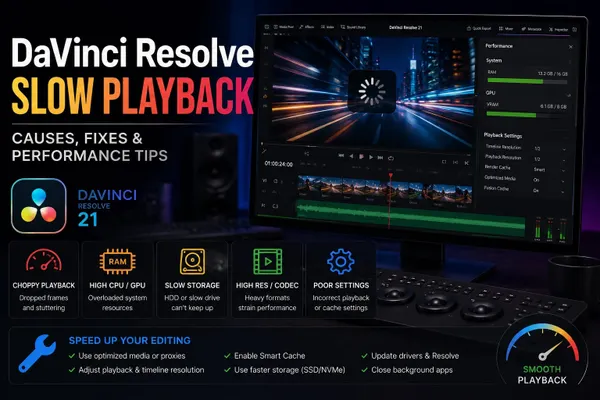
Fix slow DaVinci Resolve playback by testing one range at a time. Separate working-resolution load, source decoding, effects, render cache, GPU settings, storage and laptop limits before committing to proxies or new hardware.
DaVinci Resolve Slow Playback
Fix slow DaVinci Resolve playback by testing one range at a time. Separate working-resolution load, source decoding, effects, render cache, GPU settings, storage and laptop limits before committing to proxies or new hardware.
 DaVinci Resolve 21 AI Tools: Free vs Studio Breakdown
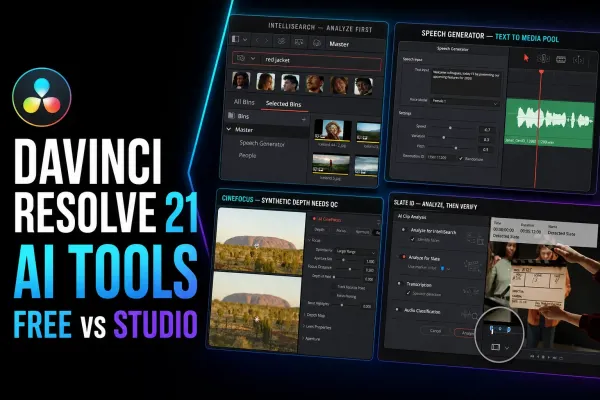
Find the right Studio AI tool for your task, install its model and avoid setup mistakes. Covers clip search, speech, focus, faces, slate metadata and blur repair.
DaVinci Resolve 21 AI Tools: Free vs Studio Breakdown
Find the right Studio AI tool for your task, install its model and avoid setup mistakes. Covers clip search, speech, focus, faces, slate metadata and blur repair.
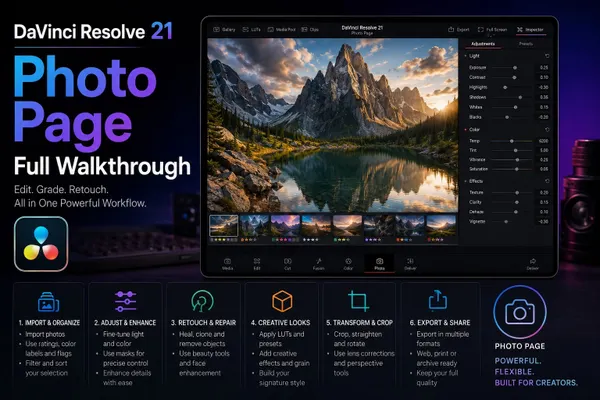 DaVinci Resolve 21 Photo Page: Full Walkthrough
Resolve 21’s Photo page can import, cull, grade and export RAW stills. This walkthrough covers albums, nodes, the Free UHD output ceiling, Studio tethering and the Lightroom limits that matter on a real job.
DaVinci Resolve 21 Photo Page: Full Walkthrough
Resolve 21’s Photo page can import, cull, grade and export RAW stills. This walkthrough covers albums, nodes, the Free UHD output ceiling, Studio tethering and the Lightroom limits that matter on a real job.
 DaVinci Resolve 21: What's New, AI Tools, Photo Page and Upgrade Notes
Resolve 21.1 adds Inspector presets, expanded multicam controls and Studio automation. Photo and the new AI tools arrived with 21. Back up projects and check Python compatibility before updating.
DaVinci Resolve 21: What's New, AI Tools, Photo Page and Upgrade Notes
Resolve 21.1 adds Inspector presets, expanded multicam controls and Studio automation. Photo and the new AI tools arrived with 21. Back up projects and check Python compatibility before updating.
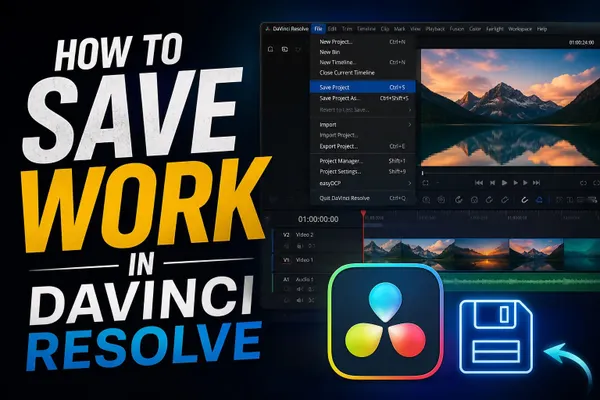 How to Save Work in DaVinci Resolve
Press Ctrl+S on Windows/Linux or Cmd+S on Mac to save. Keep Live Save on, enable Project and Timeline Backups for rollback, export a DRP for project data, or create a DRA with selected media. Keep a separate copy of your originals.
How to Save Work in DaVinci Resolve
Press Ctrl+S on Windows/Linux or Cmd+S on Mac to save. Keep Live Save on, enable Project and Timeline Backups for rollback, export a DRP for project data, or create a DRA with selected media. Keep a separate copy of your originals.