Home Fusion
DaVinci Resolve topic library
Fusion
Fusion tutorials for DaVinci Resolve: node-based titles, motion graphics, tracking, and compositing without leaving Resolve.
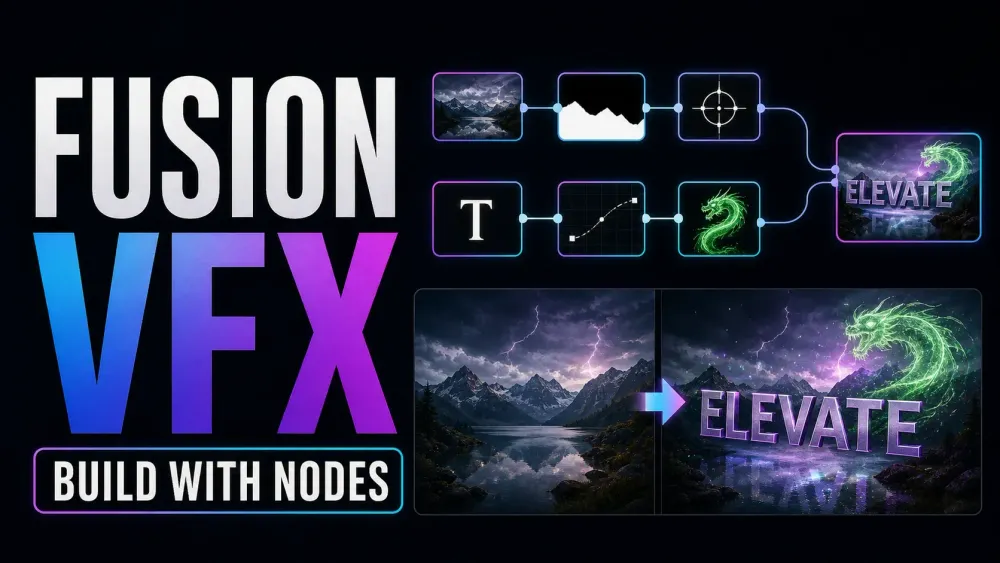
What this library covers
Choose the task, then open one focused guide
Choose by the result you need, not by the name of a Resolve page or tool. Each card takes one job from the first setting to a result you can check.
Start with the resultPick the card that matches what you need to finish, fix or understand.
Use one guide at a timeEach article owns one task, so you do not have to decode a giant index.
Move to the next real stepRelated tasks stay visible without repeating every link on the page.
Choose the task
Guides in this library
One card opens one focused guide. Covers stay visible, and the same article is not repeated in a second link list.
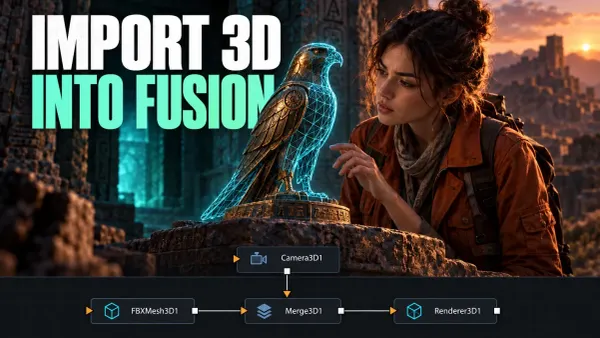 How to Import 3D Models into DaVinci Resolve Fusion
Choose a static mesh, FBX scene or USD workflow, then check scale, camera, lighting and materials before finishing the composite.
How to Import 3D Models into DaVinci Resolve Fusion
Choose a static mesh, FBX scene or USD workflow, then check scale, camera, lighting and materials before finishing the composite.
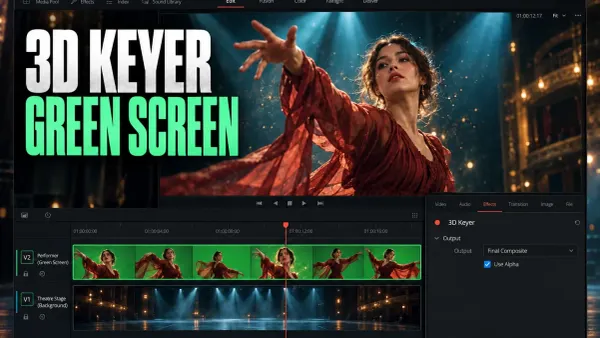 DaVinci Resolve 3D Keyer: Green Screen Setup and Fixes
Build a green-screen composite on the Edit timeline. Check sampling, alpha and track overlap before adjusting the matte or removing green spill.
DaVinci Resolve 3D Keyer: Green Screen Setup and Fixes
Build a green-screen composite on the Edit timeline. Check sampling, alpha and track overlap before adjusting the matte or removing green spill.
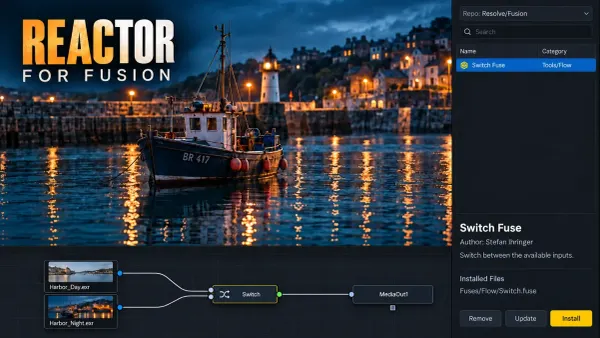 Reactor for DaVinci Resolve: Install, Manage and Remove Fusion Tools
Use Reactor Standalone to connect third-party Fusion tools to Resolve. Follow the correct Free or Studio route, check each atom and keep package changes reversible.
Reactor for DaVinci Resolve: Install, Manage and Remove Fusion Tools
Use Reactor Standalone to connect third-party Fusion tools to Resolve. Follow the correct Free or Studio route, check each atom and keep package changes reversible.
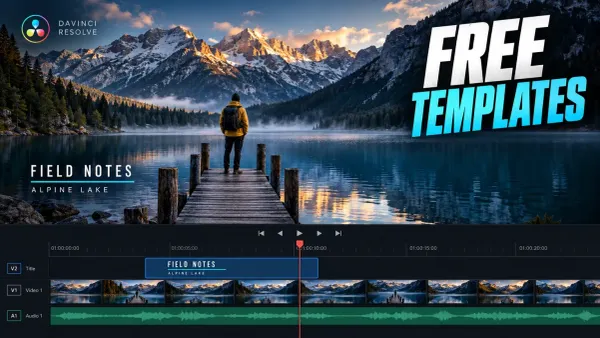 Free DaVinci Resolve Templates: Titles, Intros and Transitions
Choose a free template for the actual edit: interview titles, a short opener, vertical graphics or a slideshow. Check its file type, dependencies and license first.
Free DaVinci Resolve Templates: Titles, Intros and Transitions
Choose a free template for the actual edit: interview titles, a short opener, vertical graphics or a slideshow. Check its file type, dependencies and license first.
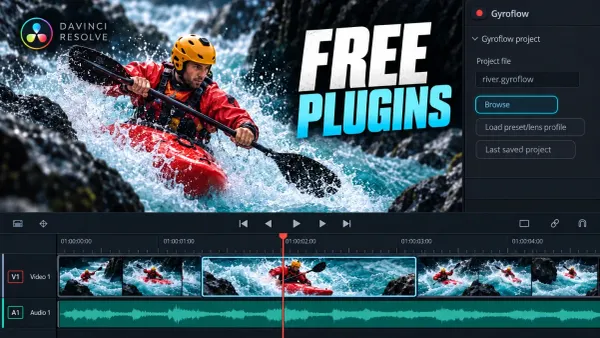 Free DaVinci Resolve Plugins: Six Useful Tools and Their Limits
MagicAnimate, Reactor, Gyroflow, Nova, ReaPlugs and spektrafilm serve different jobs. Check the free tier, platform and Resolve edition before adding a dependency.
Free DaVinci Resolve Plugins: Six Useful Tools and Their Limits
MagicAnimate, Reactor, Gyroflow, Nova, ReaPlugs and spektrafilm serve different jobs. Check the free tier, platform and Resolve edition before adding a dependency.
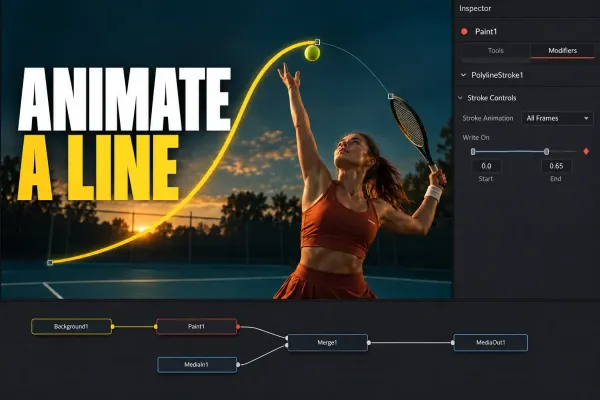 How to Animate a Line in DaVinci Resolve Fusion
Draw a line on a transparent layer, reveal it with Write On End, and control its timing, position and visible length. Plus the fixes for one-frame strokes, the wrong modifier and an opaque canvas.
How to Animate a Line in DaVinci Resolve Fusion
Draw a line on a transparent layer, reveal it with Write On End, and control its timing, position and visible length. Plus the fixes for one-frame strokes, the wrong modifier and an opaque canvas.
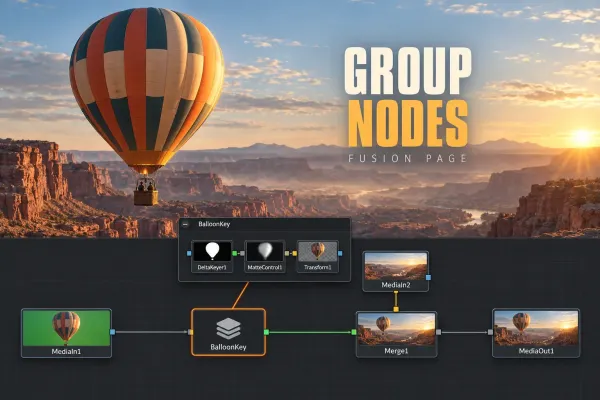 How to Group Nodes in DaVinci Resolve Fusion
Select the nodes, press Ctrl+G (Cmd+G), then open, collapse, rename, save or ungroup the group. Plus underlays, macros and the Color page's compound nodes.
How to Group Nodes in DaVinci Resolve Fusion
Select the nodes, press Ctrl+G (Cmd+G), then open, collapse, rename, save or ungroup the group. Plus underlays, macros and the Color page's compound nodes.
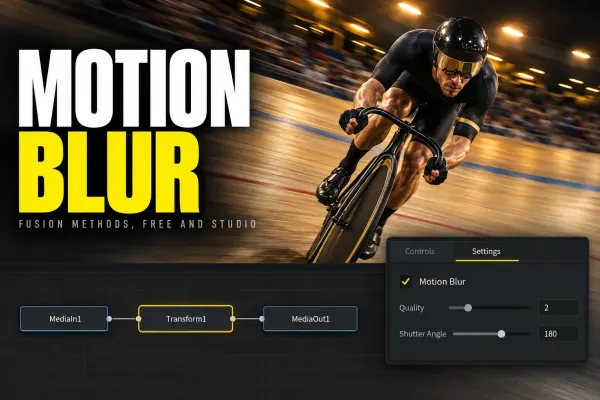 Motion Blur in DaVinci Resolve: Free, Fusion and Studio Methods
Choose the correct motion blur method for Fusion animation, recorded movement or retimed footage, with free and Studio workflows and artifact fixes.
Motion Blur in DaVinci Resolve: Free, Fusion and Studio Methods
Choose the correct motion blur method for Fusion animation, recorded movement or retimed footage, with free and Studio workflows and artifact fixes.
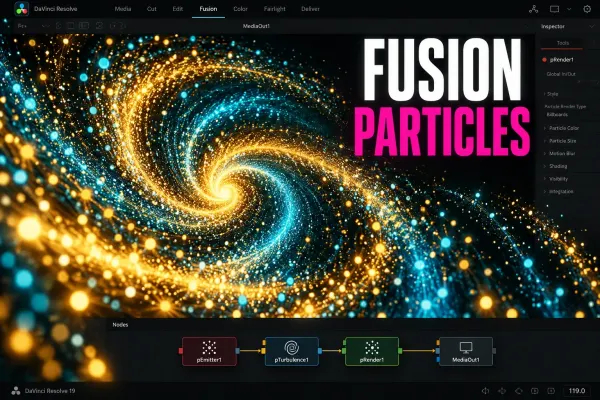 Fusion Particles in DaVinci Resolve: A Beginner Workflow
Build a first Fusion particle system with pEmitter and pRender, shape its motion, add forces, composite it over footage, and fix blank or sluggish results.
Fusion Particles in DaVinci Resolve: A Beginner Workflow
Build a first Fusion particle system with pEmitter and pRender, shape its motion, add forces, composite it over footage, and fix blank or sluggish results.
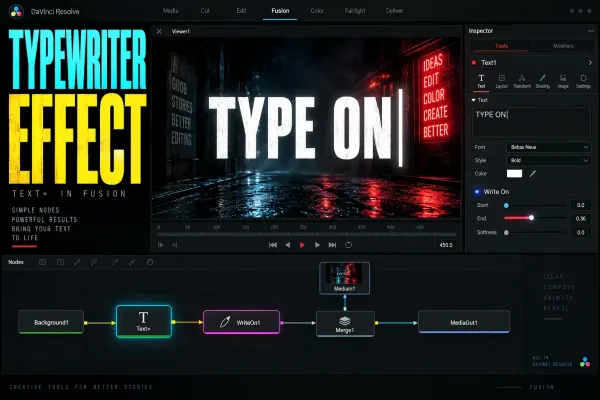 DaVinci Resolve Text+ Typewriter Effect: Write On and Cursor
A practical Text+ typewriter workflow using Write On keyframes, adjustable typing rhythm, multiline timing, an optional blinking cursor, and focused troubleshooting.
DaVinci Resolve Text+ Typewriter Effect: Write On and Cursor
A practical Text+ typewriter workflow using Write On keyframes, adjustable typing rhythm, multiline timing, an optional blinking cursor, and focused troubleshooting.
 DaVinci Resolve Fusion Macros and Templates: Build, Save, Install
Build a reusable Fusion macro in Resolve 21, expose a clean Inspector, choose Macro, Group or Edit Template, then fix templates that don't appear.
DaVinci Resolve Fusion Macros and Templates: Build, Save, Install
Build a reusable Fusion macro in Resolve 21, expose a clean Inspector, choose Macro, Group or Edit Template, then fix templates that don't appear.
 Export Transparent Video in DaVinci Resolve (Alpha)
Transparency survives only when the timeline contains real alpha, the selected format can store RGBA, and Export Alpha is enabled. This guide covers the correct render path, verification and the black-background traps.
Export Transparent Video in DaVinci Resolve (Alpha)
Transparency survives only when the timeline contains real alpha, the selected format can store RGBA, and Export Alpha is enabled. This guide covers the correct render path, verification and the black-background traps.