Home Fusion
DaVinci Resolve topic library
Fusion
Fusion tutorials for DaVinci Resolve: node-based titles, motion graphics, tracking, and compositing without leaving Resolve.
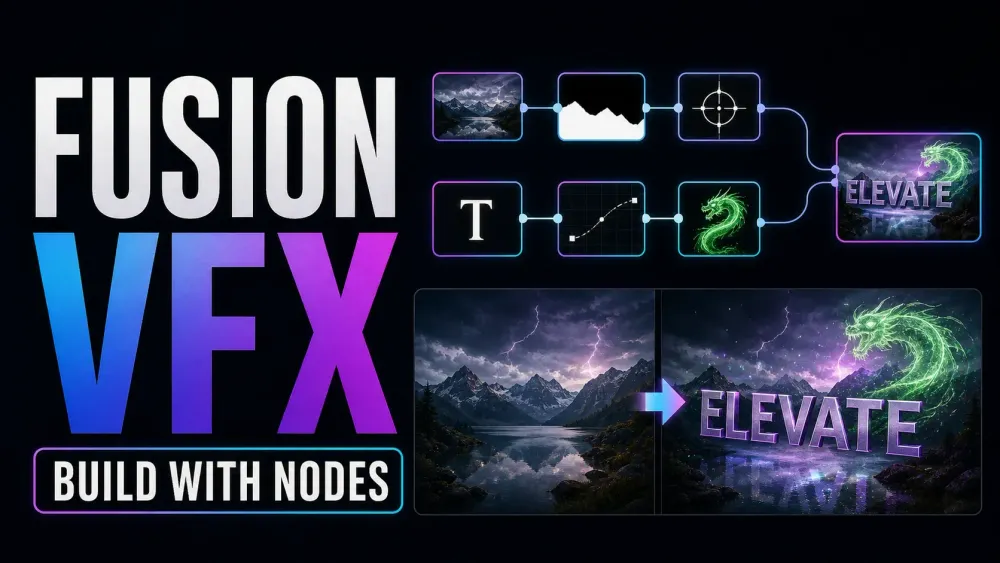
What this library covers
Choose the task, then open one focused guide
Choose by the result you need, not by the name of a Resolve page or tool. Each card takes one job from the first setting to a result you can check.
Start with the resultPick the card that matches what you need to finish, fix or understand.
Use one guide at a timeEach article owns one task, so you do not have to decode a giant index.
Move to the next real stepRelated tasks stay visible without repeating every link on the page.
Choose the task
Guides in this library
One card opens one focused guide. Covers stay visible, and the same article is not repeated in a second link list.
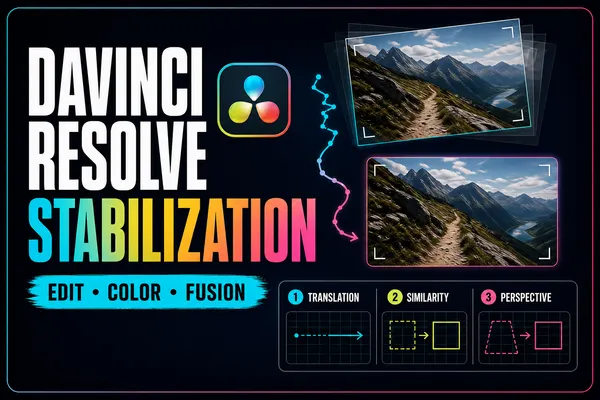 Stabilize Video in DaVinci Resolve: Edit, Color & Fusion
Start with the least destructive stabilizer, then escalate only when the shot needs controlled tracking. This guide explains every automatic mode, the crop-versus-smoothness tradeoff, and the point or plane you should track in Fusion.
Stabilize Video in DaVinci Resolve: Edit, Color & Fusion
Start with the least destructive stabilizer, then escalate only when the shot needs controlled tracking. This guide explains every automatic mode, the crop-versus-smoothness tradeoff, and the point or plane you should track in Fusion.
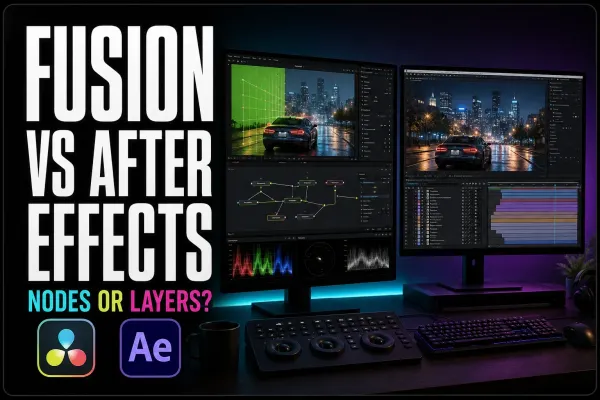 Fusion vs After Effects in 2026
Fusion is a strong fit for shot-based compositing inside Resolve. After Effects is often the faster choice for layer-driven motion design and Premiere templates. Compare the job, handoff and revision loop before choosing nodes or layers.
Fusion vs After Effects in 2026
Fusion is a strong fit for shot-based compositing inside Resolve. After Effects is often the faster choice for layer-driven motion design and Premiere templates. Compare the job, handoff and revision loop before choosing nodes or layers.
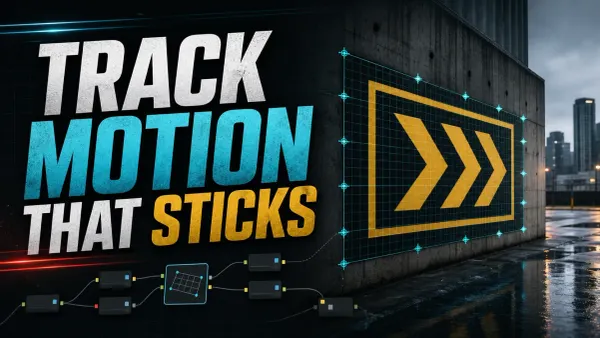 DaVinci Resolve Fusion Tracking: Point, Planar & 3D
For motion tracking in DaVinci Resolve, use Tracker for one or more 2D features, Planar Tracker for a rigid surface, and Camera Tracker for a parallax-rich 3D solve. Point and planar tracking work in Free; Camera Tracker requires Studio.
DaVinci Resolve Fusion Tracking: Point, Planar & 3D
For motion tracking in DaVinci Resolve, use Tracker for one or more 2D features, Planar Tracker for a rigid surface, and Camera Tracker for a parallax-rich 3D solve. Point and planar tracking work in Free; Camera Tracker requires Studio.
 How to Round Corners in DaVinci Resolve
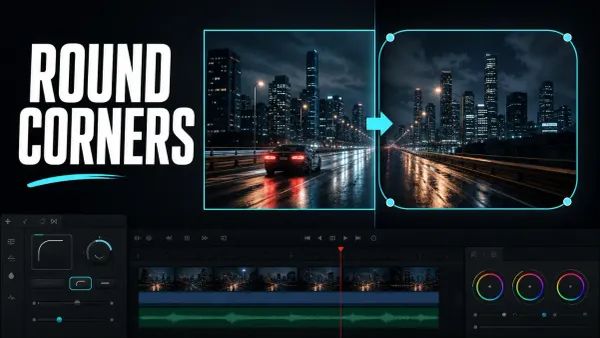
To round a video in DaVinci Resolve, open the clip in Fusion, select MediaIn1, and add a Rectangle mask. Confirm Rectangle1 feeds MediaIn1’s blue mask input, then increase Corner Radius in the Inspector.
How to Round Corners in DaVinci Resolve
To round a video in DaVinci Resolve, open the clip in Fusion, select MediaIn1, and add a Rectangle mask. Confirm Rectangle1 feeds MediaIn1’s blue mask input, then increase Corner Radius in the Inspector.
 DaVinci Resolve Rotoscoping: Polygon, B-Spline & MultiPoly
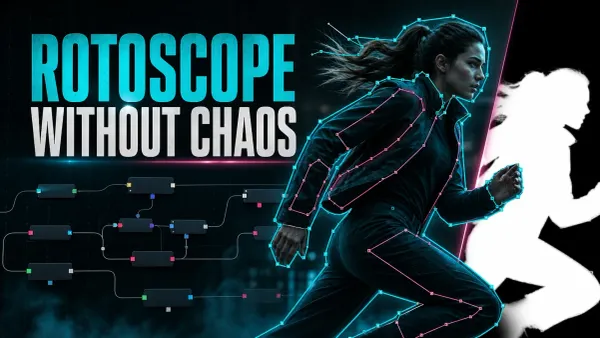
For rotoscoping in DaVinci Resolve Fusion, split the subject into simple overlapping Polygon, B-Spline, or MultiPoly shapes. Draw a clean key pose, animate the end and middle poses, then keep dividing only the sections where interpolation fails.
DaVinci Resolve Rotoscoping: Polygon, B-Spline & MultiPoly
For rotoscoping in DaVinci Resolve Fusion, split the subject into simple overlapping Polygon, B-Spline, or MultiPoly shapes. Draw a clean key pose, animate the end and middle poses, then keep dividing only the sections where interpolation fails.