Home Tutorials
DaVinci Resolve topic library
Tutorials
Step-by-step DaVinci Resolve tutorials covering editing, color, Fusion, and audio.
What this library covers
Choose the task, then open one focused guide
Choose by the result you need, not by the name of a Resolve page or tool. Each card takes one job from the first setting to a result you can check.
Start with the resultPick the card that matches what you need to finish, fix or understand.
Use one guide at a timeEach article owns one task, so you do not have to decode a giant index.
Move to the next real stepRelated tasks stay visible without repeating every link on the page.
Choose the task
Guides in this library
One card opens one focused guide. Covers stay visible, and the same article is not repeated in a second link list.
 DaVinci Resolve Keyframes and Curve Editor Guide
Create and retime keyframes in DaVinci Resolve 21, then use the Curve Editor for easing and Bezier control. This guide also separates motion paths from value curves and fixes missing keyframes, handles and editor views.
DaVinci Resolve Keyframes and Curve Editor Guide
Create and retime keyframes in DaVinci Resolve 21, then use the Curve Editor for easing and Bezier control. This guide also separates motion paths from value curves and fixes missing keyframes, handles and editor views.
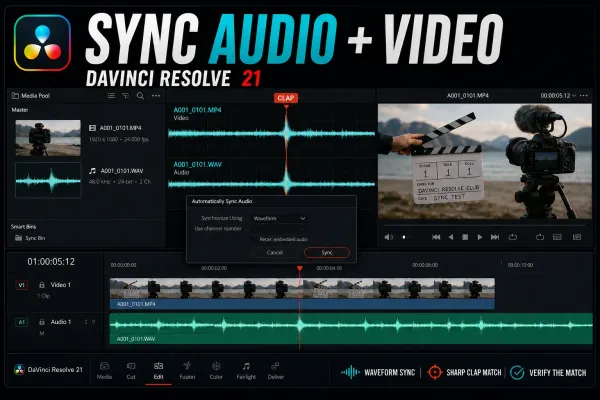 How to Sync Audio and Video in DaVinci Resolve 21
Sync camera video with externally recorded audio by waveform, timecode, markers or a manual clap. This Resolve 21 guide separates Media Pool Auto Sync from timeline Auto Align, explains Retain Embedded Audio, and diagnoses failed matches and long-recording drift.
How to Sync Audio and Video in DaVinci Resolve 21
Sync camera video with externally recorded audio by waveform, timecode, markers or a manual clap. This Resolve 21 guide separates Media Pool Auto Sync from timeline Auto Align, explains Retain Embedded Audio, and diagnoses failed matches and long-recording drift.
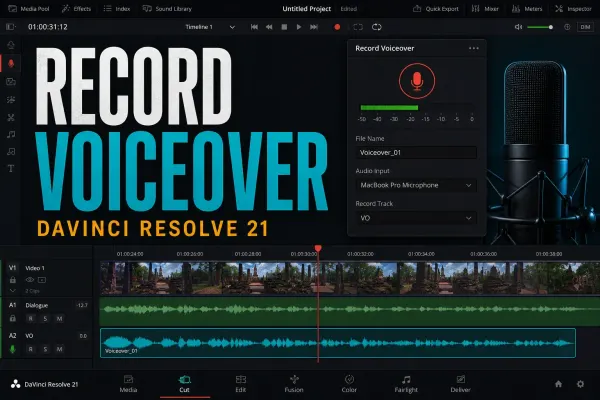 How to Record Voiceover in DaVinci Resolve 21
Record narration directly into a Resolve 21 timeline with the Cut or Edit Voiceover tool, then move to Fairlight only when you need explicit patching, multiple tracks or ADR. Includes a meter-first fix for silent takes, monitoring lag, one-ear audio and low levels.
How to Record Voiceover in DaVinci Resolve 21
Record narration directly into a Resolve 21 timeline with the Cut or Edit Voiceover tool, then move to Fairlight only when you need explicit patching, multiple tracks or ADR. Includes a meter-first fix for silent takes, monitoring lag, one-ear audio and low levels.
 DaVinci Resolve Export Looks Washed Out: Fix Color & Gamma
A washed-out render isn't one problem. Re-import a short export, compare the same frame and scopes, then isolate data levels, output transforms, QuickTime/macOS display behavior, or platform playback without grading around the wrong symptom.
DaVinci Resolve Export Looks Washed Out: Fix Color & Gamma
A washed-out render isn't one problem. Re-import a short export, compare the same frame and scopes, then isolate data levels, output transforms, QuickTime/macOS display behavior, or platform playback without grading around the wrong symptom.
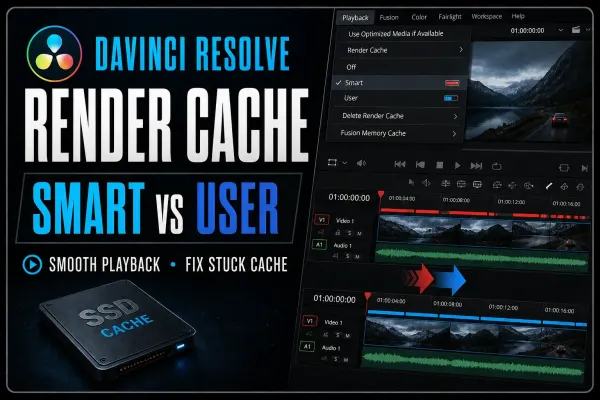 DaVinci Resolve Render Cache: Smart vs User Guide
Render Cache turns expensive timeline processing into temporary media that Resolve can replay smoothly. This guide shows when to use Smart or User, what the red and blue bars mean, where cache files live, and how to fix a cache that never completes.
DaVinci Resolve Render Cache: Smart vs User Guide
Render Cache turns expensive timeline processing into temporary media that Resolve can replay smoothly. This guide shows when to use Smart or User, what the red and blue bars mean, where cache files live, and how to fix a cache that never completes.
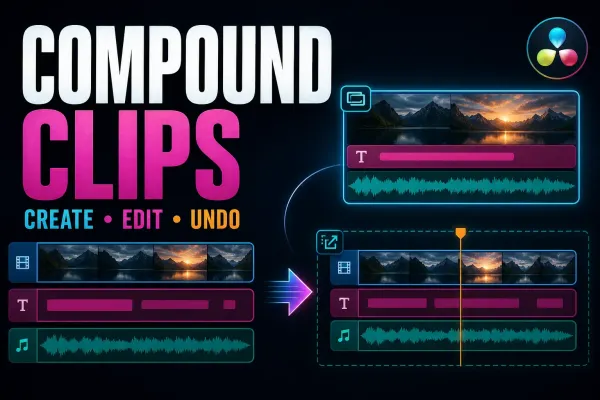 Compound Clips in DaVinci Resolve: Create, Edit and Undo
Compound clips are editable nested containers, not rendered media. Use them when one timeline object is useful and know how to get the original clips back.
Compound Clips in DaVinci Resolve: Create, Edit and Undo
Compound clips are editable nested containers, not rendered media. Use them when one timeline object is useful and know how to get the original clips back.
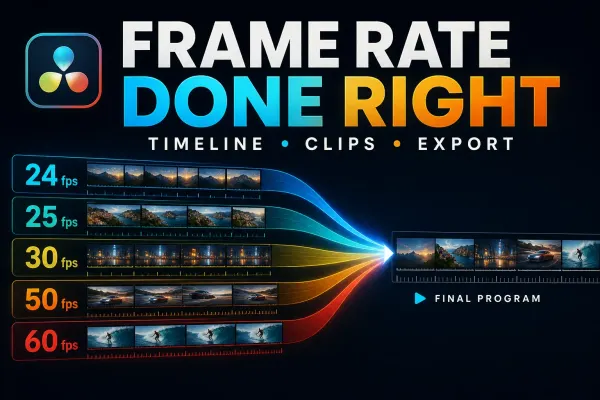 DaVinci Resolve Frame Rate: Set Timeline FPS Correctly
Timeline FPS, clip interpretation and export FPS are different decisions. Choose the outcome first, then change the correct setting.
DaVinci Resolve Frame Rate: Set Timeline FPS Correctly
Timeline FPS, clip interpretation and export FPS are different decisions. Choose the outcome first, then change the correct setting.
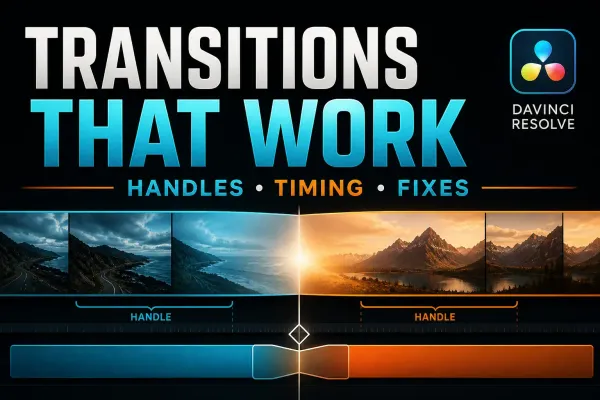 DaVinci Resolve Transitions: Add, Trim and Fix Them
A practical transition workflow built around the detail most tutorials skip: the unused source frames on both sides of the cut.
DaVinci Resolve Transitions: Add, Trim and Fix Them
A practical transition workflow built around the detail most tutorials skip: the unused source frames on both sides of the cut.
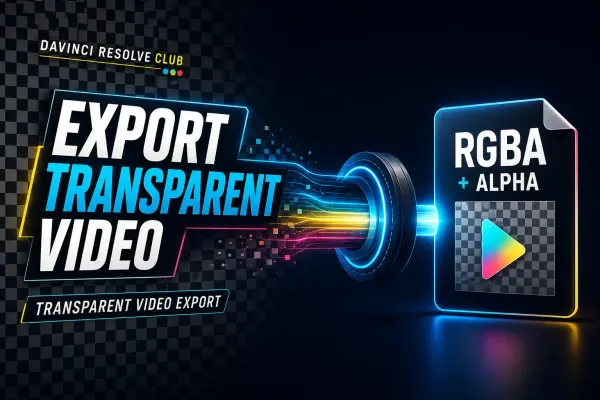 Export Transparent Video in DaVinci Resolve (Alpha)
Transparency survives only when the timeline contains real alpha, the selected format can store RGBA, and Export Alpha is enabled. This guide covers the correct render path, verification and the black-background traps.
Export Transparent Video in DaVinci Resolve (Alpha)
Transparency survives only when the timeline contains real alpha, the selected format can store RGBA, and Export Alpha is enabled. This guide covers the correct render path, verification and the black-background traps.
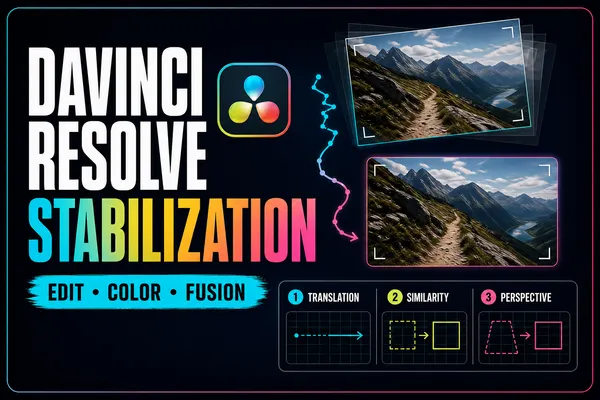 Stabilize Video in DaVinci Resolve: Edit, Color & Fusion
Start with the least destructive stabilizer, then escalate only when the shot needs controlled tracking. This guide explains every automatic mode, the crop-versus-smoothness tradeoff, and the point or plane you should track in Fusion.
Stabilize Video in DaVinci Resolve: Edit, Color & Fusion
Start with the least destructive stabilizer, then escalate only when the shot needs controlled tracking. This guide explains every automatic mode, the crop-versus-smoothness tradeoff, and the point or plane you should track in Fusion.
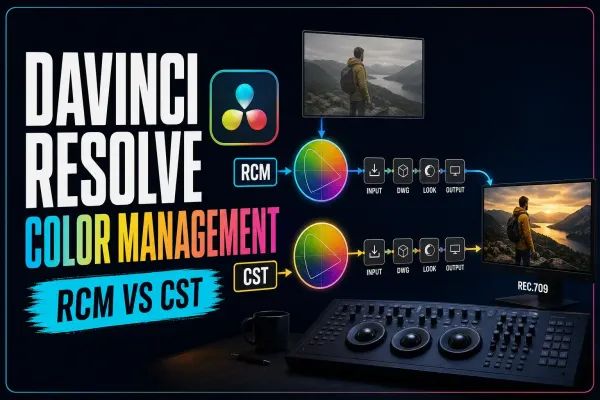 DaVinci Resolve Color Management: RCM vs CST & LUT Order
Stop memorizing color-management presets and follow the signal instead. This guide compares RCM and CST workflows, explains DaVinci Wide Gamut/Intermediate, places LUTs by their real input and output, and diagnoses double transforms.
DaVinci Resolve Color Management: RCM vs CST & LUT Order
Stop memorizing color-management presets and follow the signal instead. This guide compares RCM and CST workflows, explains DaVinci Wide Gamut/Intermediate, places LUTs by their real input and output, and diagnoses double transforms.
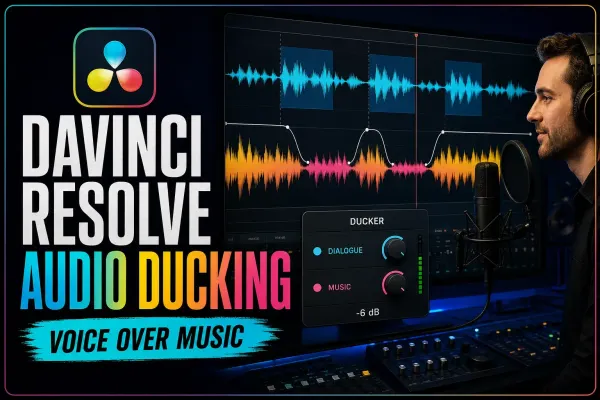 DaVinci Resolve Audio Ducking: Ducker, AI & Sidechain
Make room for dialogue without riding the music fader through every sentence. This guide separates Ducker Track FX, bus-capable sidechain compression and Studio's AI Audio Assistant, then shows how to tune and troubleshoot each route.
DaVinci Resolve Audio Ducking: Ducker, AI & Sidechain
Make room for dialogue without riding the music fader through every sentence. This guide separates Ducker Track FX, bus-capable sidechain compression and Studio's AI Audio Assistant, then shows how to tune and troubleshoot each route.