Home Tutorials
DaVinci Resolve topic library
Tutorials
Step-by-step DaVinci Resolve tutorials for editing, color, Fusion, and audio.
What this library covers
Choose the task, then open one focused guide
Choose by the result you need, not by the name of a Resolve page or tool. Each card takes one job from the first setting to a result you can check.
Start with the resultPick the card that matches what you need to finish, fix or understand.
Use one guide at a timeEach article owns one task, so you do not have to decode a giant index.
Move to the next real stepRelated tasks stay visible without repeating every link on the page.
Choose the task
Guides in this library
One card opens one focused guide. Covers stay visible, and the same article is not repeated in a second link list.
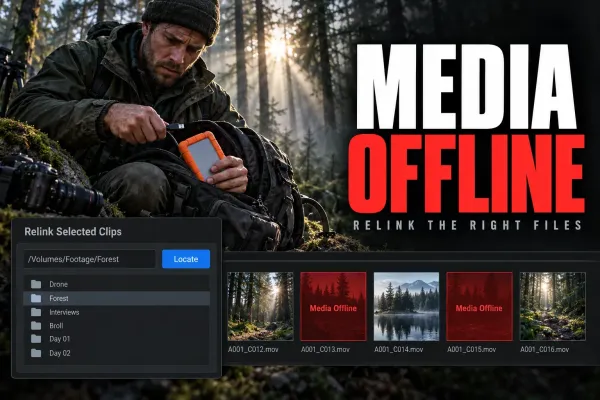 Media Offline in DaVinci Resolve: How to Fix It
Media Offline is a symptom, not one error. Check whether Resolve lost the camera original, only proxy or cache playback is missing, the source can't decode, or the timeline points to the wrong clip. Relink only broken paths; test one branch at a time before converting or replacing media.
 DaVinci Resolve System Requirements (2026)
Resolve 21.1 starts at 16 GB RAM on Windows, 8 GB on Apple Silicon Mac and 32 GB on Linux. Studio advanced AI and background rendering have higher memory requirements; the base 4 GB GPU figure does not cover every feature.
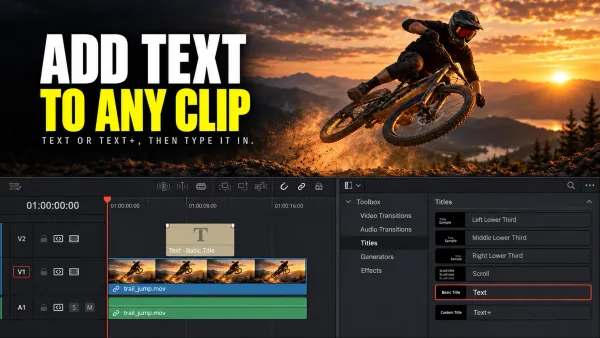 How to Add Text in DaVinci Resolve
On the Edit page, open Effects > Toolbox > Titles, drag Text or Text+ to a track above the clip, select the title, and type in Inspector > Title. Font, color, size and position are set there too. If the text doesn't show, put the title on a track above the video and park the playhead inside it.