Home Beginner Guides
DaVinci Resolve topic library
Beginner Guides
New to DaVinci Resolve? Start here. These beginner guides cover your first project, the page-based workflow, basic editing and color, and how to export, one step at a time.
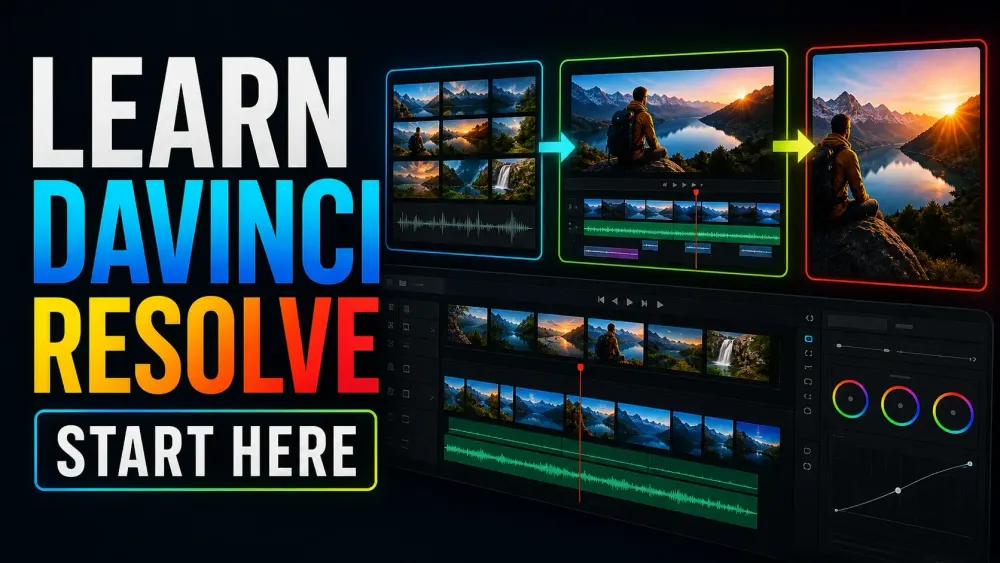
What this library covers
Choose the task, then open one focused guide
Choose by the result you need, not by the name of a Resolve page or tool. Each card takes one job from the first setting to a result you can check.
Start with the resultPick the card that matches what you need to finish, fix or understand.
Use one guide at a timeEach article owns one task, so you do not have to decode a giant index.
Move to the next real stepRelated tasks stay visible without repeating every link on the page.
Choose the task
Guides in this library
One card opens one focused guide. Covers stay visible, and the same article is not repeated in a second link list.
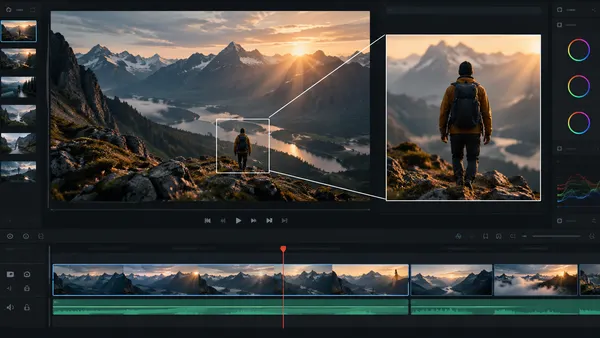 How to Zoom in DaVinci Resolve: Dynamic Zoom and Keyframes
Learn how to zoom a clip, pan across a photo and keep a subject in frame in DaVinci Resolve. Compare Dynamic Zoom with Inspector keyframes and fix common jumps, softness and wrong-direction moves.
How to Zoom in DaVinci Resolve: Dynamic Zoom and Keyframes
Learn how to zoom a clip, pan across a photo and keep a subject in frame in DaVinci Resolve. Compare Dynamic Zoom with Inspector keyframes and fix common jumps, softness and wrong-direction moves.
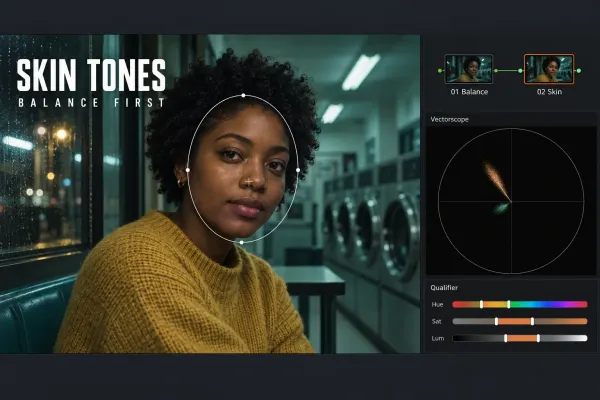 Skin Tone Correction in DaVinci Resolve: A Clean Workflow
Correct skin through a moving clip without shifting the background: balance the shot first, inspect the qualifier, track a soft window and keep the isolation active.
Skin Tone Correction in DaVinci Resolve: A Clean Workflow
Correct skin through a moving clip without shifting the background: balance the shot first, inspect the qualifier, track a soft window and keep the isolation active.
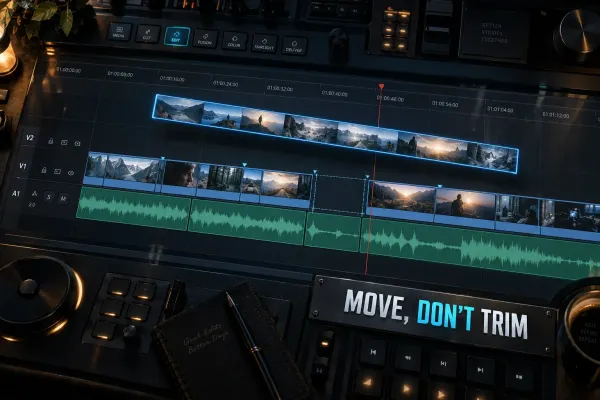 How to Move a Clip Without Shortening It in DaVinci Resolve
Move a whole clip without changing its duration, reorder occupied edits with Swap, insert new footage, or extend a shot with Ripple Trim.
How to Move a Clip Without Shortening It in DaVinci Resolve
Move a whole clip without changing its duration, reorder occupied edits with Swap, insert new footage, or extend a shot with Ripple Trim.
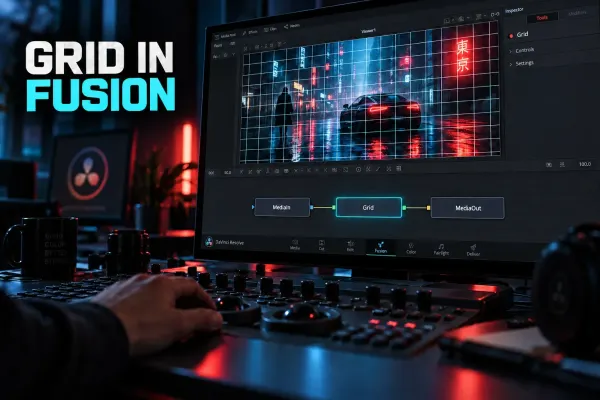 How to Enable and Use the Grid in Fusion
Add a visible grid in Fusion, use temporary Viewer Guides, fix a blank Grid node, and understand when Grid Warp or a video-wall workflow is the right tool.
How to Enable and Use the Grid in Fusion
Add a visible grid in Fusion, use temporary Viewer Guides, fix a blank Grid node, and understand when Grid Warp or a video-wall workflow is the right tool.
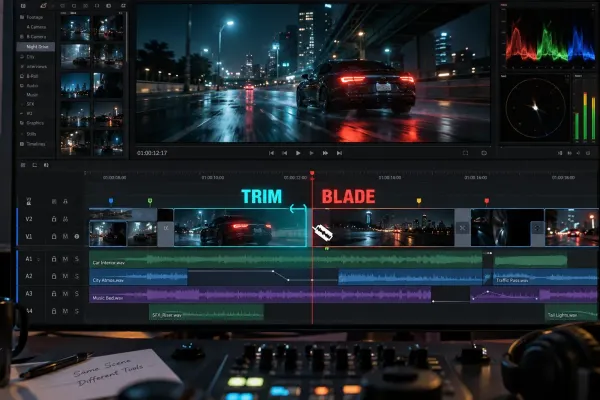 Trim vs Blade in DaVinci Resolve: Which Edit Tool to Use
Blade creates a new cut; Trim changes an existing edit point. Learn when to use Ripple Trim, Roll, Slip and Slide in DaVinci Resolve.
Trim vs Blade in DaVinci Resolve: Which Edit Tool to Use
Blade creates a new cut; Trim changes an existing edit point. Learn when to use Ripple Trim, Roll, Slip and Slide in DaVinci Resolve.
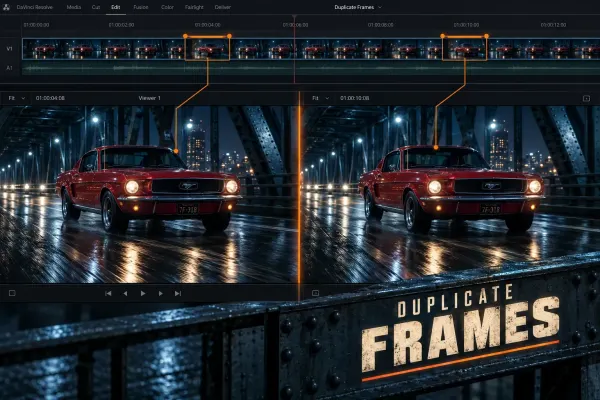 How to Find Duplicate Frames in DaVinci Resolve
Turn on duplicate-frame detection, read the colored bars correctly, remove accidental reused ranges, and avoid confusing timeline duplicates with repeated frames inside a source file.
How to Find Duplicate Frames in DaVinci Resolve
Turn on duplicate-frame detection, read the colored bars correctly, remove accidental reused ranges, and avoid confusing timeline duplicates with repeated frames inside a source file.
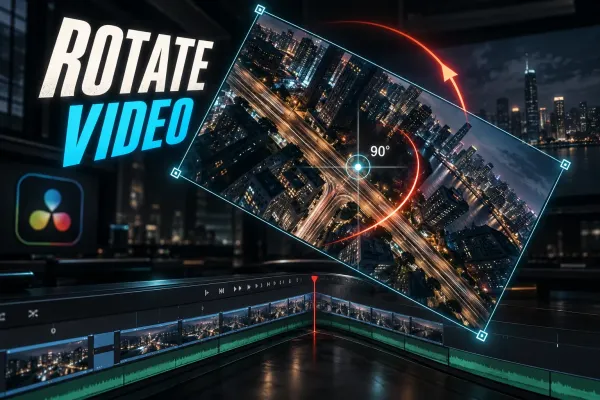 How to Rotate Video in DaVinci Resolve: Fix Sideways Clips
Fix sideways or upside-down footage with Clip Attributes, rotate a shot intentionally in the Inspector, and solve black bars, framing and export problems.
How to Rotate Video in DaVinci Resolve: Fix Sideways Clips
Fix sideways or upside-down footage with Clip Attributes, rotate a shot intentionally in the Inspector, and solve black bars, framing and export problems.
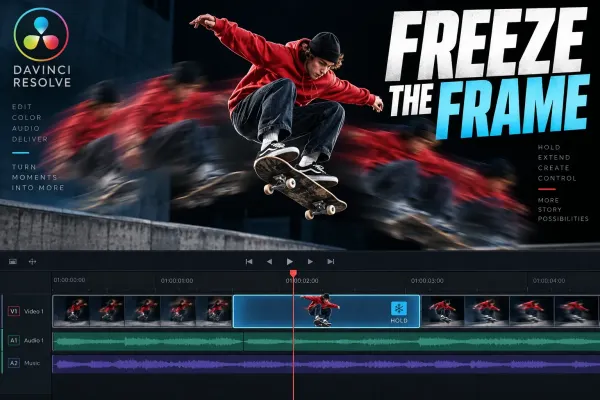 How to Freeze a Frame in DaVinci Resolve
Choose the right freeze-frame method, hold a precise moment, continue playback cleanly, protect linked audio, and export a still when the timeline is not the final destination.
How to Freeze a Frame in DaVinci Resolve
Choose the right freeze-frame method, hold a precise moment, continue playback cleanly, protect linked audio, and export a still when the timeline is not the final destination.
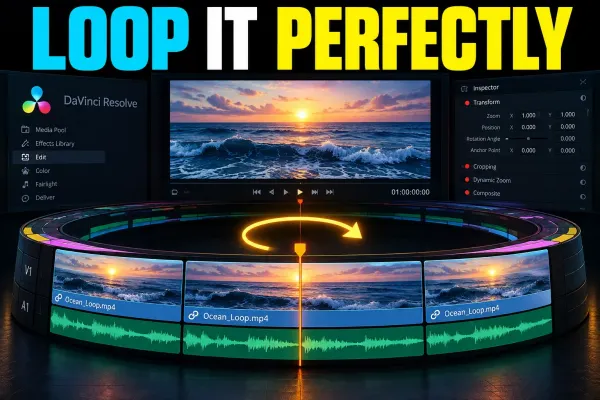 How to Loop a Video in DaVinci Resolve
Loop a timeline section for review, repeat a clip for a longer edit, or build a seamless exported loop without confusing playback mode with the rendered file.
How to Loop a Video in DaVinci Resolve
Loop a timeline section for review, repeat a clip for a longer edit, or build a seamless exported loop without confusing playback mode with the rendered file.
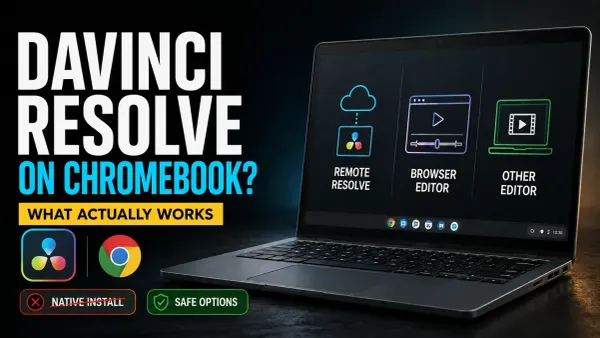 DaVinci Resolve for Chromebook: What Actually Works
No official Resolve build supports ChromeOS. Choose remote access to a suitable Resolve computer, or use Clipchamp or a compatible local editor to finish the video on your Chromebook.
DaVinci Resolve for Chromebook: What Actually Works
No official Resolve build supports ChromeOS. Choose remote access to a suitable Resolve computer, or use Clipchamp or a compatible local editor to finish the video on your Chromebook.
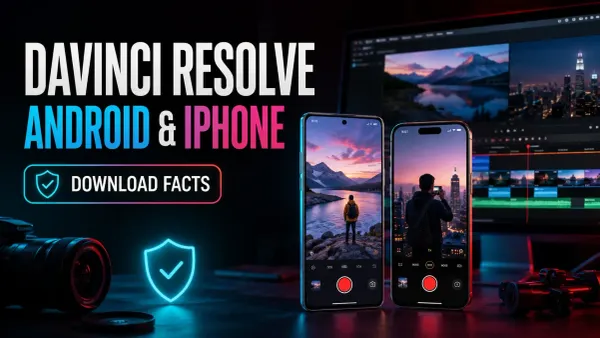 DaVinci Resolve for Android & iPhone: Is It Available?
No official Resolve editor runs on Android phones or iPhone. Check the genuine Camera app, avoid fake APKs, and choose between transferring footage to Resolve and editing on the phone.
DaVinci Resolve for Android & iPhone: Is It Available?
No official Resolve editor runs on Android phones or iPhone. Check the genuine Camera app, avoid fake APKs, and choose between transferring footage to Resolve and editing on the phone.
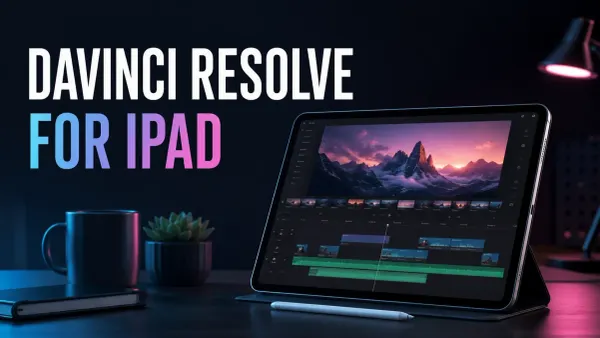 DaVinci Resolve for iPad: Download & Setup
Get the official free iPad app, check your model and storage, then test a short edit and export. Studio is a separate iPad purchase; desktop project transfers need a version and media check.
DaVinci Resolve for iPad: Download & Setup
Get the official free iPad app, check your model and storage, then test a short edit and export. Studio is a separate iPad purchase; desktop project transfers need a version and media check.