Home Beginner Guides
DaVinci Resolve topic library
Beginner Guides
New to DaVinci Resolve? Start here. These beginner guides cover your first project, the page-based workflow, basic editing and color, and how to export, one step at a time.
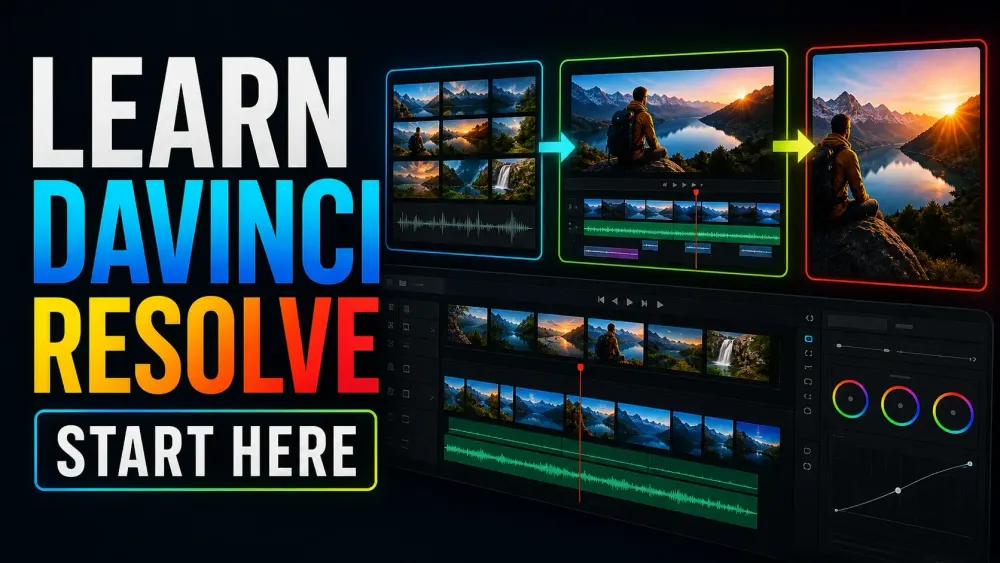
What this library covers
Choose the task, then open one focused guide
Choose by the result you need, not by the name of a Resolve page or tool. Each card takes one job from the first setting to a result you can check.
Start with the resultPick the card that matches what you need to finish, fix or understand.
Use one guide at a timeEach article owns one task, so you do not have to decode a giant index.
Move to the next real stepRelated tasks stay visible without repeating every link on the page.
Choose the task
Guides in this library
One card opens one focused guide. Covers stay visible, and the same article is not repeated in a second link list.
 DaVinci Resolve for Linux: Download & Install
Get the official Linux ZIP, check the Rocky Linux and GPU requirements, then test your real media. Ubuntu and Debian need a separately maintained installation route.
DaVinci Resolve for Linux: Download & Install
Get the official Linux ZIP, check the Rocky Linux and GPU requirements, then test your real media. Ubuntu and Debian need a separately maintained installation route.
 DaVinci Resolve Studio Download: Official Guide
Download the separate Studio installer from Blackmagic’s Support Center. Use your existing activation key, dongle or assigned Cloud rental; a Mac App Store purchase needs the Store edition.
DaVinci Resolve Studio Download: Official Guide
Download the separate Studio installer from Blackmagic’s Support Center. Use your existing activation key, dongle or assigned Cloud rental; a Mac App Store purchase needs the Store edition.
 DaVinci Resolve Old Versions: Official Downloads
Get older Resolve installers from Blackmagic’s Support Center under Latest Downloads. Match the release, Free or Studio edition and platform; keep a compatible project backup before replacing the app.
DaVinci Resolve Old Versions: Official Downloads
Get older Resolve installers from Blackmagic’s Support Center under Latest Downloads. Match the release, Free or Studio edition and platform; keep a compatible project backup before replacing the app.
 DaVinci Resolve Windows x86 vs ARM: Which Build?
For an Intel or AMD x64 PC, choose Windows x86. For a supported Windows ARM PC, choose ARM. Check System type first, then verify drivers and plugins before moving a working project.
DaVinci Resolve Windows x86 vs ARM: Which Build?
For an Intel or AMD x64 PC, choose Windows x86. For a supported Windows ARM PC, choose ARM. Check System type first, then verify drivers and plugins before moving a working project.
 DaVinci Resolve for Mac: Official Download & Install
Download from Blackmagic or the official Mac App Store. Resolve 21.1 lists Apple silicon, macOS 15+ and 8GB memory, or 16GB with Fusion. Check your Studio license channel before installing.
DaVinci Resolve for Mac: Official Download & Install
Download from Blackmagic or the official Mac App Store. Resolve 21.1 lists Apple silicon, macOS 15+ and 8GB memory, or 16GB with Fusion. Check your Studio license channel before installing.
 DaVinci Resolve for Windows: Download & Install
Download from Blackmagic. Intel and AMD PCs need 64-bit Windows and the Windows x86 package; supported Snapdragon PCs use Windows ARM. Back up before updating.
DaVinci Resolve for Windows: Download & Install
Download from Blackmagic. Intel and AMD PCs need 64-bit Windows and the Windows x86 package; supported Snapdragon PCs use Windows ARM. Back up before updating.
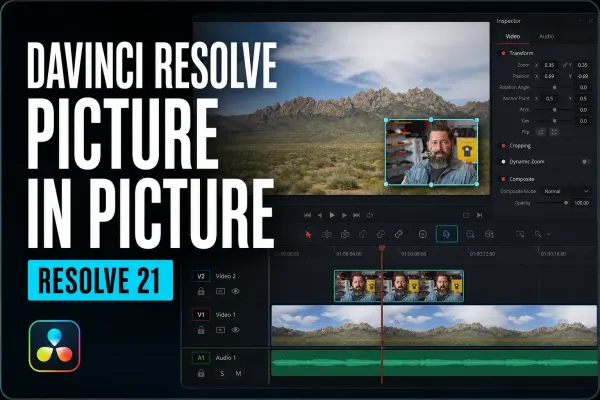 DaVinci Resolve Picture in Picture: Resolve 21 Guide
Create picture in picture in DaVinci Resolve 21 with the native Resolve FX, then control framing, position, rounded corners, border and shadow. Includes the manual method for older versions and fixes for missing or black-background results.
DaVinci Resolve Picture in Picture: Resolve 21 Guide
Create picture in picture in DaVinci Resolve 21 with the native Resolve FX, then control framing, position, rounded corners, border and shadow. Includes the manual method for older versions and fixes for missing or black-background results.
 DaVinci Resolve Keyframes and Curve Editor Guide
Create and retime keyframes in DaVinci Resolve 21, then use the Curve Editor for easing and Bezier control. This guide also separates motion paths from value curves and fixes missing keyframes, handles and editor views.
DaVinci Resolve Keyframes and Curve Editor Guide
Create and retime keyframes in DaVinci Resolve 21, then use the Curve Editor for easing and Bezier control. This guide also separates motion paths from value curves and fixes missing keyframes, handles and editor views.
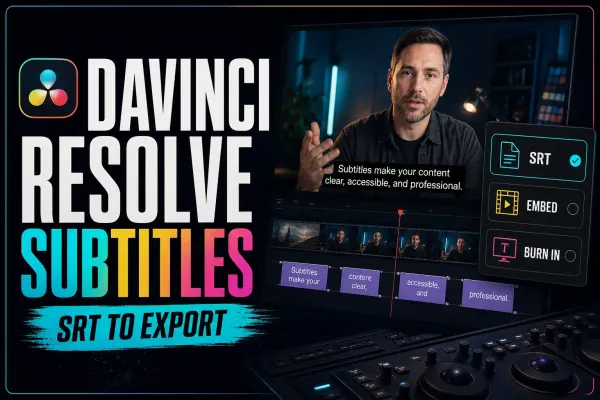 DaVinci Resolve Subtitles: Create, Style, Import & Export
Build captions as a delivery workflow, not a last-minute text layer. Learn when to use a subtitle track, Studio transcription or Text+, then import, time, style, check and export captions without losing sync or readability.
DaVinci Resolve Subtitles: Create, Style, Import & Export
Build captions as a delivery workflow, not a last-minute text layer. Learn when to use a subtitle track, Studio transcription or Text+, then import, time, style, check and export captions without losing sync or readability.
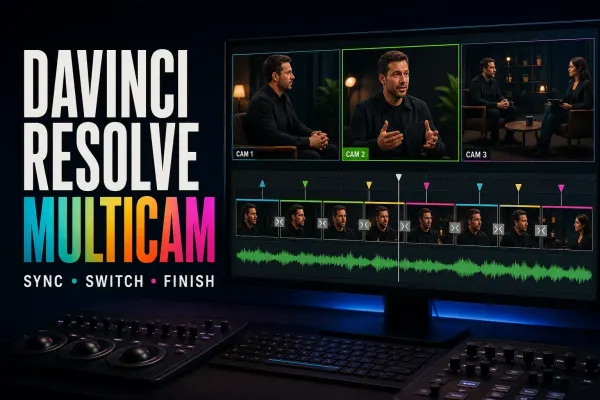 DaVinci Resolve Multicam Editing: Sync to SmartSwitch
Build the multicam clip correctly before you start cutting. This guide shows how to choose a sync method, keep one clean audio source, switch or replace angles without breaking sync, and use Studio's SmartSwitch as a first pass rather than a finished edit.
DaVinci Resolve Multicam Editing: Sync to SmartSwitch
Build the multicam clip correctly before you start cutting. This guide shows how to choose a sync method, keep one clean audio source, switch or replace angles without breaking sync, and use Studio's SmartSwitch as a first pass rather than a finished edit.
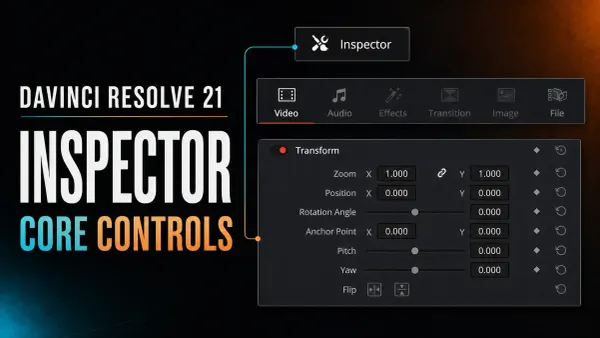 DaVinci Resolve Inspector: Core Controls Explained
Select a timeline item and open Inspector at the upper right. This Resolve 21 guide explains Transform, Crop, Audio, Effects, keyframes, resets, and blank-panel fixes.
DaVinci Resolve Inspector: Core Controls Explained
Select a timeline item and open Inspector at the upper right. This Resolve 21 guide explains Transform, Crop, Audio, Effects, keyframes, resets, and blank-panel fixes.
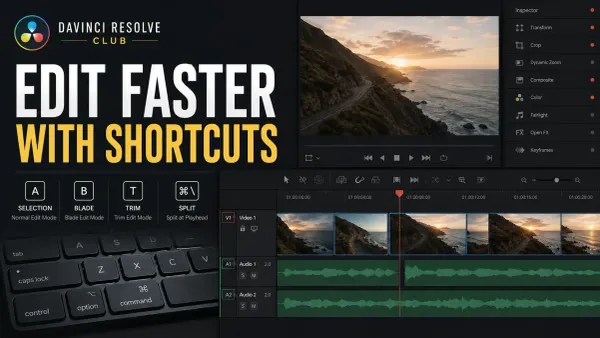 DaVinci Resolve Keyboard Shortcuts That Save Time
Learn Resolve 21 shortcuts in practical groups: J/K/L, I/O, A and B modes, Ctrl+\ or Cmd+\ for Split Clip, Ripple Delete, markers, snapping, timeline fit, and safe custom presets.
DaVinci Resolve Keyboard Shortcuts That Save Time
Learn Resolve 21 shortcuts in practical groups: J/K/L, I/O, A and B modes, Ctrl+\ or Cmd+\ for Split Clip, Ripple Delete, markers, snapping, timeline fit, and safe custom presets.