Home Fairlight
DaVinci Resolve topic library
Fairlight
Fairlight audio guides for DaVinci Resolve covering dialogue cleanup, noise reduction, EQ, levels, and muting or splitting audio.
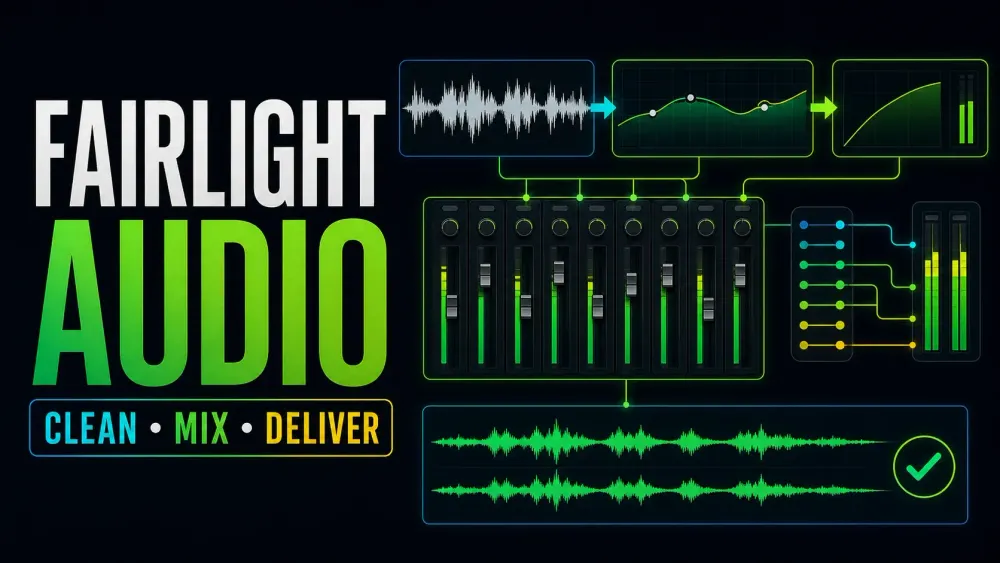
What this library covers
Choose the task, then open one focused guide
Choose by the result you need, not by the name of a Resolve page or tool. Each card takes one job from the first setting to a result you can check.
Start with the resultPick the card that matches what you need to finish, fix or understand.
Use one guide at a timeEach article owns one task, so you do not have to decode a giant index.
Move to the next real stepRelated tasks stay visible without repeating every link on the page.
Choose the task
Guides in this library
One card opens one focused guide. Covers stay visible, and the same article is not repeated in a second link list.
 How to Reduce Room Echo in DaVinci Resolve
Reduce echoey dialogue in DaVinci Resolve with a practical Fairlight chain. Learn when to use Voice Isolation, EQ, dynamics and automation, and why room reverb cannot always be removed cleanly.
How to Reduce Room Echo in DaVinci Resolve
Reduce echoey dialogue in DaVinci Resolve with a practical Fairlight chain. Learn when to use Voice Isolation, EQ, dynamics and automation, and why room reverb cannot always be removed cleanly.
 How to Fix Audio Clicks and Pops in DaVinci Resolve
Separate edit clicks from playback crackling, then fix each cause in DaVinci Resolve with clean clip boundaries, short fades, zero-crossing edits and Fairlight diagnostics.
How to Fix Audio Clicks and Pops in DaVinci Resolve
Separate edit clicks from playback crackling, then fix each cause in DaVinci Resolve with clean clip boundaries, short fades, zero-crossing edits and Fairlight diagnostics.
 Fairlight Sound Library: Add, Search and Fix Missing Sounds
Add Blackmagic or custom sound libraries, search the Fairlight catalog, preview and audition effects, and fix missing results after updates or moves.
Fairlight Sound Library: Add, Search and Fix Missing Sounds
Add Blackmagic or custom sound libraries, search the Fairlight catalog, preview and audition effects, and fix missing results after updates or moves.
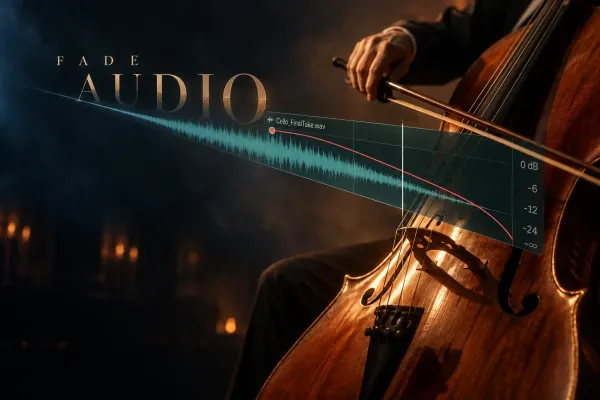 How to Fade Audio In and Out in DaVinci Resolve
Choose the right DaVinci Resolve audio fade: fast clip handles, precise volume keyframes, clip-to-clip crossfades, or consistent Fairlight batch fades.
How to Fade Audio In and Out in DaVinci Resolve
Choose the right DaVinci Resolve audio fade: fast clip handles, precise volume keyframes, clip-to-clip crossfades, or consistent Fairlight batch fades.
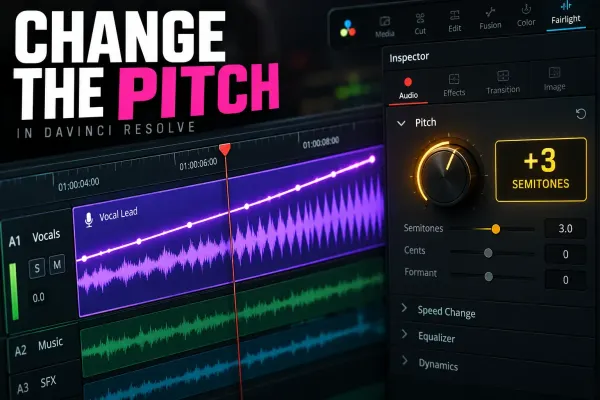 How to Change Audio Pitch in DaVinci Resolve
Change the pitch of one audio clip without changing its speed, process a whole track with Fairlight FX, automate the effect, and avoid metallic artifacts.
How to Change Audio Pitch in DaVinci Resolve
Change the pitch of one audio clip without changing its speed, process a whole track with Fairlight FX, automate the effect, and avoid metallic artifacts.
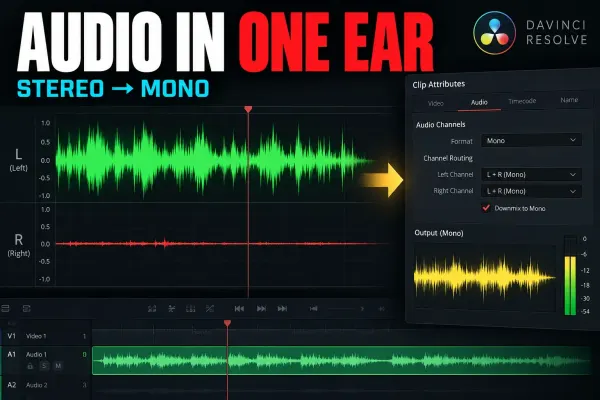 DaVinci Resolve Audio Only in One Ear: Mono Fix
Fix audio that plays from only the left or right side by mapping the active source channel correctly, then checking track format, pan, and bus monitoring.
DaVinci Resolve Audio Only in One Ear: Mono Fix
Fix audio that plays from only the left or right side by mapping the active source channel correctly, then checking track format, pan, and bus monitoring.
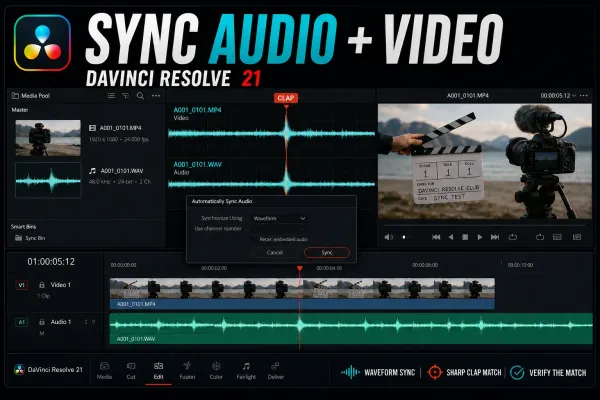 How to Sync Audio and Video in DaVinci Resolve 21
Sync camera video with externally recorded audio by waveform, timecode, markers or a manual clap. This Resolve 21 guide separates Media Pool Auto Sync from timeline Auto Align, explains Retain Embedded Audio, and diagnoses failed matches and long-recording drift.
How to Sync Audio and Video in DaVinci Resolve 21
Sync camera video with externally recorded audio by waveform, timecode, markers or a manual clap. This Resolve 21 guide separates Media Pool Auto Sync from timeline Auto Align, explains Retain Embedded Audio, and diagnoses failed matches and long-recording drift.
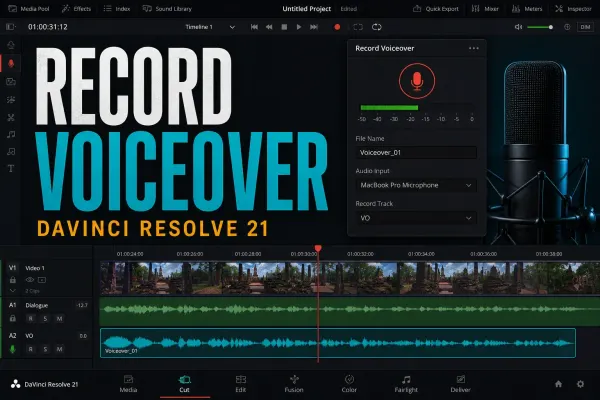 How to Record Voiceover in DaVinci Resolve 21
Record narration directly into a Resolve 21 timeline with the Cut or Edit Voiceover tool, then move to Fairlight only when you need explicit patching, multiple tracks or ADR. Includes a meter-first fix for silent takes, monitoring lag, one-ear audio and low levels.
How to Record Voiceover in DaVinci Resolve 21
Record narration directly into a Resolve 21 timeline with the Cut or Edit Voiceover tool, then move to Fairlight only when you need explicit patching, multiple tracks or ADR. Includes a meter-first fix for silent takes, monitoring lag, one-ear audio and low levels.
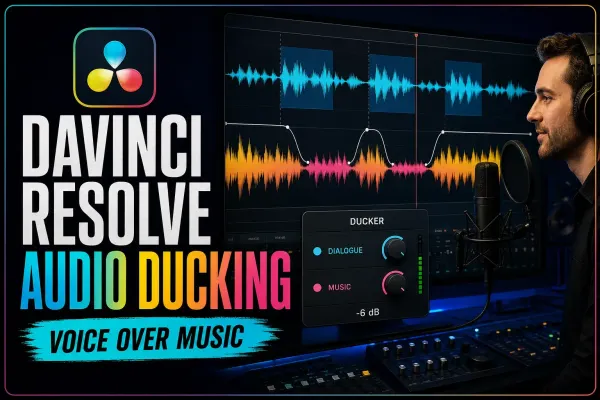 DaVinci Resolve Audio Ducking: Ducker, AI & Sidechain
Make room for dialogue without riding the music fader through every sentence. This guide separates Ducker Track FX, bus-capable sidechain compression and Studio's AI Audio Assistant, then shows how to tune and troubleshoot each route.
DaVinci Resolve Audio Ducking: Ducker, AI & Sidechain
Make room for dialogue without riding the music fader through every sentence. This guide separates Ducker Track FX, bus-capable sidechain compression and Studio's AI Audio Assistant, then shows how to tune and troubleshoot each route.
 Fairlight Compressor Settings for Dialogue
Set the Fairlight dialogue compressor in DaVinci Resolve 21: threshold, ratio, knee, mix, attack, hold, release, makeup gain, pumping fixes, and QA.
Fairlight Compressor Settings for Dialogue
Set the Fairlight dialogue compressor in DaVinci Resolve 21: threshold, ratio, knee, mix, attack, hold, release, makeup gain, pumping fixes, and QA.
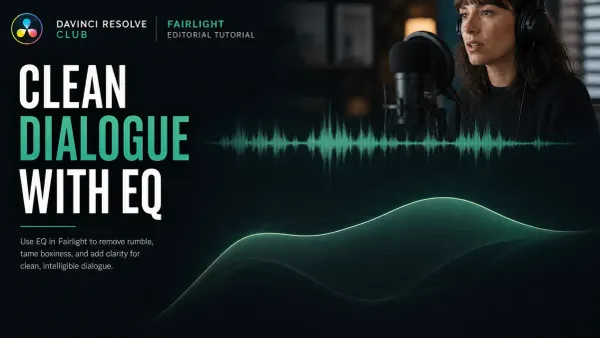 Fairlight EQ: Clean Dialogue in DaVinci Resolve
Start Fairlight dialogue EQ flat. Choose clip or track processing, correct only audible problems, and compare at matched loudness. Protect the voice’s body instead of copying a preset.
Fairlight EQ: Clean Dialogue in DaVinci Resolve
Start Fairlight dialogue EQ flat. Choose clip or track processing, correct only audible problems, and compare at matched loudness. Protect the voice’s body instead of copying a preset.