Home Jason Miller

Jason Miller
I run DaVinci Resolve Club as an independent publication: hands-on edits, color grading breakdowns, Fairlight sessions, Fusion tests, and honest notes on where Resolve gets in the way. Jason Miller on XAll Guides
132 published guides by Jason Miller.
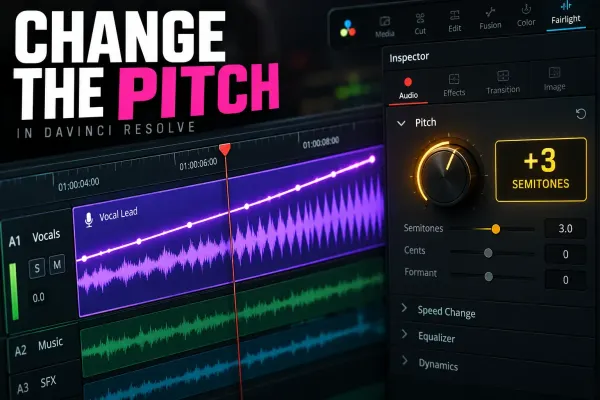 How to Change Audio Pitch in DaVinci Resolve
Change the pitch of one audio clip without changing its speed, process a whole track with Fairlight FX, automate the effect, and avoid metallic artifacts.
How to Change Audio Pitch in DaVinci Resolve
Change the pitch of one audio clip without changing its speed, process a whole track with Fairlight FX, automate the effect, and avoid metallic artifacts.
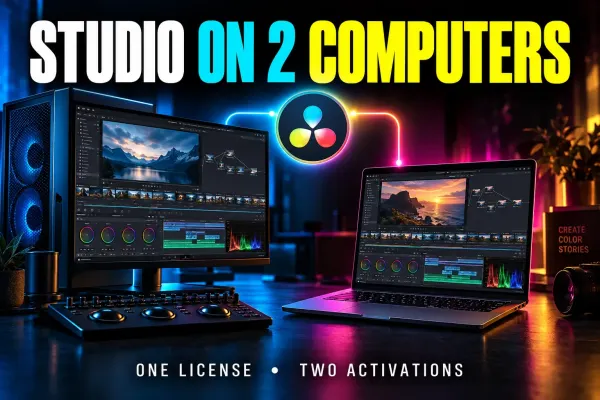 DaVinci Resolve Studio License on Two Computers
A practical guide to DaVinci Resolve Studio’s two-computer activation limit, safe license transfers, lost-machine recovery, and licensing alternatives.
DaVinci Resolve Studio License on Two Computers
A practical guide to DaVinci Resolve Studio’s two-computer activation limit, safe license transfers, lost-machine recovery, and licensing alternatives.
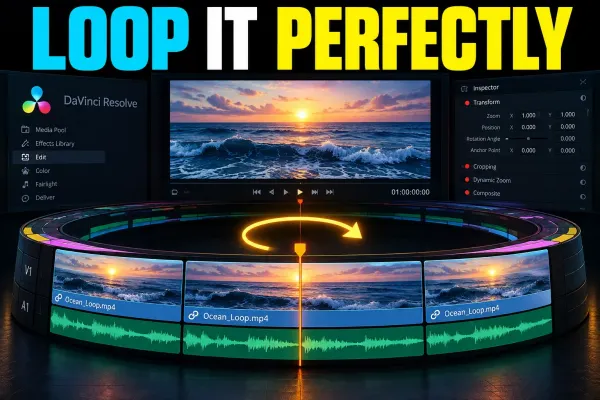 How to Loop a Video in DaVinci Resolve
Loop a timeline section for review, repeat a clip for a longer edit, or build a seamless exported loop without confusing playback mode with the rendered file.
How to Loop a Video in DaVinci Resolve
Loop a timeline section for review, repeat a clip for a longer edit, or build a seamless exported loop without confusing playback mode with the rendered file.
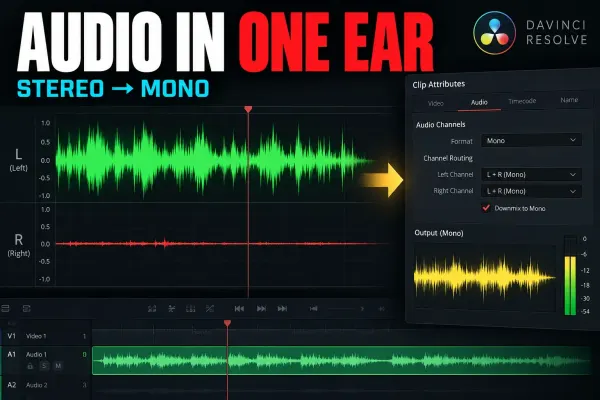 DaVinci Resolve Audio Only in One Ear: Mono Fix
Fix audio that plays from only the left or right side by mapping the active source channel correctly, then checking track format, pan, and bus monitoring.
DaVinci Resolve Audio Only in One Ear: Mono Fix
Fix audio that plays from only the left or right side by mapping the active source channel correctly, then checking track format, pan, and bus monitoring.
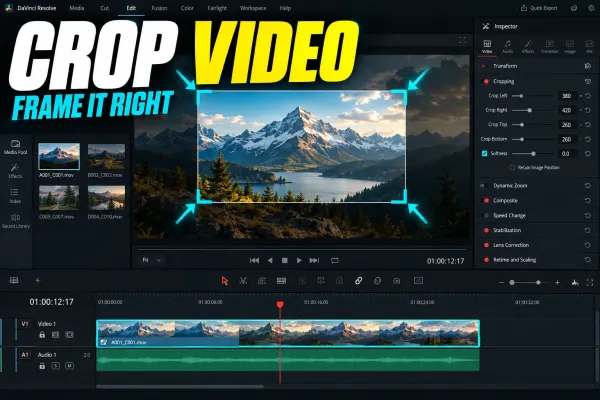 How to Crop Video in DaVinci Resolve
Crop one clip precisely in DaVinci Resolve, choose the right control, animate a reveal, copy settings, and fix black edges or moving crop boundaries.
How to Crop Video in DaVinci Resolve
Crop one clip precisely in DaVinci Resolve, choose the right control, animate a reveal, copy settings, and fix black edges or moving crop boundaries.
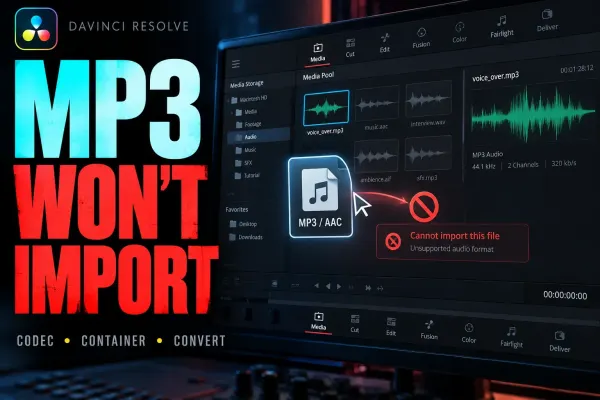 DaVinci Resolve Won’t Import MP3 or AAC Audio
A symptom-first guide to MP3, AAC, and M4A import failures in DaVinci Resolve, including cloud placeholders, Apple Music protection, Linux limits, and safe PCM WAV copies.
DaVinci Resolve Won’t Import MP3 or AAC Audio
A symptom-first guide to MP3, AAC, and M4A import failures in DaVinci Resolve, including cloud placeholders, Apple Music protection, Linux limits, and safe PCM WAV copies.
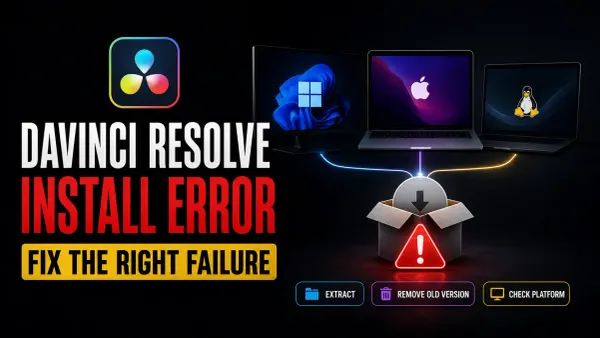 DaVinci Resolve Installation Errors: Fix the Installer
Match the exact installation error before changing anything: check the official package, protect projects, and follow the right Windows, Mac or Linux recovery path.
DaVinci Resolve Installation Errors: Fix the Installer
Match the exact installation error before changing anything: check the official package, protect projects, and follow the right Windows, Mac or Linux recovery path.
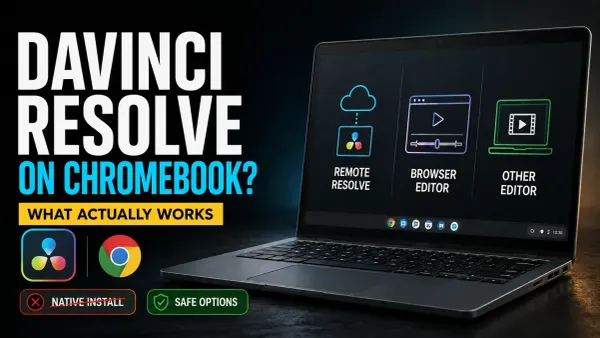 DaVinci Resolve for Chromebook: What Actually Works
No official Resolve build supports ChromeOS. Choose remote access to a suitable Resolve computer, or use Clipchamp or a compatible local editor to finish the video on your Chromebook.
DaVinci Resolve for Chromebook: What Actually Works
No official Resolve build supports ChromeOS. Choose remote access to a suitable Resolve computer, or use Clipchamp or a compatible local editor to finish the video on your Chromebook.
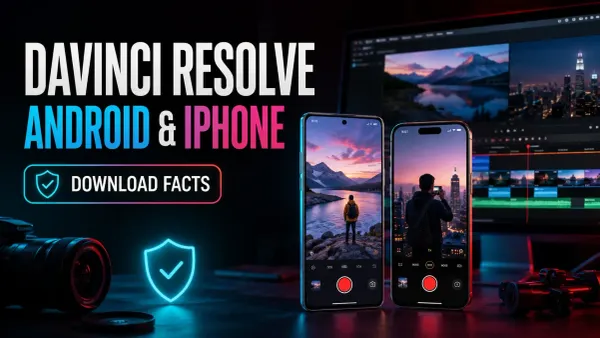 DaVinci Resolve for Android & iPhone: Is It Available?
No official Resolve editor runs on Android phones or iPhone. Check the genuine Camera app, avoid fake APKs, and choose between transferring footage to Resolve and editing on the phone.
DaVinci Resolve for Android & iPhone: Is It Available?
No official Resolve editor runs on Android phones or iPhone. Check the genuine Camera app, avoid fake APKs, and choose between transferring footage to Resolve and editing on the phone.
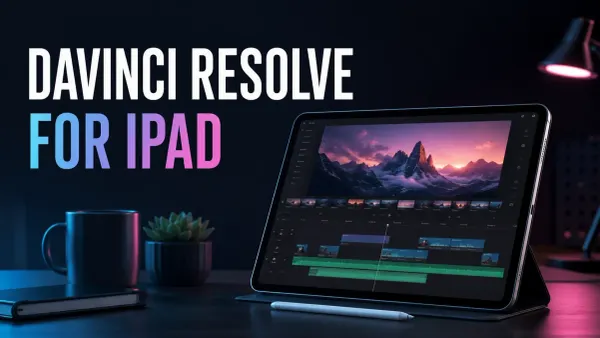 DaVinci Resolve for iPad: Download & Setup
Get the official free iPad app, check your model and storage, then test a short edit and export. Studio is a separate iPad purchase; desktop project transfers need a version and media check.
DaVinci Resolve for iPad: Download & Setup
Get the official free iPad app, check your model and storage, then test a short edit and export. Studio is a separate iPad purchase; desktop project transfers need a version and media check.
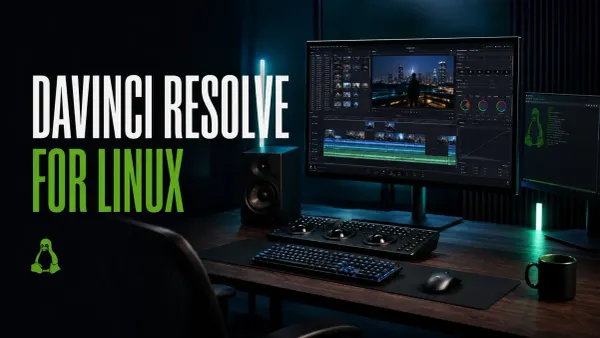 DaVinci Resolve for Linux: Download & Install
Get the official Linux ZIP, check the Rocky Linux and GPU requirements, then test your real media. Ubuntu and Debian need a separately maintained installation route.
DaVinci Resolve for Linux: Download & Install
Get the official Linux ZIP, check the Rocky Linux and GPU requirements, then test your real media. Ubuntu and Debian need a separately maintained installation route.
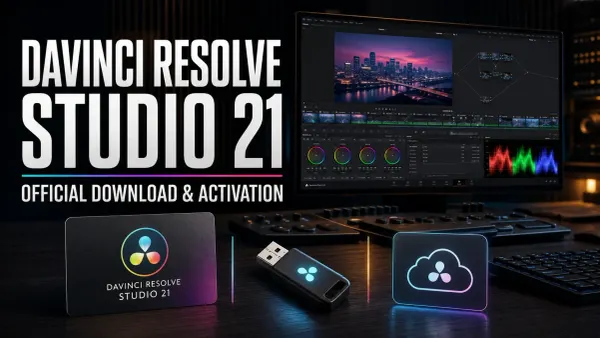 DaVinci Resolve Studio Download: Official Guide
Download the separate Studio installer from Blackmagic’s Support Center. Use your existing activation key, dongle or assigned Cloud rental; a Mac App Store purchase needs the Store edition.
DaVinci Resolve Studio Download: Official Guide
Download the separate Studio installer from Blackmagic’s Support Center. Use your existing activation key, dongle or assigned Cloud rental; a Mac App Store purchase needs the Store edition.