
To pursue DaVinci Resolve certification, start with a specific Blackmagic Design training book, work through its lessons and use the Complete Online Exam link beside that book in the official catalog. Keep the subject and version together. A course-completion certificate from another provider and Blackmagic’s certified-trainer status are separate credentials.
I’d use the exam as a reason to close gaps in your knowledge, then show that knowledge in finished work. Collecting a credential before you can explain your own edit is the wrong order. Here’s how to choose the route, prepare and avoid starting the timed assessment accidentally.
Decide Which Credential You Actually Need
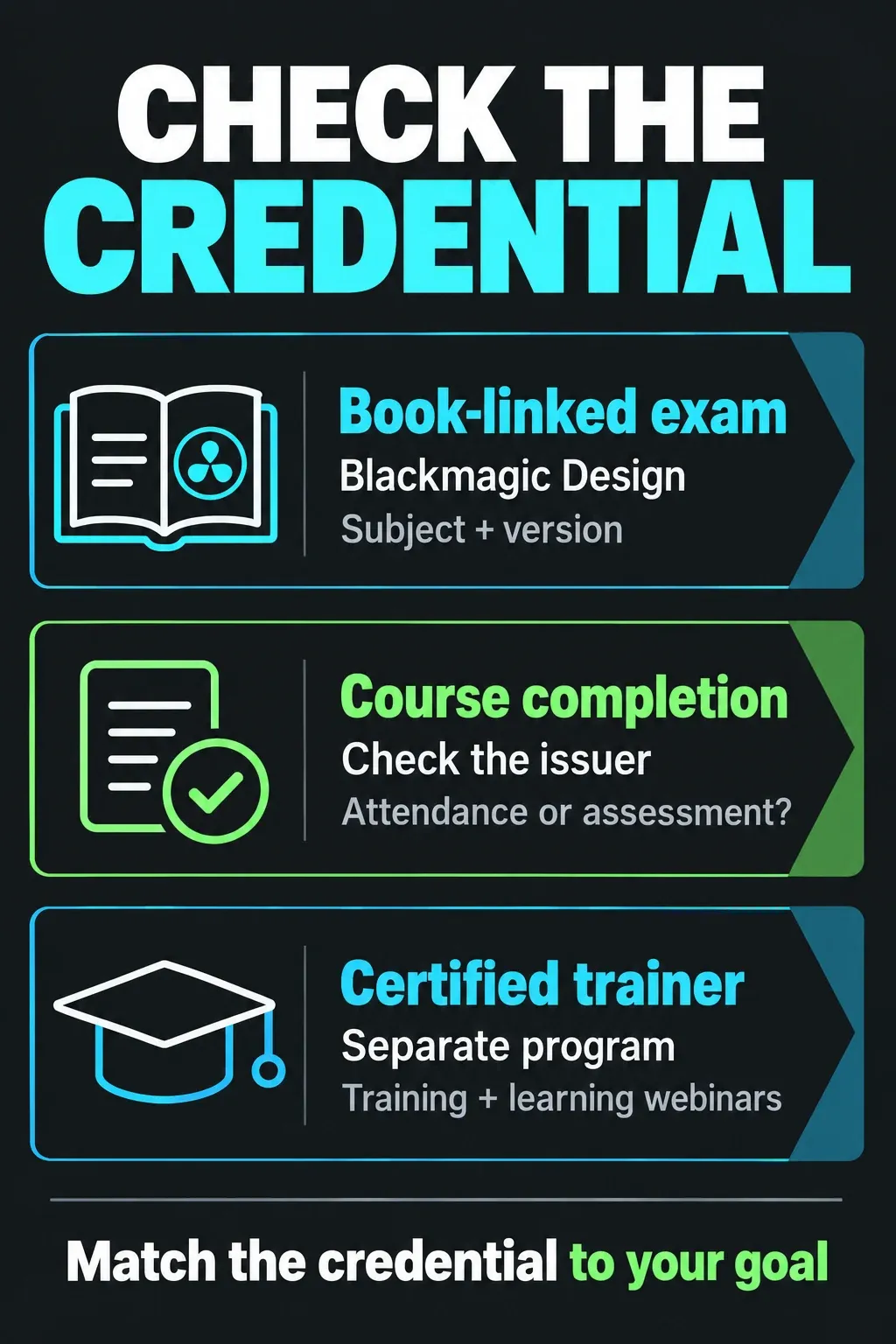
“DaVinci Resolve certificate” can describe different things. Before signing up, identify the issuer and what you must do to earn the document.
- A Blackmagic book-linked assessment: the official training catalog places separate exam links beside its Beginner, Editor, Fairlight, Colorist, Visual Effects and Advanced Visual Effects guides. Choose the subject you intend to study.
- A training provider’s completion certificate: this records that provider’s course or program. Check whether it requires attendance, assignments, an assessment or a separate Blackmagic exam.
- Blackmagic Design Certified Trainer: this is a separate program for people teaching Resolve. Passing an end-user assessment alone does not establish trainer status.
For example, the Resolve specialization on Coursera lists Skillshare as its provider and offers a shareable certificate. That listing is a different route from the exam links on Blackmagic’s own training page. A useful course can still be worth taking; just describe the resulting credential accurately.
Find the Matching Guide, Media and Exam
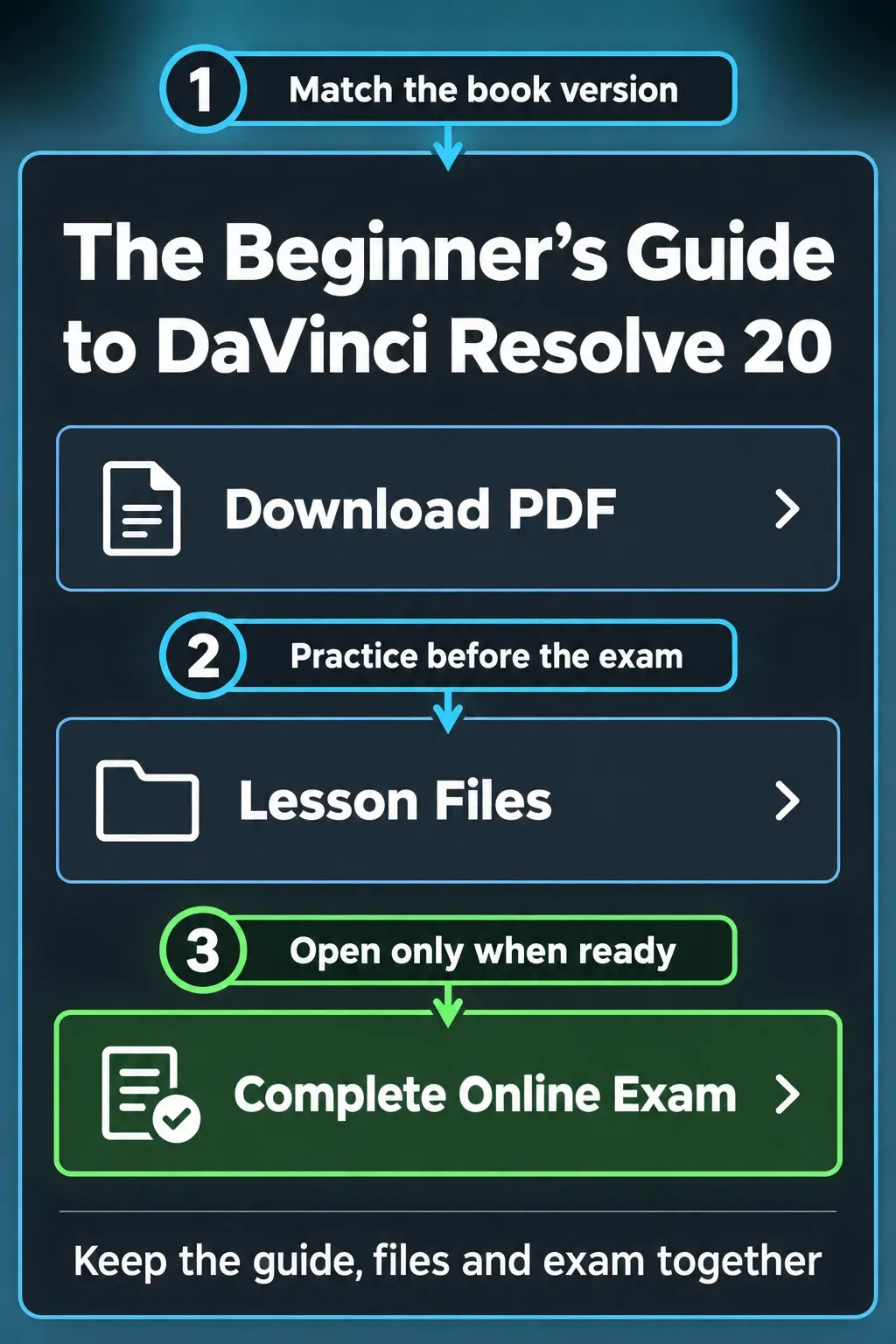
Open Blackmagic’s official training-book catalogue. Choose one guide and keep its PDF, lesson files and exam link together. For a broad introduction, start with the Beginner’s Guide. For a specific editing, color, audio or compositing goal, choose that discipline’s guide instead of assuming the beginner assessment covers everything.
The product header names Resolve 21, while these books and their linked exams are labeled Resolve 20. Use the version attached to the learning resource. Familiarity with a newer release doesn’t make every older menu label or exercise identical.
- Download the guide. Check its title, version and opening requirements before planning your study.
- Get the matching lesson files. Use the files beside that guide, including each part where the download is split. Don’t substitute a video lesson’s media merely because it has a similar title.
- Complete the lessons and review questions. Practice the task as well as reading the explanation. Keep practice projects separate from important work and make a backup before moving a project into a newer application version.
- Return to that guide’s exam link when ready. Check the assessment title before entering your details. A link for a different subject or version is not an interchangeable final step.
The Beginner’s Guide says its lessons use the free desktop application on Mac or Windows. The separate Advanced Visual Effects guide explicitly uses Studio. Check the requirements of your chosen guide before paying for software; our Free versus Studio comparison explains the broader edition differences.
If you need help choosing a book, recorded course or live class first, use the training and course selection guide. That’s a learning-path decision; the credential decision here comes after it.
Know What Is Confirmed About the Exam
The Beginner’s Guide, under “Getting Certified”, describes a one-hour, 50-question online proficiency exam and a Certificate of Completion from Blackmagic Design. Those details belong to that guide. Don’t turn them into a guarantee about every subject, language or later assessment.
The current English Beginner 20 assessment landing page identifies the assessment as BEGINNER20-EN-ENDUSER. It asks for first name, last name, email address and training-partner information. Most importantly, its warning says the assessment is timed and the clock starts when you click Login. So Login starts the assessment; it isn’t a harmless preview button.
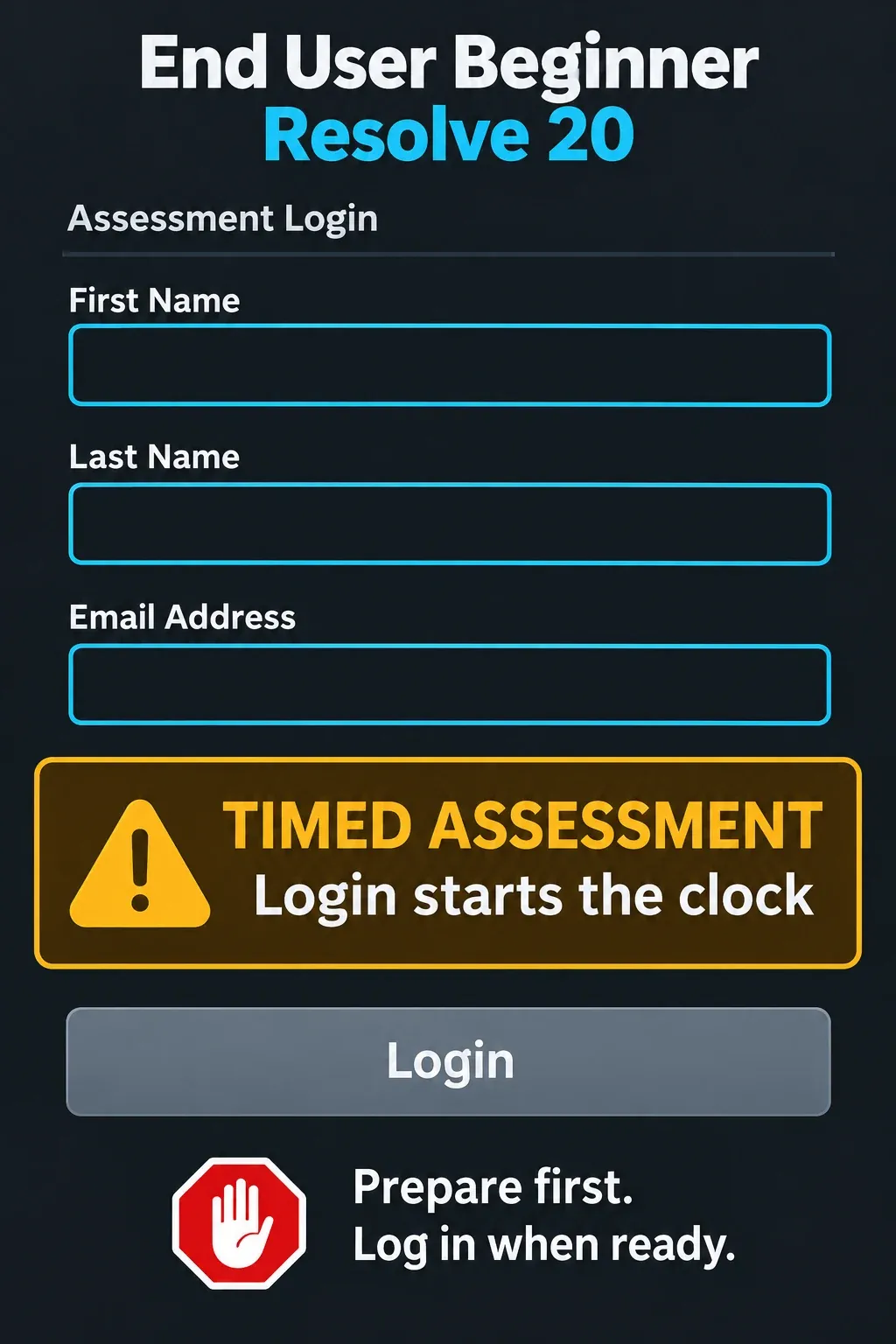
Have the details you intend to use ready, check the assessment title and read all instructions on the page itself. If you studied independently and the required partner fields are unclear, ask Blackmagic’s training team through the contact route on its training page. Don’t select a school you didn’t attend just to get past a form.
I wouldn’t plan an attempt around an old blog’s pass mark, retake allowance or “open-book” claim. The public landing page doesn’t state those rules. Read the current assessment instructions, and ask the training team about anything that would affect your attempt before starting it.
Separate Free Preparation From Paid Instruction
You can prepare with the official downloadable PDFs and lesson files without buying a printed book or a training course. The catalog provides download links separately from its printed-book purchase links. That makes self-study a sensible first route when you can work through the exercises on your own.
The public catalog and the Beginner assessment landing page don’t quote an exam fee. That isn’t a price guarantee for every certification service or provider. Before paying a school, ask exactly what the charge covers: tuition, feedback, materials, an exam attempt, a provider certificate or some combination.
A live class can be a practical purchase when you need an instructor to explain a sticking point or review your work. For example, Maine Media’s certification workshop description separates its taught workshop from the Blackmagic quiz students prepare to take. Compare the teaching and support you receive, and don’t assume a larger course fee buys a stronger credential.
For readers in the US, UK, Canada or Australia, confirm the billing currency, applicable tax, class time zone, teaching language, required edition and cancellation terms. An online listing isn’t proof that a class suits your local working hours or has a seat available. Blackmagic’s training-partner finder is a starting point for checking providers.
Prepare to Explain Decisions, Then Record the Result Honestly
Use the guide’s own review questions to find weak areas. Then repeat a small task without following the page line by line. For an editing exercise, explain which clip is the source, why the timeline uses a particular range and how you’d check the exported file. For color or audio, explain what you changed and why. This is study advice. It doesn’t predict the questions you’ll receive.
Don’t rely on answer dumps. They can leave the original knowledge gap untouched, even when a phrase looks familiar. Spend that time on the section you can’t explain. There’s no useful universal promise that everyone will be ready in a weekend; your starting knowledge and chosen guide decide the work.
After the assessment, follow the result page’s delivery instructions and retain the document or confirmation you receive. Check your name, the issuer, subject, version and completion date. On a résumé or profile, use the credential’s exact wording. Don’t upgrade a completion certificate into “Certified Trainer,” invent an expiration date or imply that it guarantees employment.
A certificate is supporting evidence. I’d pair it with a short finished edit, a concise explanation of the decisions and a clear account of who did what on the project. If the immediate problem is finishing a video, our first-edit tutorial is the more useful next step than another exam.
Trainer Status Has Its Own Requirements
Blackmagic’s certified-trainer program description says trainers must participate in at least one regional train-the-trainer program and regularly scheduled learning-exchange webinars to maintain that status. Use its contact route to ask about the applicable regional process. An end-user certificate doesn’t replace those requirements.
Choose that route if your goal is to teach. If your goal is to edit or grade more confidently, choose the relevant book, finish its work and pursue the matching assessment. The credential should describe what you completed, with finished work showing what you can do next.
