Home Jason Miller

Jason Miller
I run DaVinci Resolve Club as an independent publication: hands-on edits, color grading breakdowns, Fairlight sessions, Fusion tests, and honest notes on where Resolve gets in the way. Jason Miller on XAll Guides
132 published guides by Jason Miller.
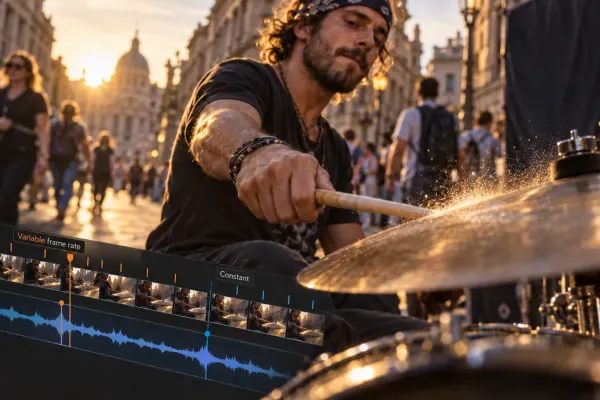 Variable Frame Rate in DaVinci Resolve: Diagnose and Convert to CFR
Confirm variable frame rate before blaming it, convert one safe CFR sample, and verify duration, audio channels, sync and cadence before relinking.
Variable Frame Rate in DaVinci Resolve: Diagnose and Convert to CFR
Confirm variable frame rate before blaming it, convert one safe CFR sample, and verify duration, audio channels, sync and cadence before relinking.
 Premiere Pro to DaVinci Resolve: XML Transfer and Conform
Prepare a locked Premiere sequence, transfer XML and original media, relink safely in Resolve and verify the conform shot by shot before grading.
Premiere Pro to DaVinci Resolve: XML Transfer and Conform
Prepare a locked Premiere sequence, transfer XML and original media, relink safely in Resolve and verify the conform shot by shot before grading.
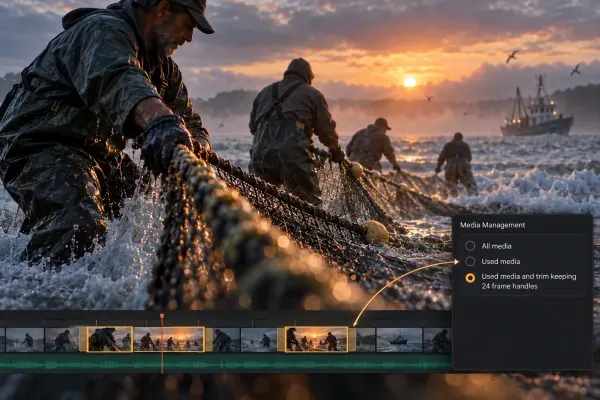 DaVinci Resolve Media Management: Consolidate, Trim and Archive
Collect the media a Resolve project actually needs, choose Copy or Transcode, set defensible handles and prove the package works without the source drive.
DaVinci Resolve Media Management: Consolidate, Trim and Archive
Collect the media a Resolve project actually needs, choose Copy or Transcode, set defensible handles and prove the package works without the source drive.
 Skin Tone Correction in DaVinci Resolve: A Clean Workflow
Correct skin through a moving clip without shifting the background: balance the shot first, inspect the qualifier, track a soft window and keep the isolation active.
Skin Tone Correction in DaVinci Resolve: A Clean Workflow
Correct skin through a moving clip without shifting the background: balance the shot first, inspect the qualifier, track a soft window and keep the isolation active.
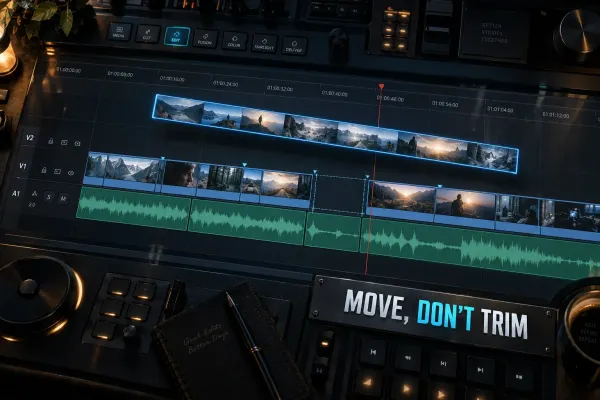 How to Move a Clip Without Shortening It in DaVinci Resolve
Move a whole clip without changing its duration, reorder occupied edits with Swap, insert new footage, or extend a shot with Ripple Trim.
How to Move a Clip Without Shortening It in DaVinci Resolve
Move a whole clip without changing its duration, reorder occupied edits with Swap, insert new footage, or extend a shot with Ripple Trim.
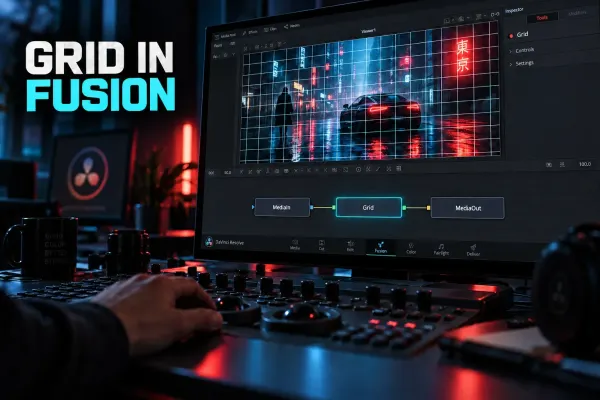 How to Enable and Use the Grid in Fusion
Add a visible grid in Fusion, use temporary Viewer Guides, fix a blank Grid node, and understand when Grid Warp or a video-wall workflow is the right tool.
How to Enable and Use the Grid in Fusion
Add a visible grid in Fusion, use temporary Viewer Guides, fix a blank Grid node, and understand when Grid Warp or a video-wall workflow is the right tool.
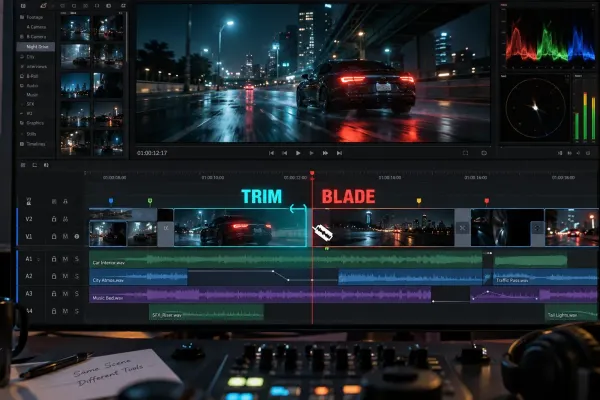 Trim vs Blade in DaVinci Resolve: Which Edit Tool to Use
Blade creates a new cut; Trim changes an existing edit point. Learn when to use Ripple Trim, Roll, Slip and Slide in DaVinci Resolve.
Trim vs Blade in DaVinci Resolve: Which Edit Tool to Use
Blade creates a new cut; Trim changes an existing edit point. Learn when to use Ripple Trim, Roll, Slip and Slide in DaVinci Resolve.
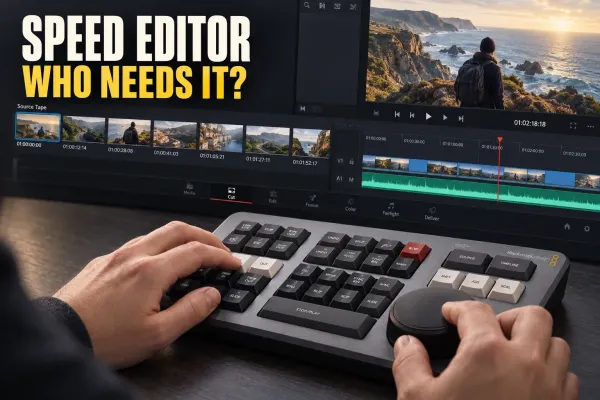 DaVinci Resolve Speed Editor: What It Does and Who It Is For
See what the $435 DaVinci Resolve Speed Editor changes, who benefits from its Cut page workflow, and when a normal keyboard makes more sense.
DaVinci Resolve Speed Editor: What It Does and Who It Is For
See what the $435 DaVinci Resolve Speed Editor changes, who benefits from its Cut page workflow, and when a normal keyboard makes more sense.
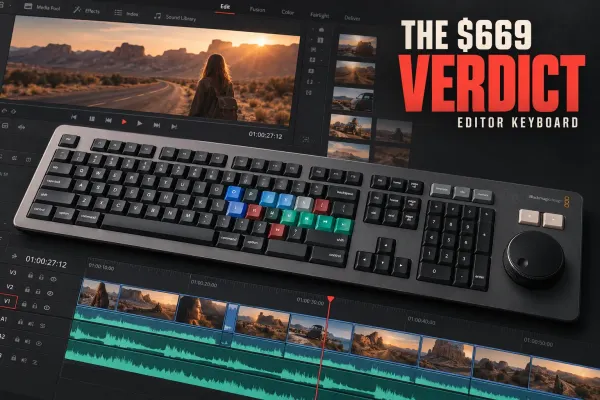 DaVinci Resolve Editor Keyboard: Is It Worth $669?
See who should buy the $669 DaVinci Resolve Editor Keyboard, how it compares with Speed Editor, and how the bundled Studio key changes its value.
DaVinci Resolve Editor Keyboard: Is It Worth $669?
See who should buy the $669 DaVinci Resolve Editor Keyboard, how it compares with Speed Editor, and how the bundled Studio key changes its value.
 Instagram Reels Export Settings in DaVinci Resolve
Build a 1080×1920 Reel timeline, reframe every shot, and export a clean H.264/AAC file without treating one bitrate or frame rate as an Instagram law.
Instagram Reels Export Settings in DaVinci Resolve
Build a 1080×1920 Reel timeline, reframe every shot, and export a clean H.264/AAC file without treating one bitrate or frame rate as an Instagram law.
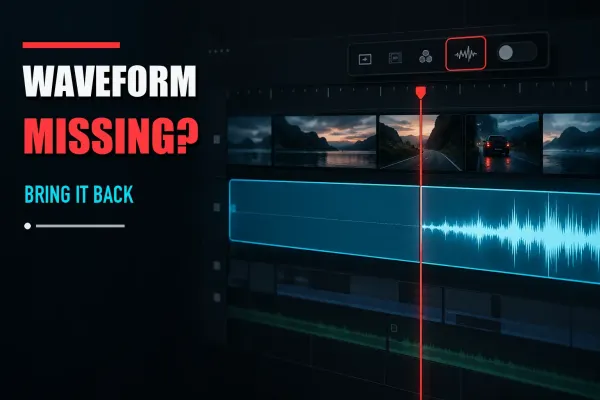 DaVinci Resolve Audio Waveform Not Showing
Fix missing DaVinci Resolve audio waveforms by checking timeline display, track height, channel mapping, and waveform regeneration before resetting anything.
DaVinci Resolve Audio Waveform Not Showing
Fix missing DaVinci Resolve audio waveforms by checking timeline display, track height, channel mapping, and waveform regeneration before resetting anything.
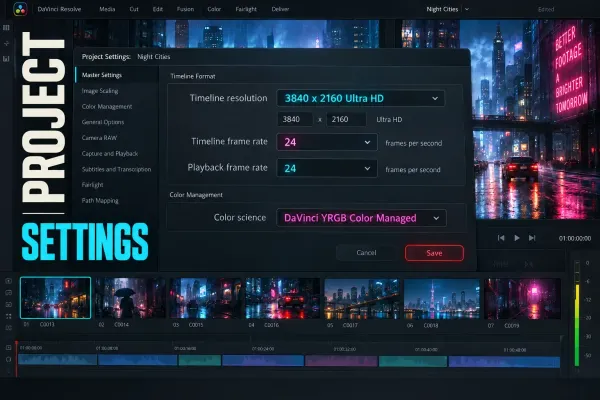 DaVinci Resolve Project Settings: What to Set Before You Edit
Set the DaVinci Resolve Project Settings that affect your timeline before editing, then separate adjustable playback settings from final delivery checks.
DaVinci Resolve Project Settings: What to Set Before You Edit
Set the DaVinci Resolve Project Settings that affect your timeline before editing, then separate adjustable playback settings from final delivery checks.