Home Color Grading
DaVinci Resolve topic library
Color Grading
DaVinci Resolve color grading tutorials covering scopes, primary correction, nodes, power windows, LUTs, and matching shots on the Color page.
What this library covers
Choose the task, then open one focused guide
Choose by the result you need, not by the name of a Resolve page or tool. Each card takes one job from the first setting to a result you can check.
Start with the resultPick the card that matches what you need to finish, fix or understand.
Use one guide at a timeEach article owns one task, so you do not have to decode a giant index.
Move to the next real stepRelated tasks stay visible without repeating every link on the page.
Choose the task
Guides in this library
One card opens one focused guide. Covers stay visible, and the same article is not repeated in a second link list.
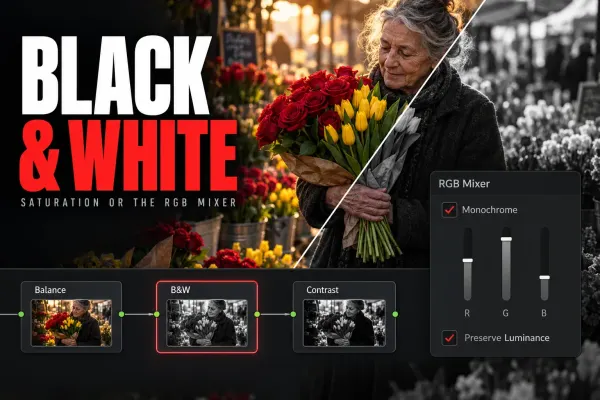 How to Make a Video Black and White in DaVinci Resolve
The quickest black and white in DaVinci Resolve is Saturation at 0 on the Color page. The RGB Mixer's Monochrome mode lets you choose how each color turns gray. Here is where that node goes, how to convert a whole timeline or part of the frame, and how to fade from color.
How to Make a Video Black and White in DaVinci Resolve
The quickest black and white in DaVinci Resolve is Saturation at 0 on the Color page. The RGB Mixer's Monochrome mode lets you choose how each color turns gray. Here is where that node goes, how to convert a whole timeline or part of the frame, and how to fade from color.
 DCTL Not Showing in DaVinci Resolve: Missing Files and Blank Controls
If the DCTL effect is missing, check for Resolve Studio. If your file is absent from DCTL List, check the active LUT folder and file type, then restart Resolve. Blank controls may be normal if that DCTL defines none.
DCTL Not Showing in DaVinci Resolve: Missing Files and Blank Controls
If the DCTL effect is missing, check for Resolve Studio. If your file is absent from DCTL List, check the active LUT folder and file type, then restart Resolve. Blank controls may be normal if that DCTL defines none.
 HDR Delivery from DaVinci Resolve: PQ, HLG and SDR Versions
Choose PQ or HLG for the actual destination, keep the timeline grading space stable, verify the rendered HDR file, and review a separate SDR output.
HDR Delivery from DaVinci Resolve: PQ, HLG and SDR Versions
Choose PQ or HLG for the actual destination, keep the timeline grading space stable, verify the rendered HDR file, and review a separate SDR output.
 Sony S-Log3 in DaVinci Resolve: Input, Exposure and Color
Match Sony S-Gamut3.Cine or S-Gamut3 to S-Log3, normalize once with RCM or CST, then balance exposure and color before adding a look.
Sony S-Log3 in DaVinci Resolve: Input, Exposure and Color
Match Sony S-Gamut3.Cine or S-Gamut3 to S-Log3, normalize once with RCM or CST, then balance exposure and color before adding a look.
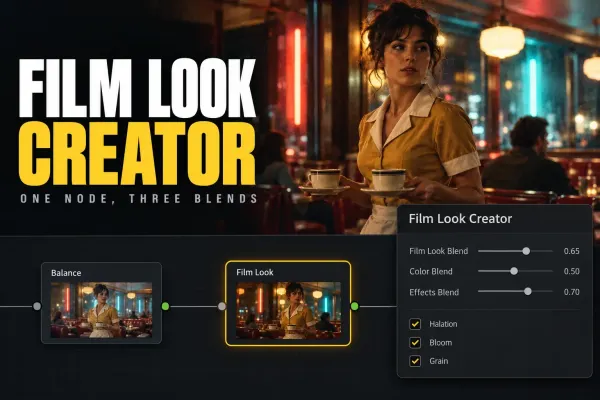 DaVinci Resolve Film Look Creator: A Practical Workflow and Its Limits
Build a film-inspired grade with Film Look Creator in Resolve Studio. Set the color pipeline, control the three blends, add texture deliberately and know what a LUT can carry.
DaVinci Resolve Film Look Creator: A Practical Workflow and Its Limits
Build a film-inspired grade with Film Look Creator in Resolve Studio. Set the color pipeline, control the three blends, add texture deliberately and know what a LUT can carry.
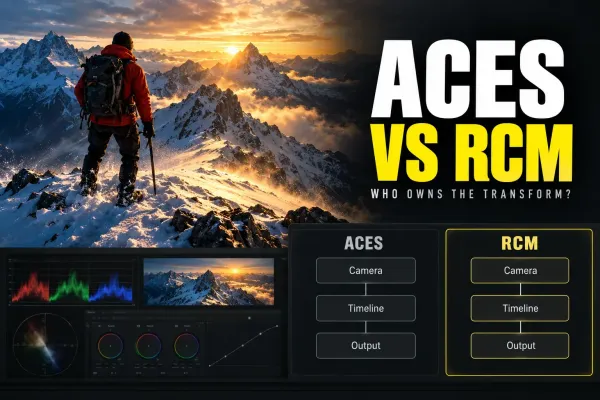 ACES vs DaVinci Resolve Color Management: Which Color Workflow Fits Your Project?
Compare ACES and Resolve Color Management without a fake winner. See how input transforms, working space, output transforms, handoff and LUT compatibility change the decision.
ACES vs DaVinci Resolve Color Management: Which Color Workflow Fits Your Project?
Compare ACES and Resolve Color Management without a fake winner. See how input transforms, working space, output transforms, handoff and LUT compatibility change the decision.
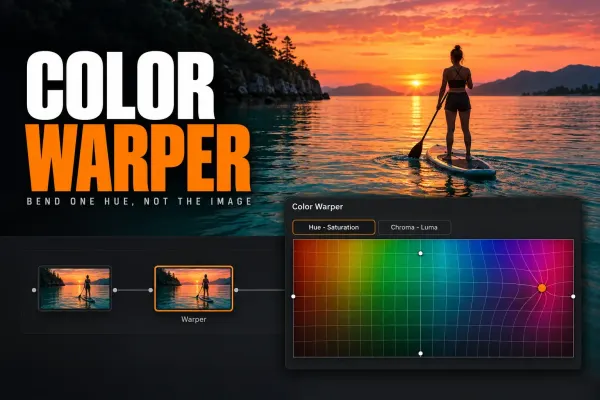 DaVinci Resolve Color Warper: Change Hue and Chroma Without Breaking the Image
Use Color Warper in DaVinci Resolve to bend hue and chroma with a visible grid. Learn Normal and Chroma Warp modes, when to use strokes or points, and how to keep skin and neutrals stable.
DaVinci Resolve Color Warper: Change Hue and Chroma Without Breaking the Image
Use Color Warper in DaVinci Resolve to bend hue and chroma with a visible grid. Learn Normal and Chroma Warp modes, when to use strokes or points, and how to keep skin and neutrals stable.
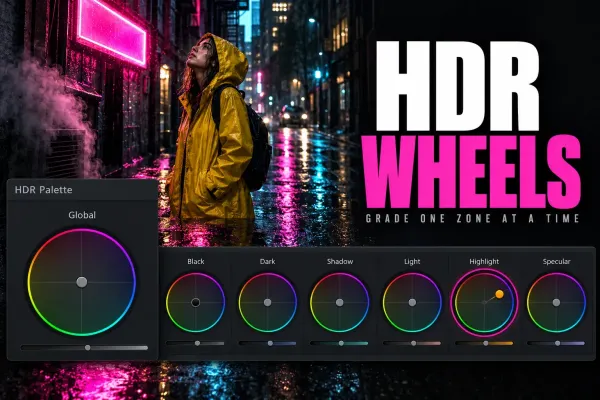 DaVinci Resolve HDR Color Wheels: How to Use HDR Zones Without Guesswork
Learn what HDR Color Wheels actually change in DaVinci Resolve, when to use them instead of Primary or Log wheels, and how to shape shadows, skin and highlights without wrecking the grade.
DaVinci Resolve HDR Color Wheels: How to Use HDR Zones Without Guesswork
Learn what HDR Color Wheels actually change in DaVinci Resolve, when to use them instead of Primary or Log wheels, and how to shape shadows, skin and highlights without wrecking the grade.
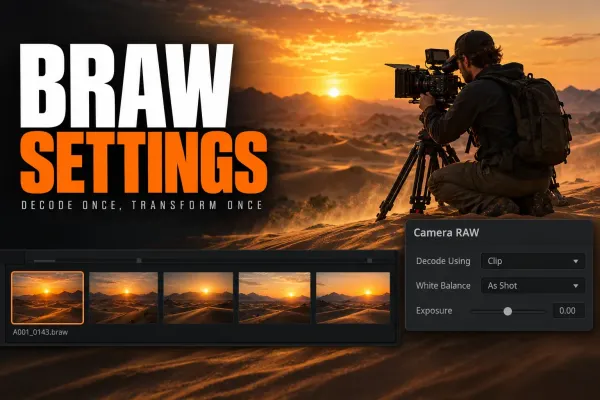 Blackmagic RAW in DaVinci Resolve: Camera RAW and Color Management
Set BRAW decode, Camera RAW and color management as one coherent chain. Choose RCM or manual YRGB, avoid double transforms and fix unavailable controls.
Blackmagic RAW in DaVinci Resolve: Camera RAW and Color Management
Set BRAW decode, Camera RAW and color management as one coherent chain. Choose RCM or manual YRGB, avoid double transforms and fix unavailable controls.
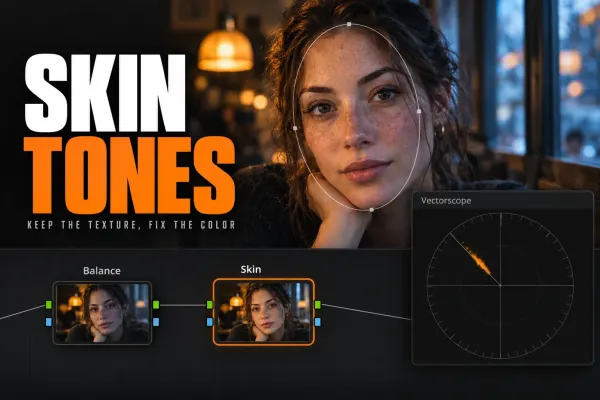 Skin Tone Correction in DaVinci Resolve: A Clean Workflow
Correct skin through a moving clip without shifting the background: balance the shot first, inspect the qualifier, track a soft window and keep the isolation active.
Skin Tone Correction in DaVinci Resolve: A Clean Workflow
Correct skin through a moving clip without shifting the background: balance the shot first, inspect the qualifier, track a soft window and keep the isolation active.
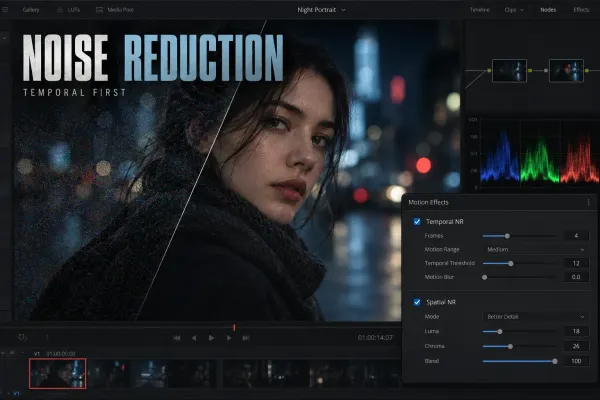 Video Noise Reduction in DaVinci Resolve: Temporal vs Spatial NR
A practical Studio workflow for reducing image noise with Temporal NR first, Spatial NR only where needed, and clear checks for lost detail or motion artifacts.
Video Noise Reduction in DaVinci Resolve: Temporal vs Spatial NR
A practical Studio workflow for reducing image noise with Temporal NR first, Spatial NR only where needed, and clear checks for lost detail or motion artifacts.
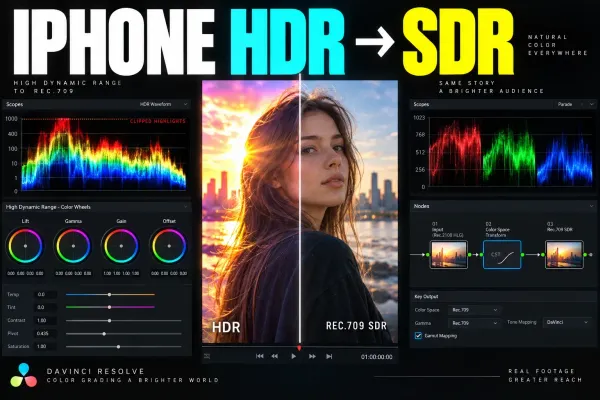 iPhone HDR to SDR in DaVinci Resolve
A source-aware workflow for converting iPhone Dolby Vision HDR, HLG, Apple Log, and Apple Log 2 footage into a controlled Rec.709 SDR delivery.
iPhone HDR to SDR in DaVinci Resolve
A source-aware workflow for converting iPhone Dolby Vision HDR, HLG, Apple Log, and Apple Log 2 footage into a controlled Rec.709 SDR delivery.