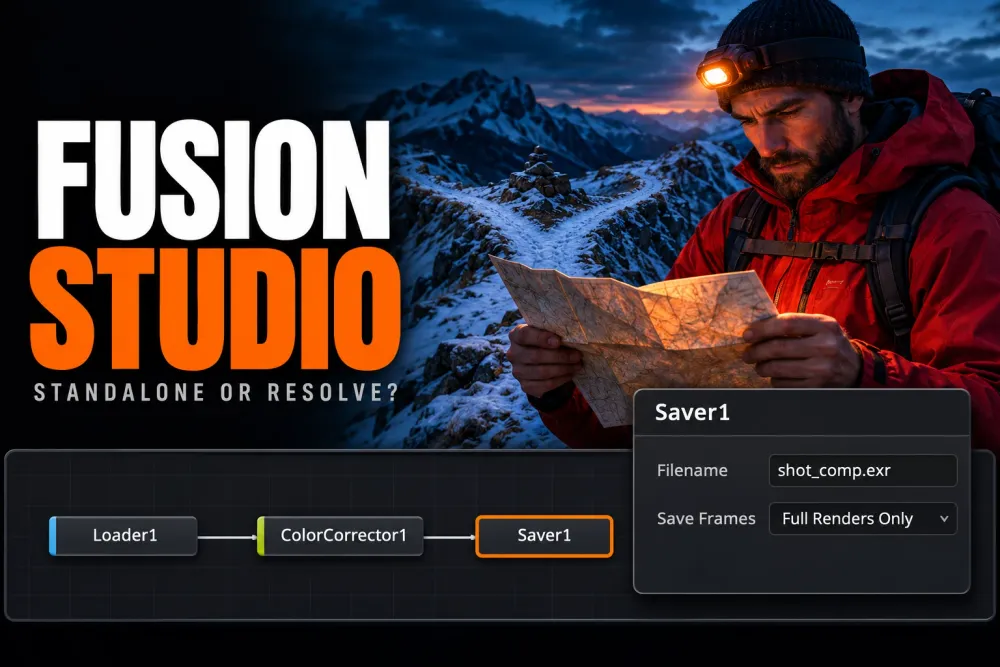
Use the Fusion page in DaVinci Resolve for titles, transitions and effects that belong to an edit. Choose the standalone Fusion Studio application when you need a separate shot workflow, file-based inputs and outputs, or distributed network rendering. I'd stay inside Resolve for ordinary timeline work because changes remain beside the edit, grade and audio.
Both applications use Fusion's node-based compositor. Buying Fusion Studio doesn't replace Resolve's editing, Color, Fairlight or Deliver pages. The useful distinction is how a shot gets into the composition, how it comes back out and which application manages the work around it.
Choose the workflow before the feature list
| Your job | I'd choose | Reason |
|---|---|---|
| Animate a lower third or fix one clip in an edit | Fusion page | The composition stays attached to the timeline clip. |
| Learn nodes, masks, Merge and basic animation | Fusion page in Resolve Free | Start with the core tools before paying for a specific limitation. |
| Build a shot from EXR plates and deliver versioned image sequences | Fusion Studio | Loader and Saver nodes make disk inputs and outputs explicit. |
| Distribute frames from a composition across several computers | Fusion Studio | It includes the network Render Manager and unlimited Fusion Render Nodes. |
| Keep finishing a whole program while a second machine exports the timeline | Resolve Studio remote rendering | That's a Resolve timeline workflow with separate requirements. |
Blackmagic's Fusion feature comparison marks distributed rendering, render groups and the network Render Manager as standalone features. For the final row, use the separate Resolve remote rendering setup.
Separate Resolve Free, Resolve Studio and Fusion Studio
There are three choices hidden inside this comparison. Resolve Free includes a Fusion page. Resolve Studio adds paid Resolve and Fusion features. Fusion Studio is the standalone compositor.
The official comparison's columns are Fusion in DaVinci Resolve Studio and Fusion Studio. Its rows with “Yes” in both columns don't establish that the feature is available in Resolve Free. That distinction matters for tools such as the 3D Camera Tracker and advanced VFX features.
For a first node tree, basic Text+ animation or a mask, I'd start in Free. Move to the Free vs Studio comparison when a particular feature or output requirement stops the job. The Fusion beginner tutorial covers the node workflow without requiring a move to the standalone application.
A supported Resolve Studio dongle or activation key can also activate current Fusion Studio. Blackmagic's Fusion Studio 21.2 release information names a Fusion Studio dongle, Resolve Studio dongle or activation key. Check the entitlement before buying another license; don't assume a Mac App Store purchase or a monthly Blackmagic Cloud Resolve license supplies an interchangeable Fusion activation key.
MediaIn and MediaOut become Loader and Saver decisions
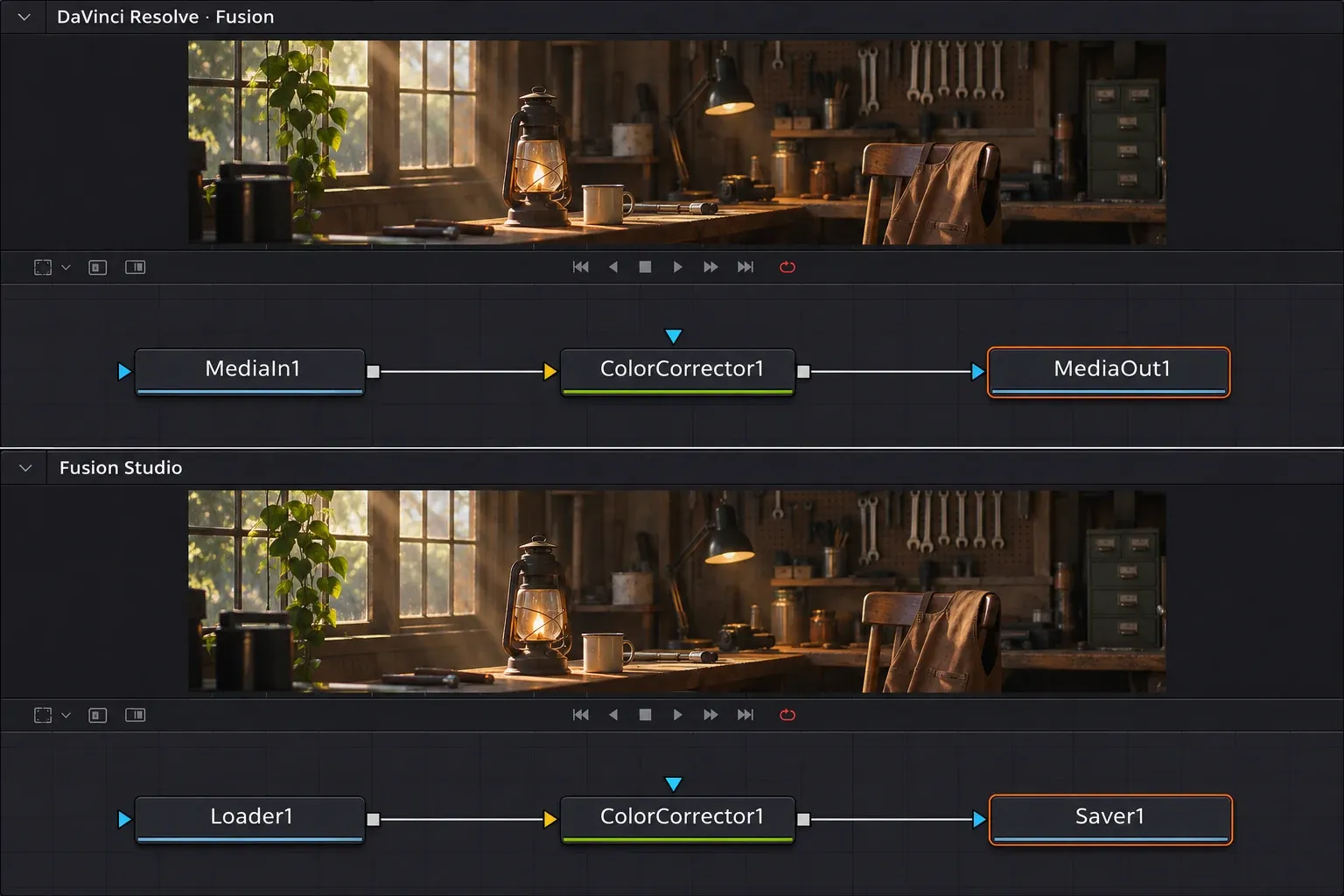
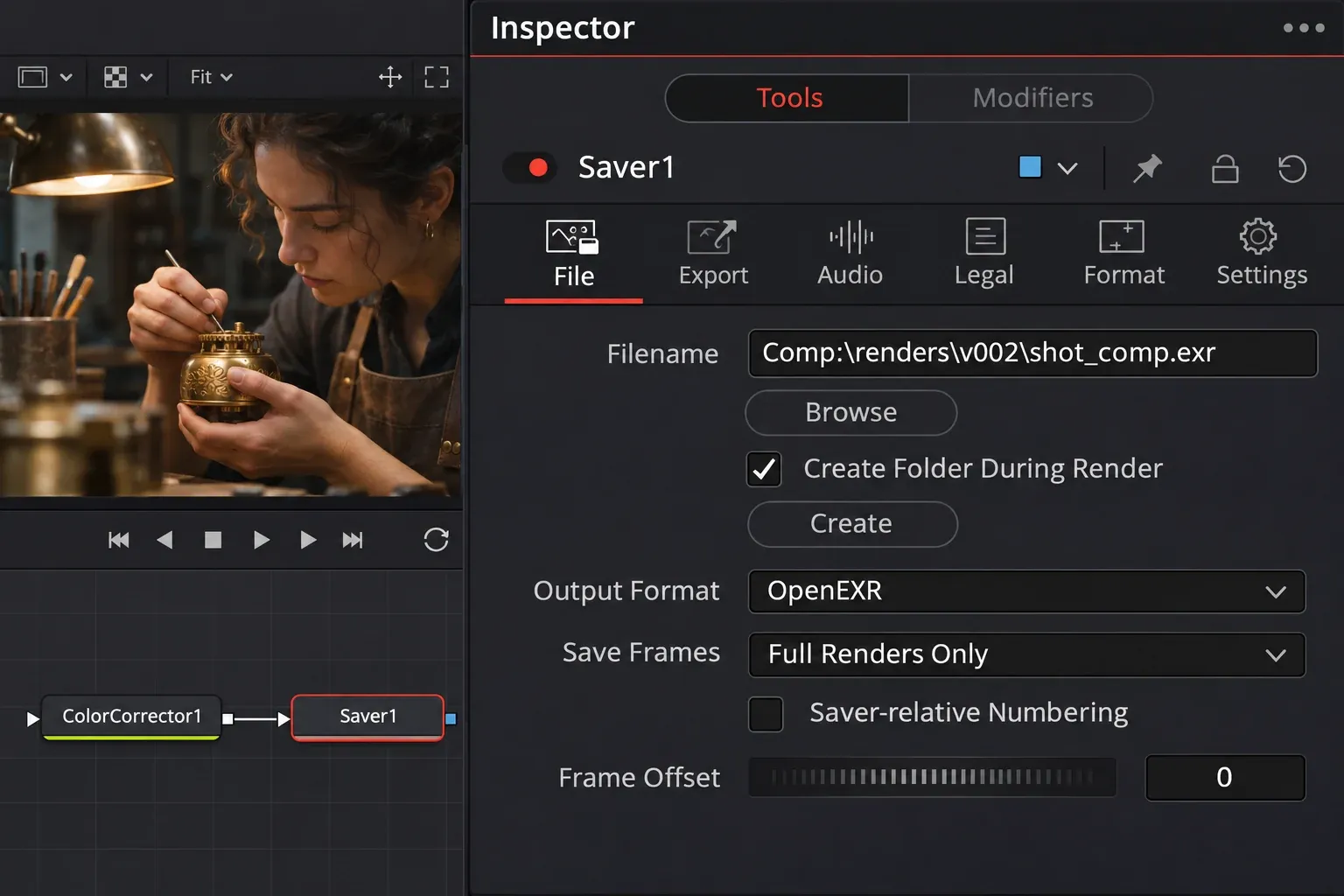
In Resolve, MediaIn reads media associated with the composition and MediaOut sends the result back to the timeline. Resolve then handles timeline delivery. In Fusion Studio, a Loader reads a file or sequence from disk, and a Saver defines the output filename, location and format. Blackmagic describes both routes in the Fusion reference manual's rendering chapter.
Resolve's Fusion page has a Saver too, but its EXR branch renders are a separate facility from the standalone network Render Manager.
Moving a composition isn't the same as moving all its dependencies. Copied processing nodes may still expect a Resolve MediaIn, an unavailable effect, a font or a path that exists only on the original computer. Keep a copy of the working composition, then check these items in the destination:
- Replace timeline-dependent inputs with the intended files or image sequences.
- Confirm frame rate, frame range, image dimensions and alpha interpretation.
- Match the input and working color spaces; identical RGB numbers don't guarantee an identical image.
- Check fonts and each third-party plugin, including its license for the destination host.
- Set a new Saver destination, render a short range and inspect it back in Resolve before committing the whole shot. Check the first and last frames, title placement and transparent edges.
I'd use a new version folder for the output so a failed transfer can't overwrite the last approved shot. A .comp file stores the composition; it doesn't package every source file and plugin into a self-contained delivery.
The shared nodes don't make the applications interchangeable
Both paid environments provide node compositing, animation curves, 2D and 3D tools, and OpenFX support. The official table confirms Camera Tracker and spline editing in both paid columns. Claims that the standalone application lacks a 3D camera tracker confuse Fusion's actual tools with a competitor's product names.
Resolve's integrated effects remain a reason to work in its Fusion page. VFXstudy's combined Resolve and Fusion workflow highlights Resolve FX, including noise reduction, alongside the standalone application's render management. Check a Resolve-specific effect before copying the surrounding graph into Fusion Studio. Third-party OpenFX support doesn't make every Resolve FX node portable.
Reusable node work can still move between projects. For controls that an editor should adjust from the Edit page, use a Fusion macro or template. Changing applications doesn't automatically turn a composition into an Edit-page template.
Will Fusion Studio run faster?
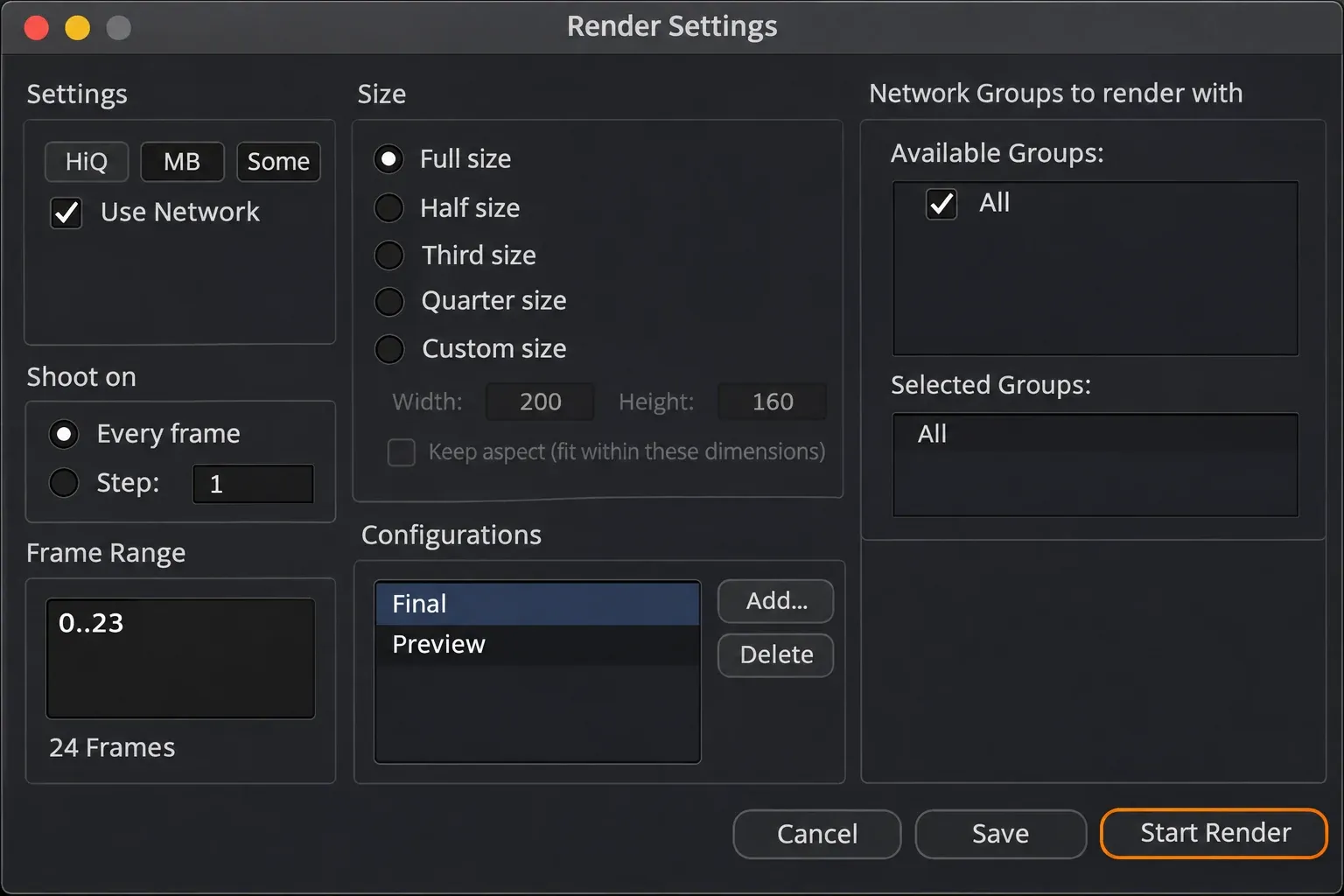
It can be a better fit for a heavy standalone shot, but there's no useful universal speed multiplier. VFXstudy reports a lighter interface, different RAM behavior and standalone rendering advantages. Blackmagic confirms GPU acceleration and caching in both paid environments, while remote render nodes are a standalone capability.
These findings support a workflow choice. They don't establish that the same composition renders twice as fast on one workstation. A comparison only means something when the media, effects, frame range, quality, hardware, cache state and application versions match.
My first move for a slow timeline effect would be to identify the expensive branch and use the appropriate cache or intermediate render. Move a long-running shot to Fusion Studio when its separate queue, output control or network rendering solves a specific problem. Running Resolve and Fusion Studio together still makes both applications compete for the same computer's resources.
Use both when the shot needs it
Keep quick timeline effects in Resolve. For a demanding shot, export suitable plates, build the standalone composition and bring the rendered result back into the edit with its frame range, color and alpha checked. Resolve's Fusion Connect workflow is another option for a managed round trip; it still involves rendered media returning to the timeline.
I'd make the switch on one representative shot before moving a whole project. If the separate file workflow removes a real bottleneck, keep it. If most changes concern the edit and the grade, the Fusion page is usually the simpler place to finish.