Home Export
DaVinci Resolve topic library
Export
DaVinci Resolve export guides covering Deliver page settings, codecs, bitrates, and the right render setup for YouTube, social, and client delivery.
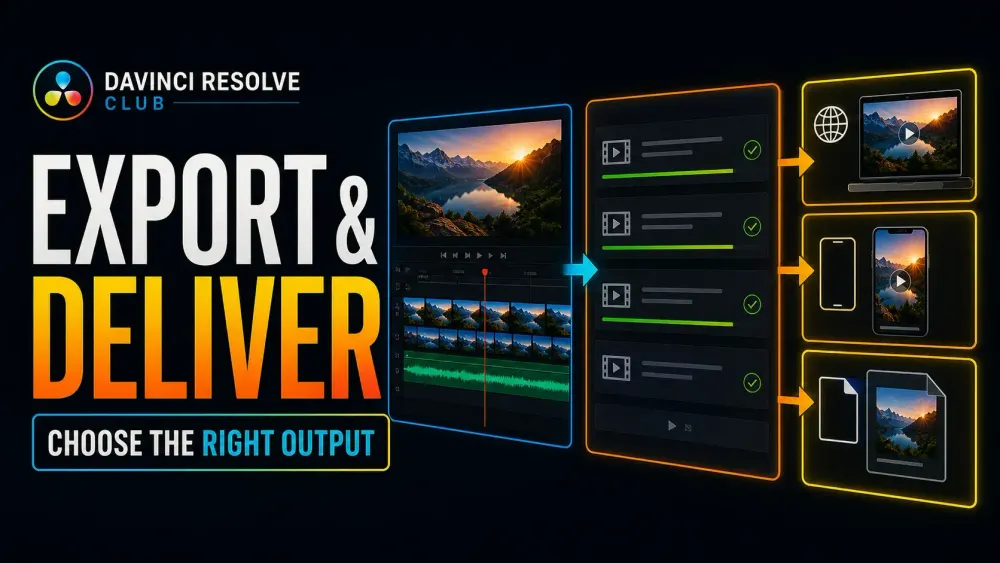
What this library covers
Choose the task, then open one focused guide
Choose by the result you need, not by the name of a Resolve page or tool. Each card takes one job from the first setting to a result you can check.
Start with the resultPick the card that matches what you need to finish, fix or understand.
Use one guide at a timeEach article owns one task, so you do not have to decode a giant index.
Move to the next real stepRelated tasks stay visible without repeating every link on the page.
Choose the task
Guides in this library
One card opens one focused guide. Covers stay visible, and the same article is not repeated in a second link list.
 DaVinci Resolve and WebM: Import, Fix No Audio, Export
DaVinci Resolve 21.1 reads WebM only when the video is VP8. Copy VP9 or AV1 video into an MP4 with ffmpeg and convert the Opus audio, and it imports. For WebM delivery, render a master and convert it, transparent overlays included.
DaVinci Resolve and WebM: Import, Fix No Audio, Export
DaVinci Resolve 21.1 reads WebM only when the video is VP8. Copy VP9 or AV1 video into an MP4 with ffmpeg and convert the Opus audio, and it imports. For WebM delivery, render a master and convert it, transparent overlays included.
 DaVinci Resolve Super Scale: Upscale 1080p to 4K Without False Promises
Upscale 1080p footage to a 4K timeline with Super Scale in DaVinci Resolve Studio. Learn where to find it, what it can improve, what it cannot restore and how to keep the render manageable.
DaVinci Resolve Super Scale: Upscale 1080p to 4K Without False Promises
Upscale 1080p footage to a 4K timeline with Super Scale in DaVinci Resolve Studio. Learn where to find it, what it can improve, what it cannot restore and how to keep the render manageable.
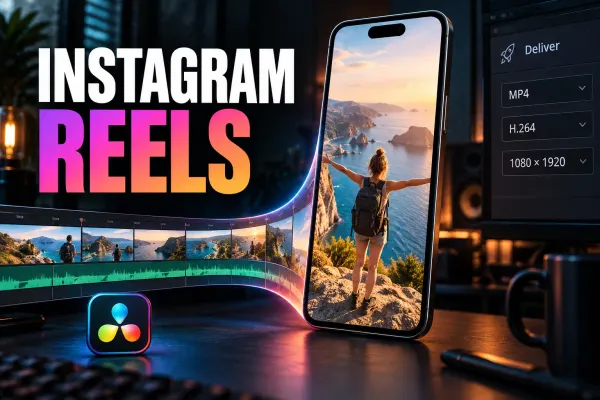 Instagram Reels Export Settings in DaVinci Resolve
Build a 1080×1920 Reel timeline, reframe every shot, and export a clean H.264/AAC file without treating one bitrate or frame rate as an Instagram law.
Instagram Reels Export Settings in DaVinci Resolve
Build a 1080×1920 Reel timeline, reframe every shot, and export a clean H.264/AAC file without treating one bitrate or frame rate as an Instagram law.
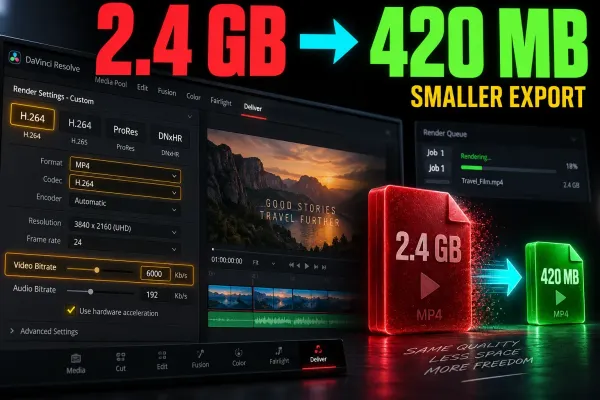 How to Reduce Export File Size in DaVinci Resolve
A practical workflow for working backward from an MB or GB limit, setting a video bitrate in Resolve, and checking the final export with enough margin.
How to Reduce Export File Size in DaVinci Resolve
A practical workflow for working backward from an MB or GB limit, setting a video bitrate in Resolve, and checking the final export with enough margin.
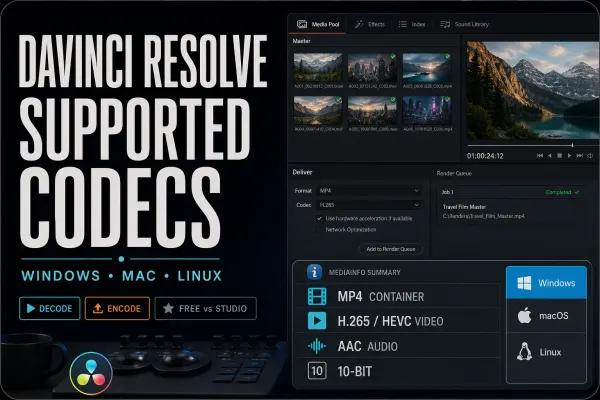 DaVinci Resolve Supported Codecs and Formats Guide
Check DaVinci Resolve codec and format support by container, video and audio stream, profile, OS, Free or Studio edition, hardware, and decode versus encode. Includes a practical macOS, Windows and Linux reference.
DaVinci Resolve Supported Codecs and Formats Guide
Check DaVinci Resolve codec and format support by container, video and audio stream, profile, OS, Free or Studio edition, hardware, and decode versus encode. Includes a practical macOS, Windows and Linux reference.
 DaVinci Resolve Export Looks Washed Out: Fix Color & Gamma
A washed-out render isn't one problem. Re-import a short export, compare the same frame and scopes, then isolate data levels, output transforms, QuickTime/macOS display behavior, or platform playback without grading around the wrong symptom.
DaVinci Resolve Export Looks Washed Out: Fix Color & Gamma
A washed-out render isn't one problem. Re-import a short export, compare the same frame and scopes, then isolate data levels, output transforms, QuickTime/macOS display behavior, or platform playback without grading around the wrong symptom.
 Export Transparent Video in DaVinci Resolve (Alpha)
Transparency survives only when the timeline contains real alpha, the selected format can store RGBA, and Export Alpha is enabled. This guide covers the correct render path, verification and the black-background traps.
Export Transparent Video in DaVinci Resolve (Alpha)
Transparency survives only when the timeline contains real alpha, the selected format can store RGBA, and Export Alpha is enabled. This guide covers the correct render path, verification and the black-background traps.