Home Fairlight
DaVinci Resolve topic library
Fairlight
Fairlight audio guides for DaVinci Resolve: clean up dialogue, reduce noise, set EQ and levels, and mute or split audio.
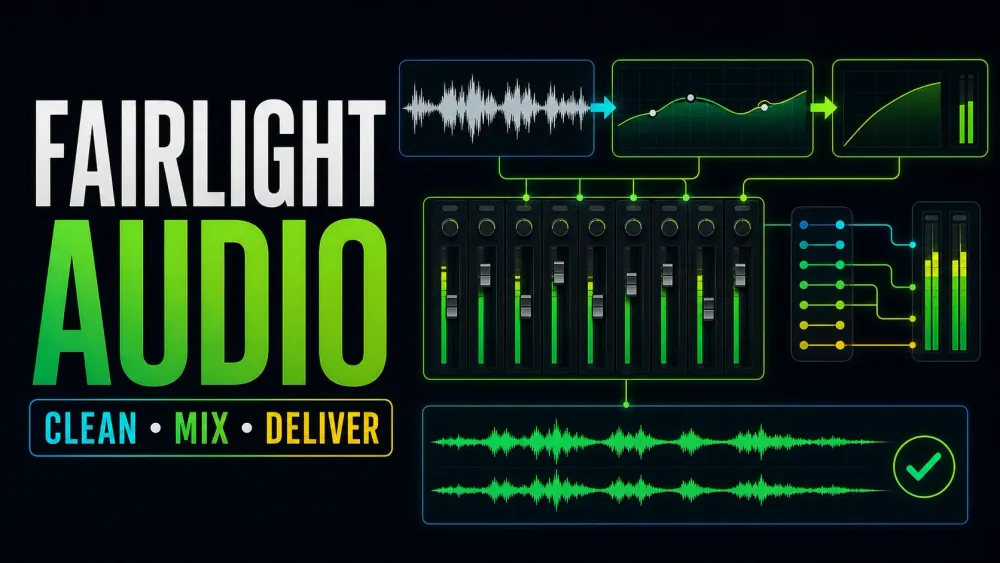
What this library covers
Choose the task, then open one focused guide
Choose by the result you need, not by the name of a Resolve page or tool. Each card takes one job from the first setting to a result you can check.
Start with the resultPick the card that matches what you need to finish, fix or understand.
Use one guide at a timeEach article owns one task, so you do not have to decode a giant index.
Move to the next real stepRelated tasks stay visible without repeating every link on the page.
Choose the task
Guides in this library
One card opens one focused guide. Covers stay visible, and the same article is not repeated in a second link list.
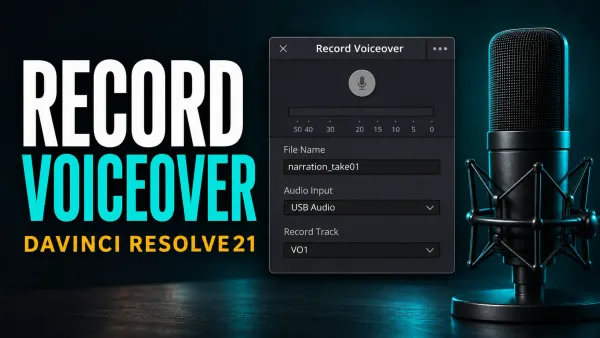 How to Record Voiceover in DaVinci Resolve 21
Record narration directly into a Resolve 21 timeline with the Cut or Edit Voiceover tool, then move to Fairlight only when you need explicit patching, multiple tracks or ADR. Includes a meter-first fix for silent takes, monitoring lag, one-ear audio and low levels.
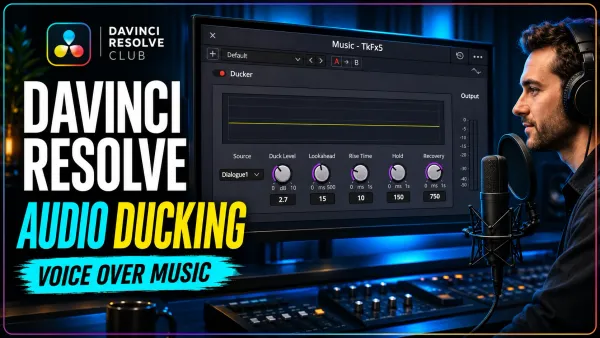 DaVinci Resolve Audio Ducking: Ducker, AI & Sidechain
Make room for dialogue without riding the music fader through every sentence. This guide separates Ducker Track FX, bus-capable sidechain compression and Studio's AI Audio Assistant, then shows how to tune and troubleshoot each route.
 Fairlight Compressor Settings for Dialogue
Set the Fairlight dialogue compressor in DaVinci Resolve 21: threshold, ratio, knee, mix, attack, hold, release, makeup gain, pumping fixes, and QA.
 Fairlight EQ: Clean Dialogue in DaVinci Resolve
Start Fairlight dialogue EQ flat. Choose clip or track processing, correct only audible problems, and compare at matched loudness. Protect the voice’s body instead of copying a preset.