Home Beginner Guides
DaVinci Resolve topic library
Beginner Guides
New to DaVinci Resolve? Start here. These beginner guides cover your first project, the page-based workflow, basic editing and color, and how to export, one step at a time.
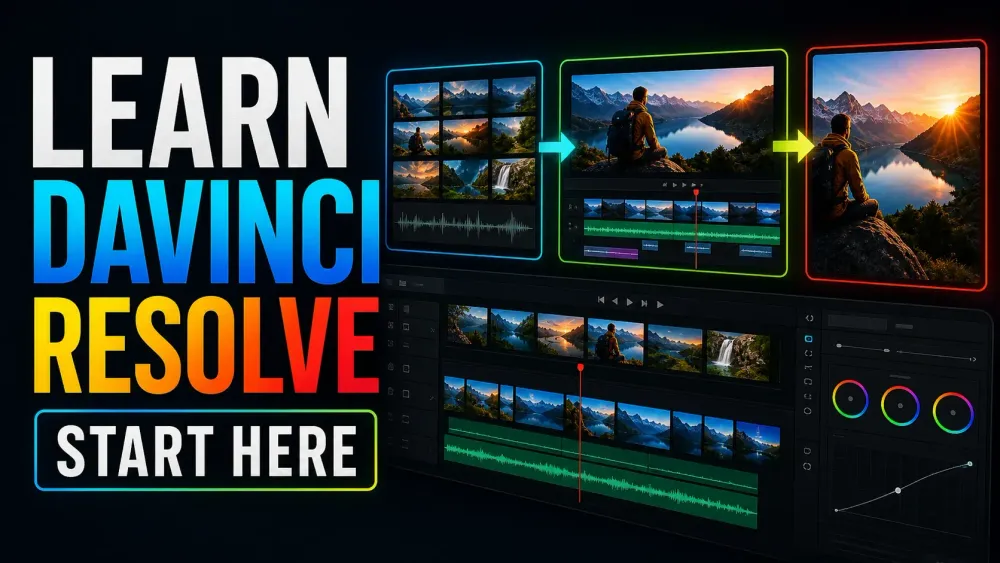
What this library covers
Choose the task, then open one focused guide
Choose by the result you need, not by the name of a Resolve page or tool. Each card takes one job from the first setting to a result you can check.
Start with the resultPick the card that matches what you need to finish, fix or understand.
Use one guide at a timeEach article owns one task, so you do not have to decode a giant index.
Move to the next real stepRelated tasks stay visible without repeating every link on the page.
Choose the task
Guides in this library
One card opens one focused guide. Covers stay visible, and the same article is not repeated in a second link list.
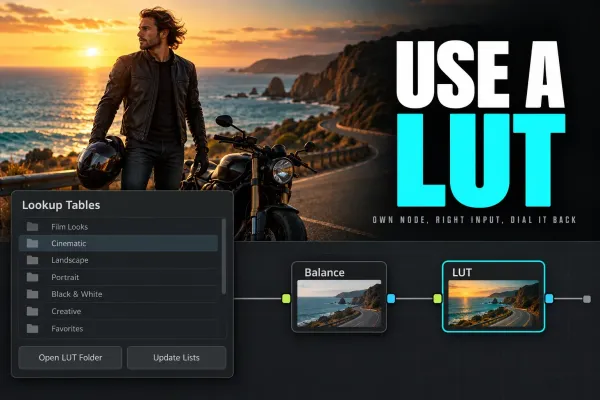 How to Use LUTs in DaVinci Resolve
Install LUTs through Open LUT Folder and Update Lists, apply them to a node, then verify the expected input before adjusting strength, node order or color management.
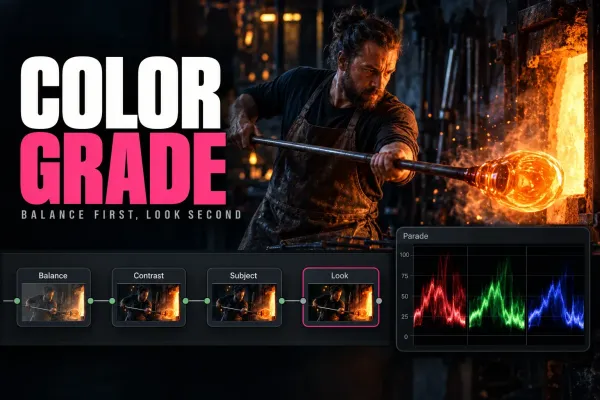 How to Color Grade in DaVinci Resolve: Beginner Tutorial
Set a deliberate input, working and output color path first; then correct exposure and balance, match the sequence, build the look, and inspect every secondary correction in motion.
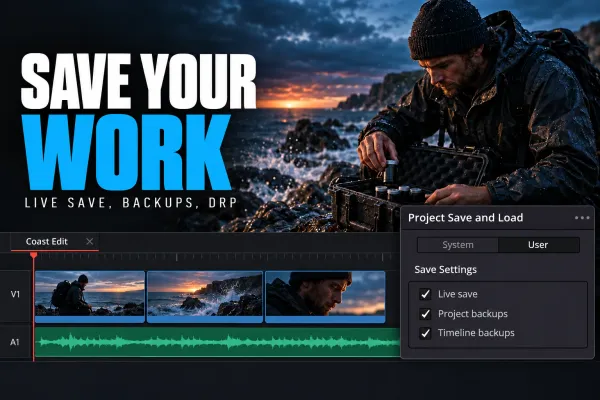 How to Save Work in DaVinci Resolve
Press Ctrl+S on Windows/Linux or Cmd+S on Mac, or choose File > Save Project. In Preferences > User > Project Save and Load, keep Live Save on and enable Project Backups for restore points. For a copy outside the library, export a DRP; to save the video itself as an MP4, use Deliver.
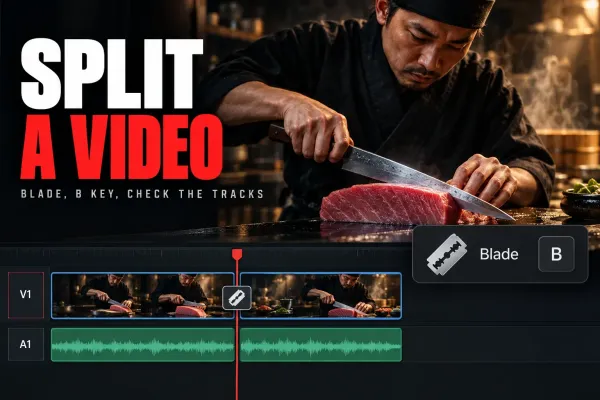 How to Split a Video in DaVinci Resolve
On the Edit page, park the playhead on the frame and press Cmd+\ on Mac or Ctrl+\ on Windows (Timeline > Split Clips), or press B, click the cut point and press A to go back. Lock any track that must stay whole. To rejoin the halves, select the dotted through edit and press Delete.
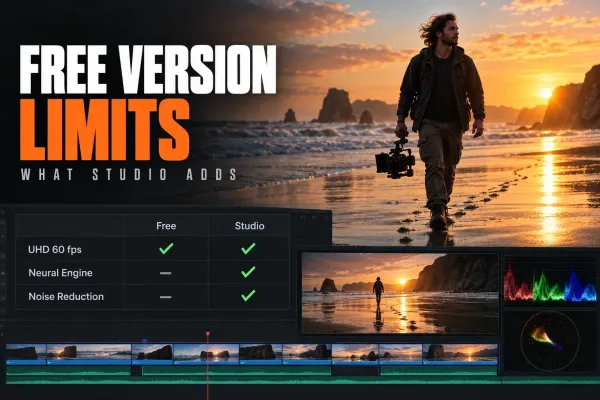 DaVinci Resolve Free Version Features: What You Lose Without Studio
Yes. DaVinci Resolve Free has no time limit, no subscription and no watermark on work made with Free tools. It includes Cut, Edit, Color, Fusion, Fairlight, Photo and HDR grading, with output up to UHD at 60 fps. Studio, $295 once, adds Neural Engine AI, video noise reduction and more Resolve FX.
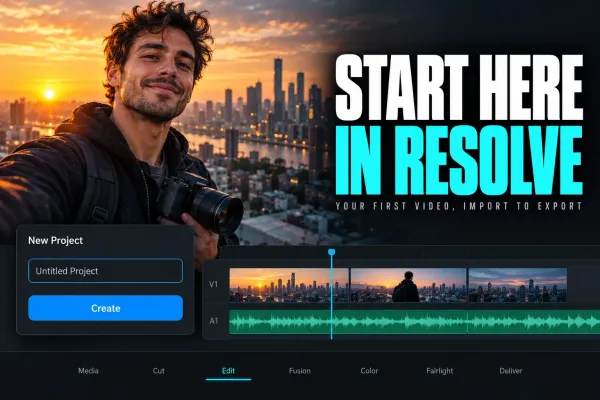 DaVinci Resolve Tutorial for Beginners
For a first Resolve 21 project, use the free version unless you already need a Studio-only feature. Set frame rate before importing, build a short edit on the Edit page, add one title, balance audio, make a restrained color pass, then export and play the file from beginning to end.
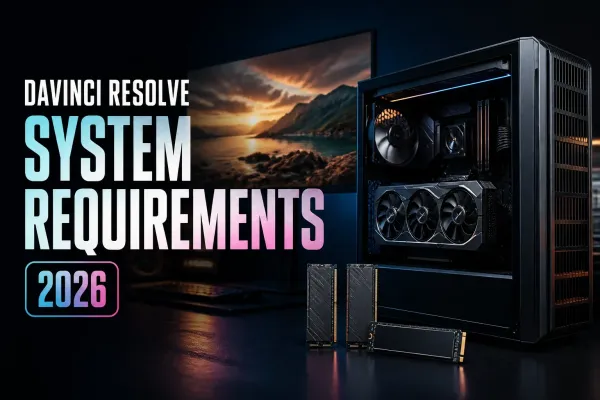 DaVinci Resolve System Requirements (2026)
Resolve 21.1 starts at 16 GB RAM on Windows, 8 GB on Apple Silicon Mac and 32 GB on Linux. Studio advanced AI and background rendering have higher memory requirements; the base 4 GB GPU figure does not cover every feature.