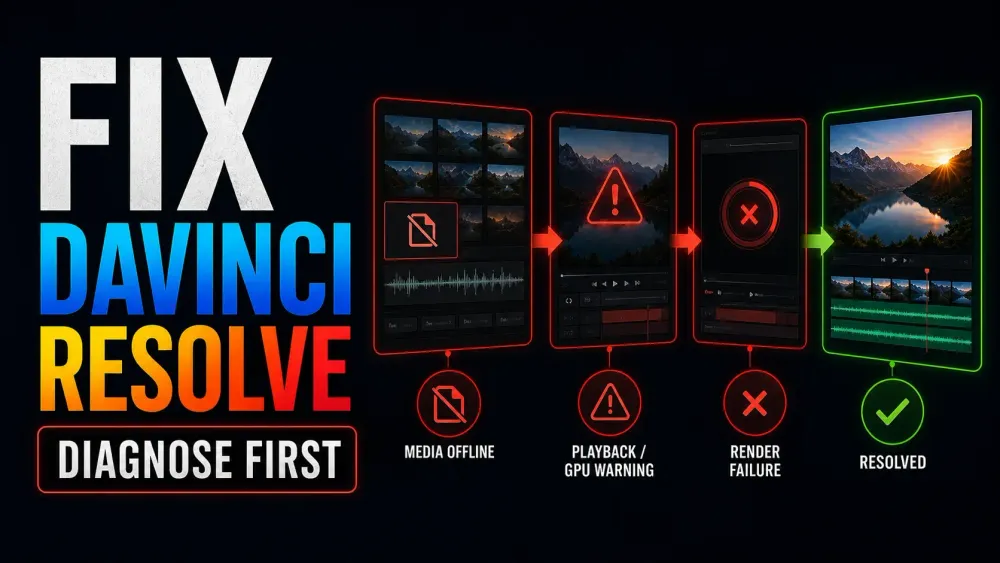
Diagnose before changing settings
Start with the symptom, not a reinstall
A missing clip, a choppy timeline and a silent output each need their own checks. Save your work, make a test copy where you can, and change one thing at a time.
Choose the task
Choose the problem you can see or hear
Pick the closest match, then test whether each change actually makes a difference to the failure.
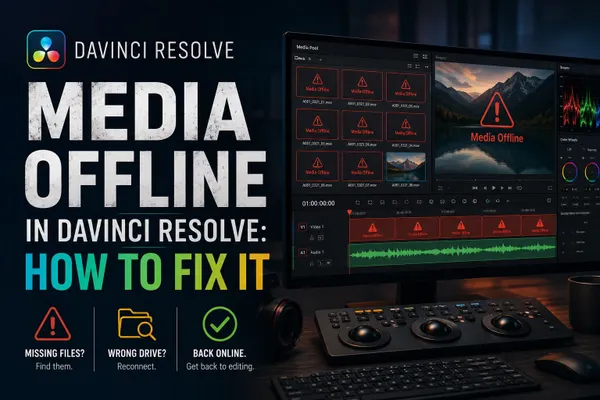
Media Offline in DaVinci Resolve: How to Fix It
Find out whether Resolve lost the source path or can't decode the clip. Sort original-media, proxy and cache problems apart before you relink.
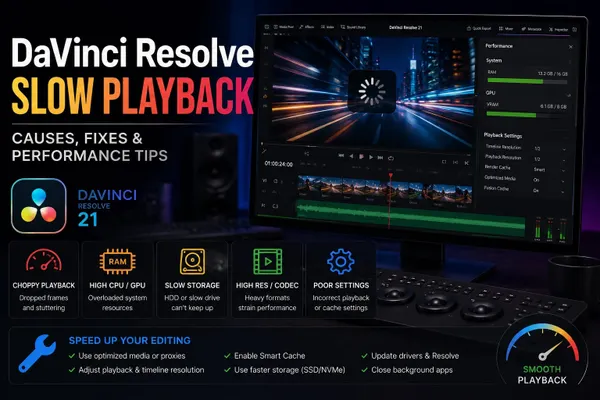
DaVinci Resolve Slow Playback
Work out whether source decoding, timeline effects, GPU load or storage is holding playback back, then compare the proxy and cache approaches you have.
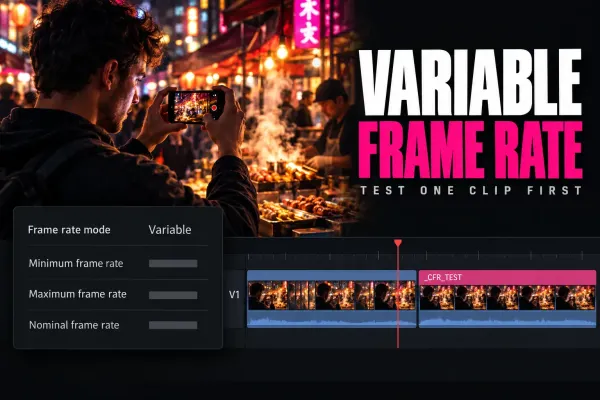
Variable Frame Rate in DaVinci Resolve: Diagnose and Convert to CFR
Confirm the clip really has a variable frame rate before you blame it, convert one safe CFR sample, and verify duration, audio channels, sync and cadence before relinking.
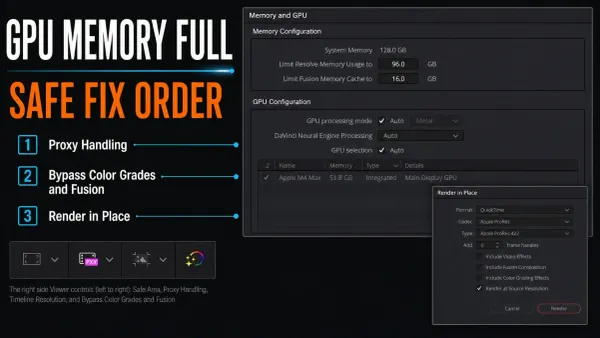
Fix GPU Memory Full in DaVinci Resolve
Protect the project, find a frame that fails every time and isolate the demanding processing. Test on a copy before you touch the working setup.
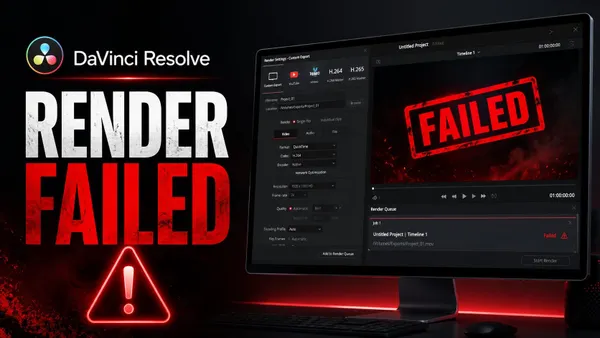
DaVinci Resolve Render Failed
Use the error message and the failing timecode to tell clip, decode, GPU and storage problems apart. Then check the result with a short render.
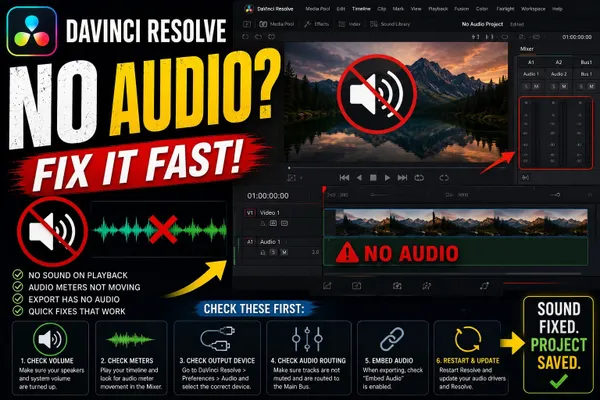
DaVinci Resolve No Audio
Compare clip playback, the track and bus meters, monitoring and the output device. Follow the signal until you find where the sound stops.
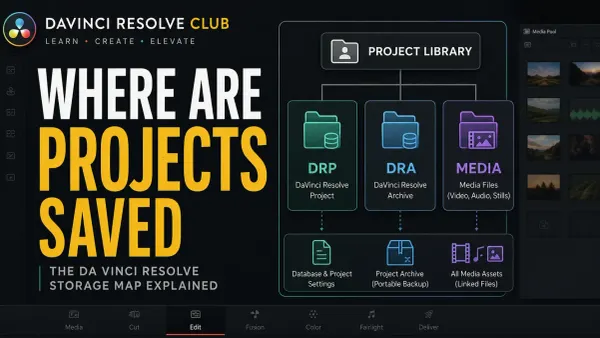
Where DaVinci Resolve Projects Are Saved
Check which Project Library is active before you assume the work is lost. Tell project exports, archives and backups apart, then choose a recovery route.

DaVinci Resolve Won't Import MP4? Fix Audio-Only Clips
Look at the video and audio streams inside the MP4, then check format support and source patching before you convert or replace any media.
DaVinci Resolve Keeps Crashing? Find the Exact Trigger
Write down a trigger you can repeat, protect the project, and isolate media, plug-ins or system changes. Change one variable at a time.
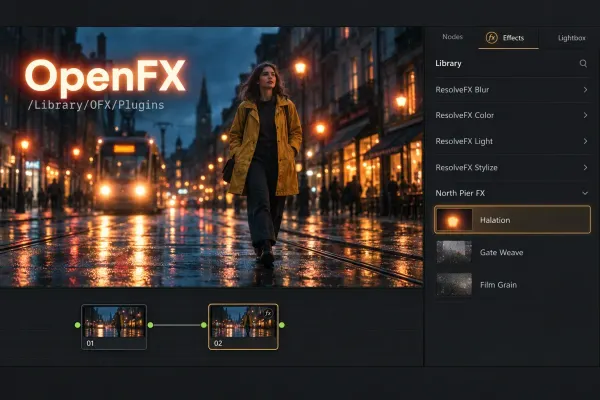
DaVinci Resolve OpenFX Directory: Where OFX Plugins Install
Find the OFX folder on Mac and Windows, then install, locate and fix a plugin that's missing, stale or crashing.
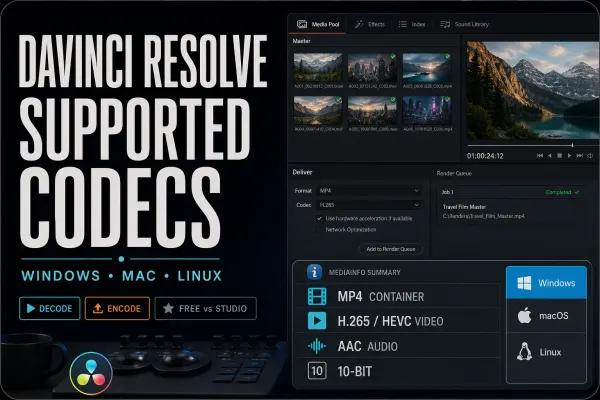
DaVinci Resolve Supported Codecs and Formats Guide
Compare the real container and streams with what your platform and edition support. Check importing and exporting separately before you choose an intermediate format.
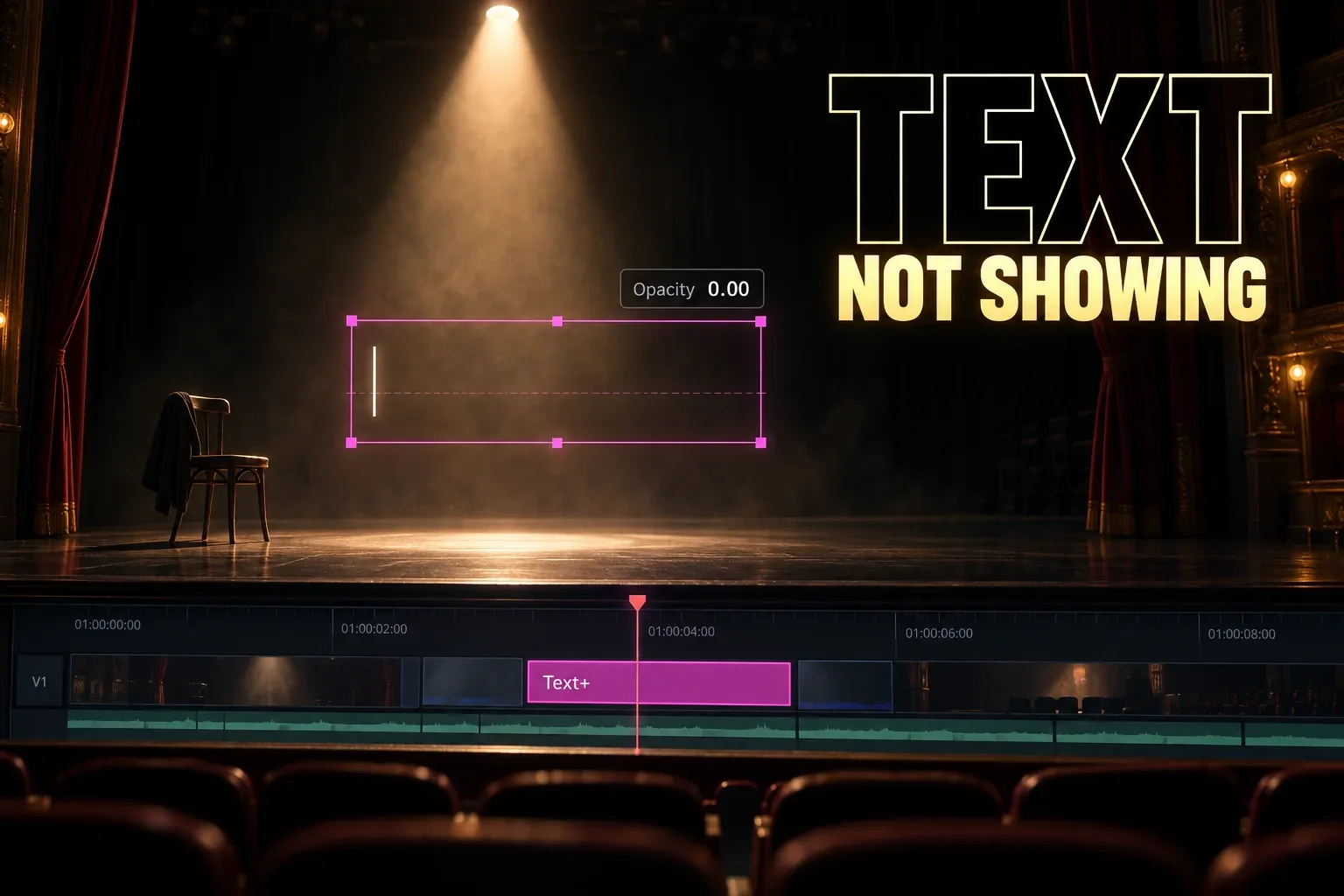
DaVinci Resolve Text Not Showing: Viewer and Export Fixes
Trace a missing Text or Text+ title through track state, clip range, Inspector settings and render behavior before you rebuild it.
DaVinci Resolve Won’t Import MP3 or AAC Audio
A file that never reaches the Media Pool is a different problem from audio that imports but stays silent. Check the real codec, then convert one clean duplicate.
DaVinci Resolve Audio Waveform Not Showing
Fix missing DaVinci Resolve audio waveforms by checking the timeline display, track height, channel mapping and waveform regeneration before you reset anything.
Before you troubleshoot
Keep the next step safe
Should I reinstall Resolve before trying these guides?
Not as your first move. Check whether the problem hits one clip, one project or even a fresh test project. A reinstall won't bring back missing media or restore the right project backup, so protect the existing work before you change the installation.
What should I record before asking for help?
Write down the exact Resolve build, Free or Studio edition, operating system, GPU and driver, the error message and the steps that reproduce it. Add the failing timecode when there is one. Strip out private client details before you share diagnostics, and don't post confidential project or media files publicly.
Before an installation or driver change, compare your setup with the requirements and changes in Blackmagic’s Resolve 21.1.1 readme.
